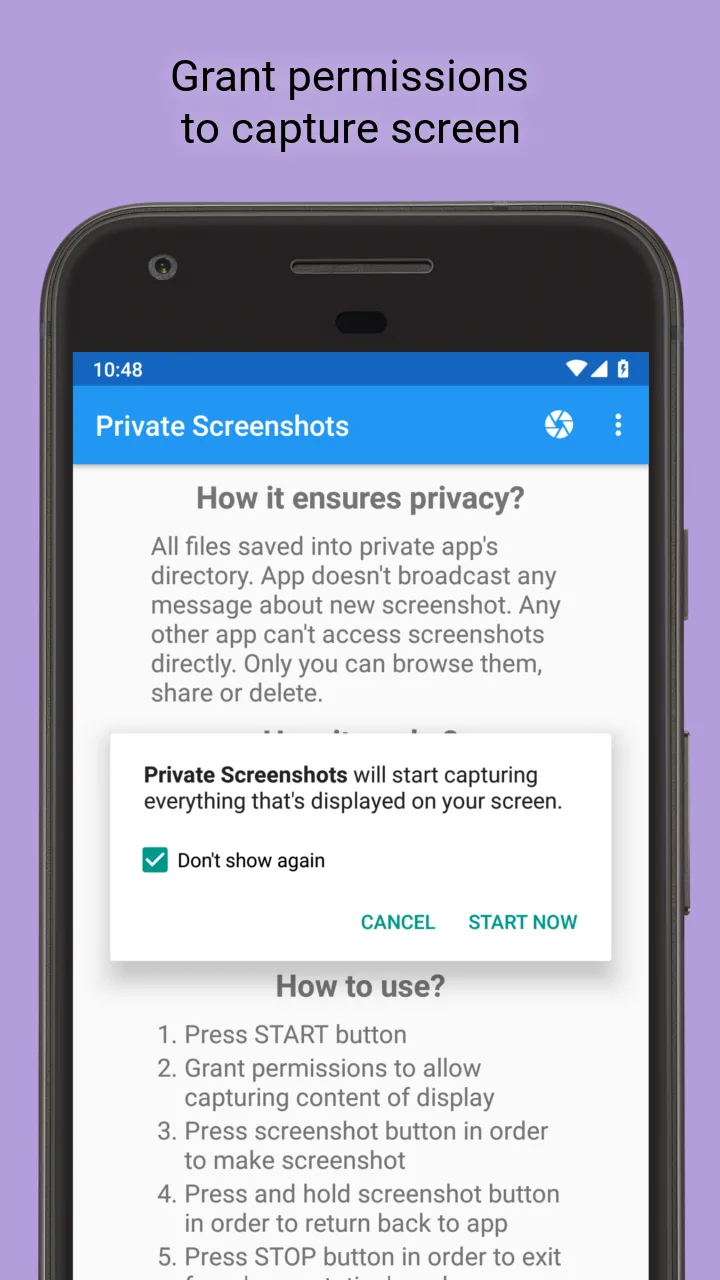
The fear of secretly saving private conversations only to have the system immediately notify the other person is incredibly frustrating. Nowadays, many applications have implemented screenshot notification features. Therefore, you need a way to deal with this problem. Private Screenshots is a solution you should install on your device right away. Now, you no longer have to struggle with taking photos using another phone or relying on tricks such as disconnecting your internet connection.
TAKE SECRET SCREENSHOTS WITHOUT NOTIFICATIONS
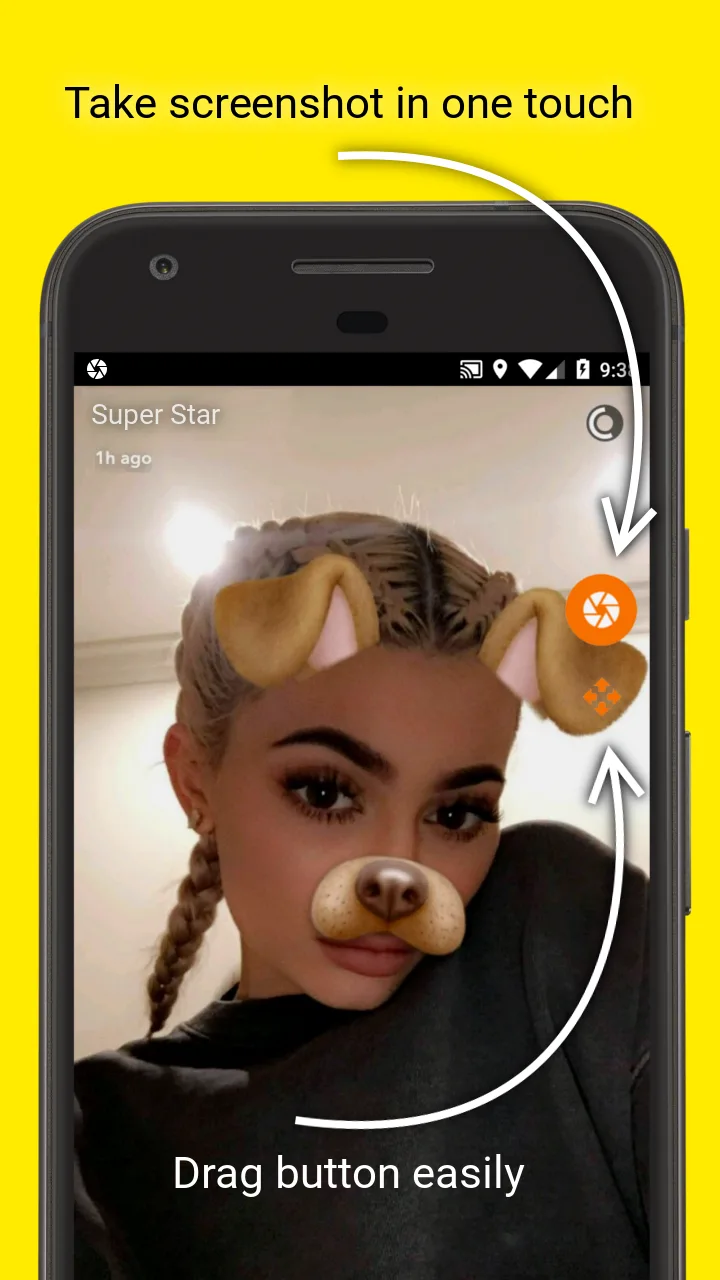
Being caught secretly saving sensitive conversations can easily put you in awkward situations. It is extremely frustrating when messaging apps continue to strengthen their privacy policies by instantly sending screenshot alerts. Now, with just a floating button on your screen, you can quickly capture anything currently displayed. This ensures that you never miss an important moment.
- Smart Floating Button: Tap once to capture instantly.
- Block Notifications: Prevent screenshot alerts from being sent.
- Anonymous Screenshots: Save conversations privately.
PROTECT YOUR FOLDER AND LOCK THE APP
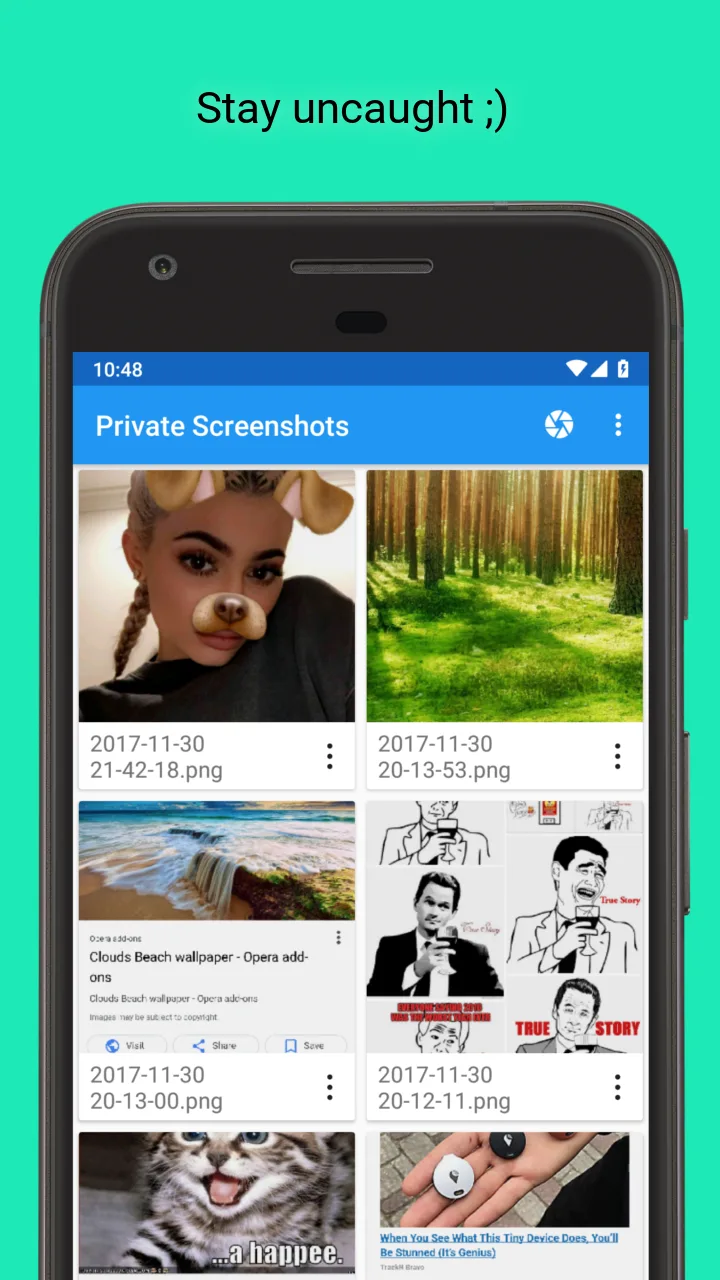
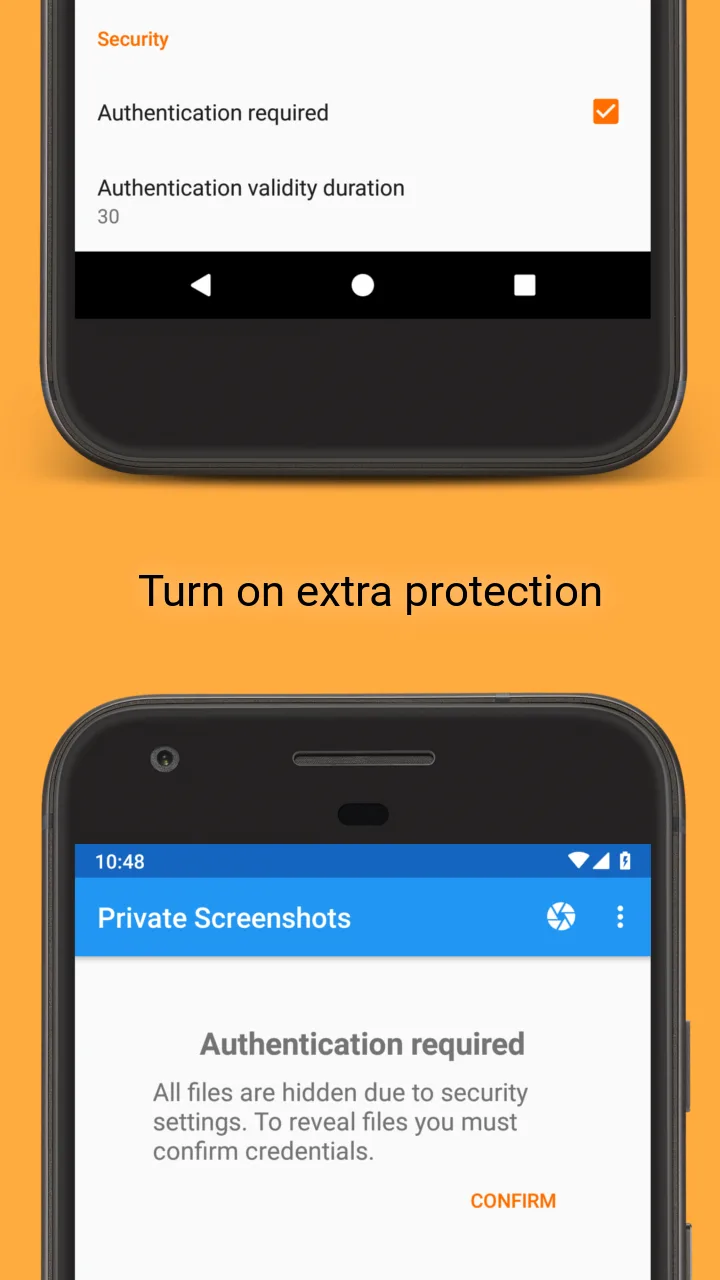
Letting someone borrow your phone can easily expose private screenshots by accident. It is always worrying when your default photo gallery has no secure protection for sensitive files. The screenshots you capture are stored in a separate secure space. This means that only you can access them legitimately. As a result, everything remains completely private.
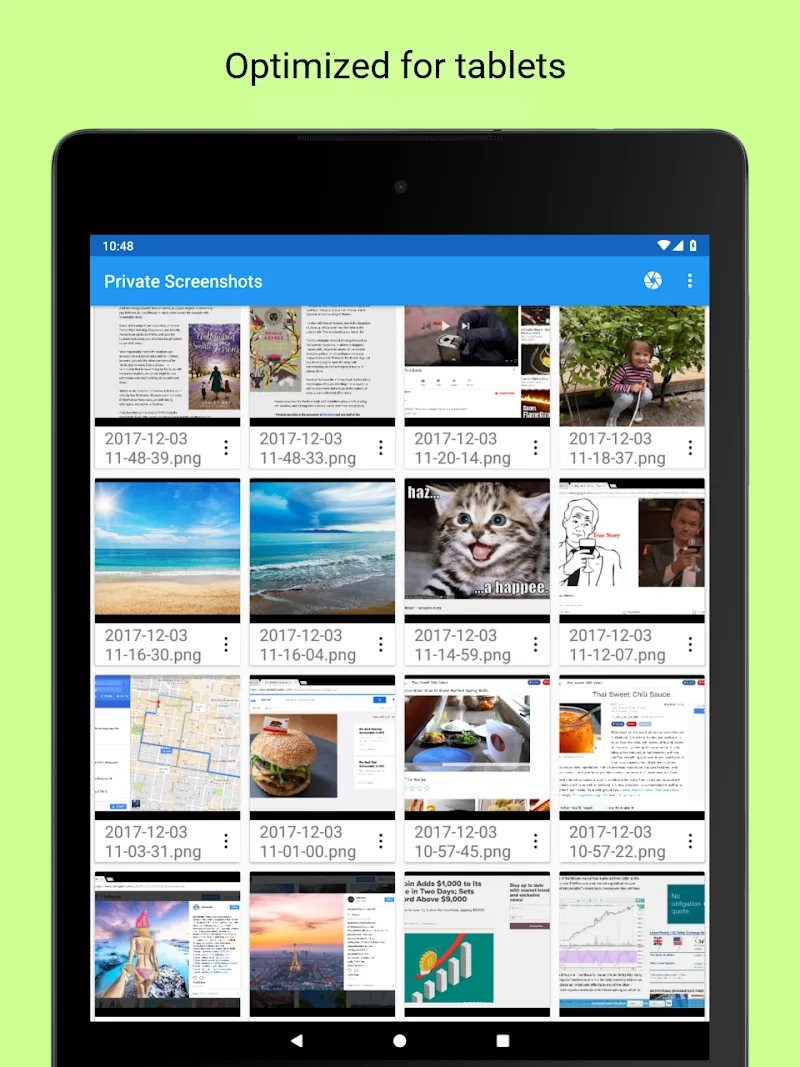
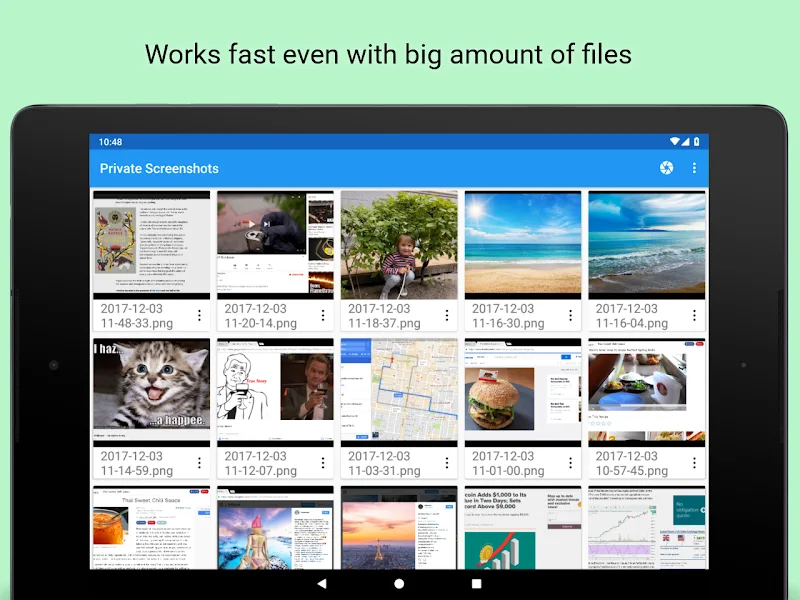
- Hidden Folder: Keep screenshots out of your gallery.
- App Lock: Protect your files with a PIN.
- Private Camera: Save photos directly into the app.






Comments (0)