
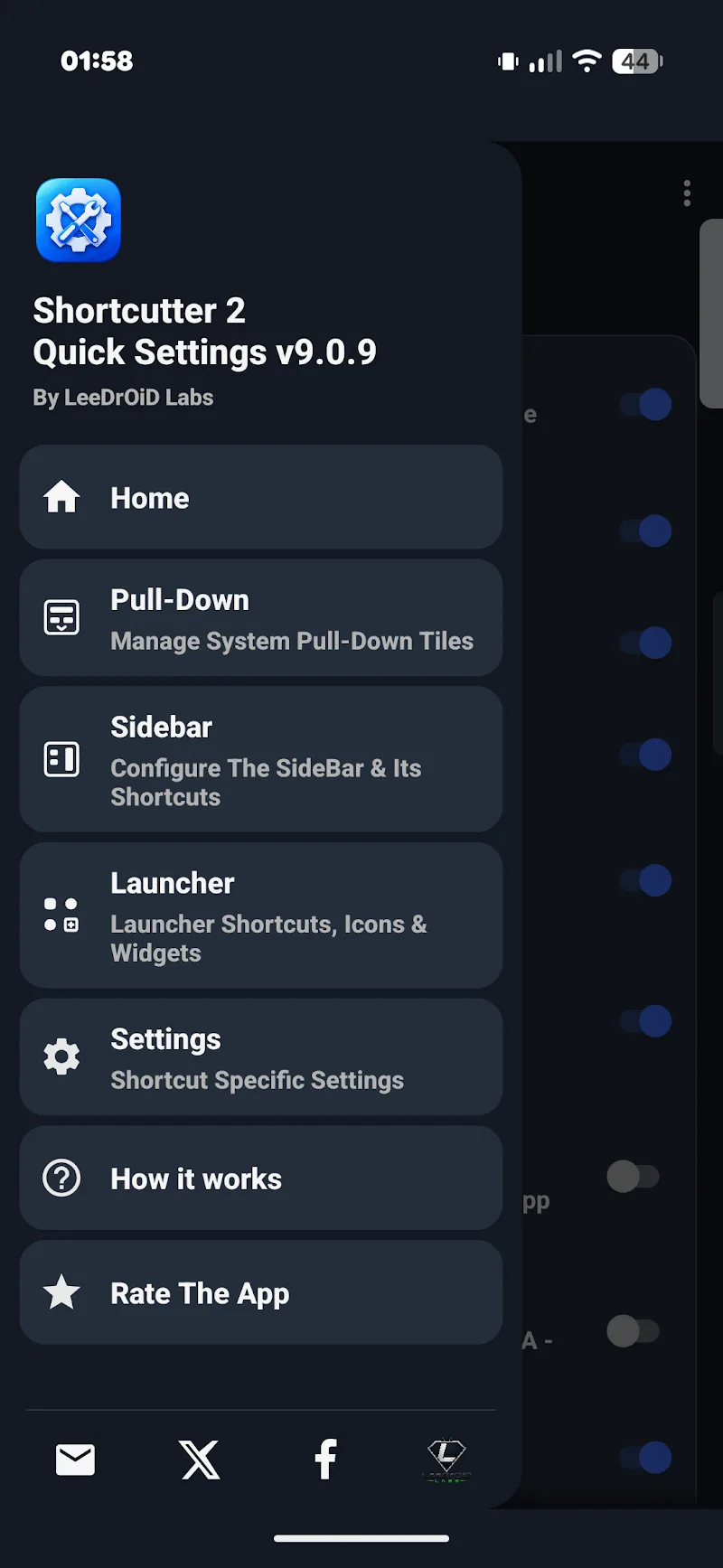
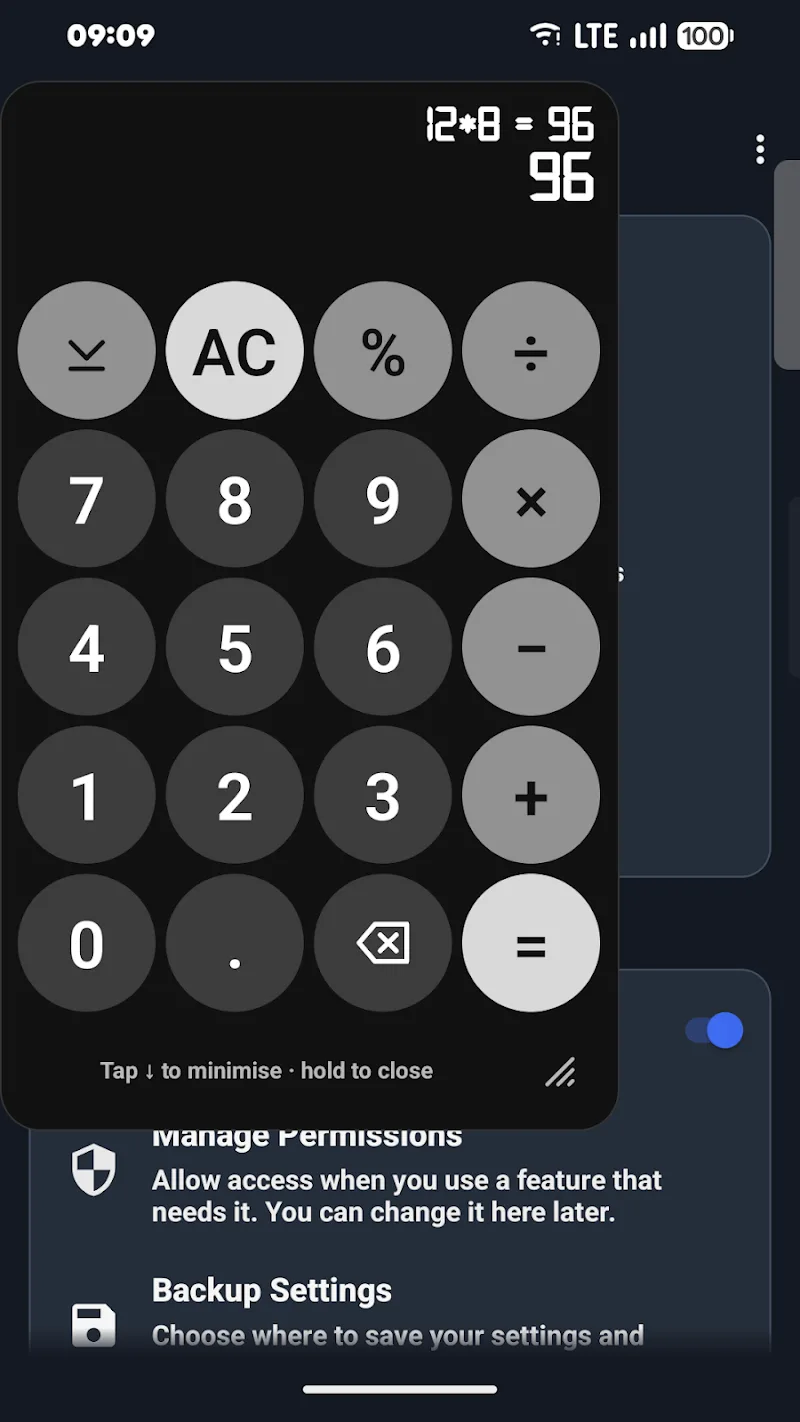
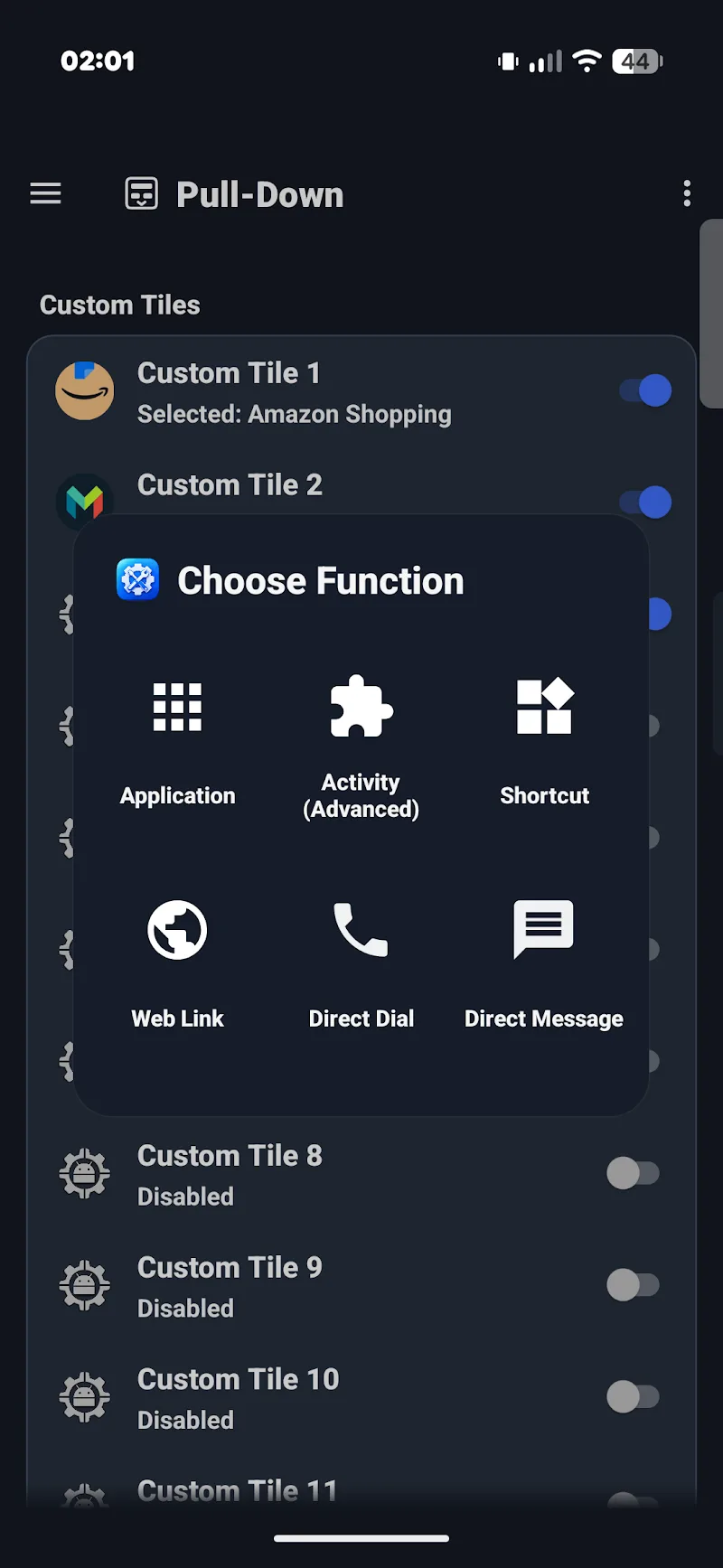
A convenient swipe sidebar alongside a floating toolbox will keep essential features right at your fingertips while using other apps. Shortcutter 2: Quick Settings allows users to multitask effortlessly on a single screen. Sometimes, an app only takes a few quick steps to get the job done. Optimizing the pull-down control panel by integrating custom tiles directly helps users maximize their productivity. As a result, no matter what you are doing on your smartphone screen, you can still control the exact settings you need. This utility brings a massive upgrade to the Android experience thanks to its highly flexible interface and shortcut customization.
CUSTOMIZE QUICK SETTINGS AND CREATE VERSATILE SHORTCUTS
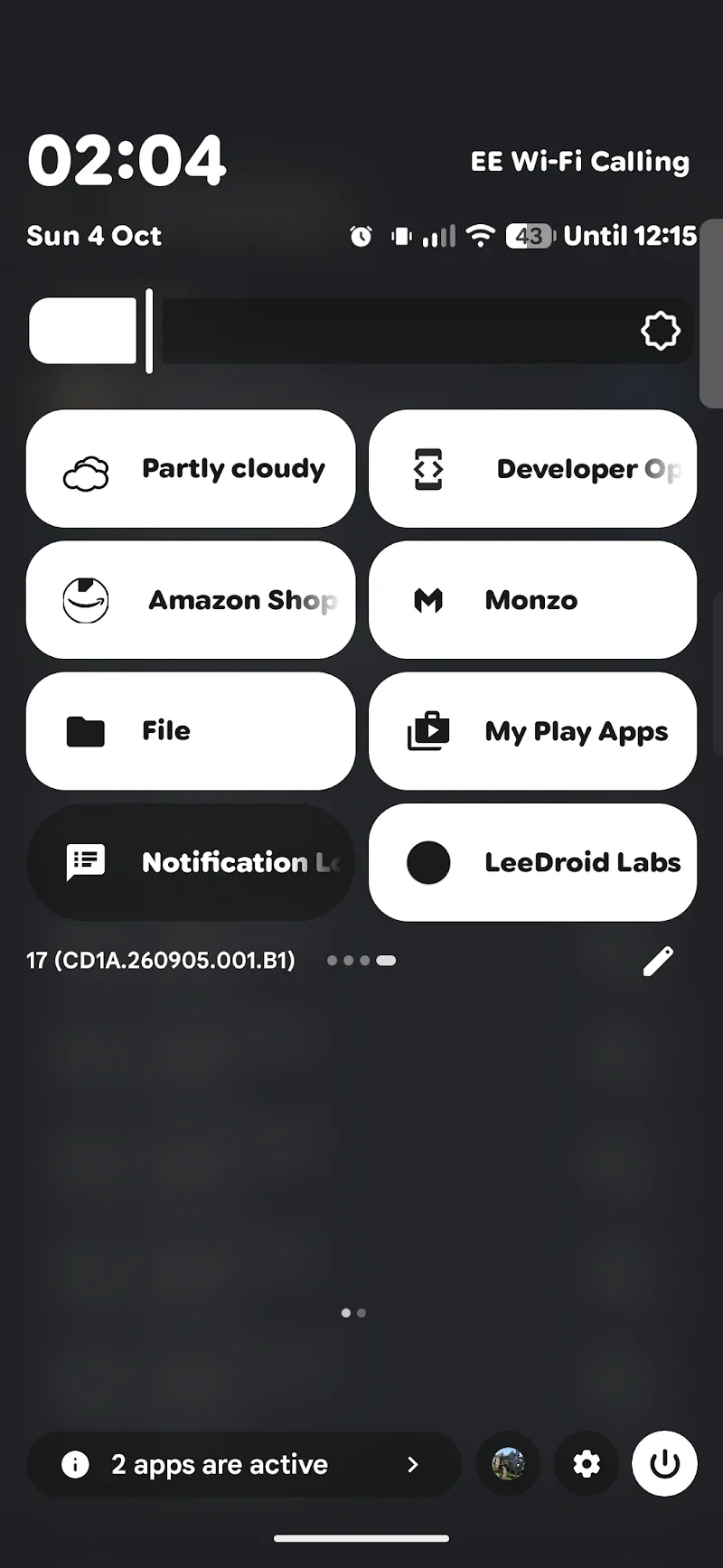
Custom tiles for apps, web links, or contacts allow you to arrange them right alongside existing system tiles. Shortcutter 2 acts as a powerful shortcut creator for nearly all display, sound, and accessibility actions. Users can easily pin individual shortcuts to the home screen or integrate them with automation apps like Tasker. Every action to search for or launch shortcuts takes place exceptionally fast and smooth.
- Settings: Add custom tiles
- Shortcuts: Create versatile shortcuts
- Integration: Seamless Tasker integration
BUILT-IN TOOLS AND THEME STUDIO INTERFACE
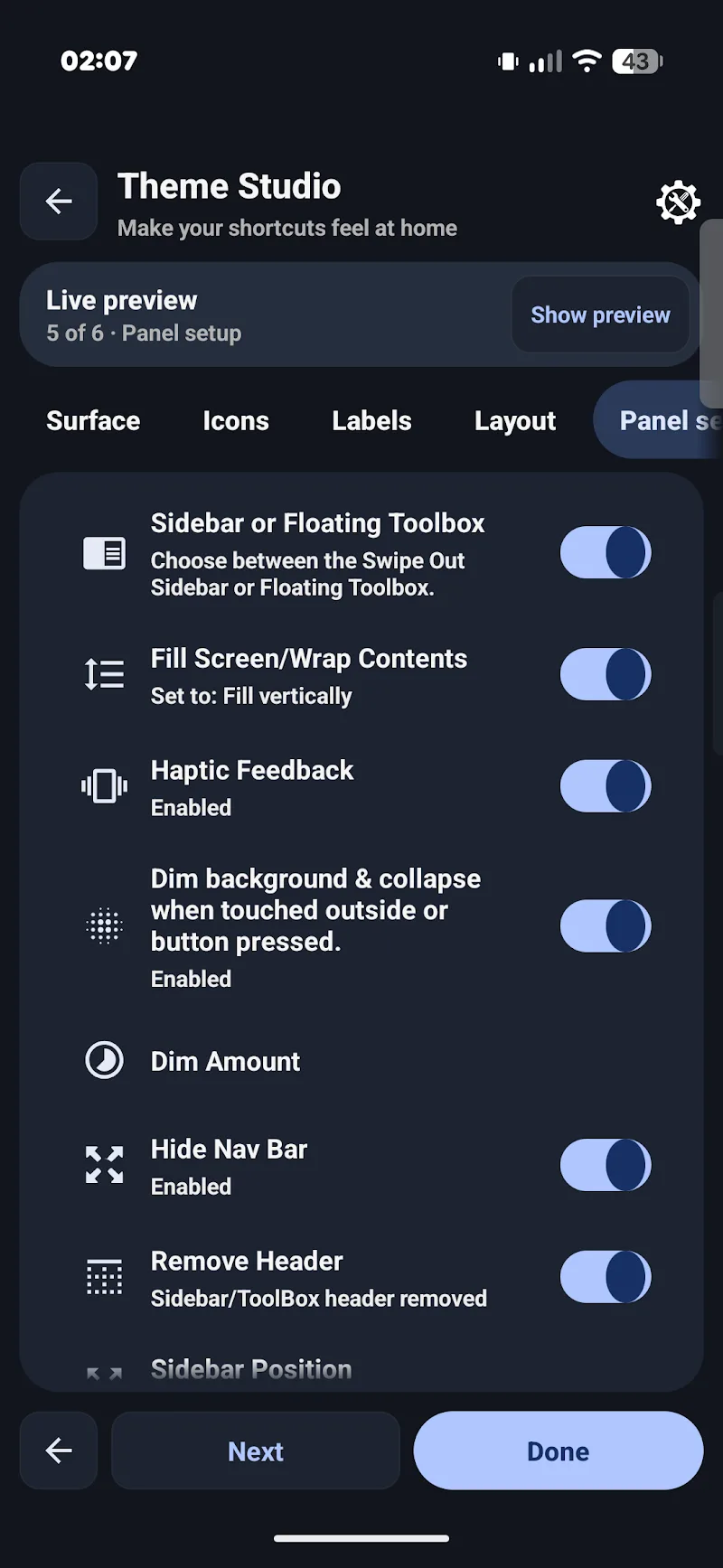
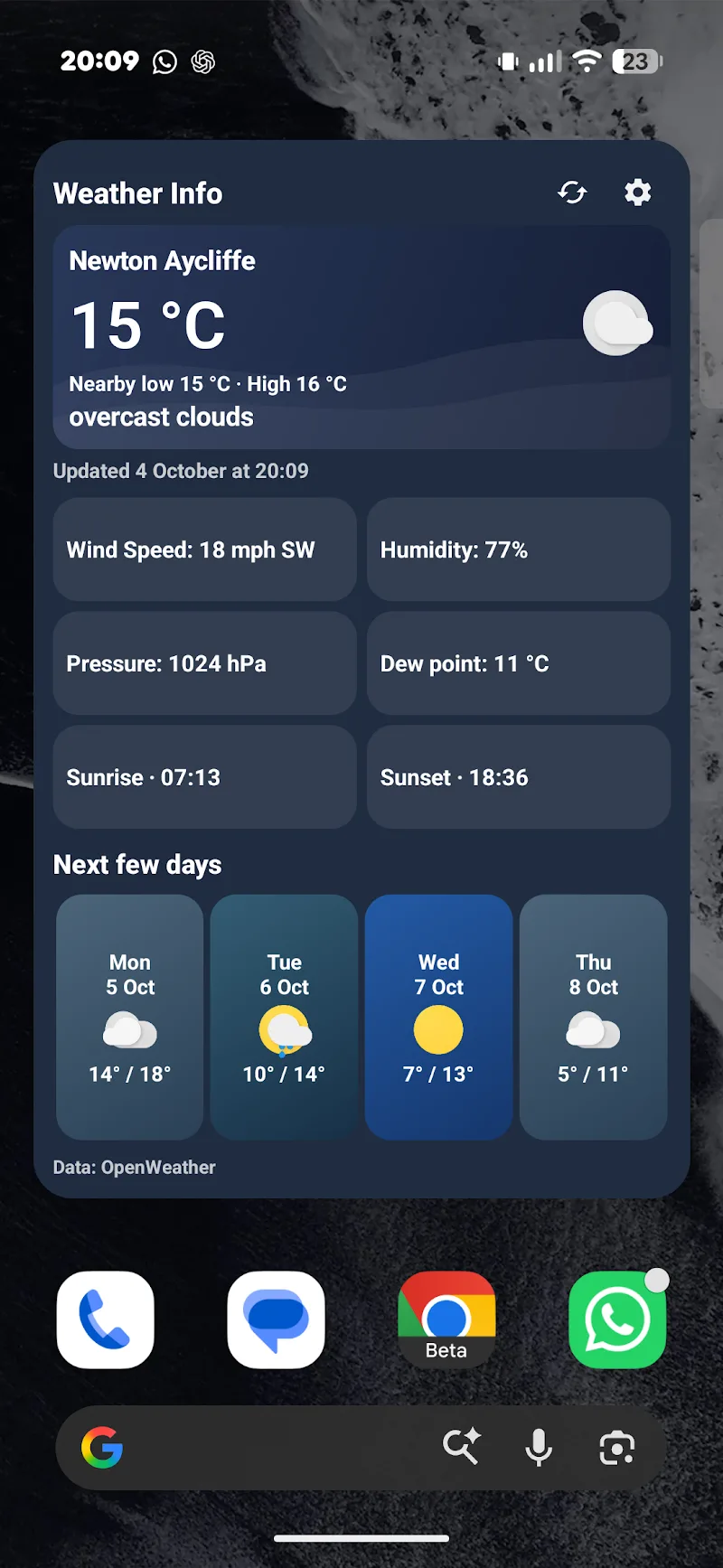
A QR code reader, floating calculator, and weather forecast built directly into the app help users quickly tackle numerous daily tasks. You can fully customize colors, borders, and shortcut themes using the intuitive Theme Studio tool. Although some specialized controls require elevated permissions, core features run flawlessly without root access.
- Tools: Built-in utility suite
- Interface: Theme Studio customization
- Features: Use without root











Comments (0)