
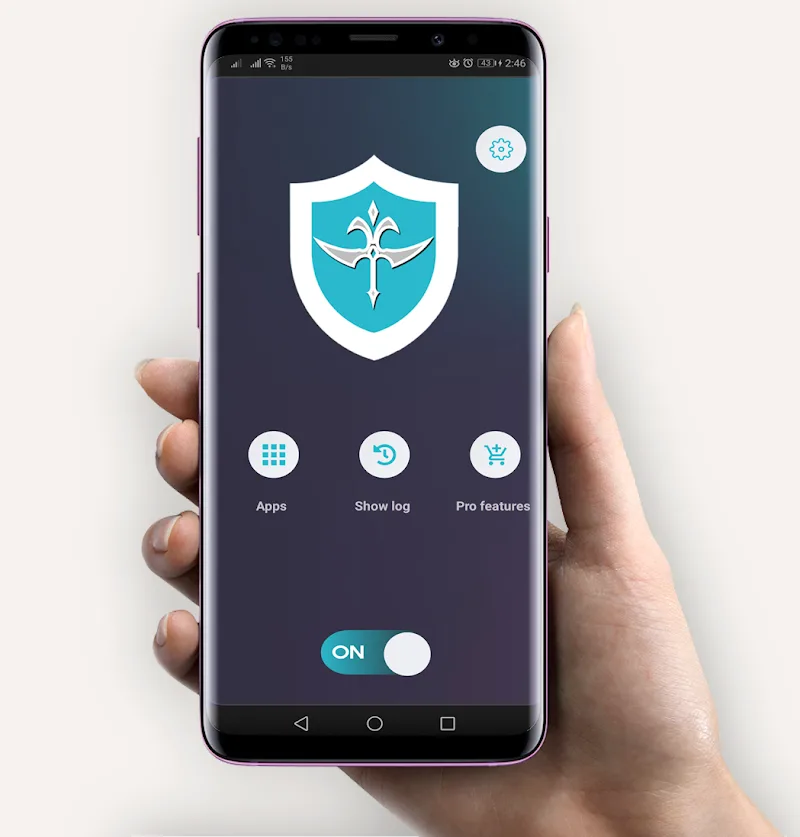

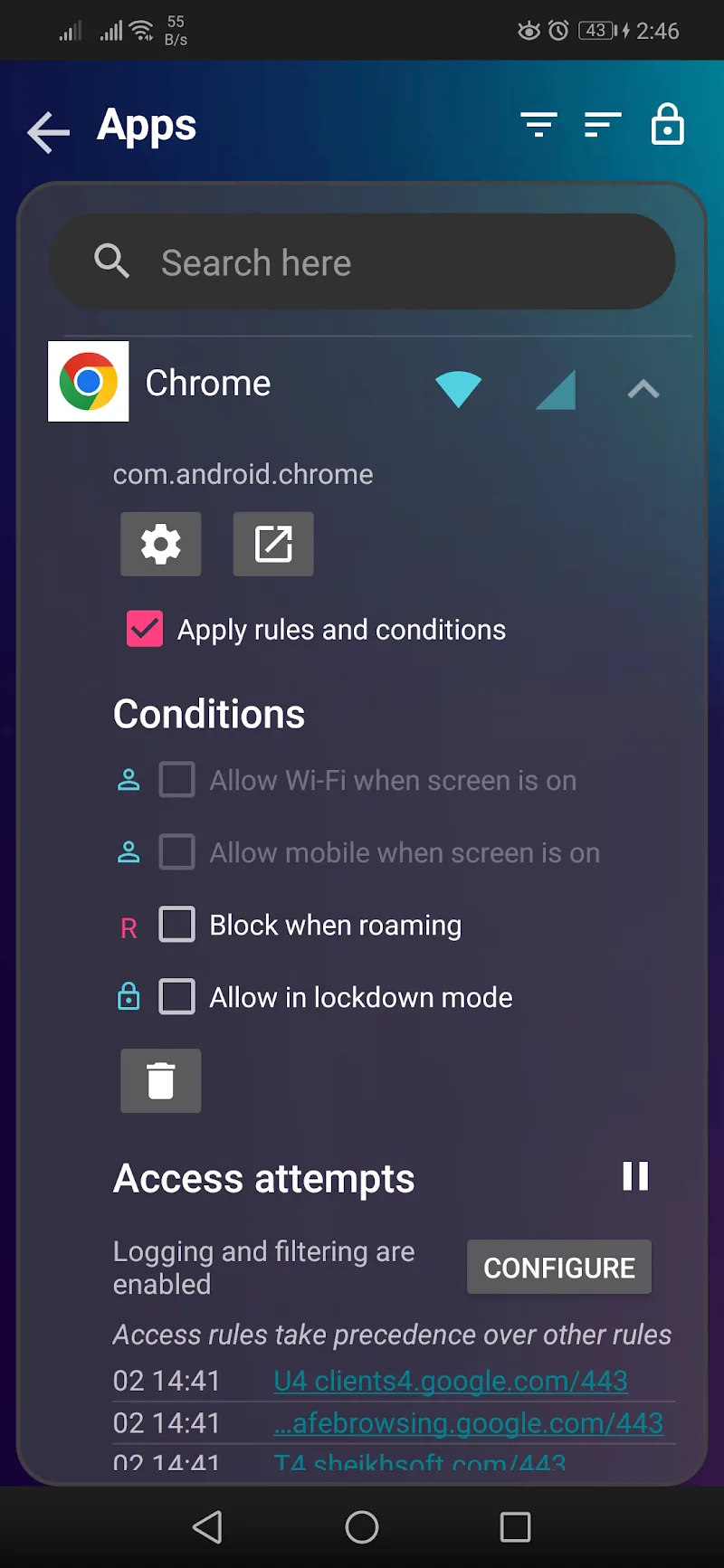
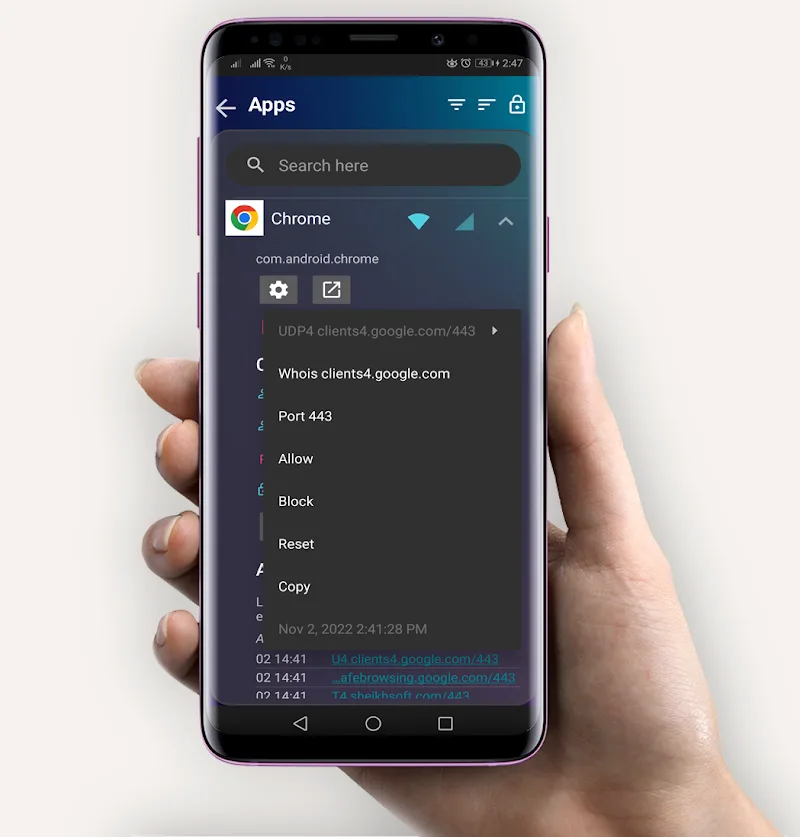
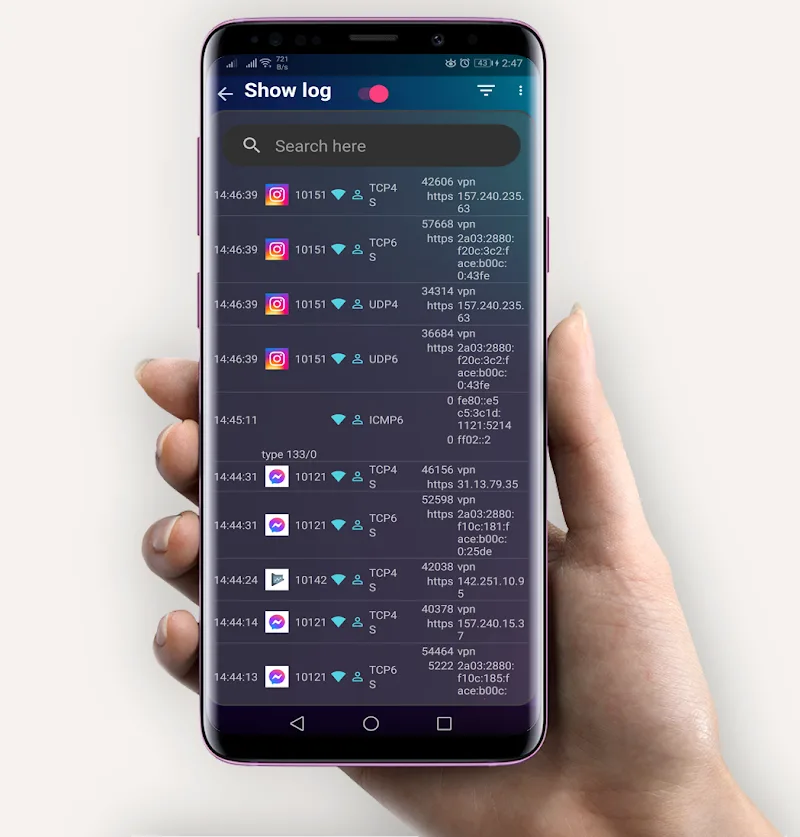
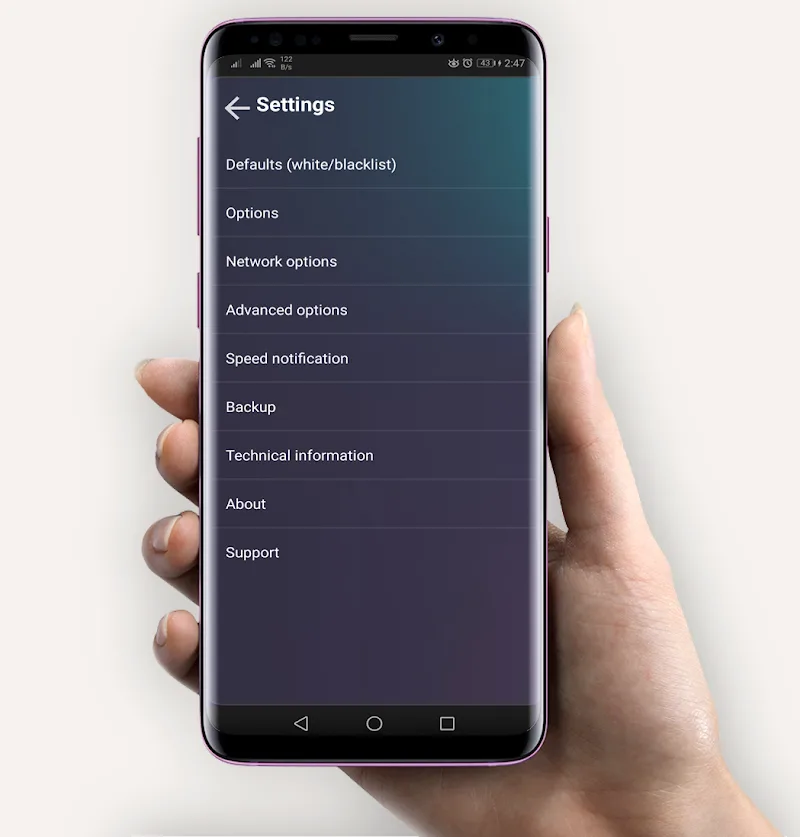
Smart network traffic management capabilities on Android devices will help customers take full initiative in protecting their privacy. InternetGuard No Root Firewall enforces a stricter condition for connecting to public internet networks. Sometimes, you may have apps containing confidential information. Therefore, users do not want their devices connecting to unsafe places and causing danger. The application supports you in proactively allowing or blocking individual apps from accessing Wi-Fi and mobile data without requiring root access. Although operating based on a local VPN interface to establish a firewall, this mechanism guarantees not to collect or leak any private information. For that reason, the user’s task is to customize connection rules, cut background traffic, and optimize battery life.
SECURITY OPTIMIZATION AND NETWORK CONNECTION CONTROL
Proactively setting access barriers for individual apps effectively prevents the risk of mobile data leakage. As a result, customers can easily block background activity as well as prevent unwanted website addresses. Nevertheless, detailed permission settings for each platform require you to configure based on actual usage needs.
- Security: Block background connections
- Control: Set network rules
- Analysis: Export traffic statistics files
AUTOMATED MANAGEMENT AND MODERN CUSTOMIZABLE INTERFACE
Flexibility in switching display themes brings a highly pleasant visual sensation to customers throughout operation. However, the feature tracking individual data usage is the true key helping you accurately manage the consumption volume of each app. In addition, support for auto-starting with the operating system ensures the device is continuously protected right upon booting.
- Interface: Customize light theme
- Statistics: Track accurate data usage
- Automation: Protect upon startup










Comments (0)