
Have you ever accidentally swiped and deleted an important notification, or wanted to read a message without letting the sender know you have seen it? The Notification History application will be an effective solution to help you control and organize your entire notification system displayed on your phone, turning it from cluttered to neater and easier to see.
KEY HIGHLIGHT FEATURES
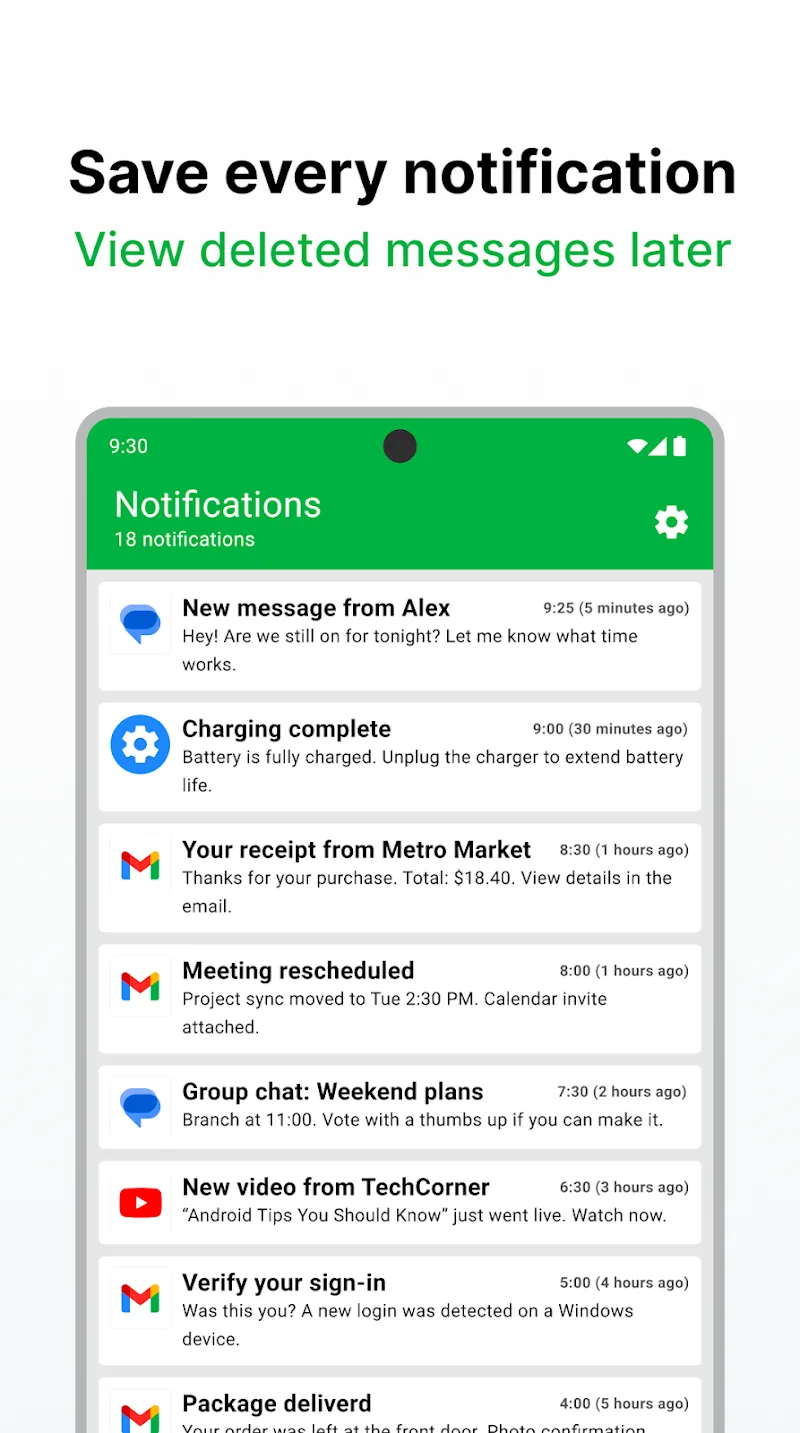
- The Notification History app helps store and allows you to review the notification history from all applications such as Messenger, Zalo, Gmail, system… allowing you to review notification content at any time, even if you accidentally deleted them from your phone’s status bar.
- Notification History also features a function that helps you view deleted messages, giving you peace of mind even when someone sends you a message and recalls (deletes) it immediately afterward; Notification History will still keep that message content in the notification log so you can review it.
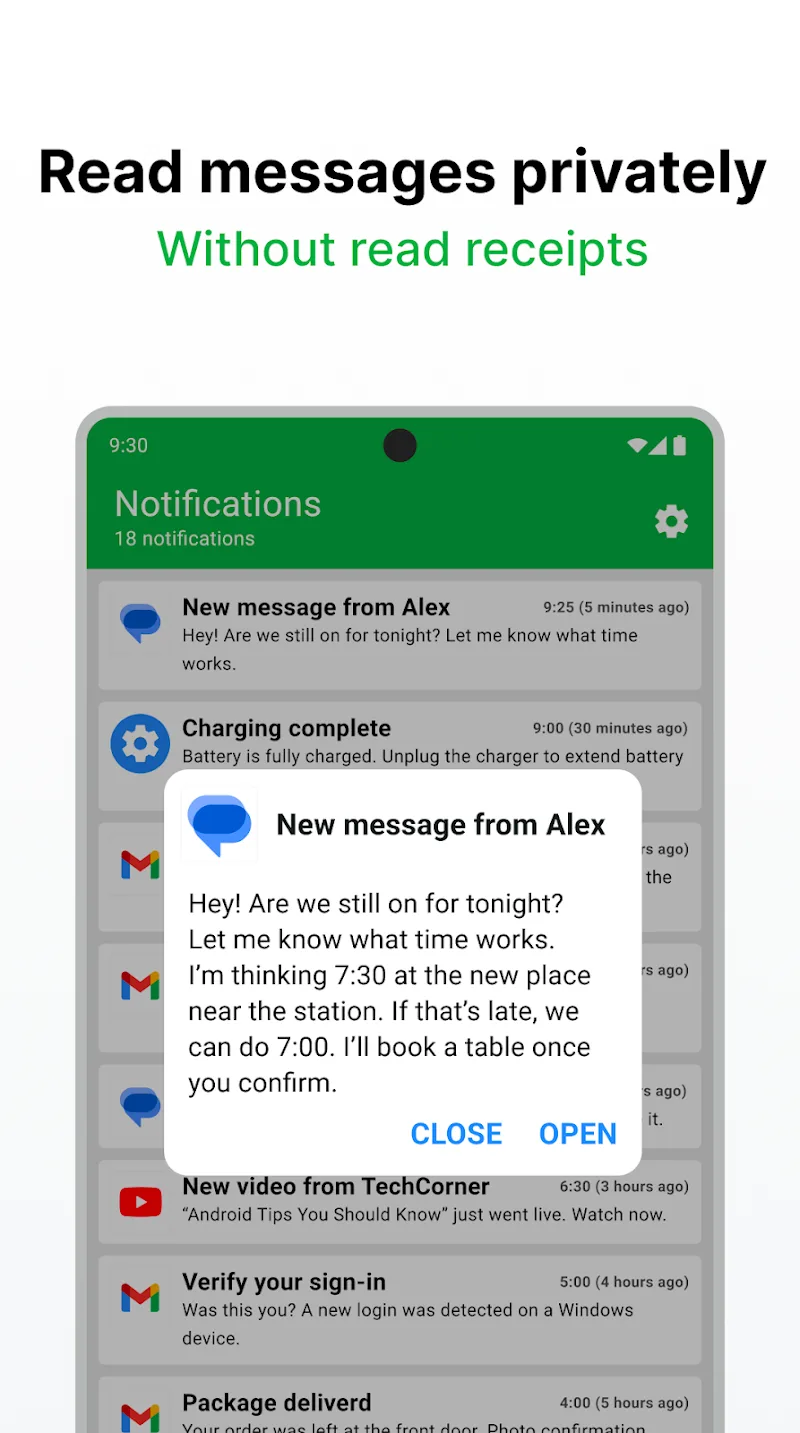
- The application also helps you read the entire message content directly inside the app without opening original applications like Messenger or WhatsApp, helping you avoid displaying the “Read” status and thereby protecting absolute privacy.
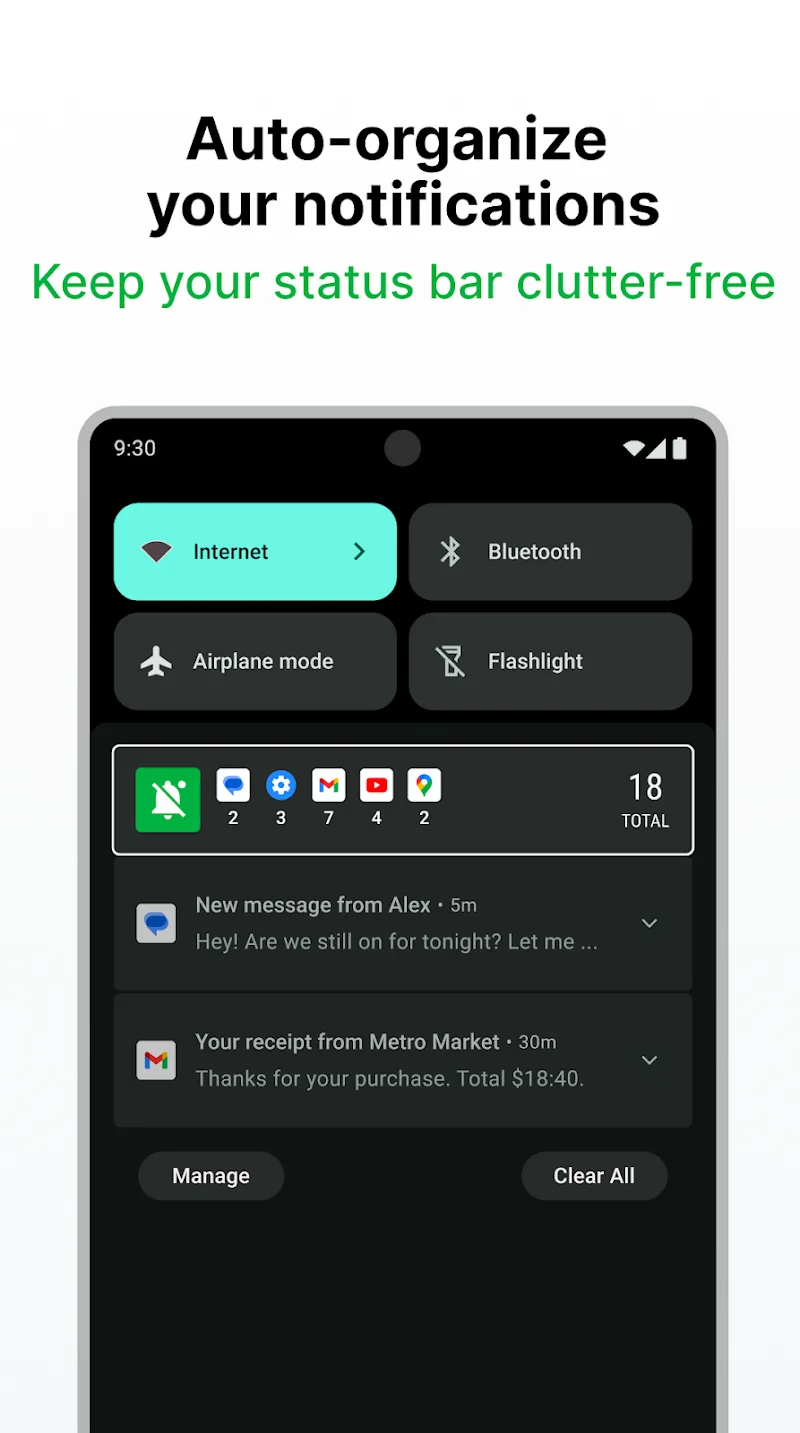
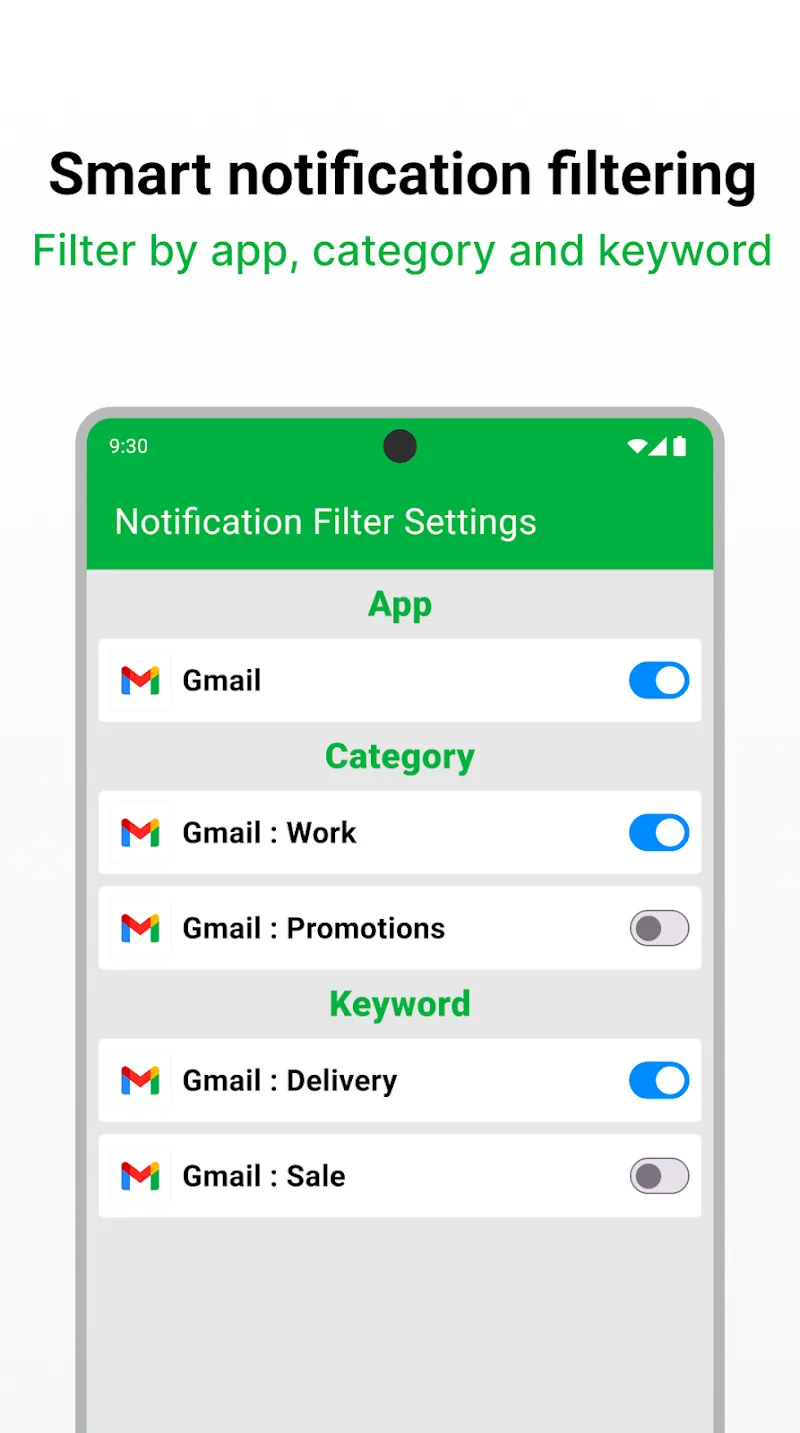
- Notification History also automatically organizes and intelligently filters notifications, such as automatically grouping less important notifications into a separate folder to help your status bar stay neater. At the same time, you can set filters by application, by category, or by keyword. For example: You can choose to only view notifications containing keywords like “Delivery” or “Offer.”
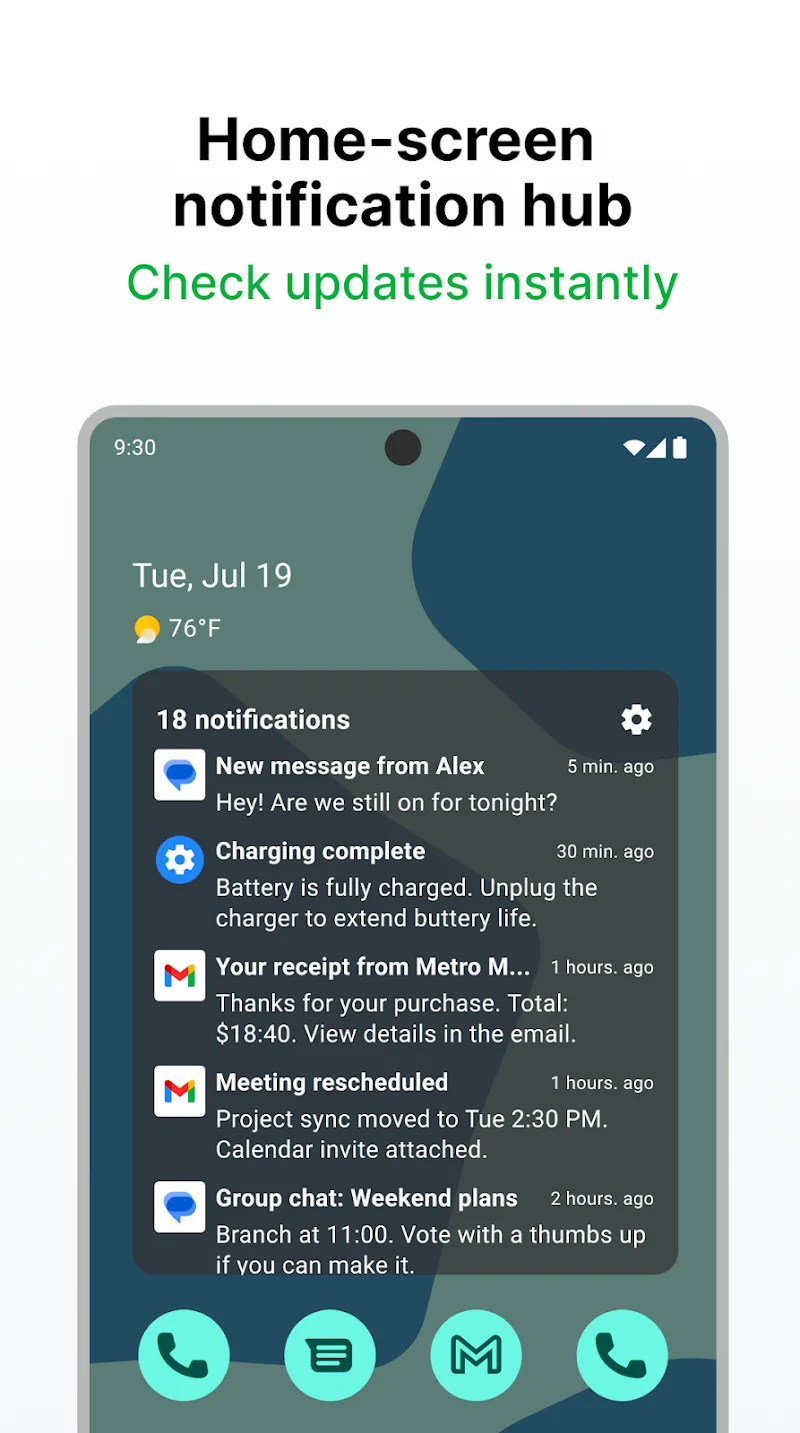
- The app provides the Home-screen notification hub feature, allowing you to place a widget right on the main screen; from there, you can quickly check the latest updates without having to swipe the notification bar down from the top as before.
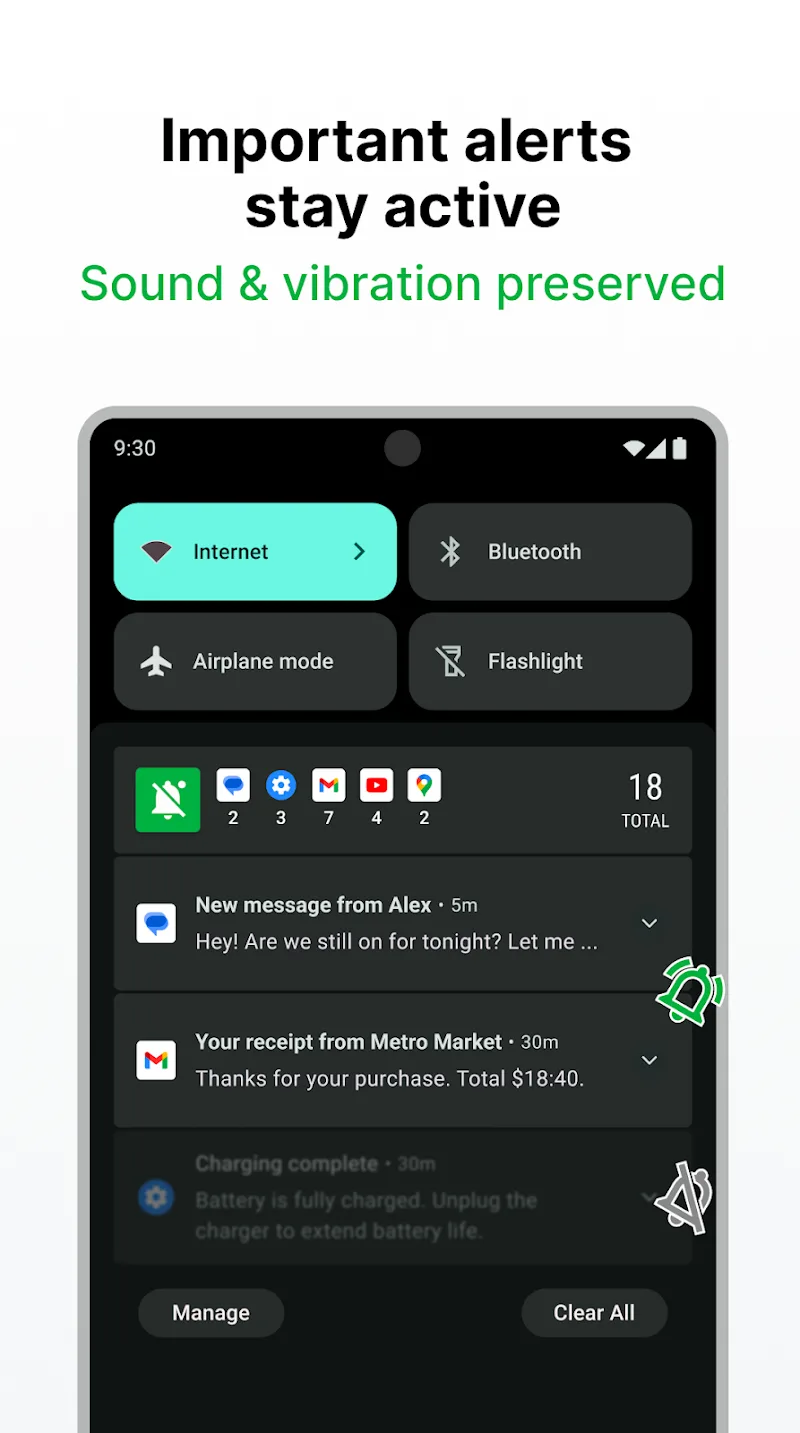
- Sound and vibration modes still operate normally; although the application helps you rearrange notifications to avoid disturbance, it ensures you always receive urgent information in a timely manner.











Comments (0)