
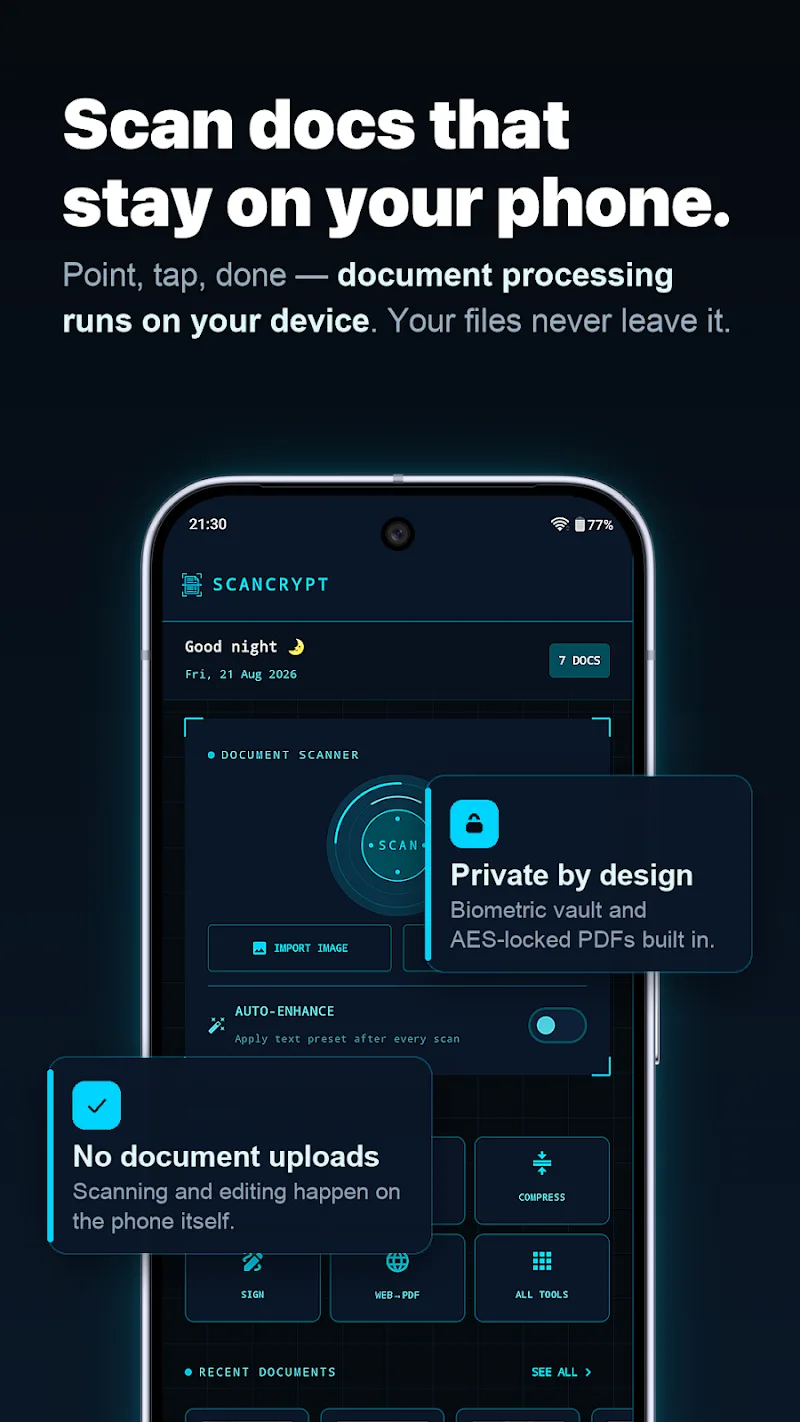
Digitizing paper documents is now exceptionally simple thanks to ScanCrypt. This application allows users to create PDF files from real-world physical documents themselves. You just need to point the camera to get it done right away. In this way, customers can freely scan, digitize, or sign documents without uploading data to the cloud. In addition, the application requires no account registration or active internet connection. Absolute on-device data security will surely give you peace of mind during your work.
IMAGE PROCESSING AND ADVANCED DOCUMENT EDITING
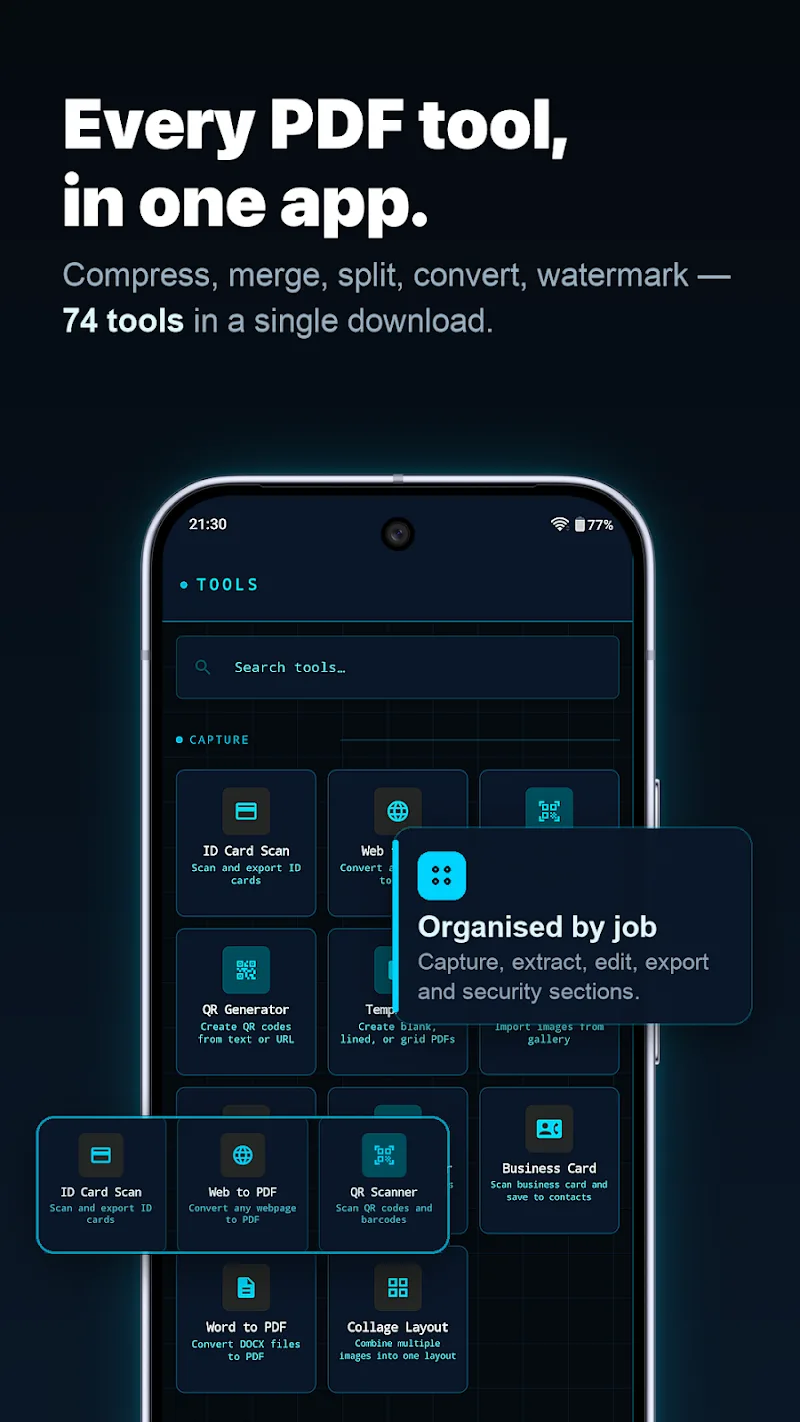
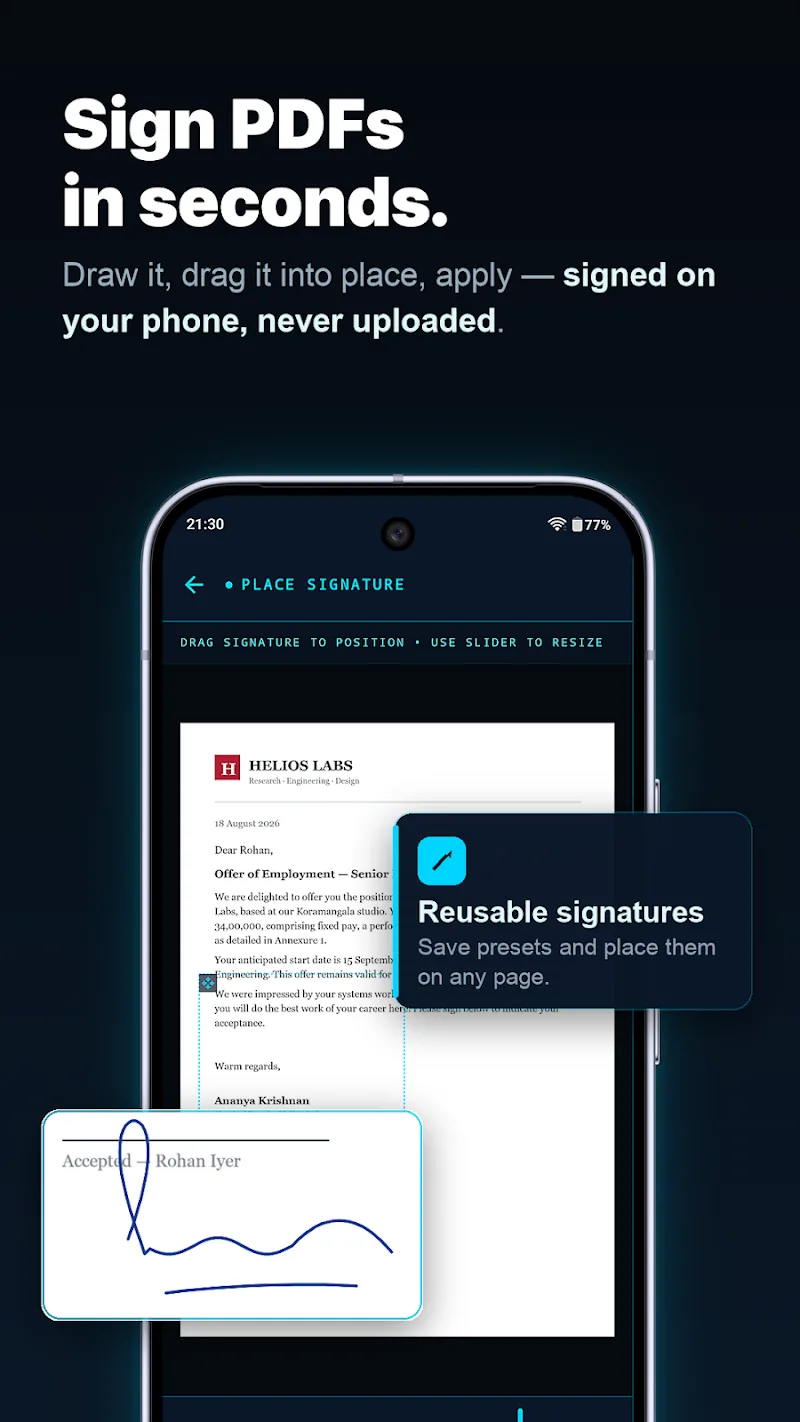
There are many important documents that may need to be converted into PDF files to establish the legitimacy of these documents. Storing invoices or contracts as sharp PDF files happens instantly through an automatic edge detection system. Furthermore, the versatile toolkit helps you quickly insert watermarks, add signatures, or fill out forms directly. Customers can also rotate, crop, resize, or reorder pages with great convenience.
- Quick Scan: Instant paper-to-PDF conversion
- Editing: Add signatures and watermarks
- Organizing: Super-fast page cropping and rotation
OPTIMIZE SECURITY AND SMART DATA EXTRACTION
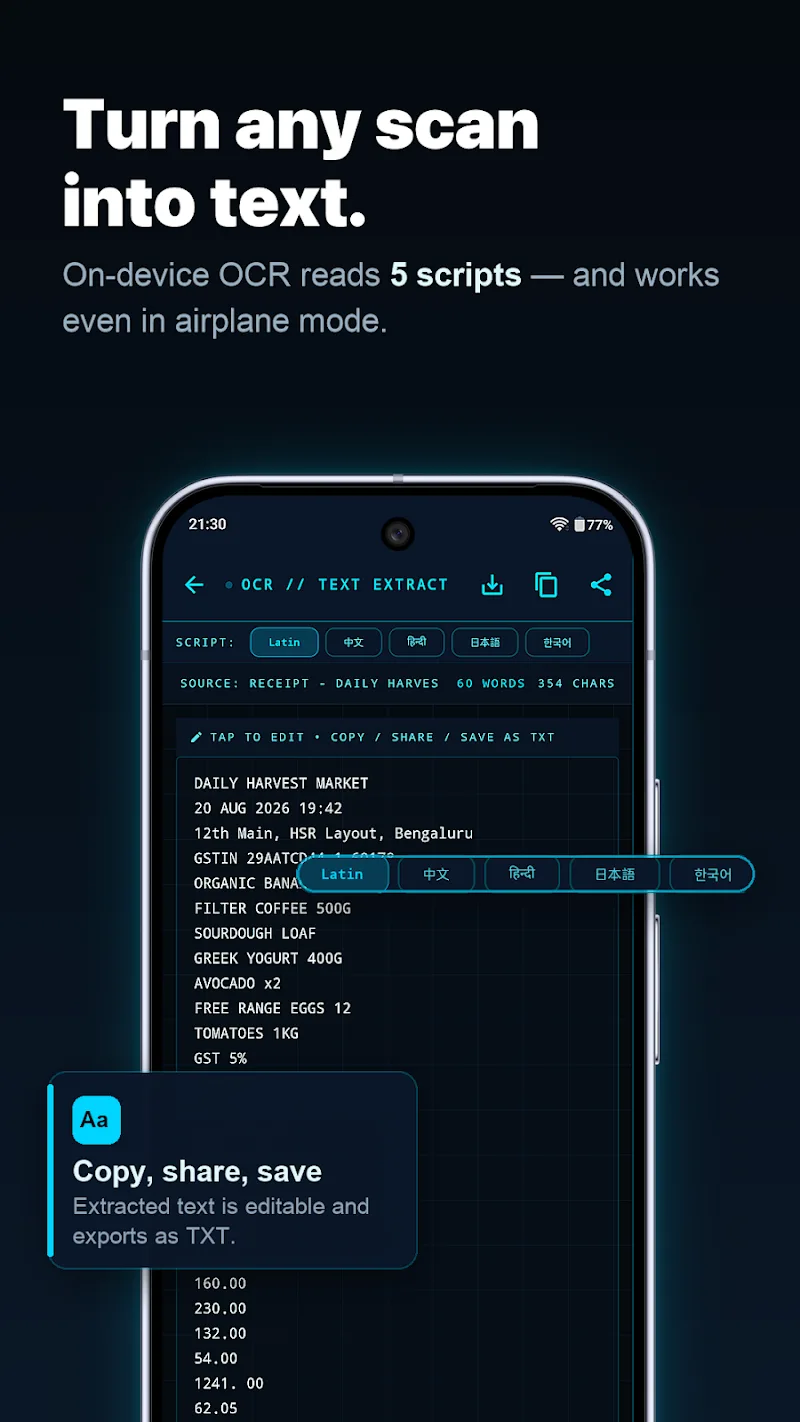
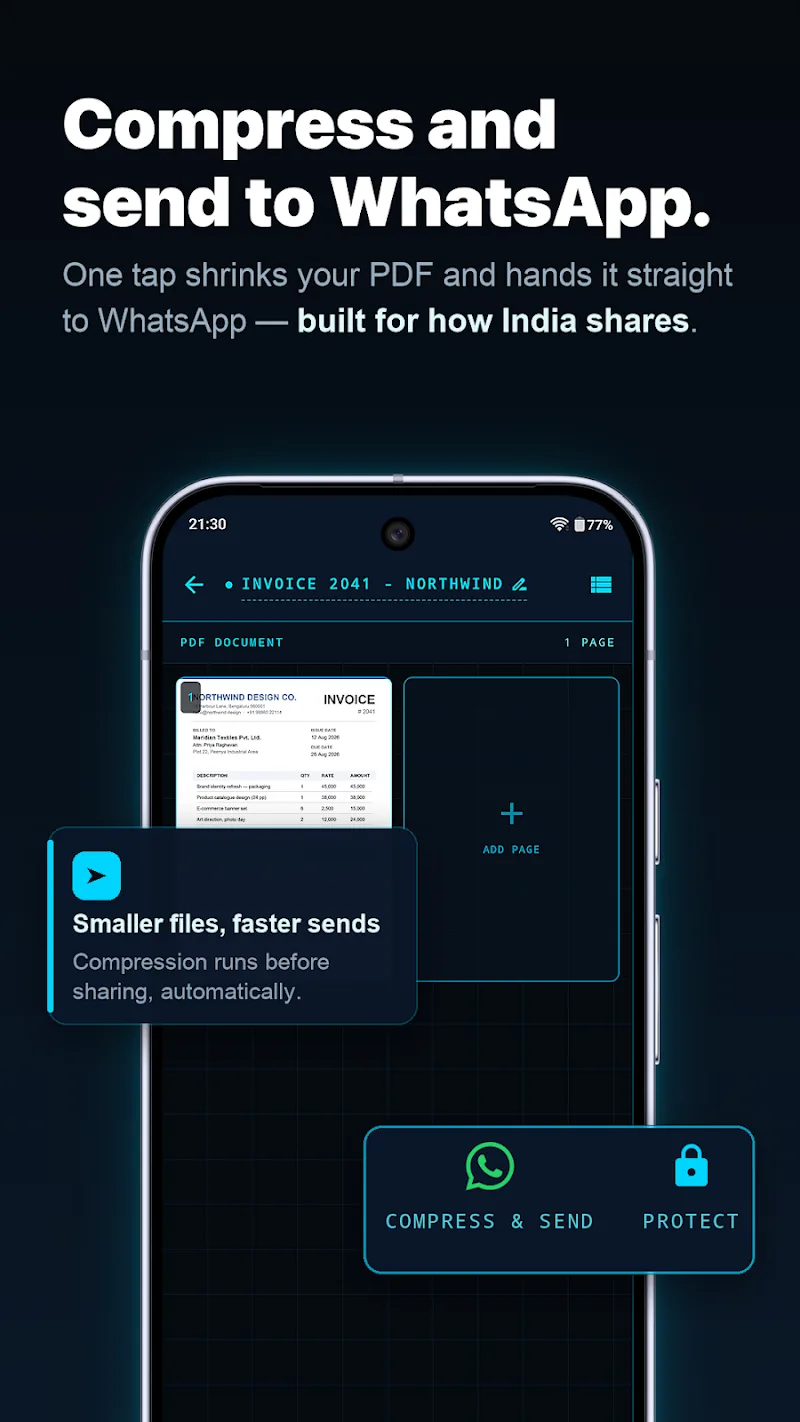
Security will certainly be one of the most crucial requirements because documents using PDF files are like that. Every character on scanned images is perfectly extracted into text file format thanks to integrated smart OCR solutions. At the same time, AES encryption and fingerprint folder locking features guarantee absolute protection for all customer data. In addition, files are compressed to compact sizes to optimize storage as well as sharing.
- OCR Recognition: Extract text from images
- High Security: AES fingerprint-encrypted lock
- Fast Sharing: Compact file compression and easy export








Comments (0)