
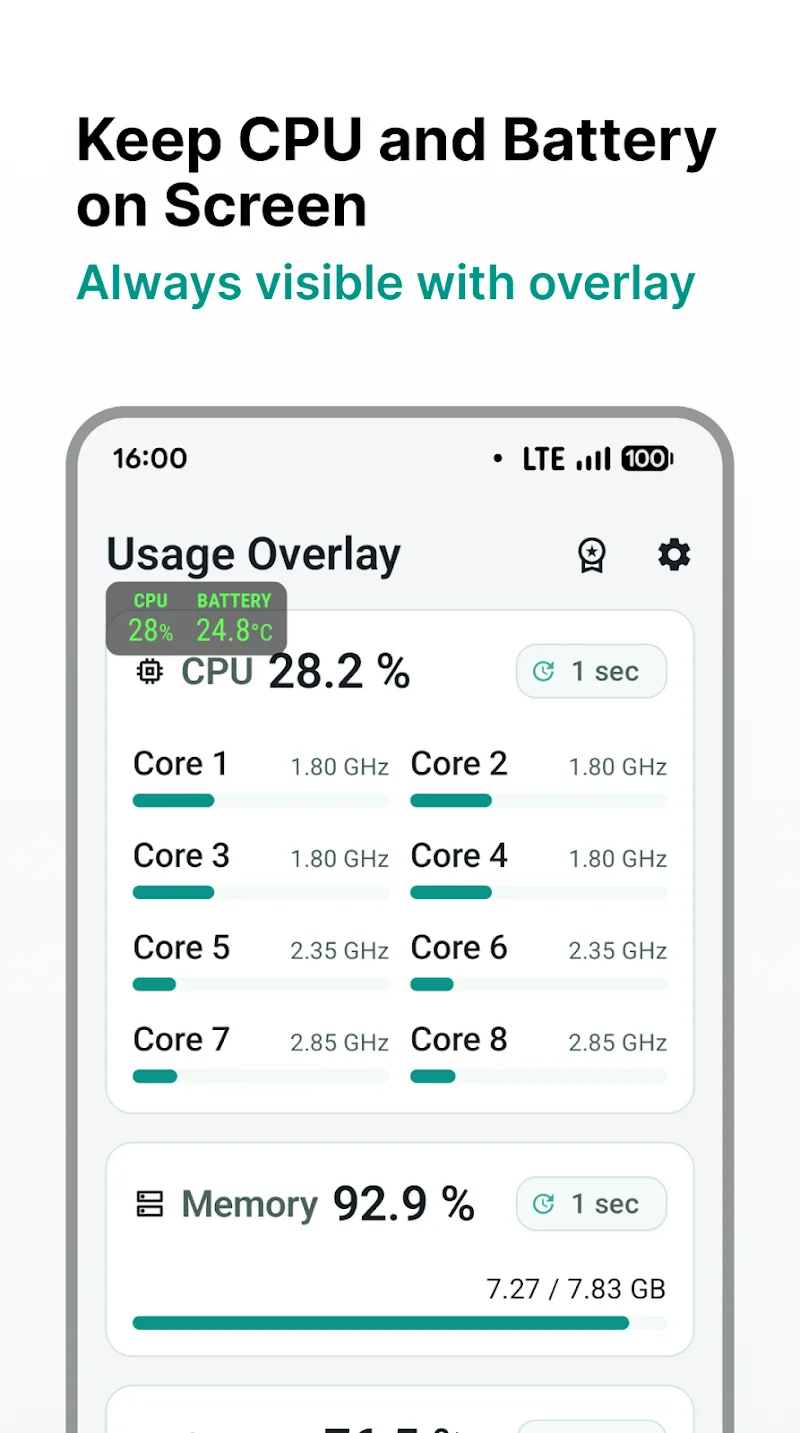
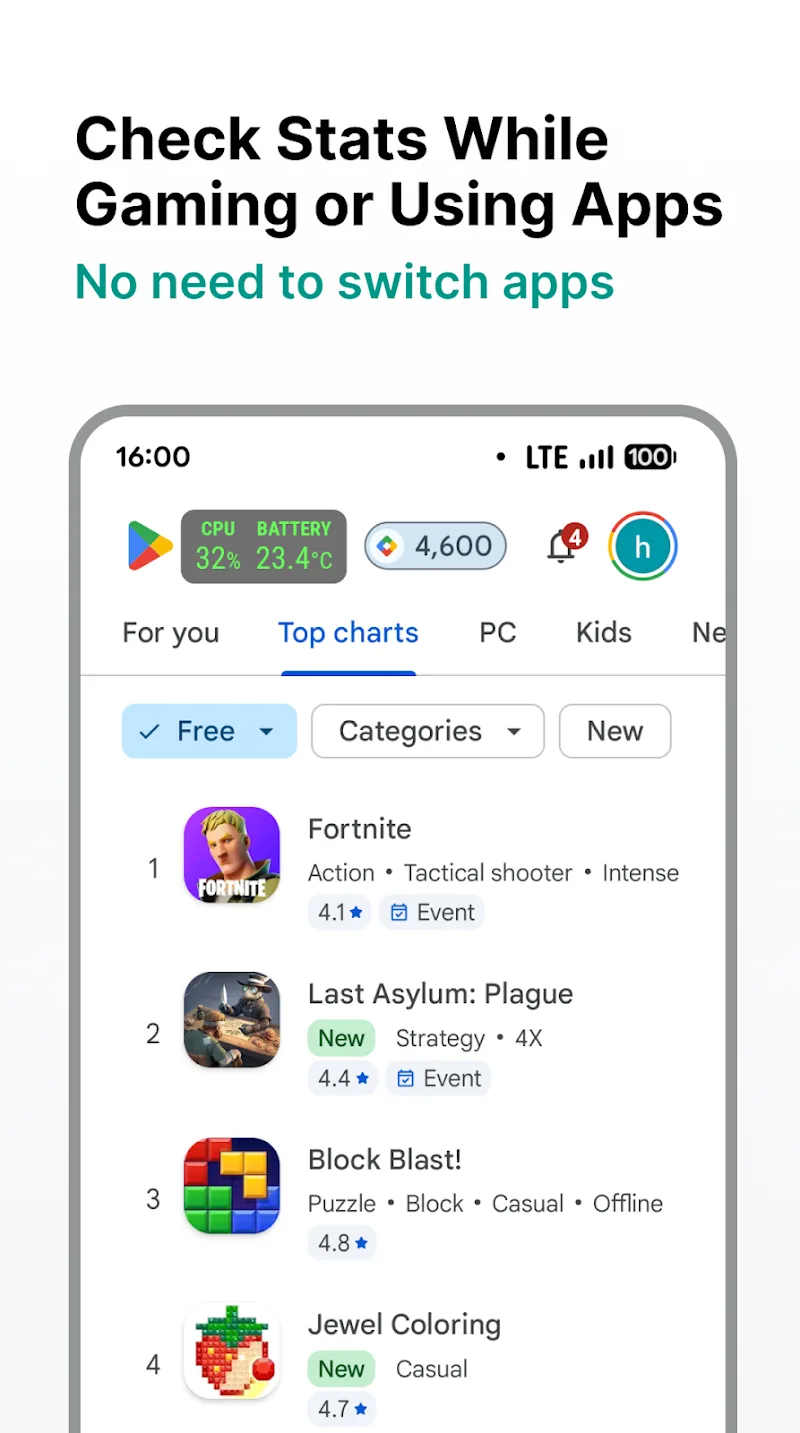
Users’ gaming and device-checking experience will become extremely proactive thanks to Overlay Monitor CPU/Battery. This application allows users to play games while checking the specifications of the device they are using. Basically, these specifications will let you know what you can do with the device at the moment. Sometimes, your device can even boost graphics to make gaming more eye-catching. Despite possessing a compact floating interface, this smart monitoring solution still provides full key real-time data for customers. By displaying a specs panel directly over running applications, this system tracking tool helps you grasp device performance instantly.
REAL-TIME PERFORMANCE AND BATTERY SPECS MONITORING
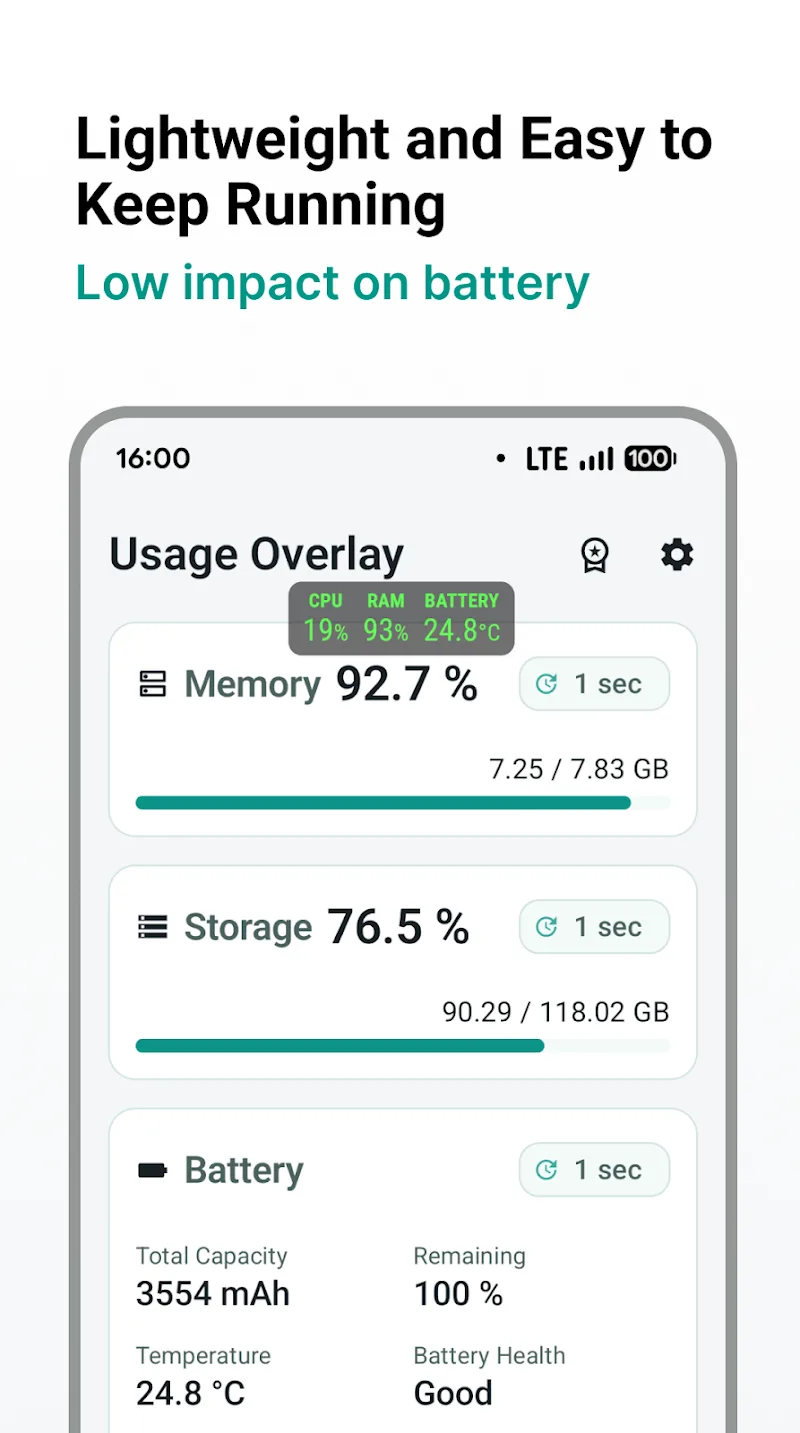
Although you are focusing on gaming, the floating window panel still maintains a smooth display without obstructing your view. Thanks to the appearance of detailed battery metrics such as temperature, voltage, and charging wattage, you can easily detect overheating or battery degradation early. The ability to display RAM usage alongside internal storage usage percentage supports users in controlling device status extremely effectively.
- Floating window: Track specs directly
- Hardware control: Accurately measure CPU and RAM
- Battery details: Update temperature and wattage
WINDOW CUSTOMIZATION AND PRO FEATURE UPGRADES
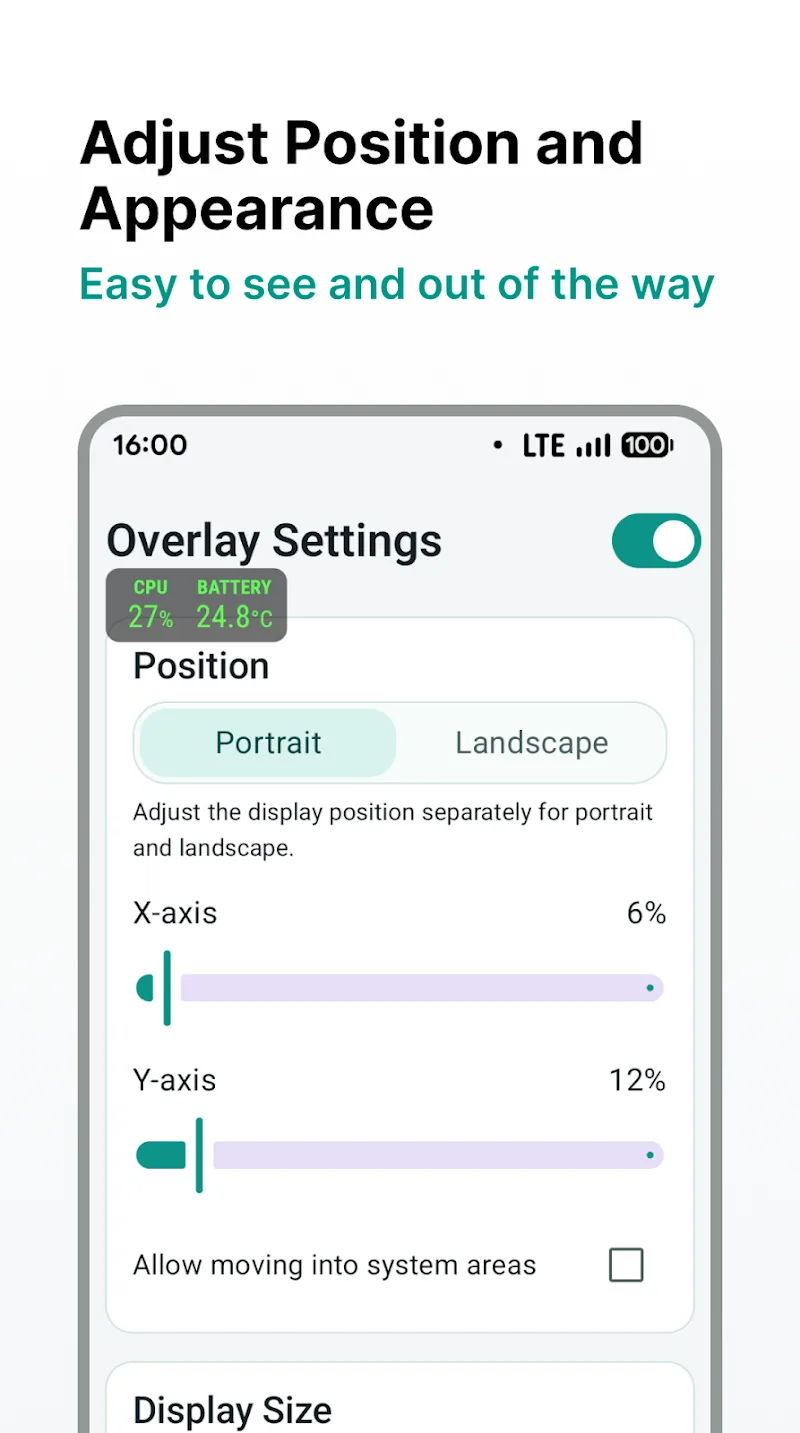
By setting a flexible data update frequency, users are fully proactive in optimizing the device monitoring experience. Support from the customizable size and display position features helps customers easily arrange the specs panel at the most convenient corner of the screen. In addition, the ability to completely remove ads and customize colors in the Pro version helps you enjoy an extremely professional workspace.
- Position customization: Flexibly change size
- Pro version: One-time purchase for lifetime use
- Select data: Support filtering key metrics













Comments (0)