
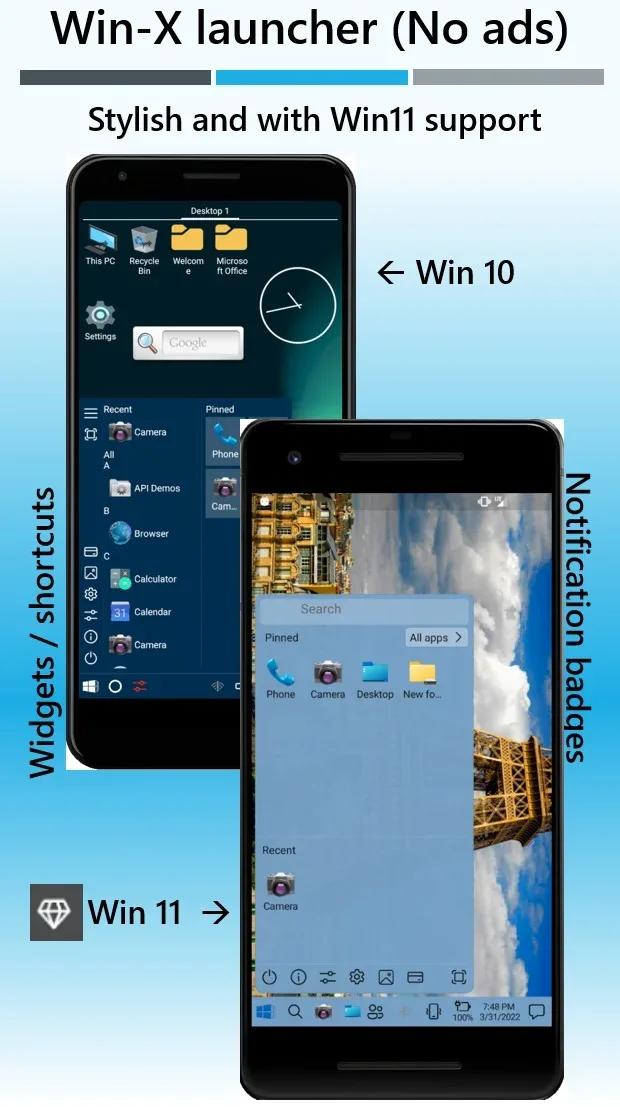
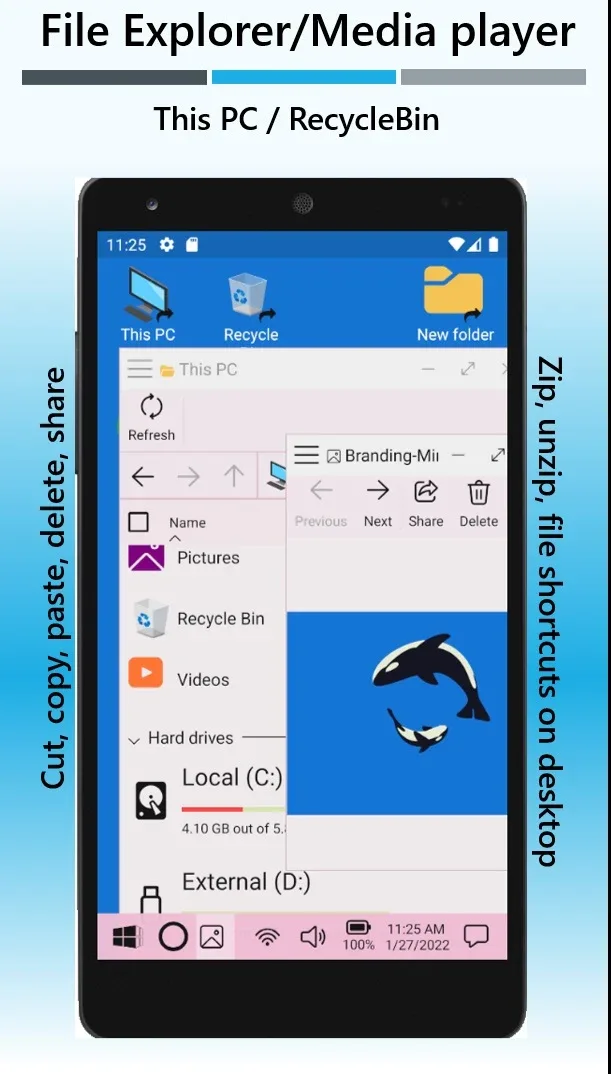
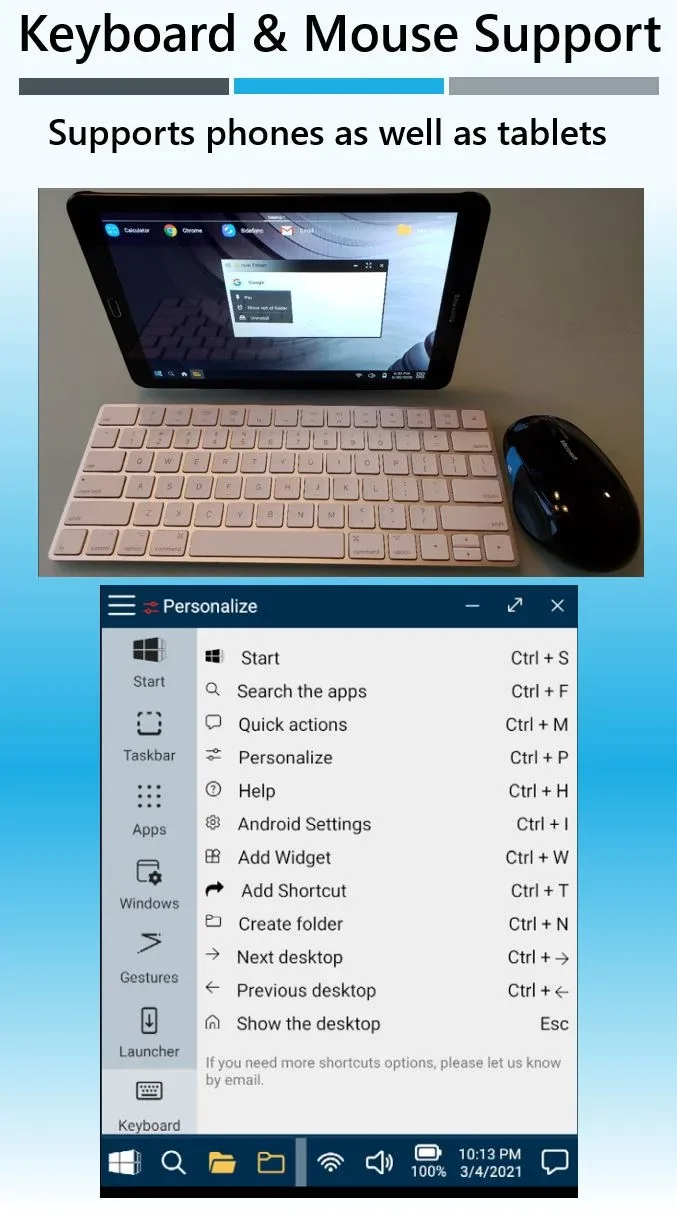
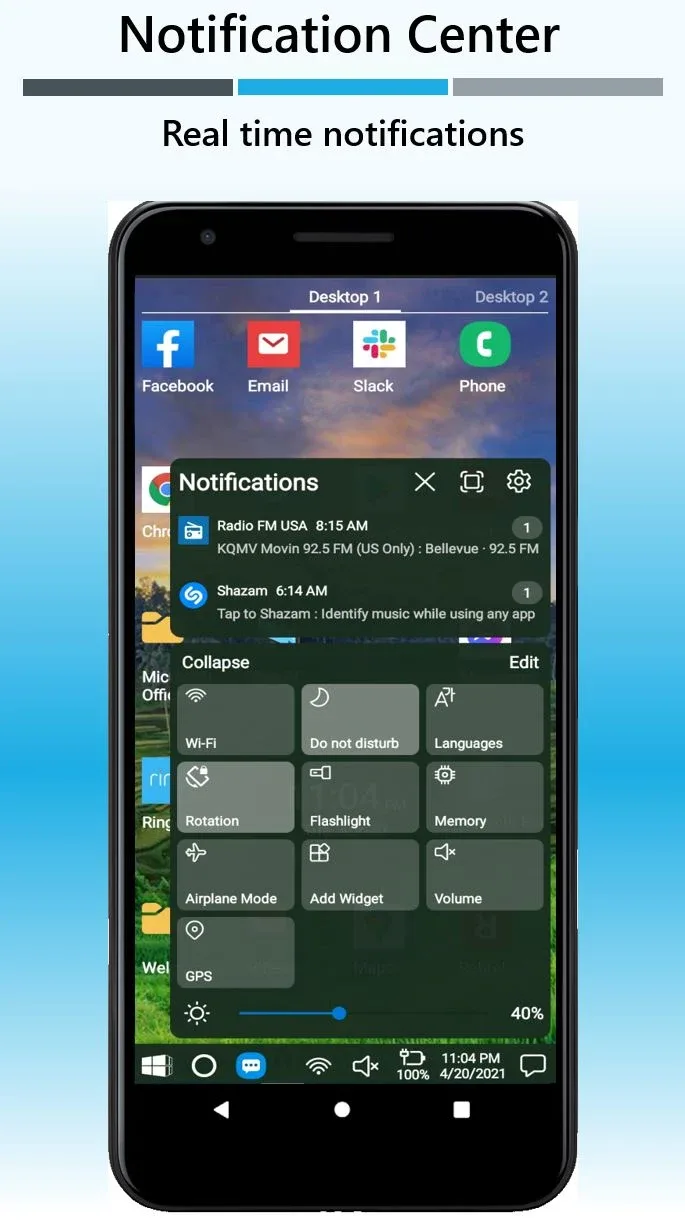
The turning a dry Android smartphone into professional like a real PC has never been that easy. Instead of having to get used to complex and confusing customized interfaces from phone manufacturers, Win-X Launcher brings a streamlined but extremely effective solution by bringing the full experience of Windows 10 and Windows 11 onto mobile devices. I was truly surprised when seeing multitasking operations and file management which are strengths of computers now being smooth right on the palm of the hand. This is not only a change in terms of aesthetics, but is a leap forward in work productivity for those who are already too familiar with Microsoft’s operating system.
PROFESSIONAL DESKTOP INTERFACE
This application recreates perfectly the workspace of a personal computer, helping you master the device immediately without wasting time searching. The feeling of dragging and touching on the screen but receiving familiar visual feedback like using a real mouse and keyboard is truly very interesting.
- Windows style start: The start menu system is designed precisely, allowing you to quickly access all applications and system settings with only a single touch.
- Authentic taskbar experience: The taskbar located at the bottom of the screen helps manage running processes and switch back and forth between tasks in an extremely professional way.
- No interruptive ads: An extremely big plus point is the application is completely clean of advertisements, ensuring your workspace is always seamless and not disturbed.
SUPREME CUSTOMIZATION OPTIONS
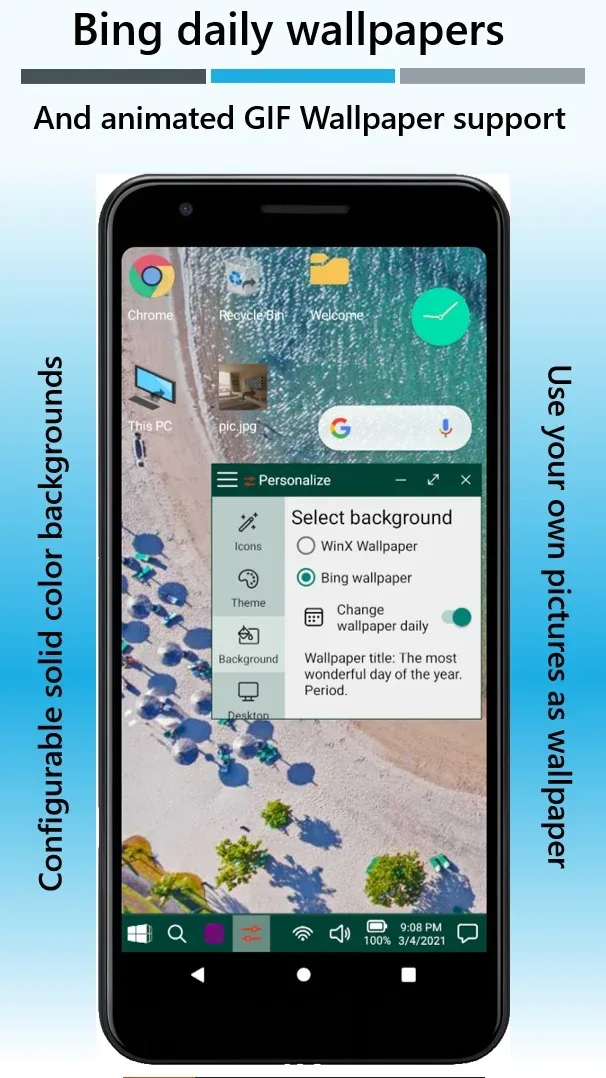
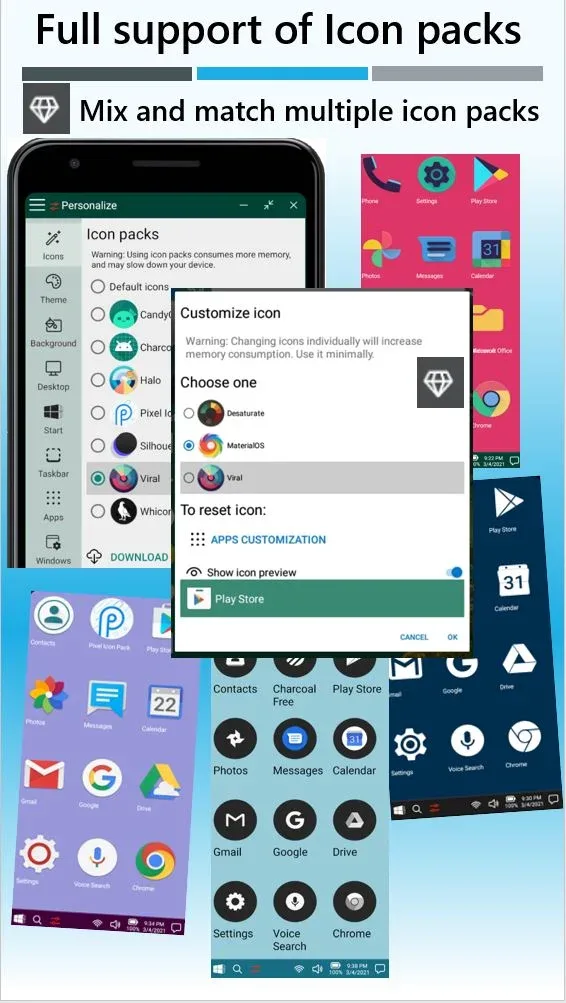
Besides the sophisticated default interface, Win-X Launcher also allows users to intervene deeply into every small detail to personalize according to their own style. I noticed that whether you are a person who prefers minimalism or wants a colorful interface, the application responds smoothly.
- Flexible theme switching: You can freely choose between the modern style of Windows 11 or the stability, familiarity of Windows 10 at any time.
- Personalized layout settings: Users easily change icon sizes, rearrange widgets and fine-tune the toolbar to optimize display space.
- Premium feature upgrades: Although the free version is already very complete, upgrading to the paid package will unlock more privileges helping the personalization experience reach a perfect level.
![Disk & Storage Analyzer [PRO] (Drives)](https://9mod.com/wp-content/uploads/2025/08/disk-storage-analyzer-pro.webp)



Comments (0)