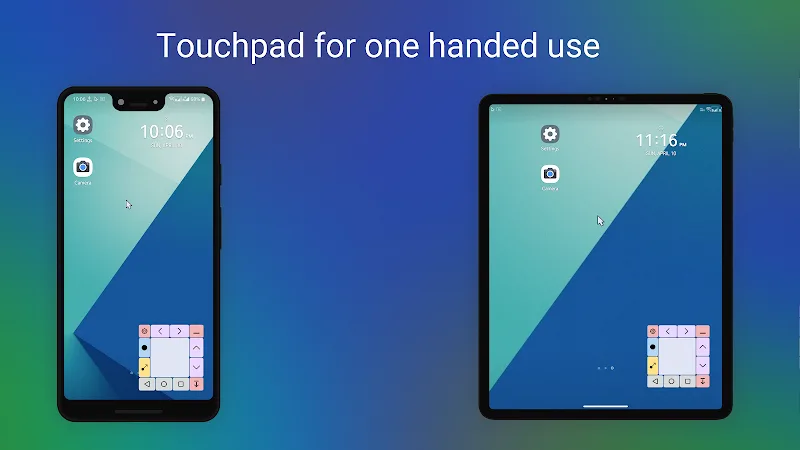
Smart navigation support tools open up a completely new interaction method helping to overcome the annoyance of operating on large screens. Touchpad for Big Phone & Tab helps you operate on mobile devices exactly like operating on a computer. Thanks to that, familiar working operations allow you to approach work faster. The application creates a minimized touchpad area right below the interface, supporting professional cursor display similar to a computer. Smooth operation gameplay helps customers easily reach the topmost positions of the screen without spending too much effort.
FREE CUSTOMIZATION AND PERSONALIZATION OPTIMIZATION
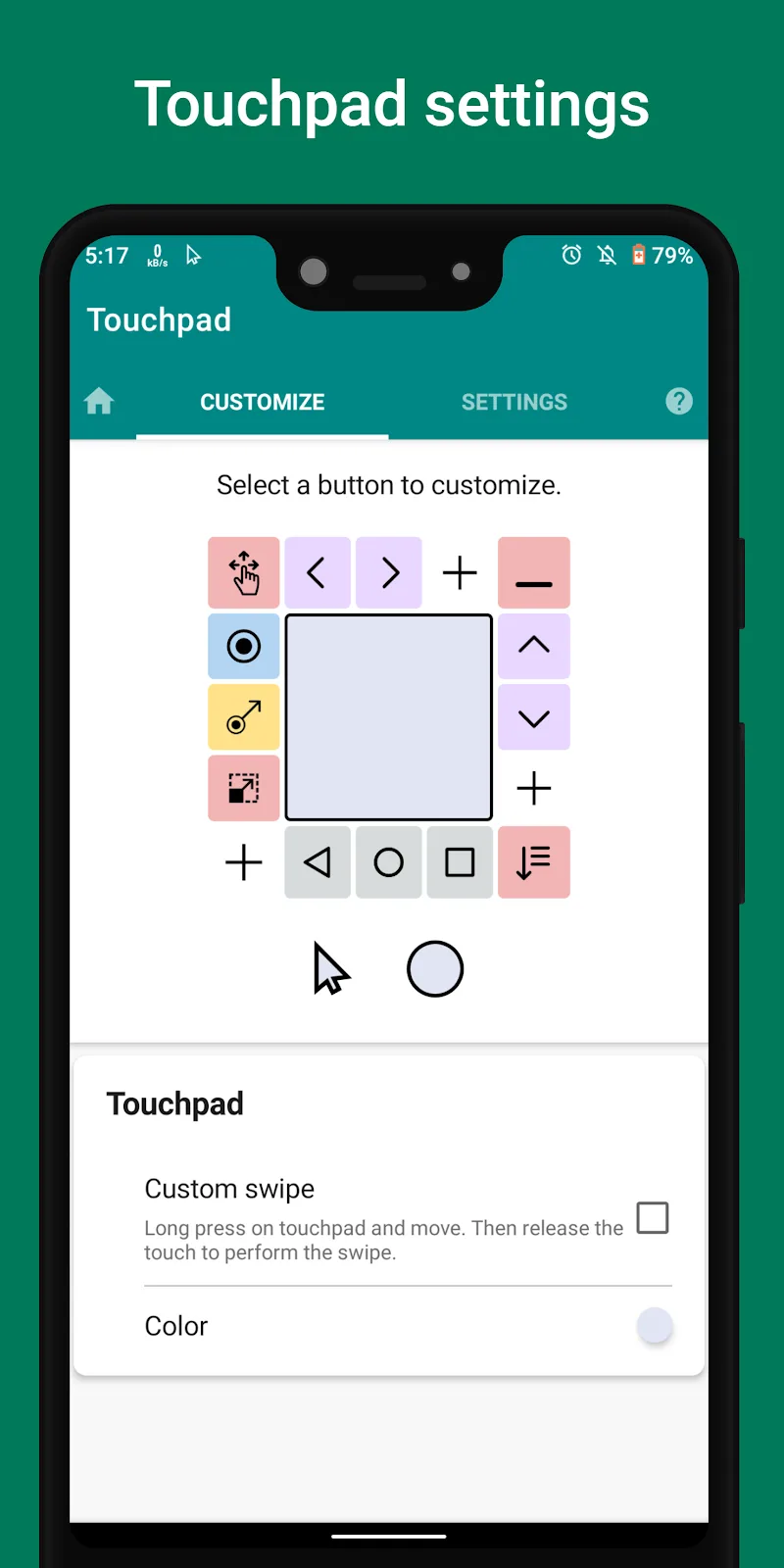
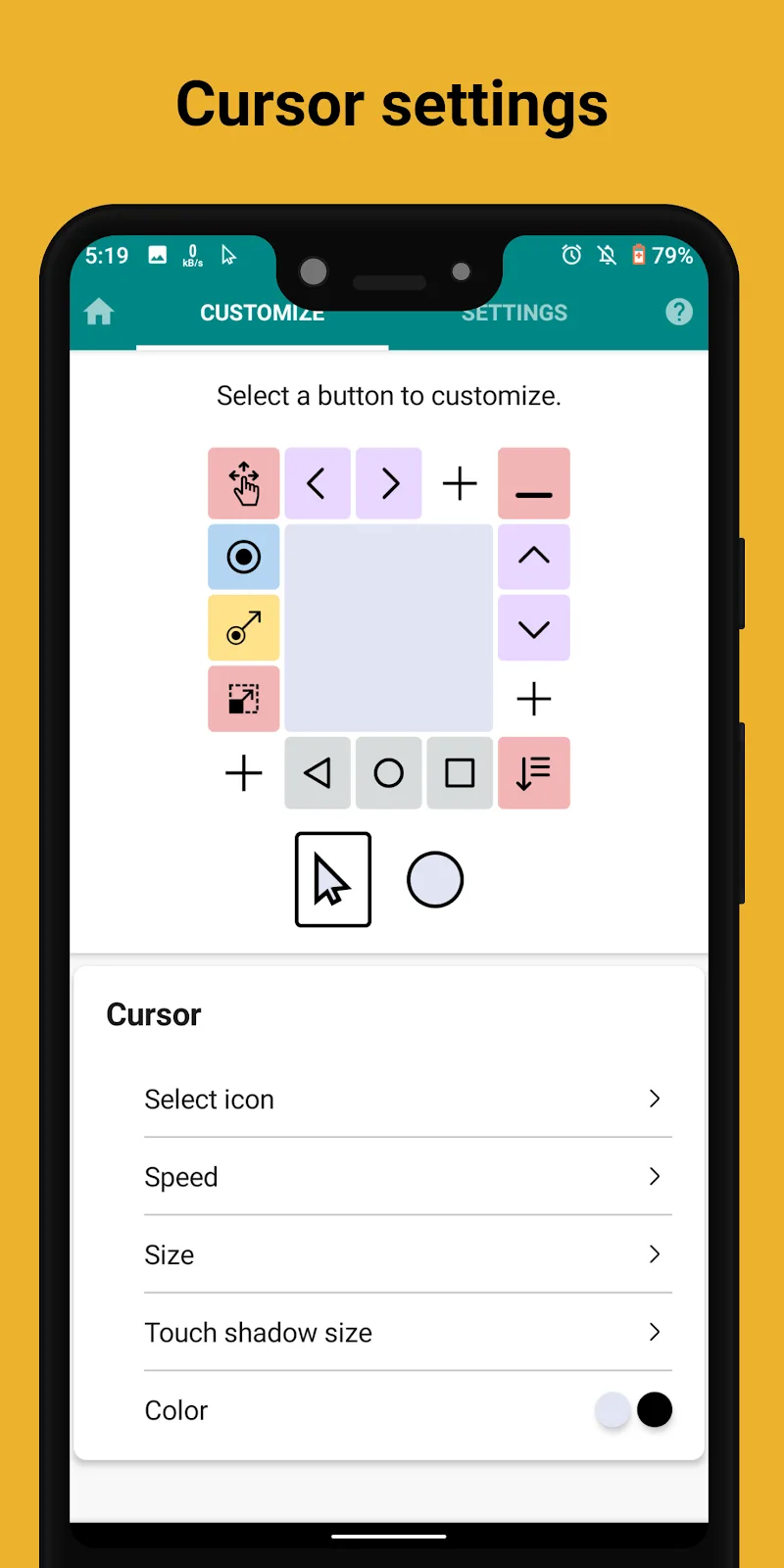
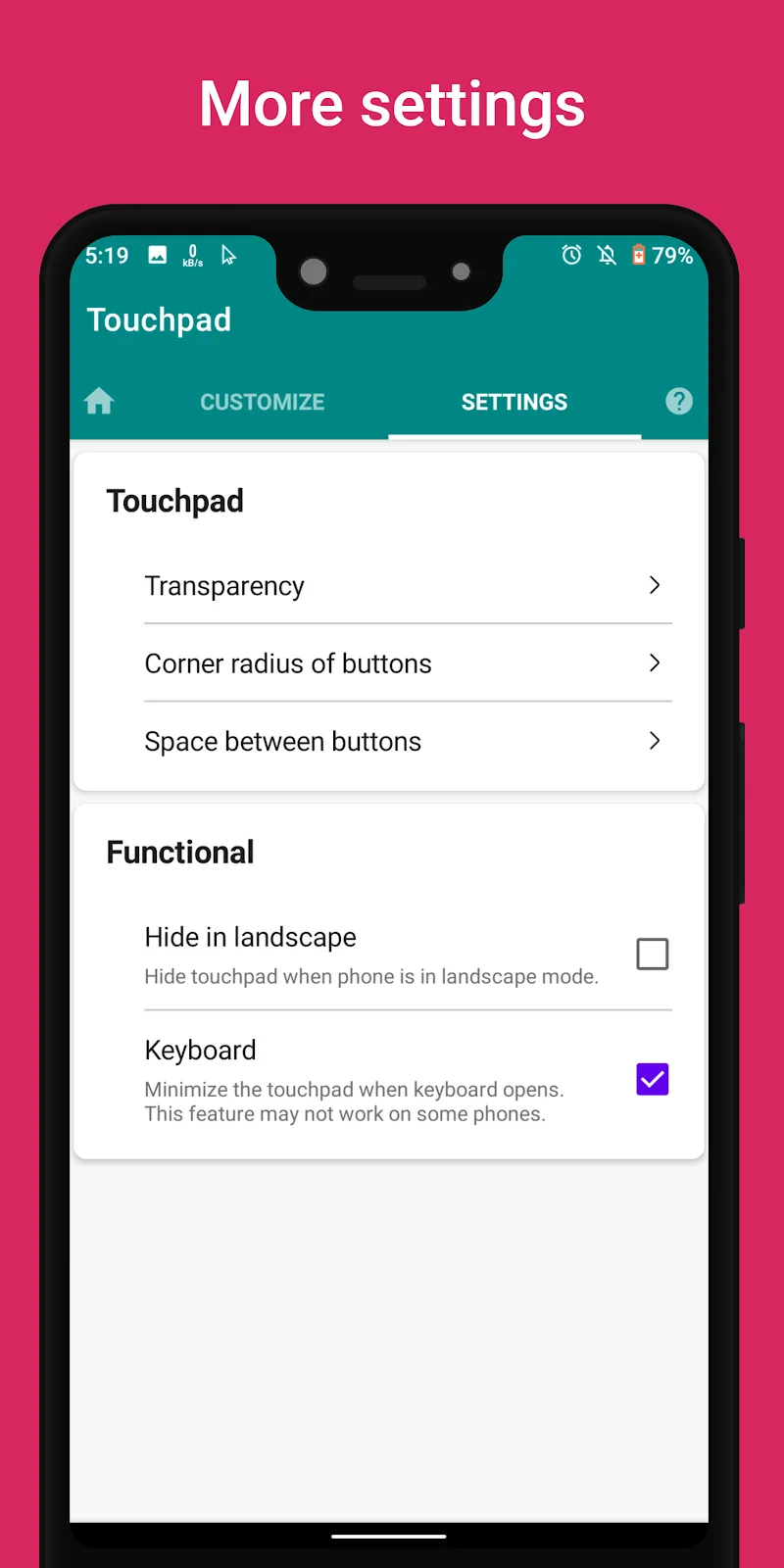
The application deeply intervenes in the appearance allowing you to proactively transform opacity and display frame ratios according to your own aesthetic taste. The flexible design supports you to freely change the speed, icon, and color of the mouse cursor according to your personal preference. Nevertheless, you can still proactively minimize the touchpad into a convenient bubble icon when not in need of use. In this way, all customers always keep the perfect display space on their device.
- Interface: Customize transparency
- Cursor: Change speed icon
- Minimize: Quickly toggle widget
ACTION BUTTON SYSTEM AND SMART OPERATIONS
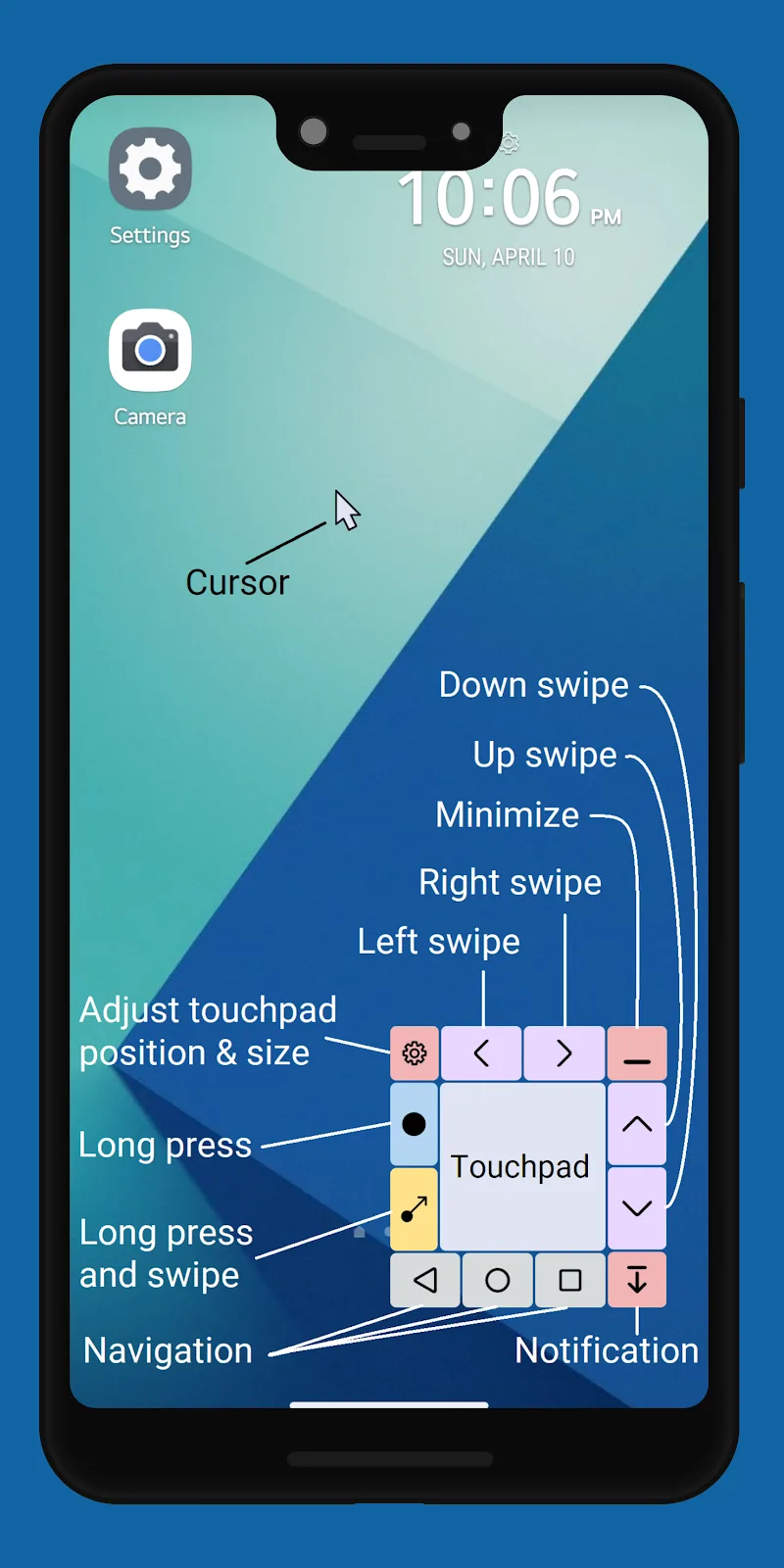
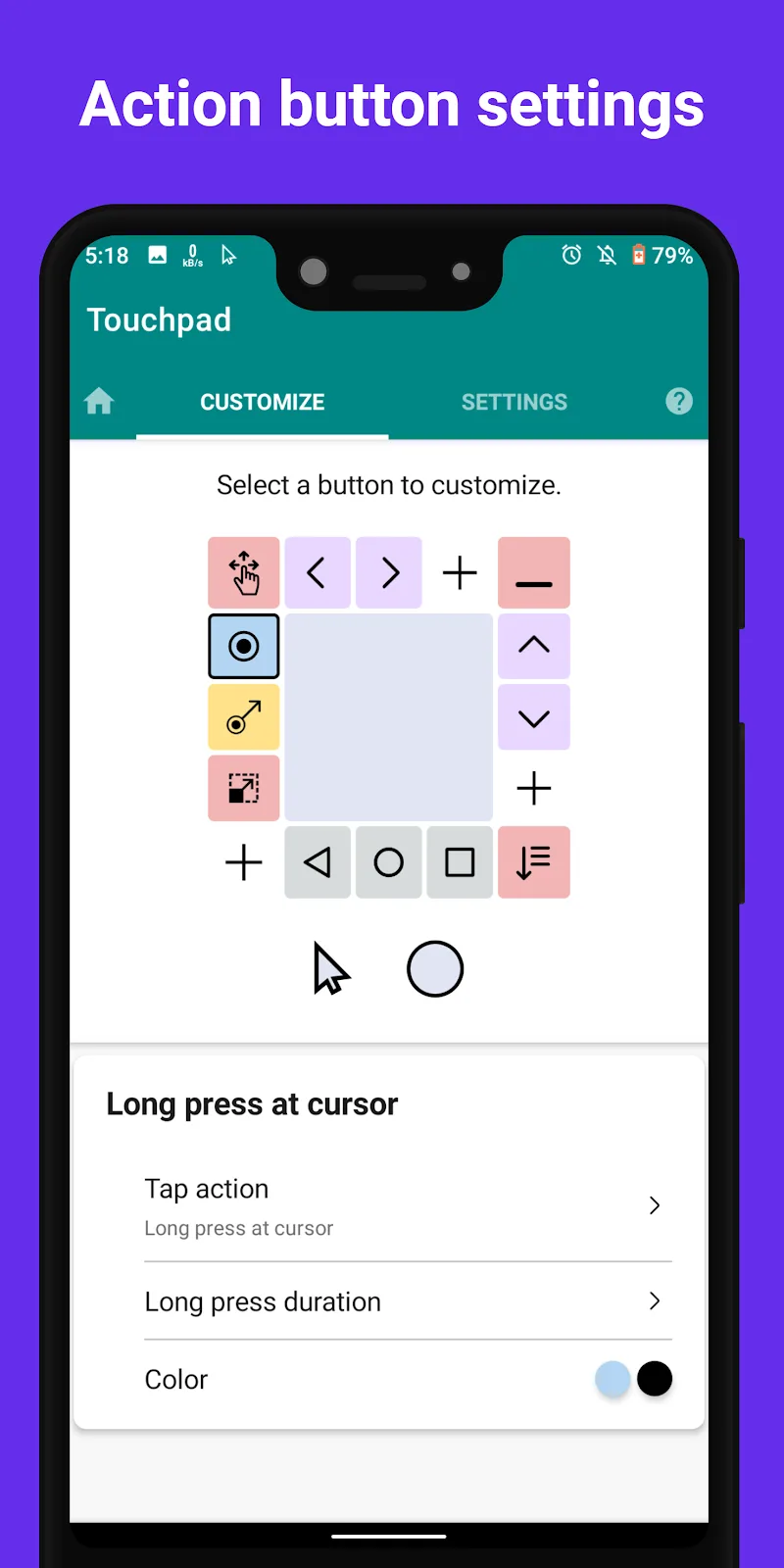
The series of utility keys arranged around the virtual frame will completely take over the role of the physical hardware key system. Accessibility API integration allows users to easily swipe, drag and drop, or open the notification panel with just a light touch. Besides, the custom swipe feature based on starting and ending points brings extremely precise control capability. Therefore, the need to replace physical keys and traditional navigation bars is entirely within your reach.
- Operation: Quick swipe touch drag drop
- Control: Replace physical buttons
- Accessibility: Smooth precise interaction


Comments (0)