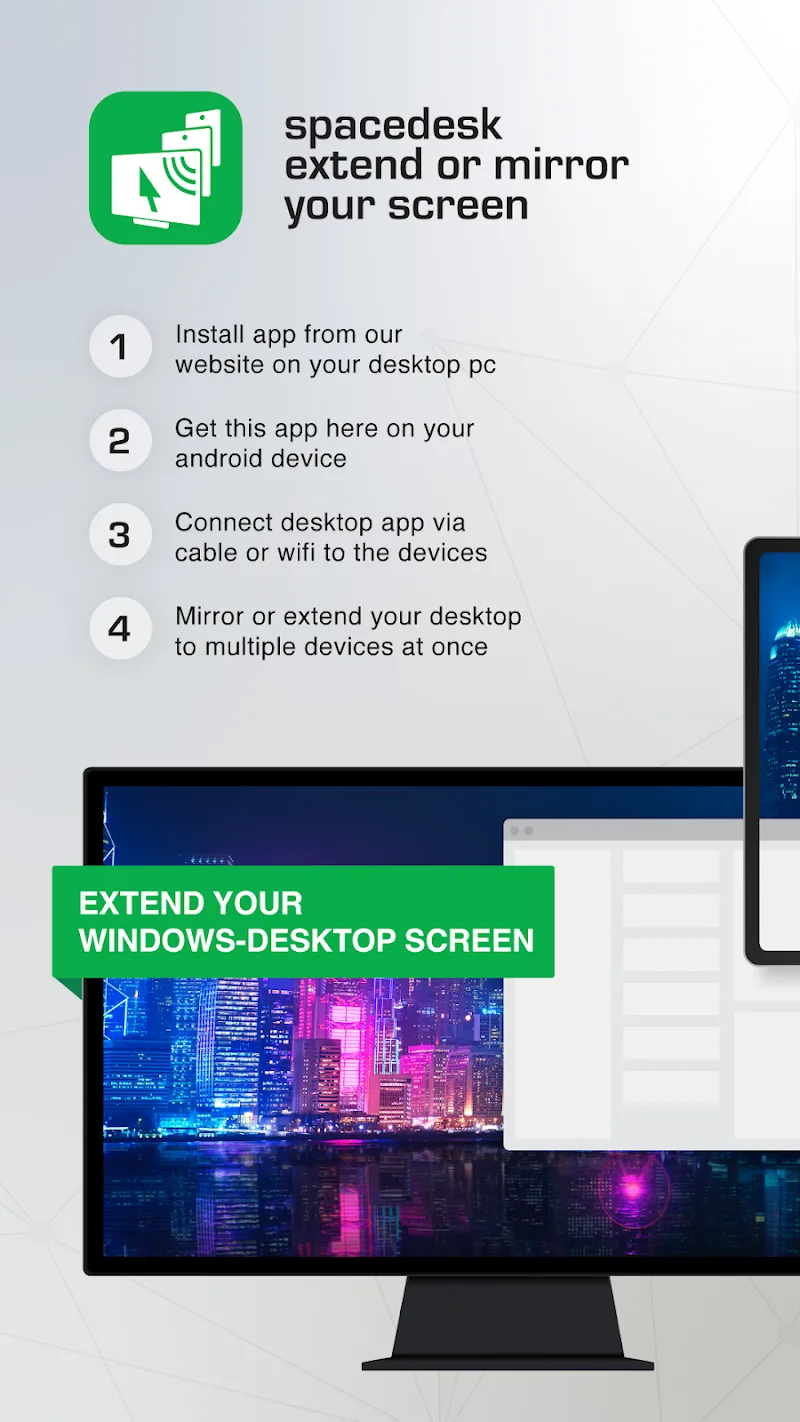
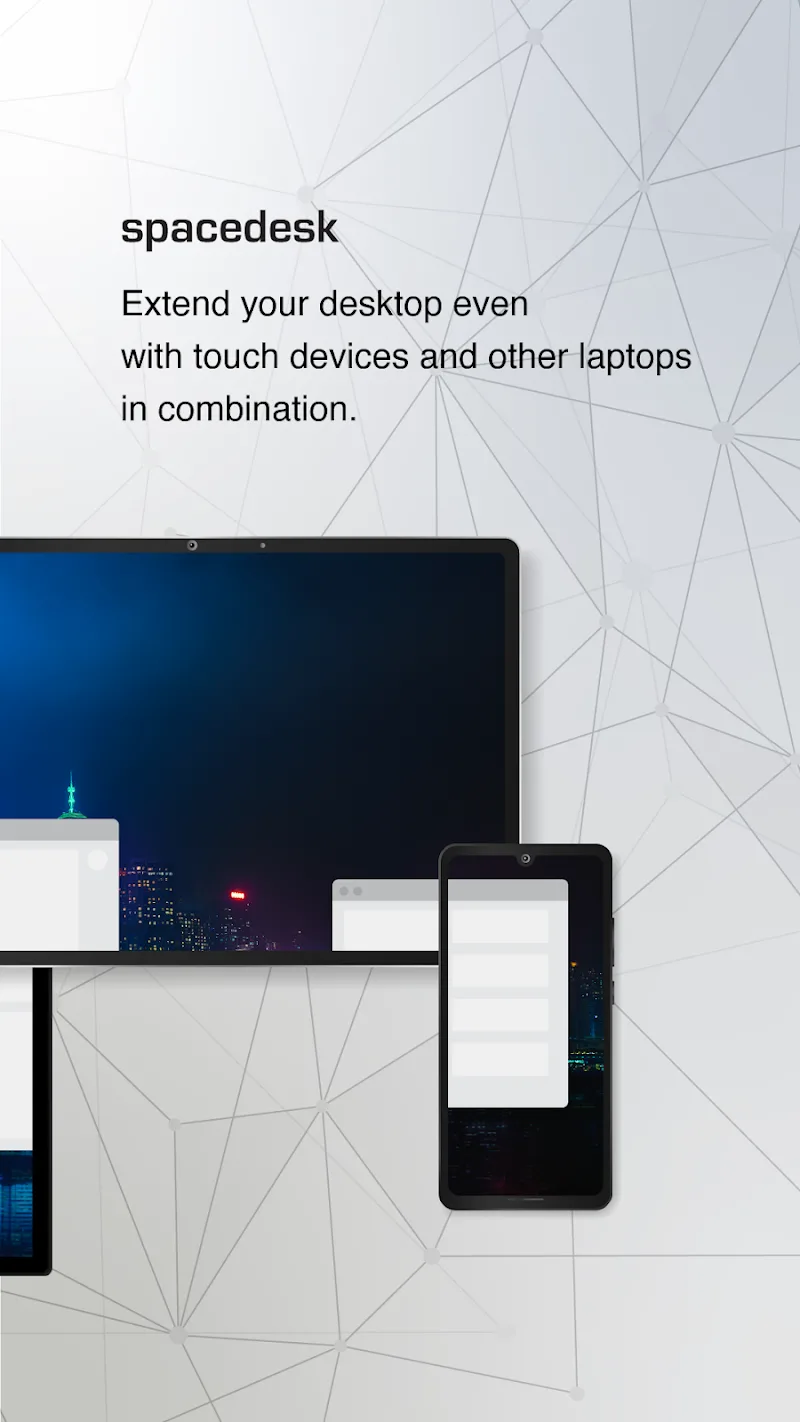
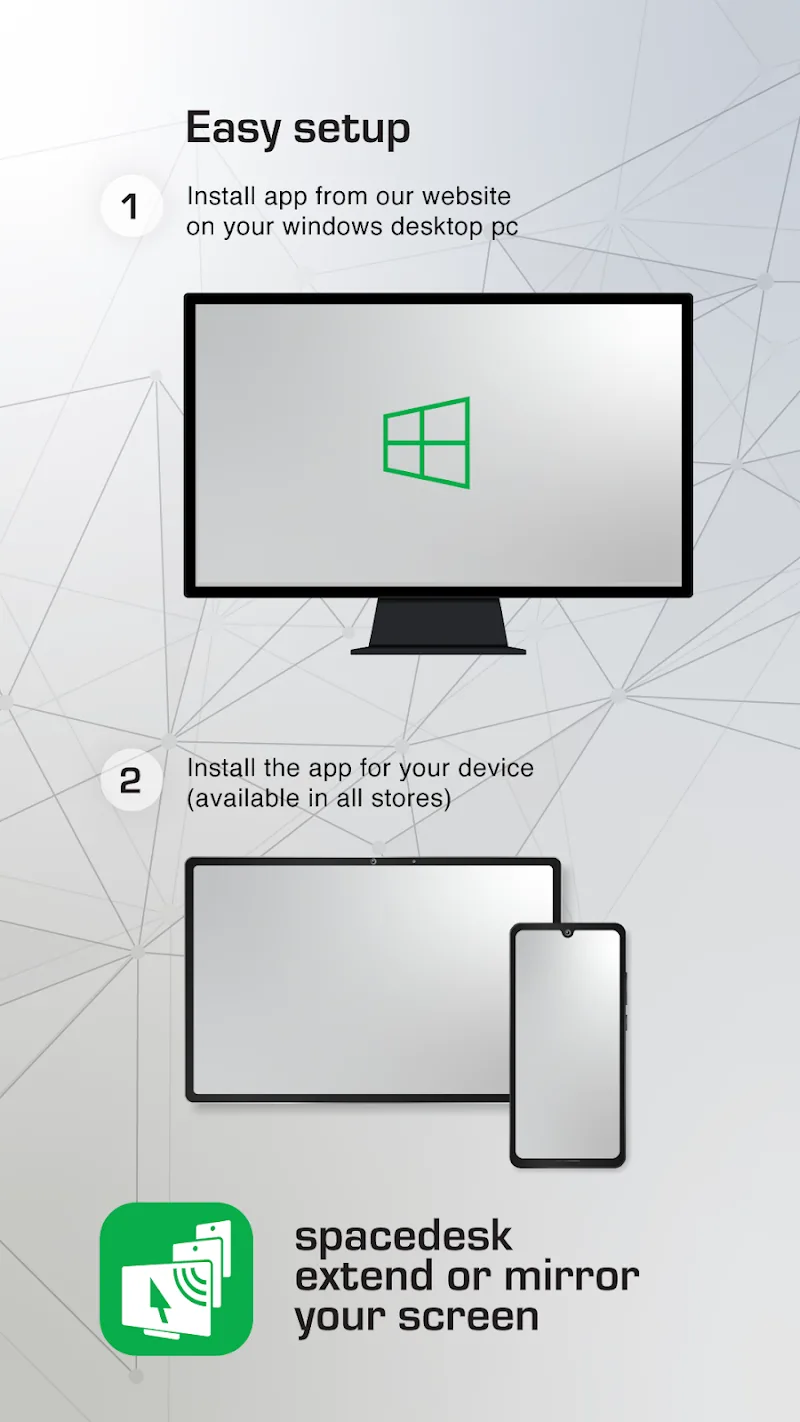
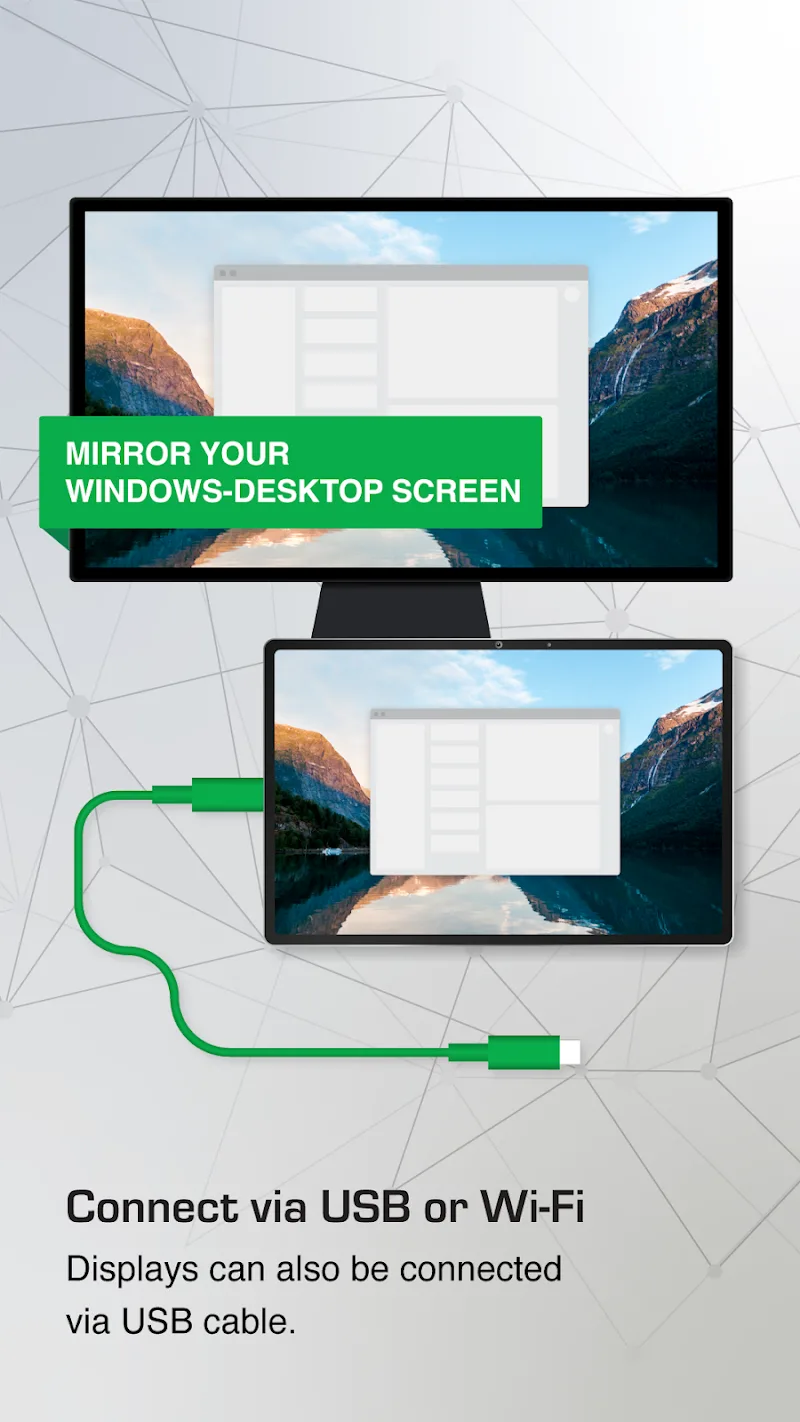
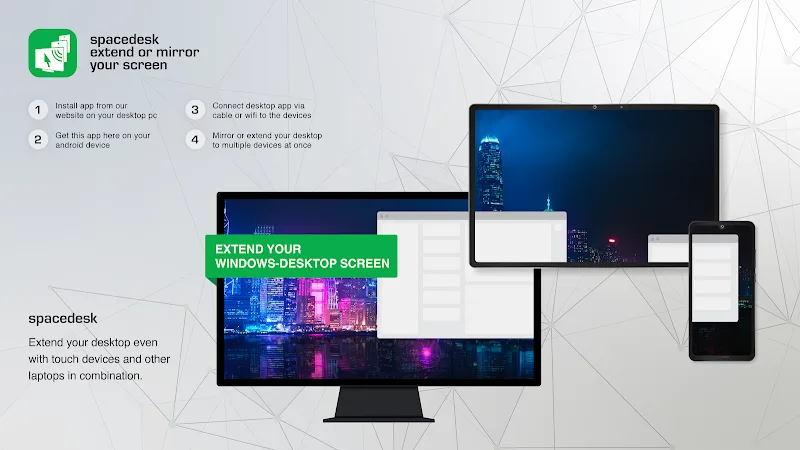
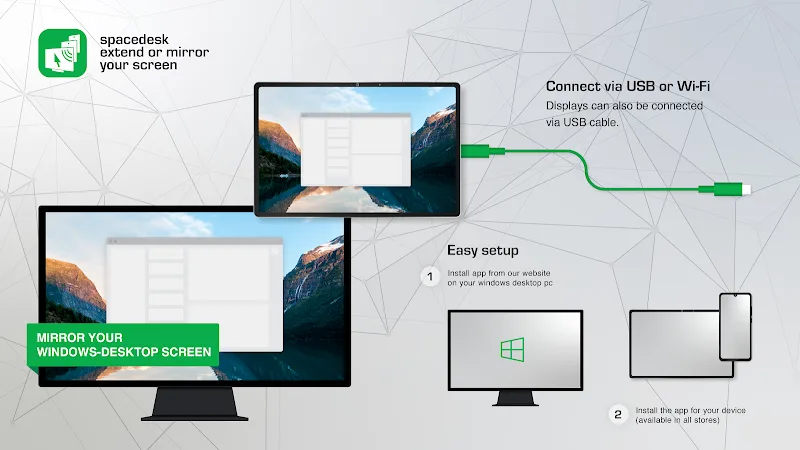
Turning your Android smartphone or tablet into a secondary screen for a Windows PC will become extremely easy. Spacedesk becomes a powerful assistant for those who often work across different devices. This screen extension and remote control utility allows users to expand their workspace or mirror displays via USB, Wi-Fi, and local LAN connections. Any connection method helps users easily control their computer. By supporting multi-touch interaction and pressure-sensitive styluses, the software transforms your mobile device into a professional graphics tablet.
VERSATILE CONNECTION AND SECONDARY DISPLAY CUSTOMIZATION
Supporting both wired and wireless connections helps users easily set up a mobile multi-monitor system anytime, anywhere. Therefore, it serves you in every situation where screen projection or device control is needed. By utilizing available devices as a second virtual screen, the app helps you expand the display space for office and graphic design tasks. The seamless combination of screen mirroring and audio streaming delivers an intuitive working experience for users.
- Connection: Support USB, LAN, and Wi-Fi
- Display: Expand workspace
- Interaction: Support touch and drawing stylus
PERFORMANCE OPTIMIZATION AND REMOTE CONTROL
Users can directly control Windows PCs using the integrated keyboard, mouse cursor, and external speakers on their mobile device. Thanks to flexible orientation switching and customizable viewing modes, the software perfectly satisfies all presentation or artistic sketching needs. Setting up connections via personal hotspots maintains high transmission speeds without requiring an internet connection.
- Performance: Smooth transmission via USB cable
- Control: Integrated keyboard and mouse
- Flexibility: Easy portrait and landscape screen rotation

Comments (0)