
If you are looking for a way to turn the Android smartphone into a real programming station instead of only using it to surf social media, Pydroid 3 – IDE for Python 3 is exactly the “lifesaver”. This is not merely a soulless text editor; this application brings an entire giant Python 3 ecosystem into your pocket. The first time opening the application, I was quite shocked when seeing it support even “heavyweight” libraries that previously I was sure only ran on PC. The feeling of typing code right on the bus or in the coffee shop without needing to carry along the bulky laptop is truly very liberating.
POWERFUL OFFLINE INTERPRETER
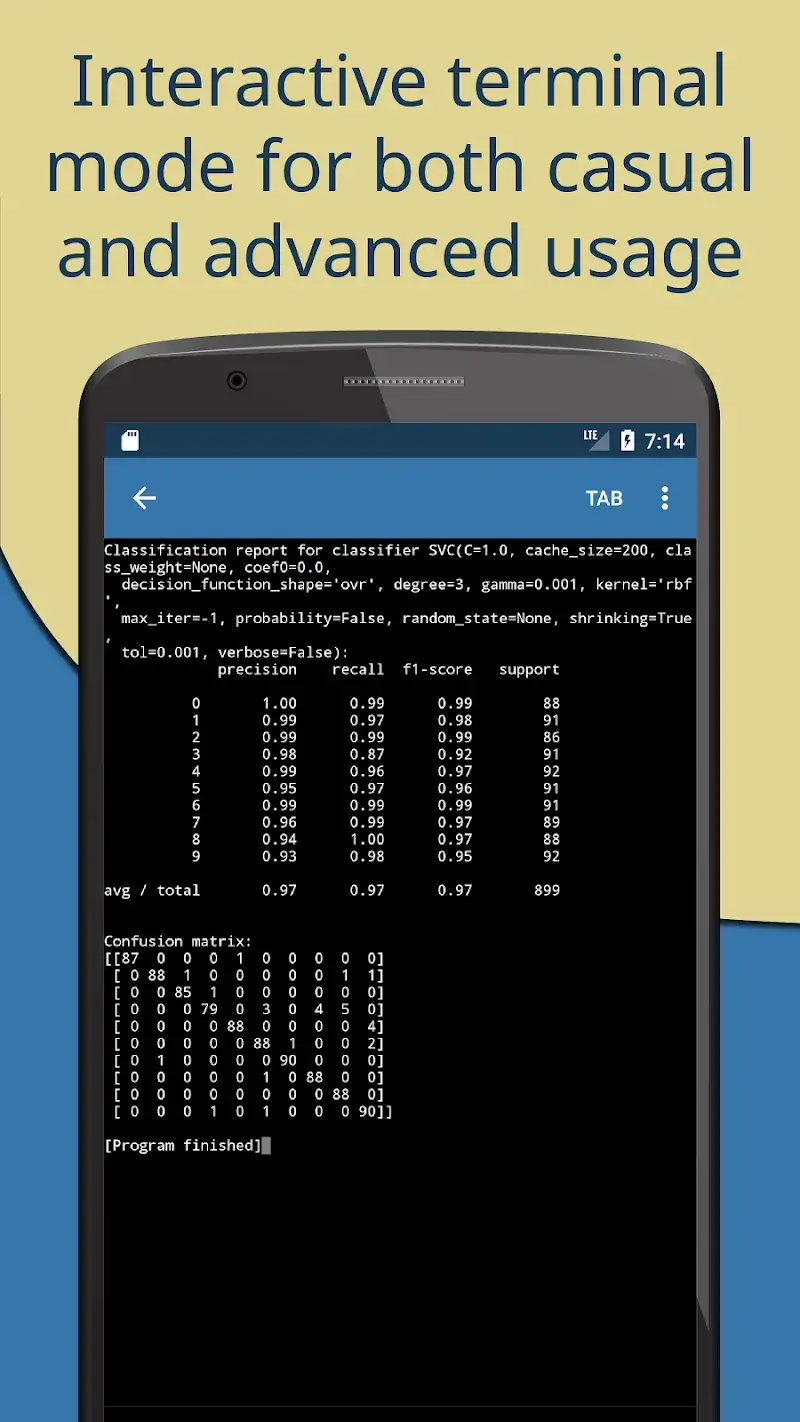
The most winning point of this application is exactly the ability to operate independently, helping you study and work every time every where without needing to worry about network connection.
- Offline python interpreter: You can execute Python 3 code snippets completely offline, a feature extremely useful when being in places with weak signal or simply wanting to save mobile data.
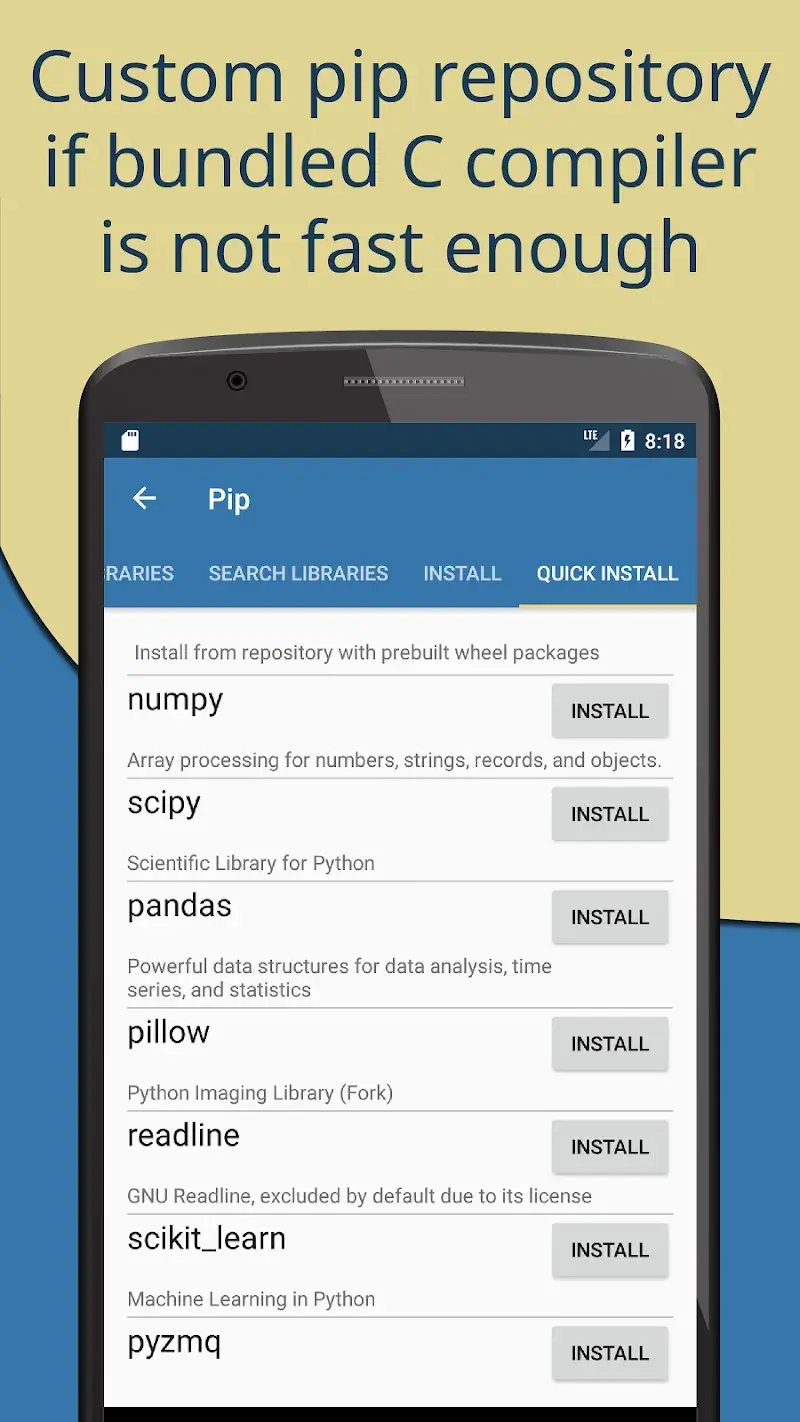
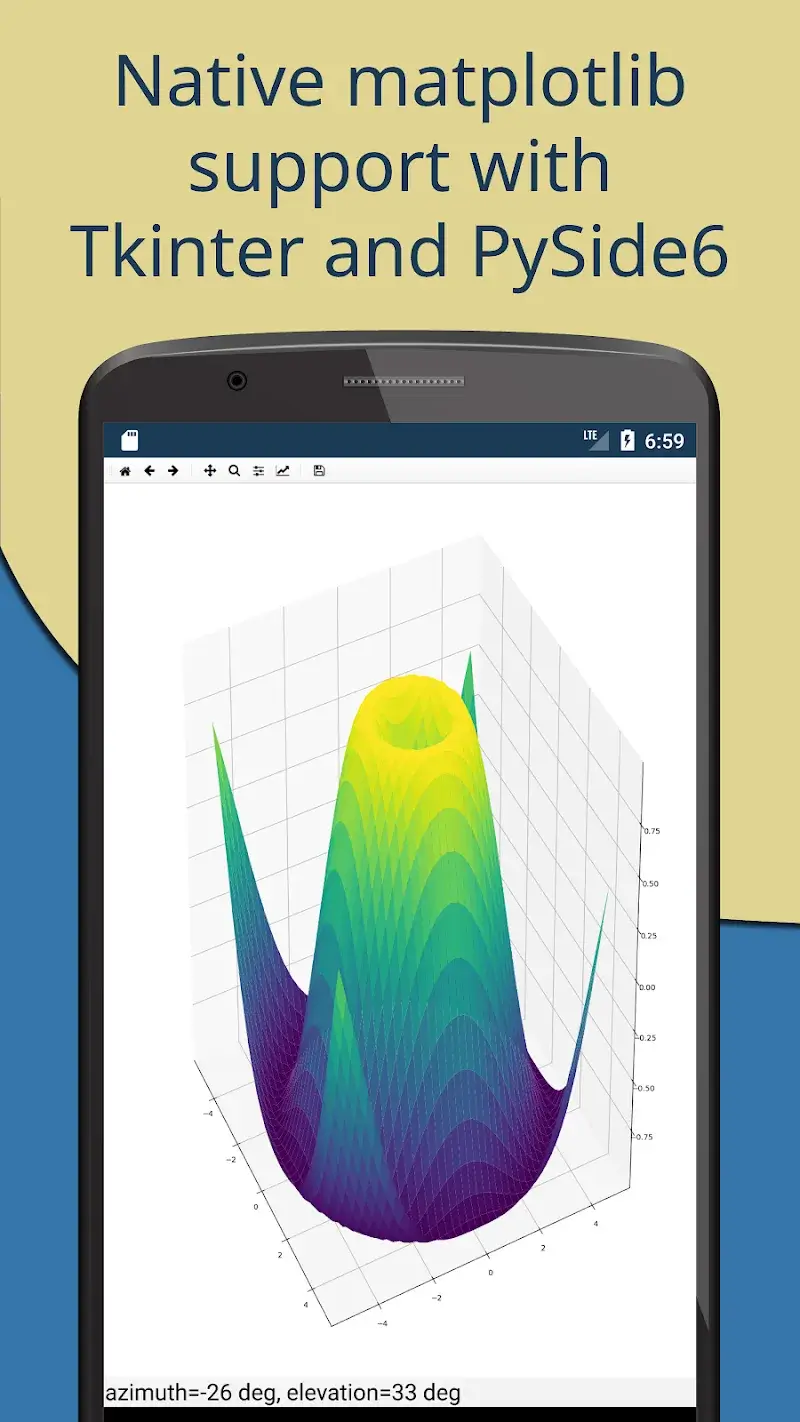
- Advanced pip manager: The application integrates Pip package manager along with custom repository for advanced scientific libraries such as numpy, scipy or matplotlib, helping the installation of complex packages become easy after only a few taps.
- Built-in compiler tools: Pydroid 3 owns C, C++ and even Fortran compilers designed specifically, allowing the application to self-build any libraries from pip even if it is using native code.
PROFESSIONAL DEVELOPMENT ENVIRONMENT
Despite running on mobile platform, but the editing and debugging experience that the application provides is not at all inferior to professional IDEs on computer.
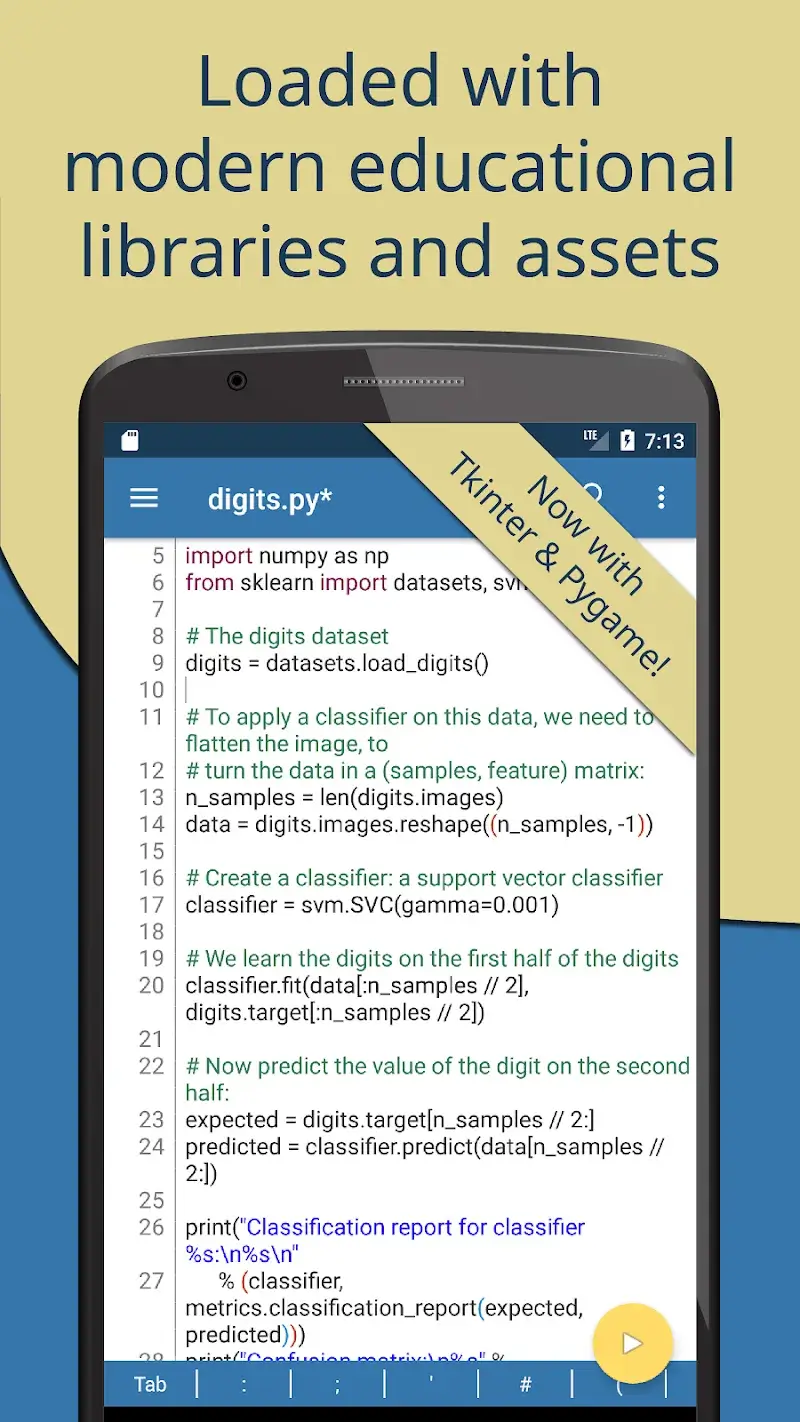
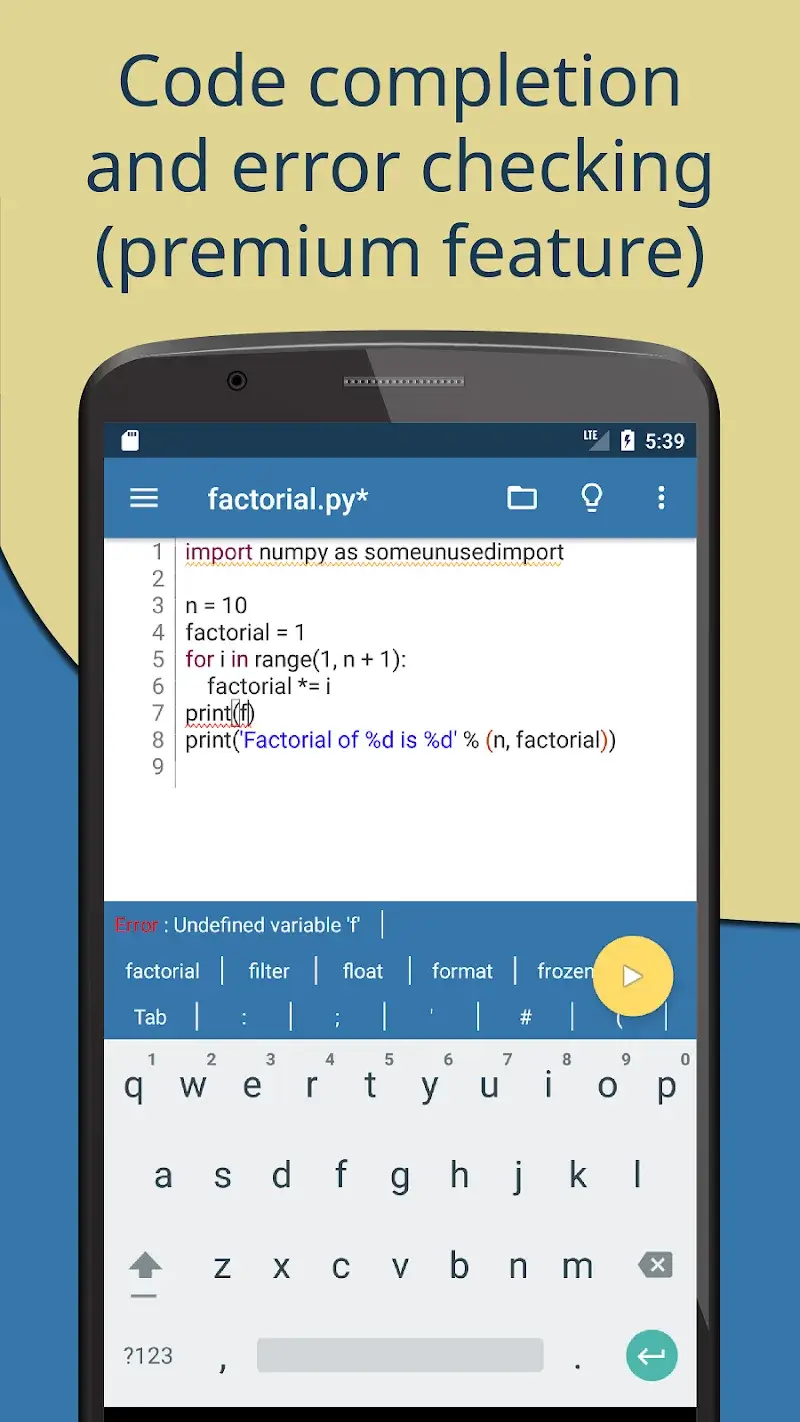
- Smart code prediction: The system supports code prediction, auto indentation and real-time code analysis, helping limit to the maximum the minor errors during the process of “dancing on keys” on the small touch screen.
- Extended keyboard bar: A dedicated keyboard tool bar is added, containing full of special symbols that the programmer circle often uses, helping the speed of typing code faster and more accurately than the default keyboard.
- Integrated PDB debugger: The application integrates available PDB debugger with full of features setting breakpoints and watches, helping you spot errors and optimize the program in a most intuitive way.











Comments (0)