
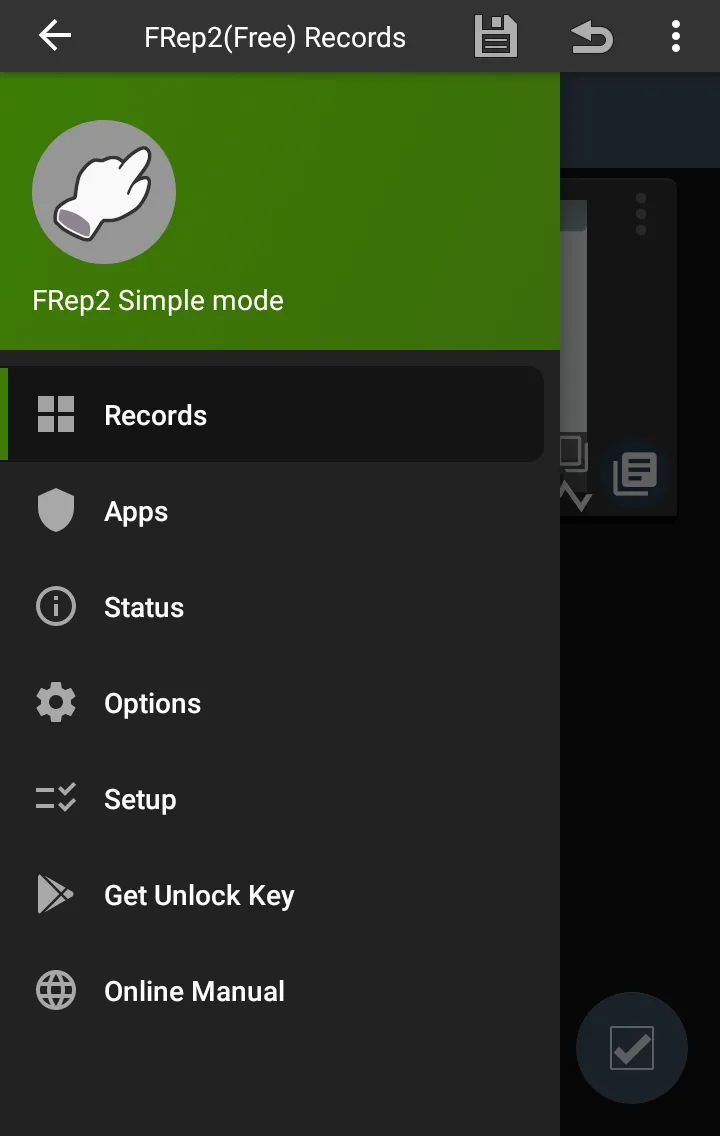
Performing repetitive touch and swipe operations on the phone screen not only causes boredom but also consumes a large amount of your precious time. FRep2 appears as a lifesaver solution, turning complex manual processes into highly professional automation sequences (RPA). I was truly convinced when first experiencing the ability to accurately record each finger gesture to then reproduce them perfectly with just one activation. No more soulless clicks—everything now operates by itself.
EFFORTLESS MACRO CREATION
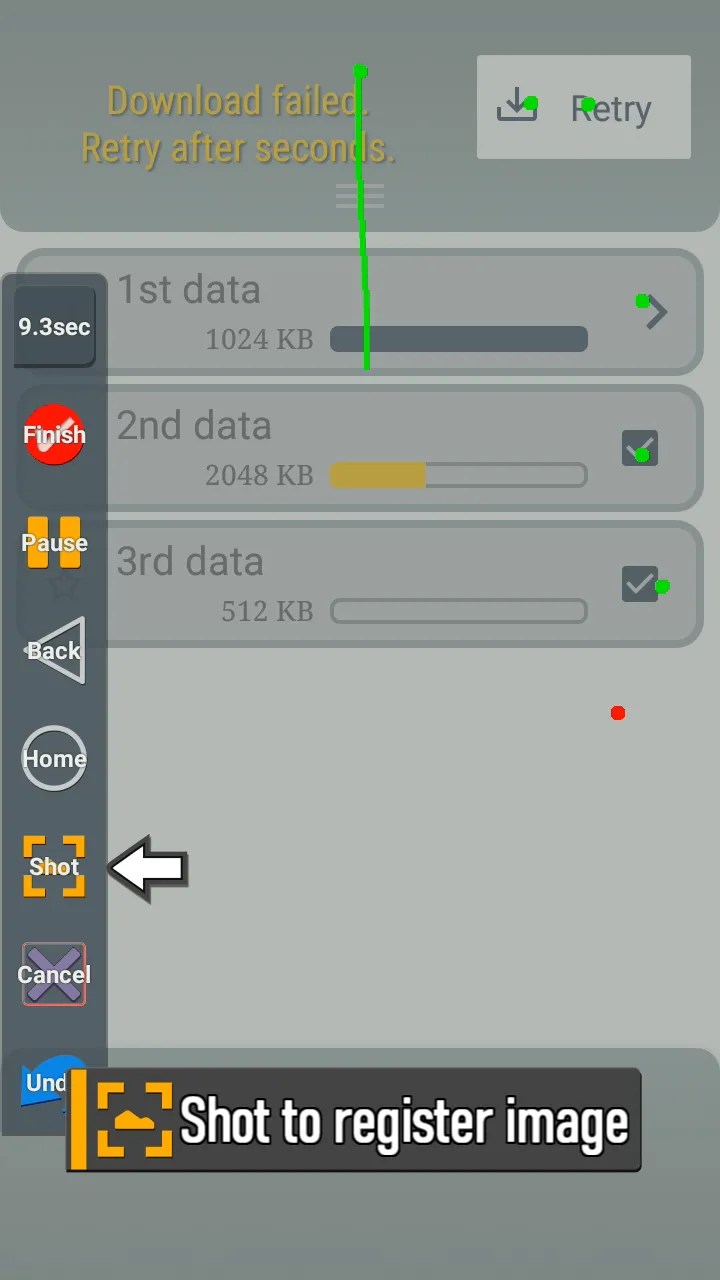
Building an automation script has never been so intuitive, as the application allows users to record actions directly right on the interface being used. Instead of having to sit and set up dry command lines, you only need to perform the action once and the system will automatically learn accordingly. Everything happens smoothly, from single touches to complex long swipes.
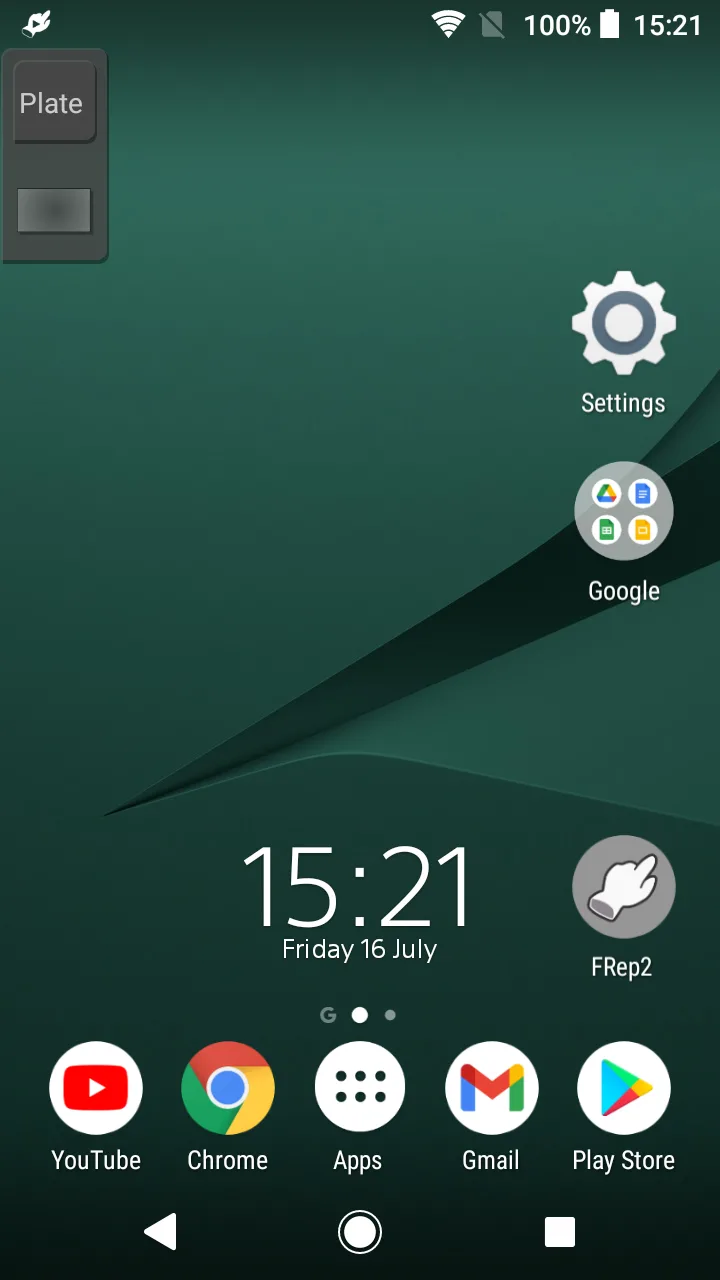
- Floating control panel: An intelligent control panel always on duty on the screen, helping you start or stop recording in just a split second without needing to switch back and forth between applications.
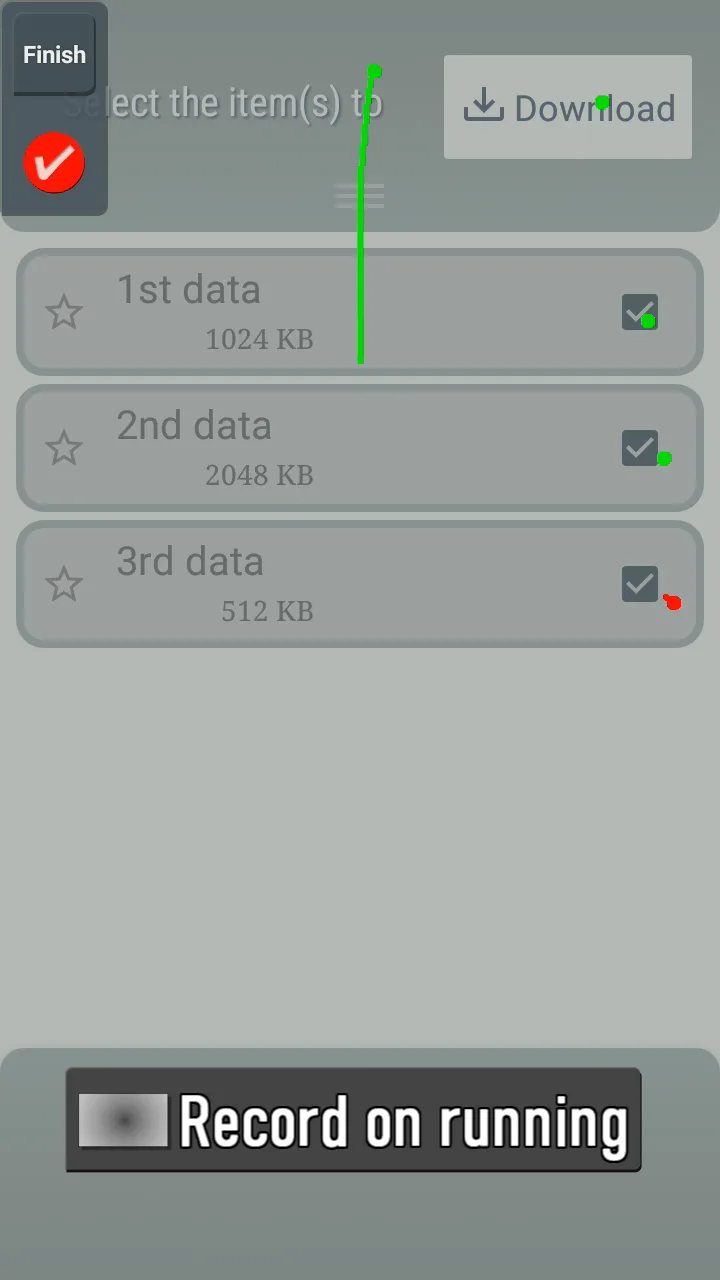
- Precise gesture recording: The ability to accurately record each coordinate and response time of the finger, ensuring the script is reproduced most faithfully compared to the original operation.
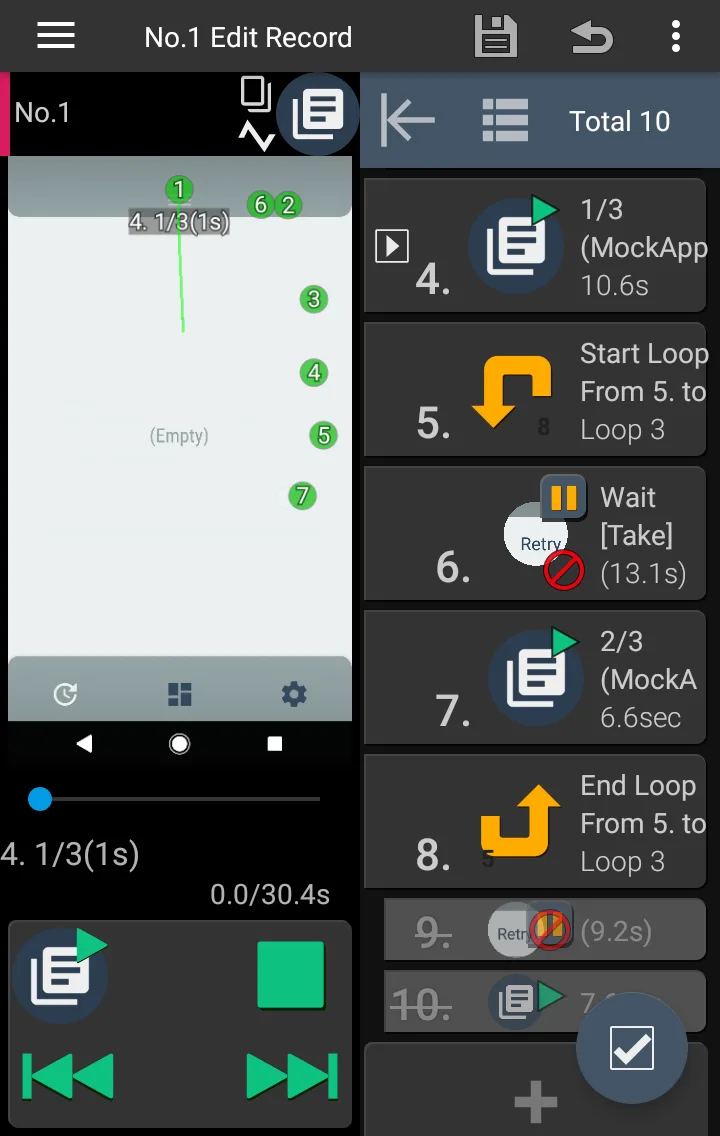
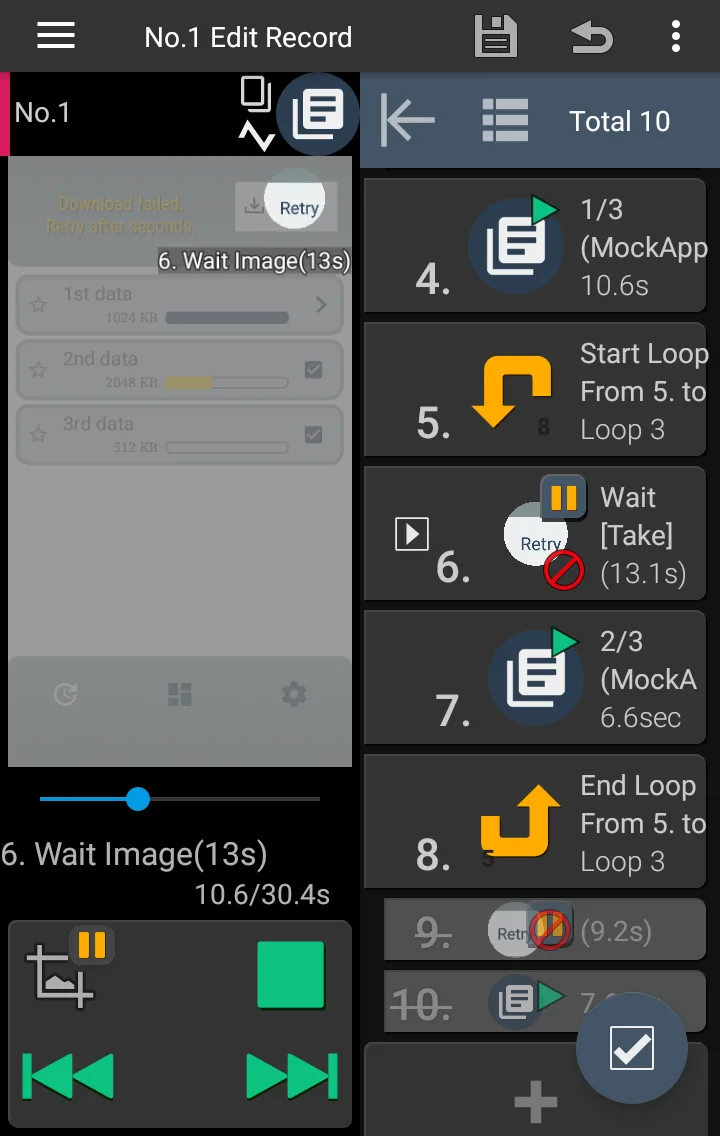
- Image recognition branching: The technological highlight lies in using images to branch actions, helping the macro know how to handle by itself when encountering network lag situations or sudden interface changes.
ADVANCED SYSTEM OPTIMIZATION
When going deep into in-depth customizations, I noticed this application is a true “weapon” for users who want to optimize device performance. It thoroughly solves issues regarding system latency or connection instability—factors that frequently ruin conventional macros. You are completely in control of your script in every operating condition.
- Process delay adjustment: Allows you to actively add pauses or extend waiting time between steps, helping the application operate stably even when the CPU is overloaded.
- Tasker plugin support: The ability to strongly connect with third-party automation tools, opening an infinite creative space for those who want to build a self-operating ecosystem.
- Screen visibility protection: Intelligent design helps users observe the entire operating process without being obscured by blind spots caused by fingers, extremely useful when needing to demonstrate features.







Comments (0)