
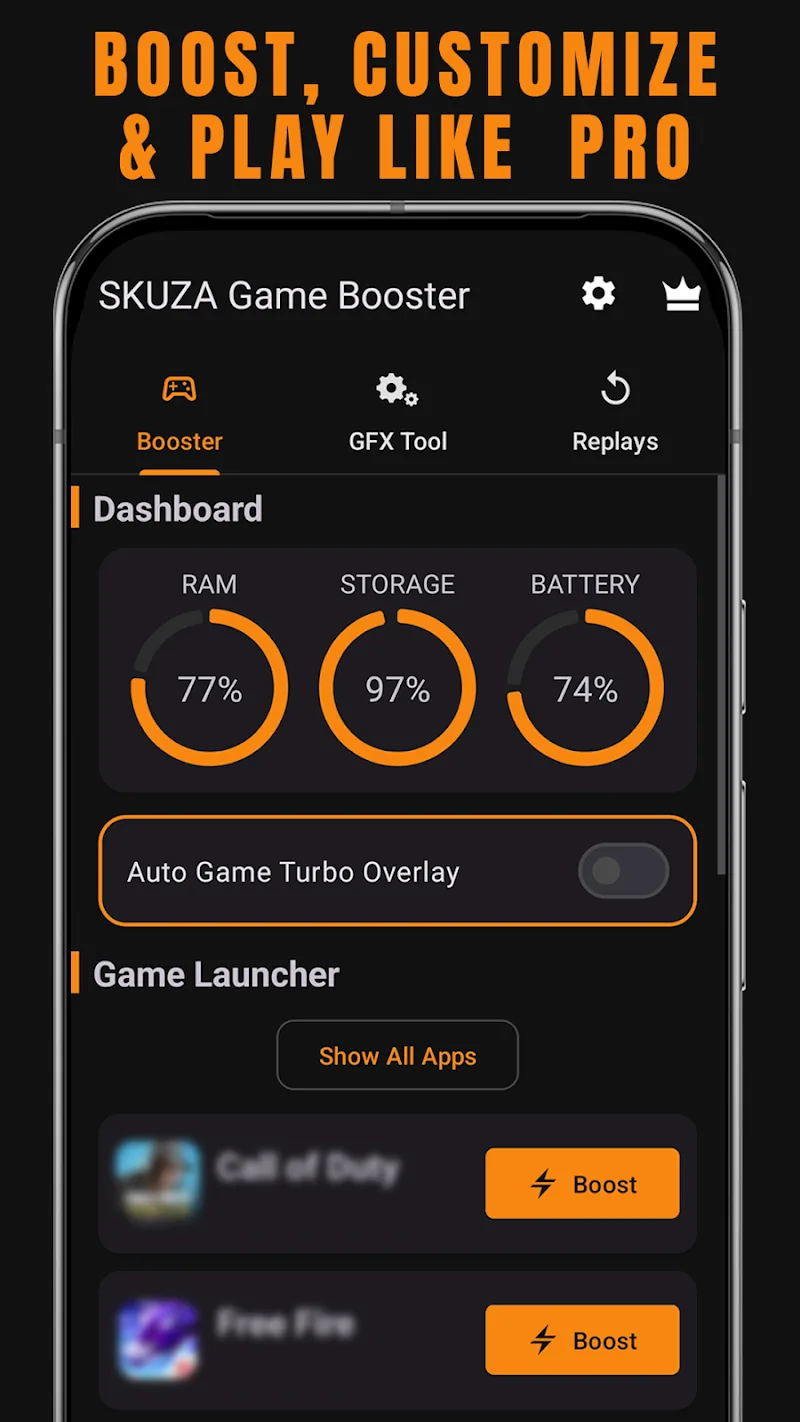
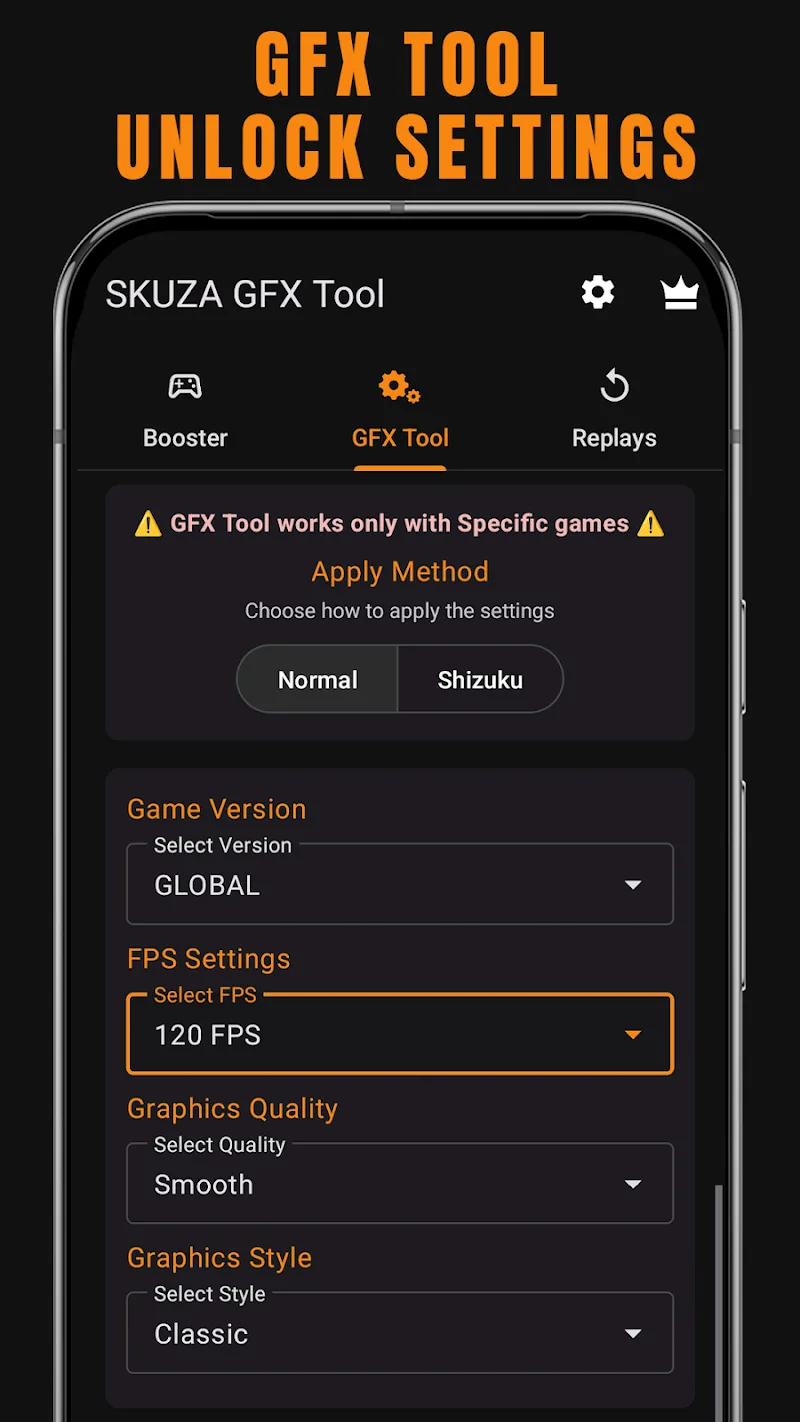
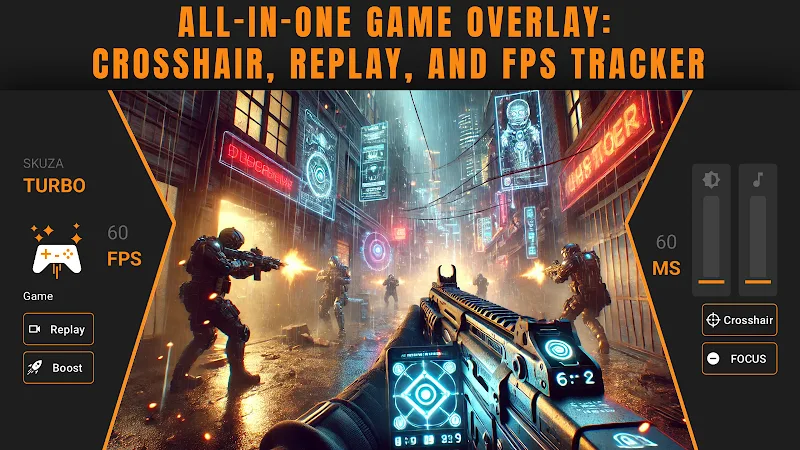
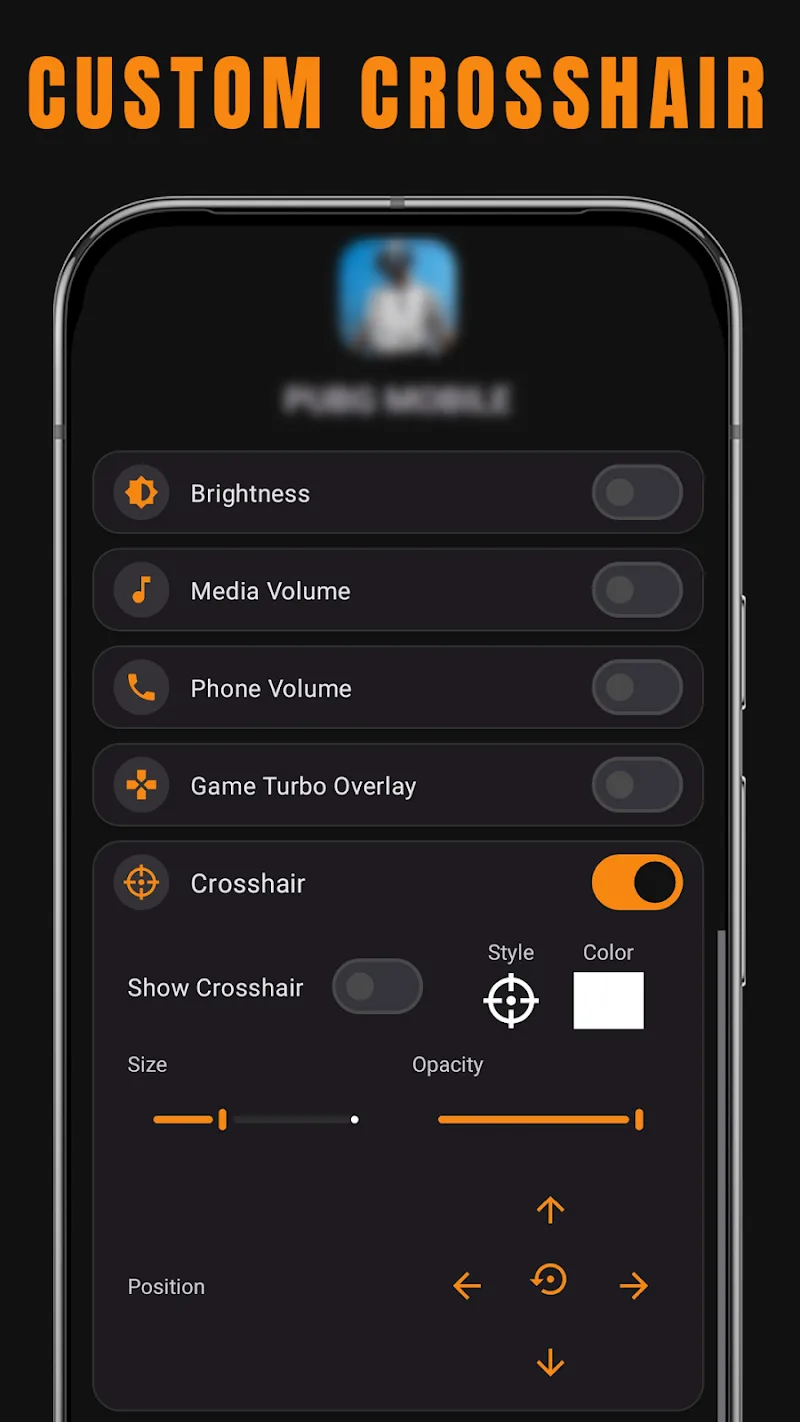
If you play games on your phone regularly and want to get better performance out of your device, SKUZA Game Booster & GFX Tool is worth a try. The app lets you adjust graphics, stabilize FPS and set up custom configurations for each game. The result is smoother visuals, faster response and a more consistent gaming experience from start to finish.
CUSTOMIZE GAME PERFORMANCE AND GRAPHICS YOUR WAY
SKUZA lets you fine-tune visual quality and FPS targets without needing any technical know-how. Just pick your game, adjust settings like rendering style and frame rate target, save it as a profile and load it up the next time you play. On top of that, the built-in launcher lets you jump straight into your game from within the app, making the whole process faster and far less distracting.
CAPTURE HIGHLIGHTS AND TRACK PERFORMANCE
The app comes with an instant replay feature that automatically saves the last 30 seconds of gameplay with a single tap — perfect for catching those standout moments or reviewing how you handled a tricky situation. Alongside that, a real-time performance dashboard displays CPU load, RAM usage and available storage while you play, giving you a clear picture of how your device is holding up and letting you adjust on the fly if needed.
PER-GAME PROFILES AND DISTRACTION-FREE PLAY
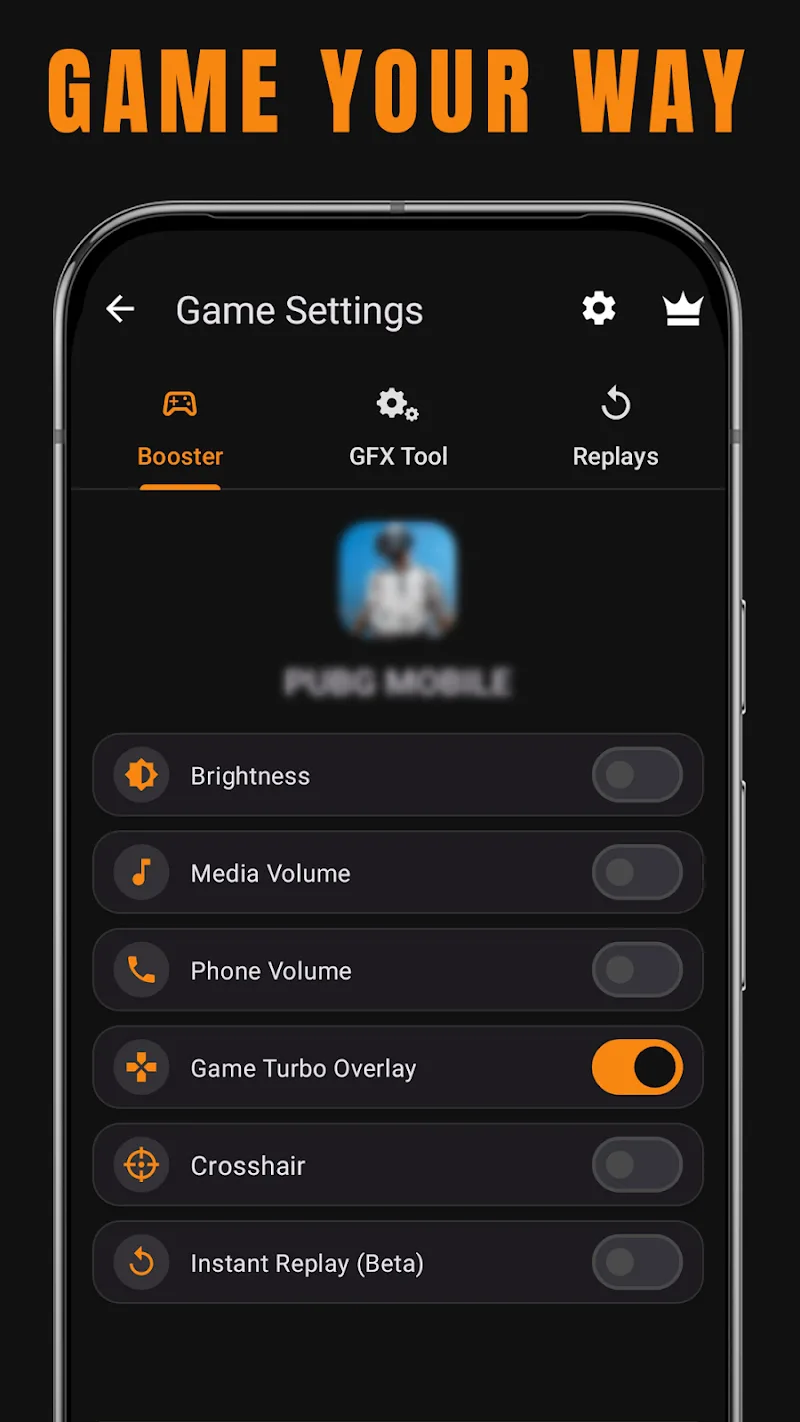
Every game can have its own dedicated settings for screen brightness, media volume and other phone behaviors to keep interruptions to a minimum while you play. Whether you need stable FPS for a competitive shooter or richer visuals for an adventure game, SKUZA keeps those settings locked in every time you open that game — no need to set things up from scratch again.









Comments (0)