
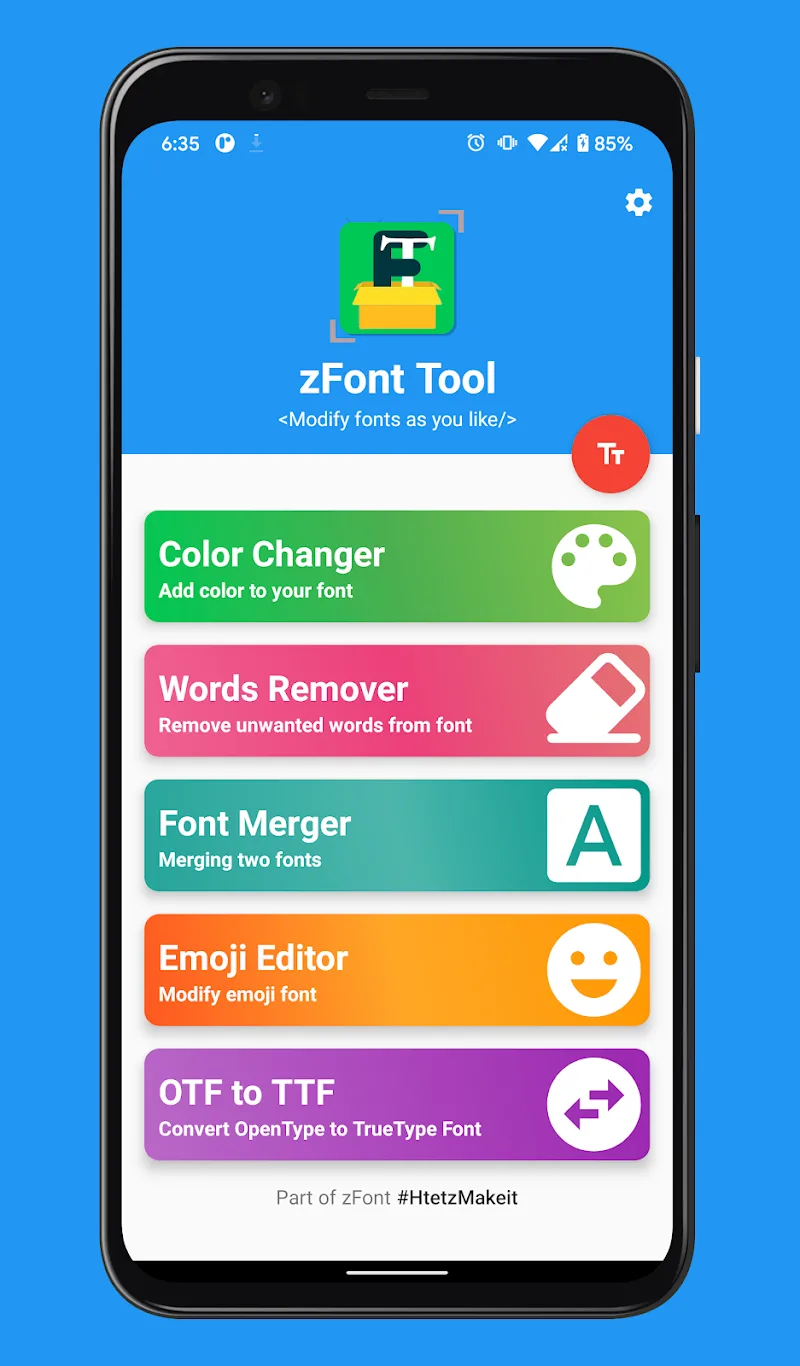
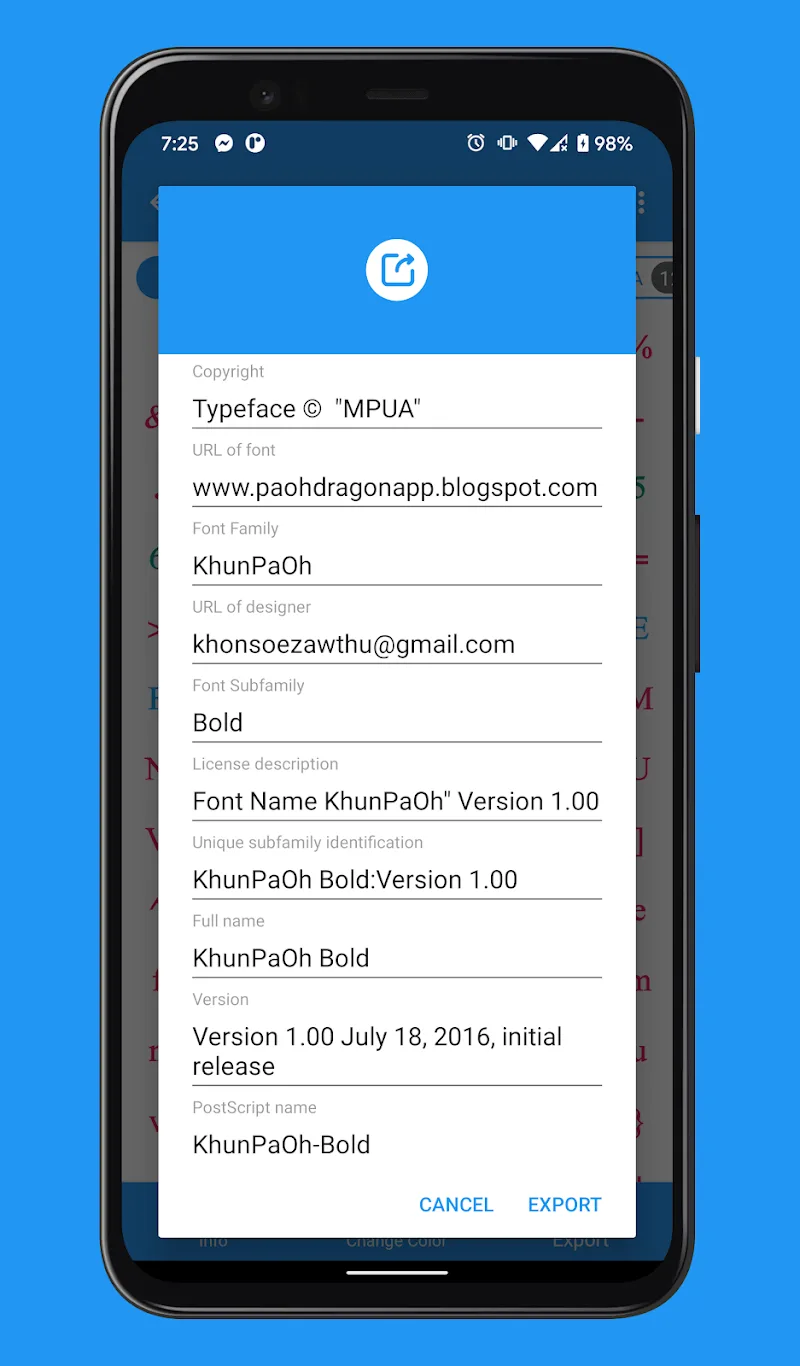
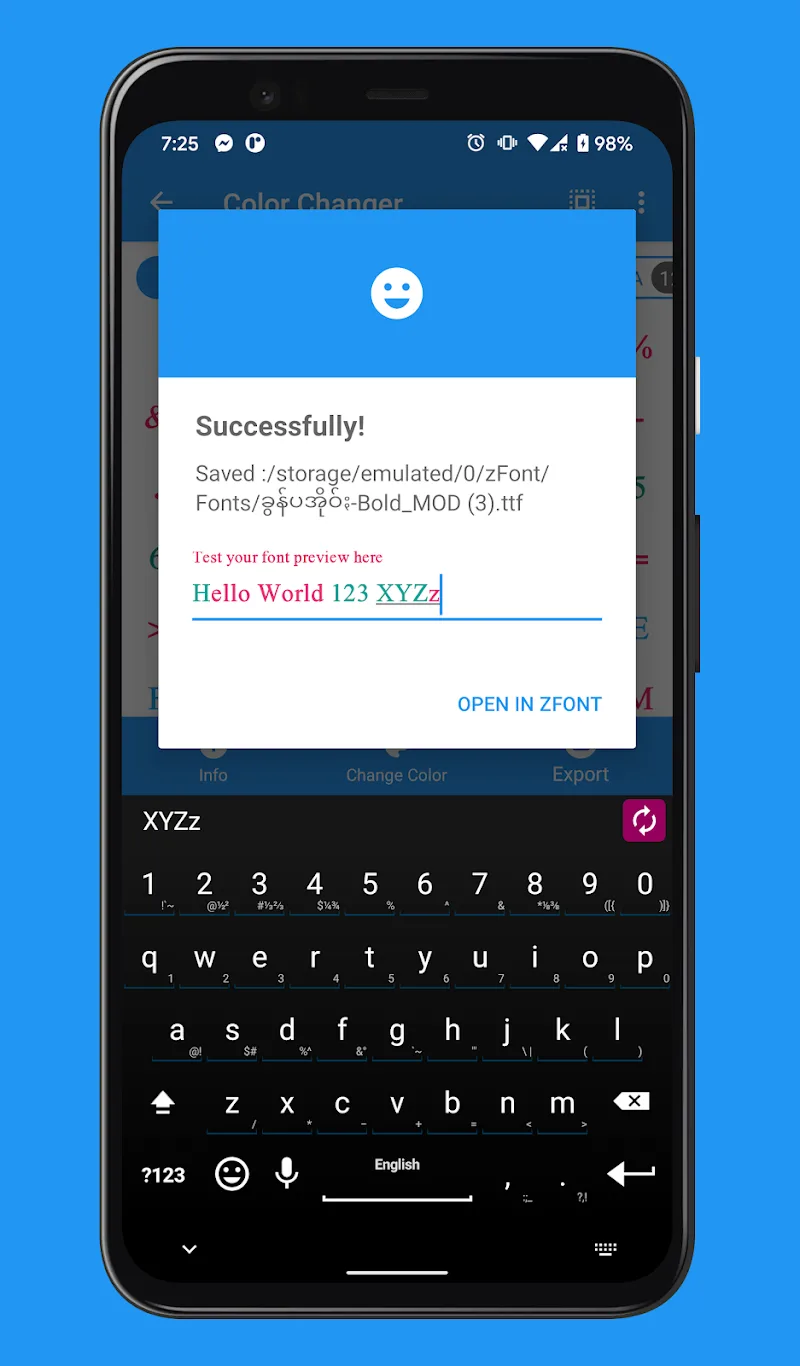
If you have been too bored with dry default font sets on Android operating system, it has been time to “mod” again the interface according to your own style. I just discovered zFont Tool – Android Font Tool — a tool truly is “heavy weapon” for those who want to intervene deeply into the structure as well as aesthetics of each letter. Not only stopping at the act of changing appearance, this application allows you to intervene into right into “internals” of fonts in a professional way. Truly is a bargain for interface customization addicts.
ADVANCED FONT MANIPULATION
The act of customizing fonts has never been that intuitive when you can directly mold them according to personal preference instead of having to depend on available files on the internet. I noticed that this application processes very smoothly deep intervention tasks, helping remove unnecessary cumbersome things to create a font set “clean” and most polished possible.
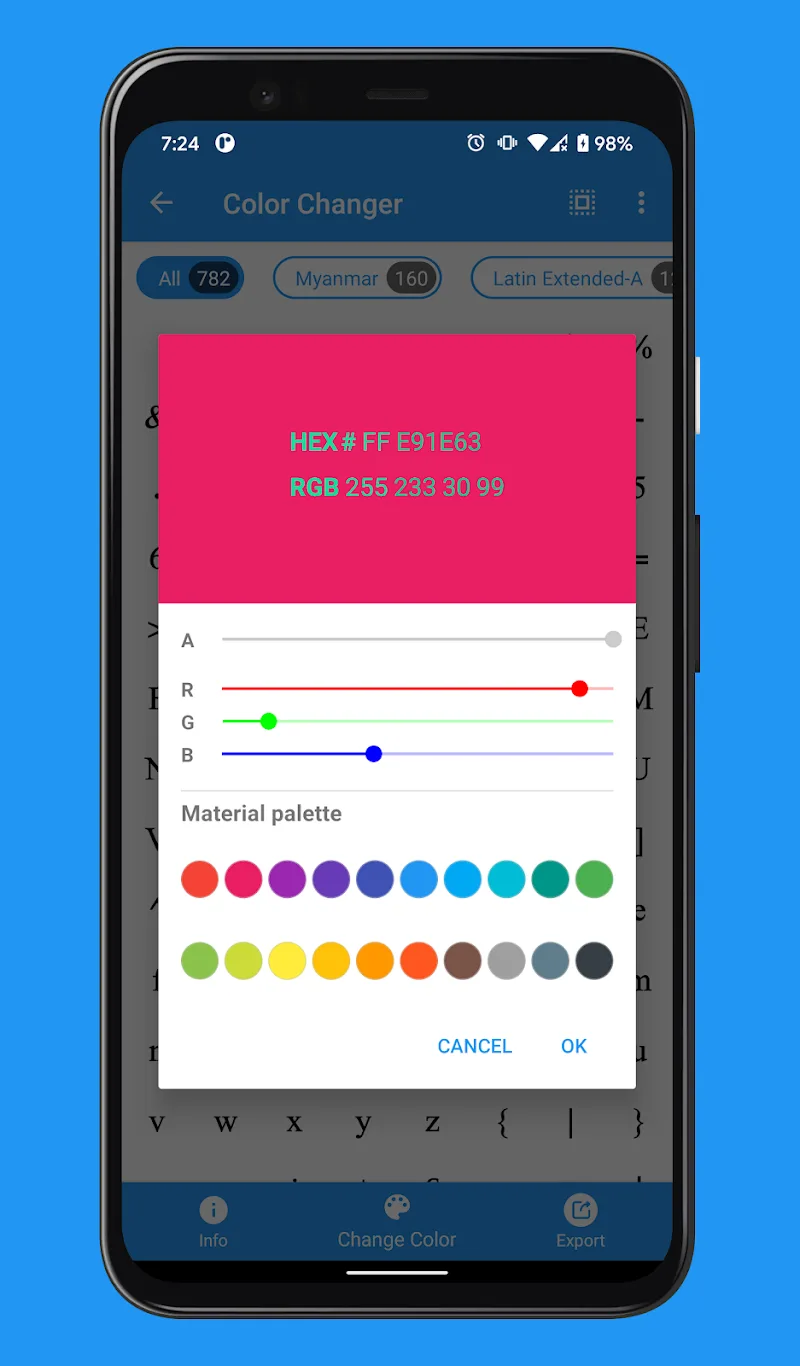
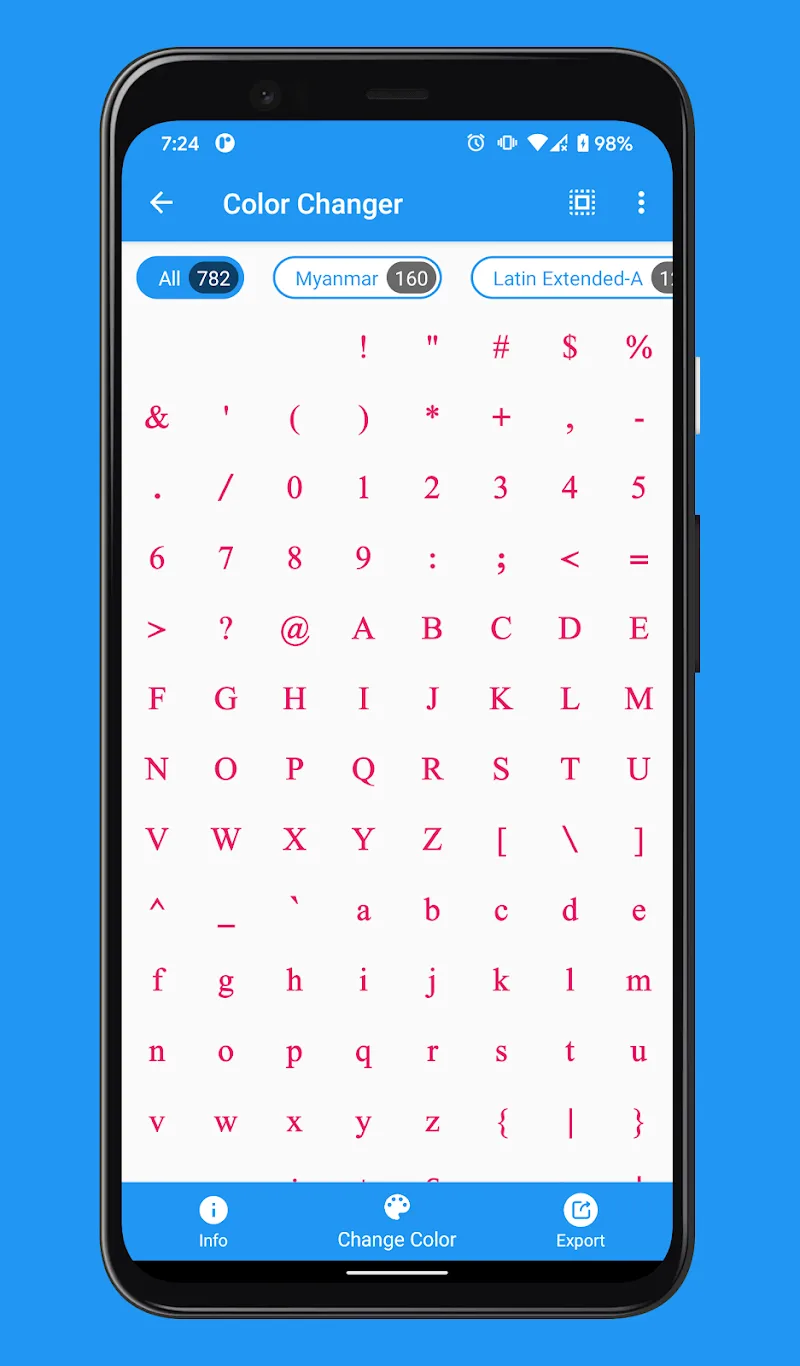
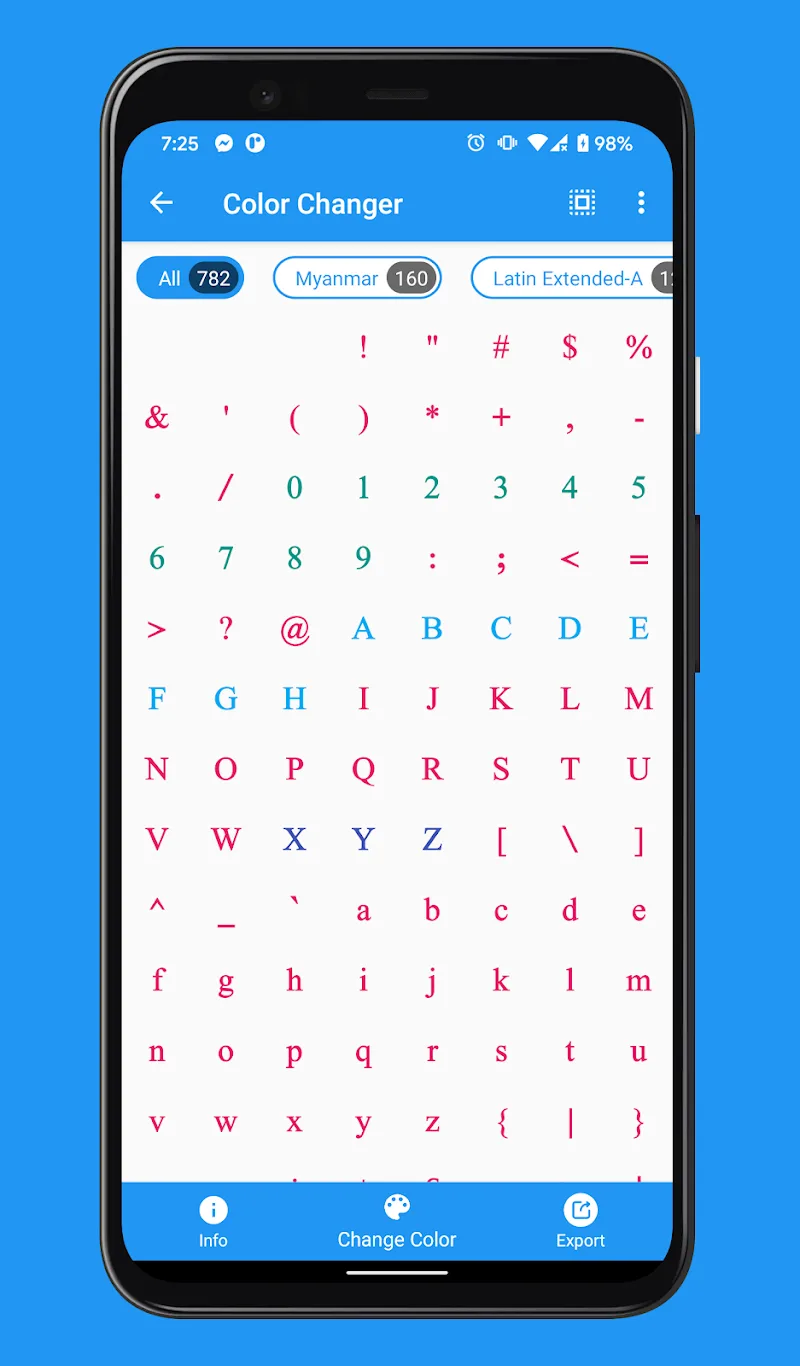
- Vibrant color changer: Users can comfortably choose from diverse color palette to apply immediately onto their fonts.
- Efficient glyph remover: Remove easily excess characters or unwanted glyphs to optimize display.
- Creative font merger: Allows you to “mix” many different fonts into a single entity to create difference.
ALL-IN-ONE CONVERTER AND EMOJI TOOL
The point that makes me highly appreciate the application is exactly the ability to process formats “unrivaled” and the extremely cool tinkering with emojis feature. You will no longer have to worry about the fact that downloaded font files are incompatible with operating system or specialized design software anymore—everything is all resolved neatly in one musical note.
- Professional emoji tool: This feature helps users extract and repack emojis to personalize brand.
- Multi-format font converter: Supports converting back and forth between a series of formats like ttf, otf, woff2 until even t42 or svg.
- Comprehensive file support: Ability to process rare formats like pfa, ps3 or t11 helps users work more professionally.










Comments (0)