
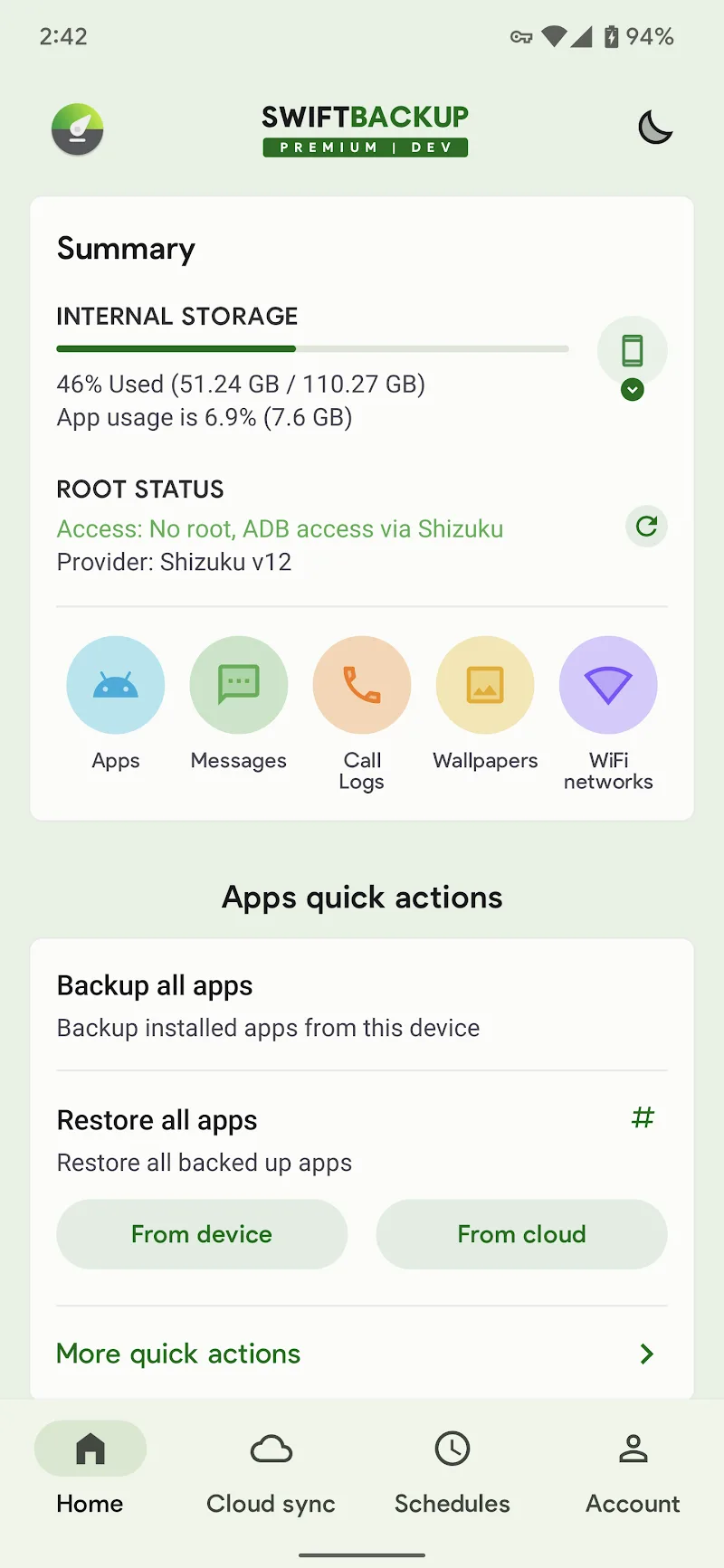
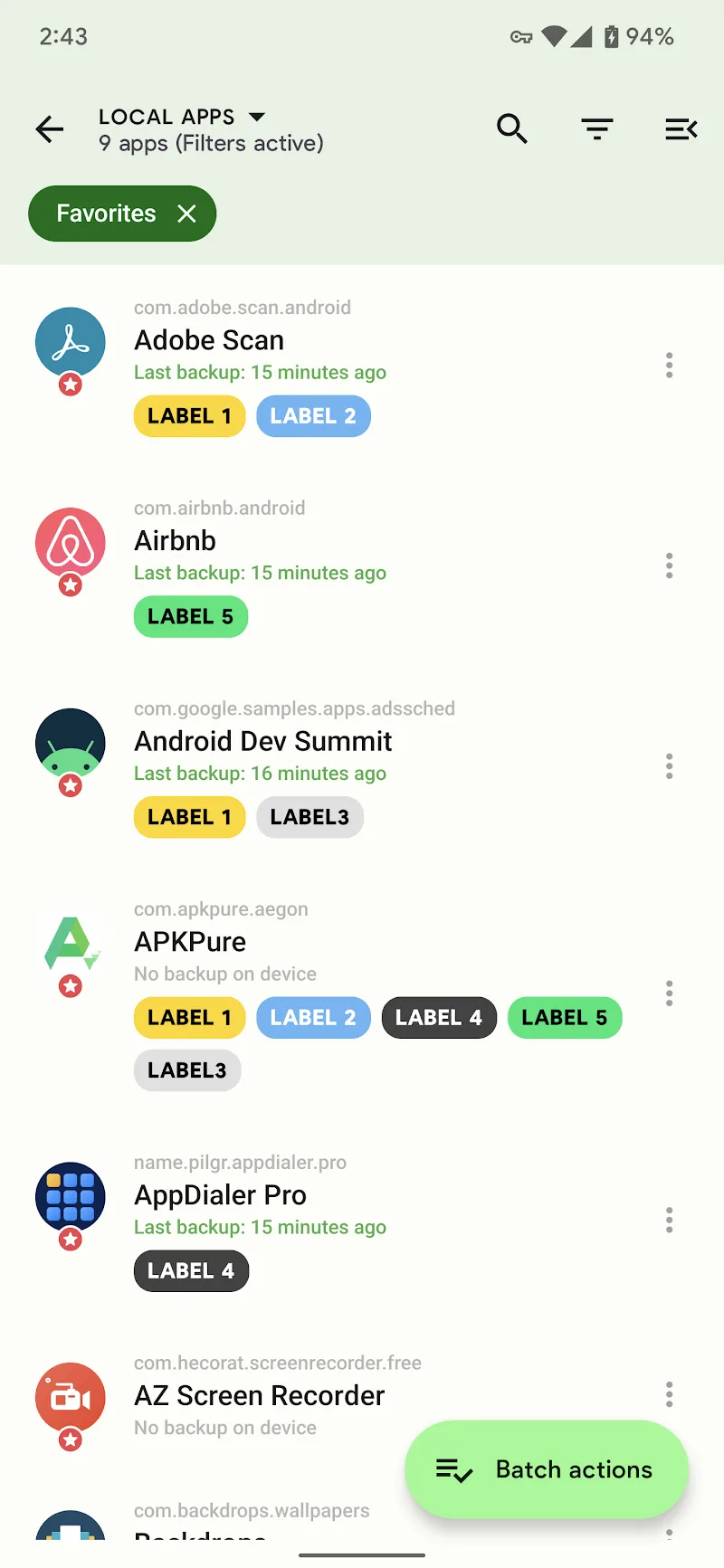
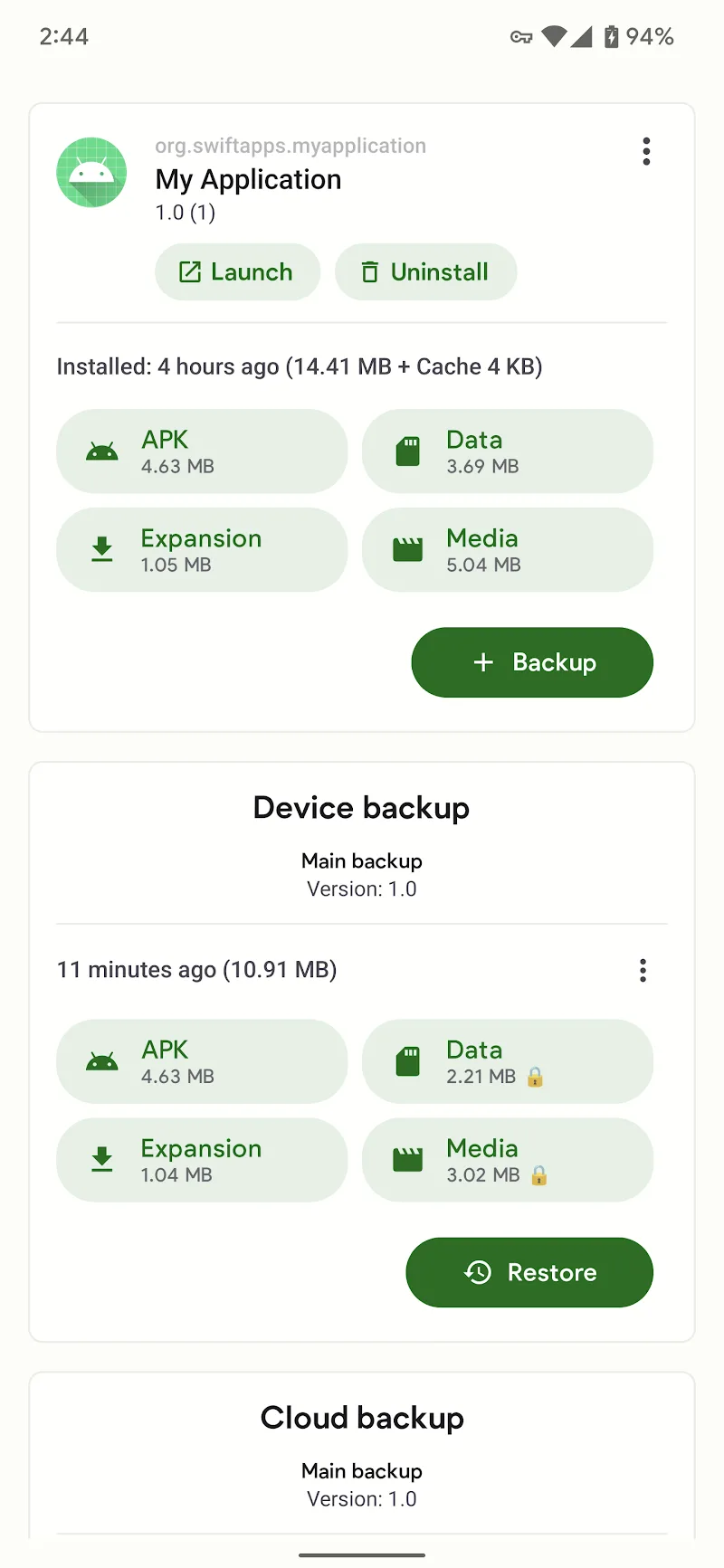
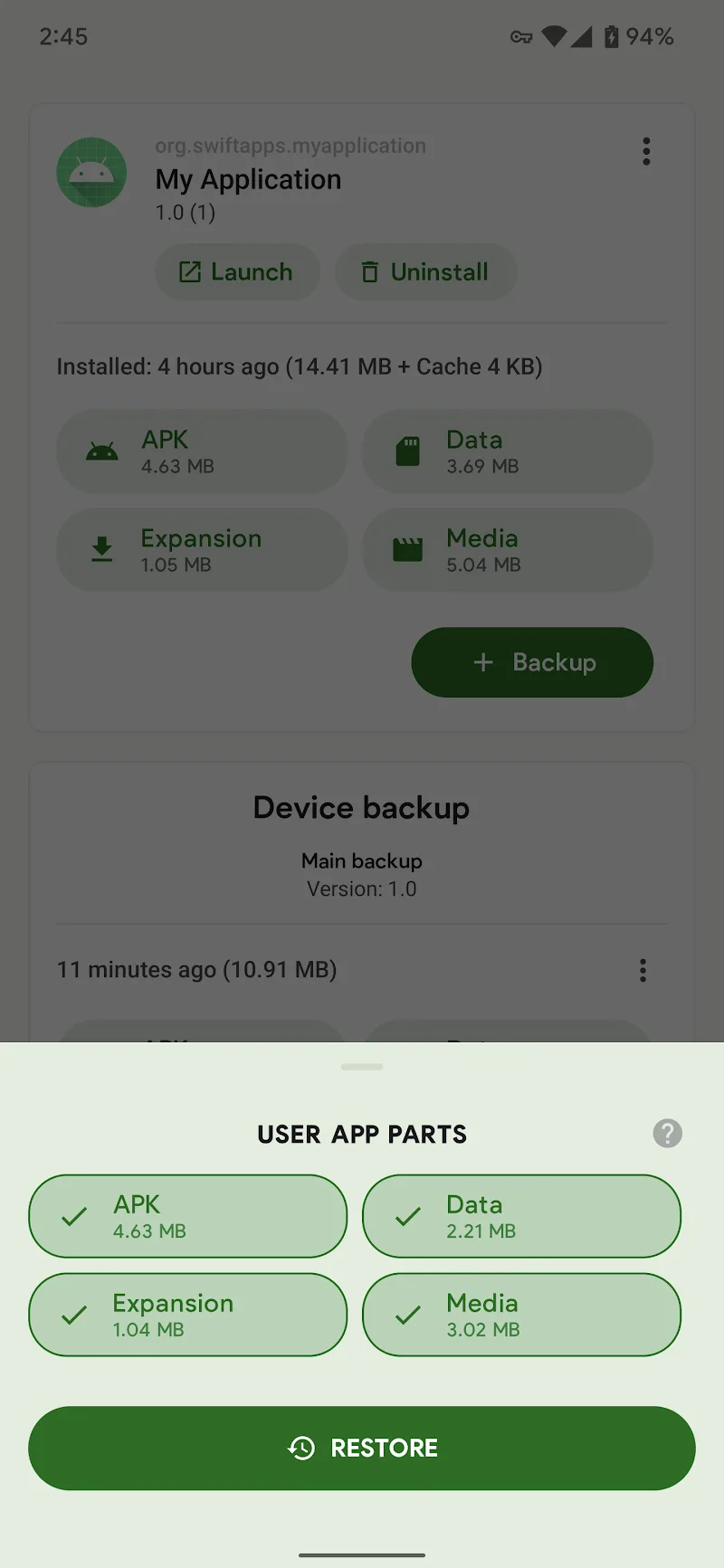
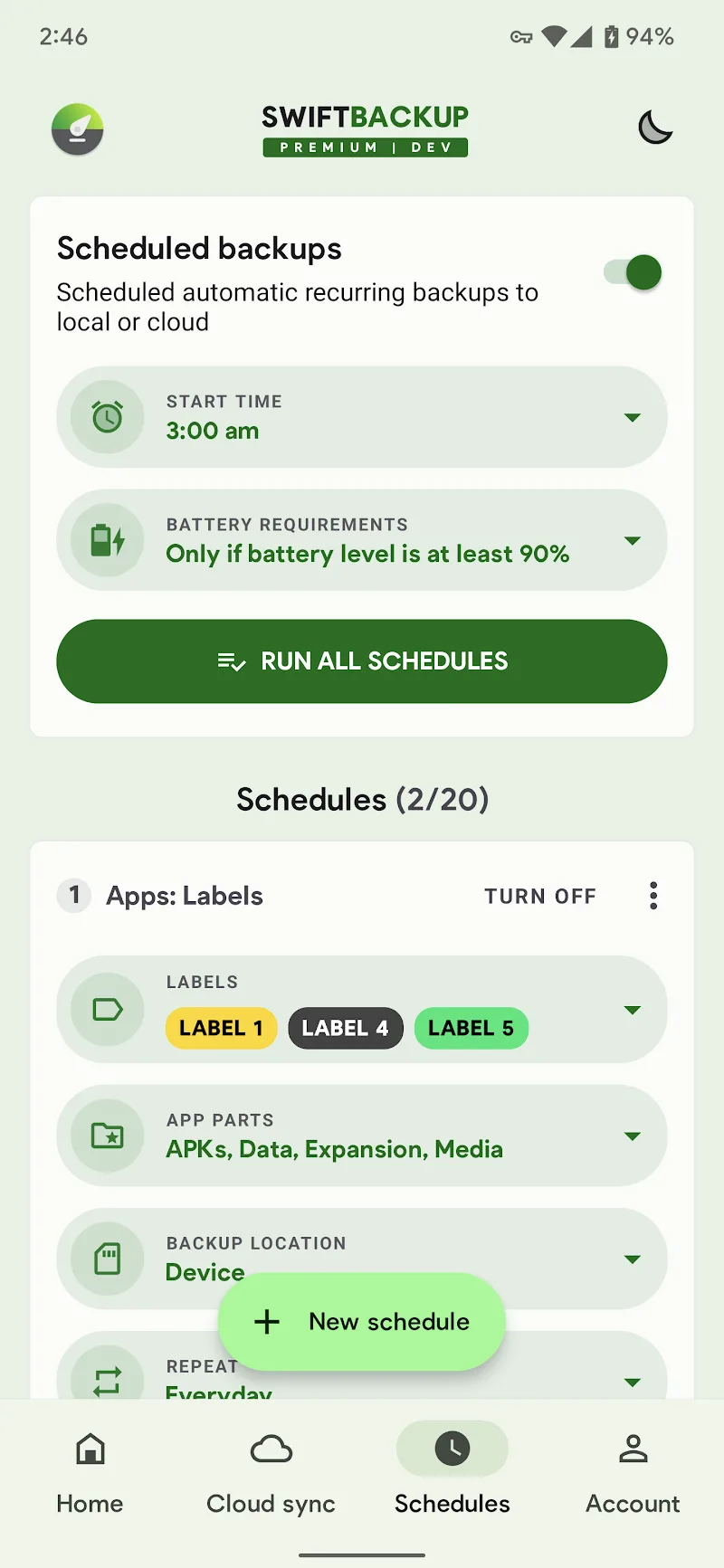
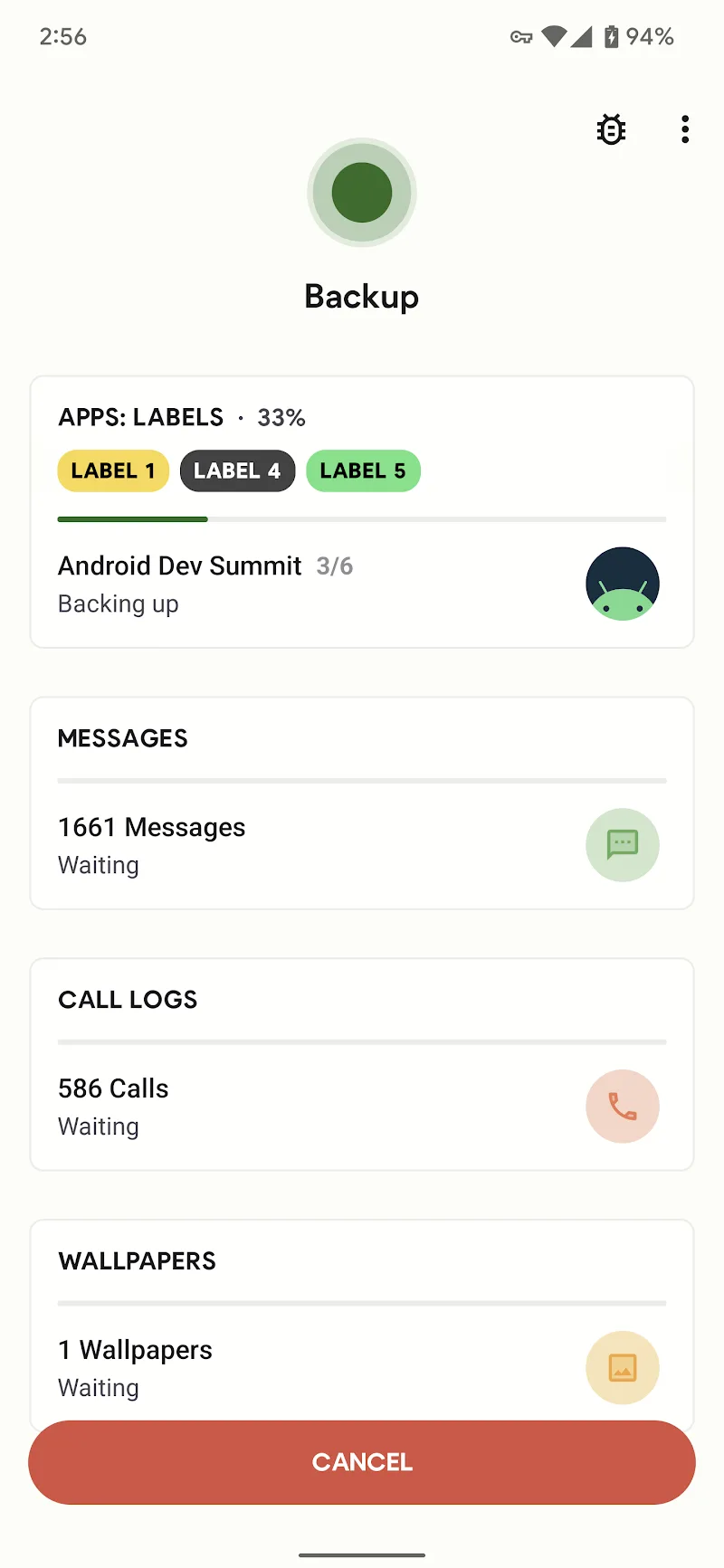
If you have ever “sweated bullets” when accidentally deleting data or changing to a new phone without knowing how to keep messages or applications, Swift Backup is exactly a true lifesaver. The point making me most impressed right from the first time opening the application is not dry technical figures, but an extremely smooth interface, completely escaping from the shadow of old, clunky backup tools before. This is not simply a copy-paste tool; it is an intelligent and neat data management ecosystem for anyone wanting to take control of their smartphone.
VERSATILE BACKUP ECOSYSTEM
The application brings extremely powerful data security capabilities, going far beyond just storing regular APK files. I extremely like the way it manages everything from call logs to even the wallpaper images you are most fond of, helping the “moving house” to a new machine become lighter than ever.
- Comprehensive data storage: Comprehensive backup from applications, SMS messages to call history in just a few short minutes.
- Specialized root features: Allow root users to restore application data, battery settings and even WiFi configurations.
- Batch restore support: Support extremely fast batch restoration through Shizuku service or system root access.
ADVANCED CLOUD INTEGRATION
The next “money-making” point of Swift Backup is exactly the unlimited connection capability with the cloud world. Instead of forcing Android system players into Google Drive, the application opens a massive storage warehouse with a series of services from familiar to specialized, ensuring your data always has a “safe zone” on the internet.
- Diverse cloud services: Flexible connection with Dropbox, OneDrive, Mega or even private servers like WebDAV and SMB.
- Automated backup schedules: Set up automated backup schedules helping you be hands-free while data is always updated newest.
- Customized backup profiles: Create separate backup profiles for each type of application depending on personal storage needs.









Comments (0)