If you’re someone who cares about your health, especially your eye health, and you frequently experience eye strain from excessive electronic device use, then you know that blue light from screens can be irritating, reduce concentration, and directly affect your sleep.
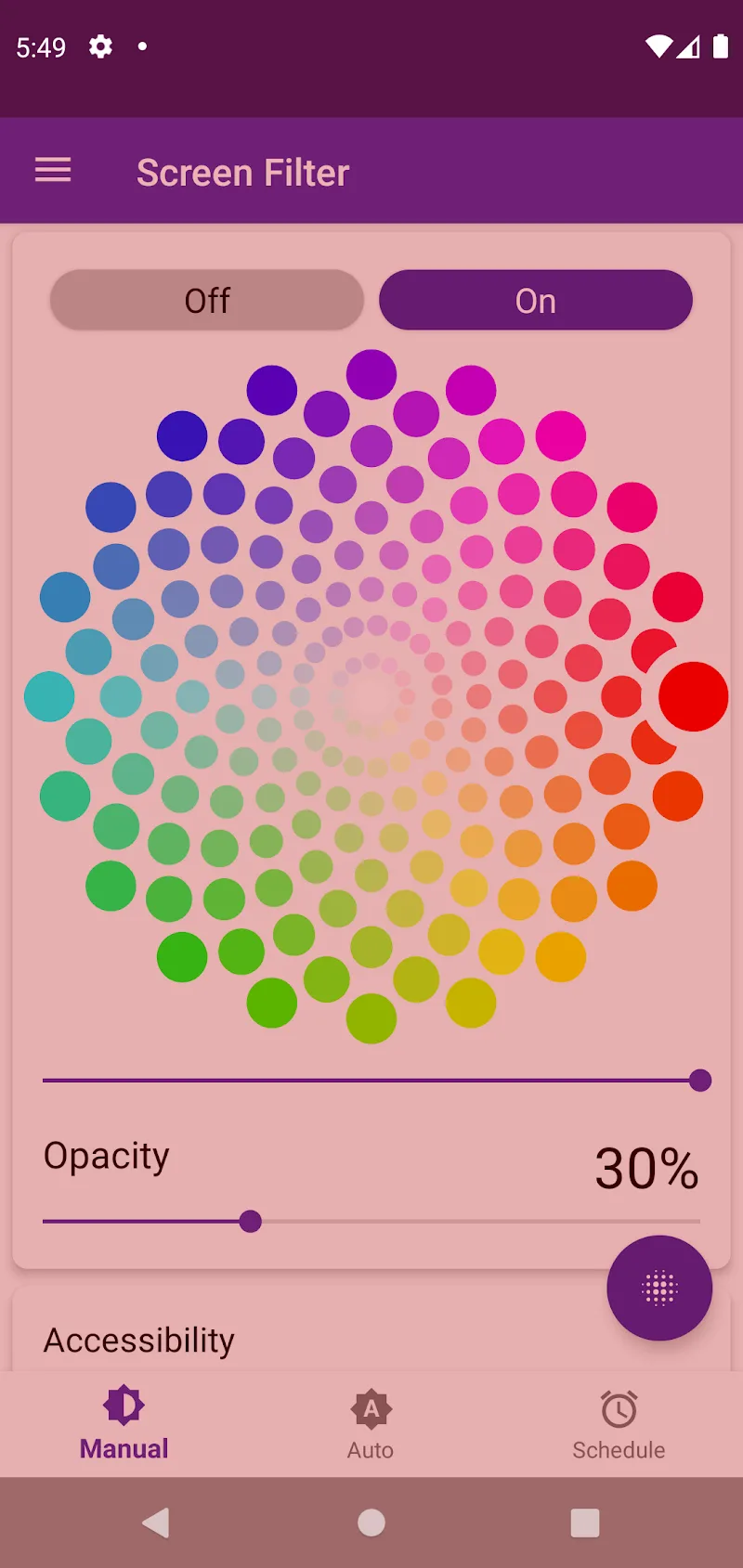
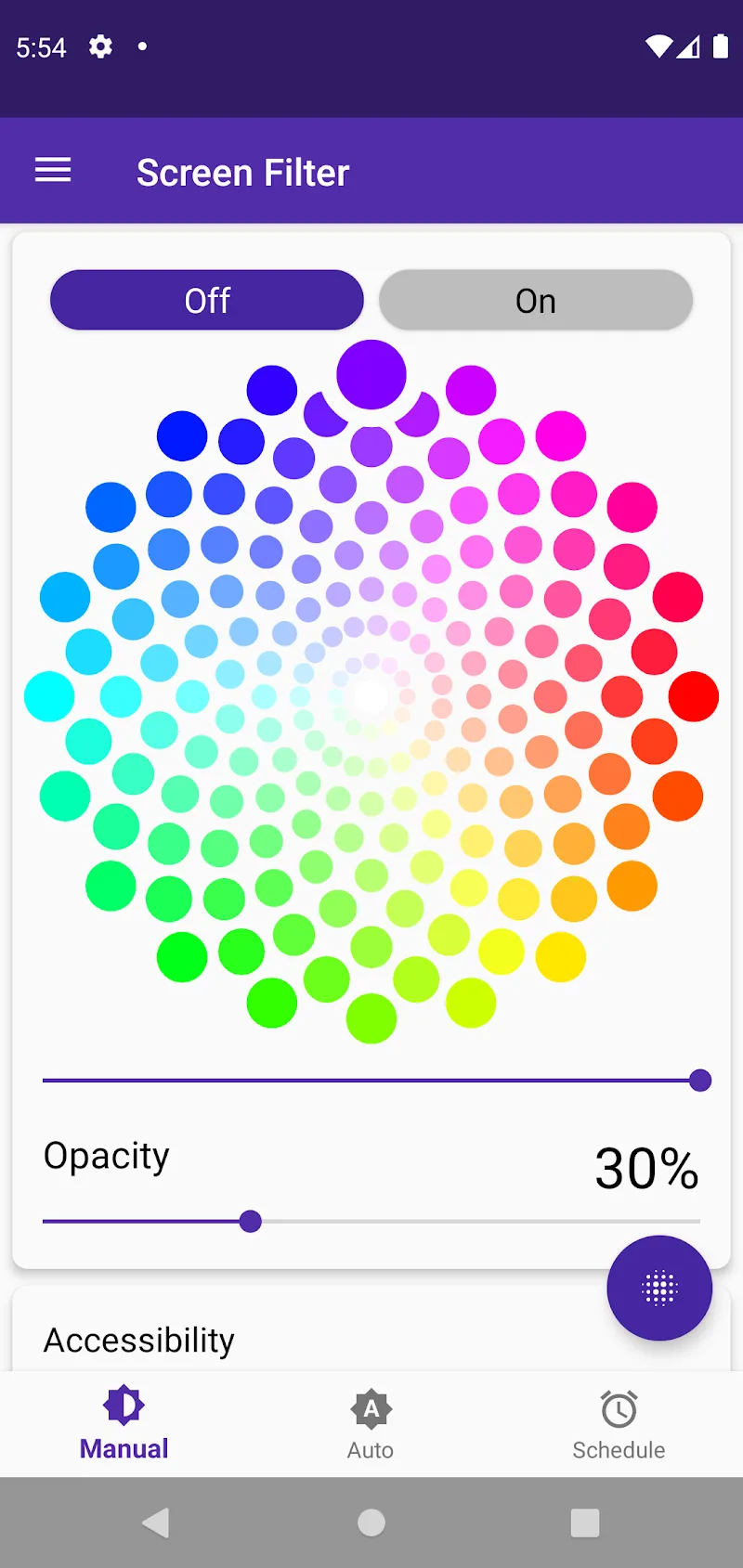
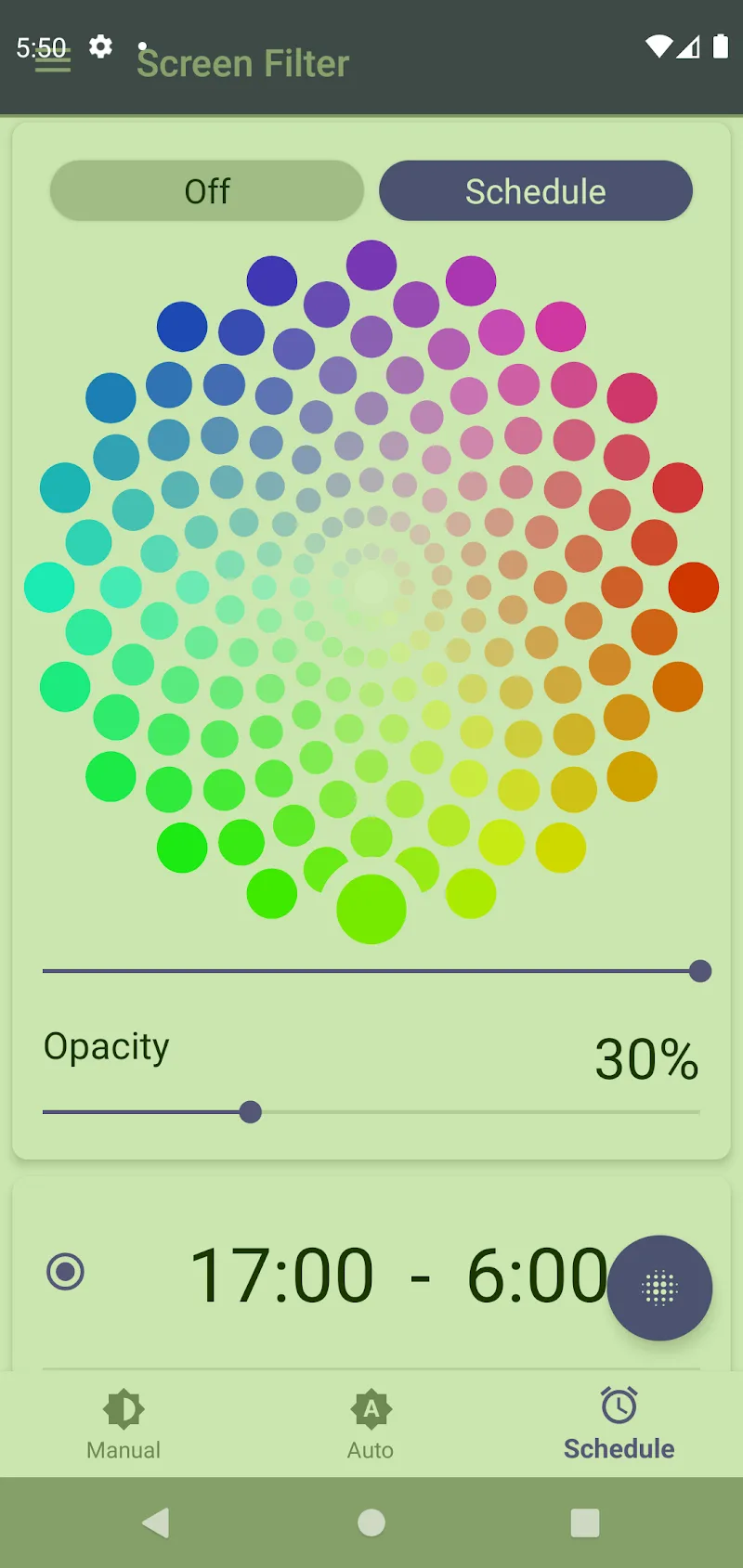
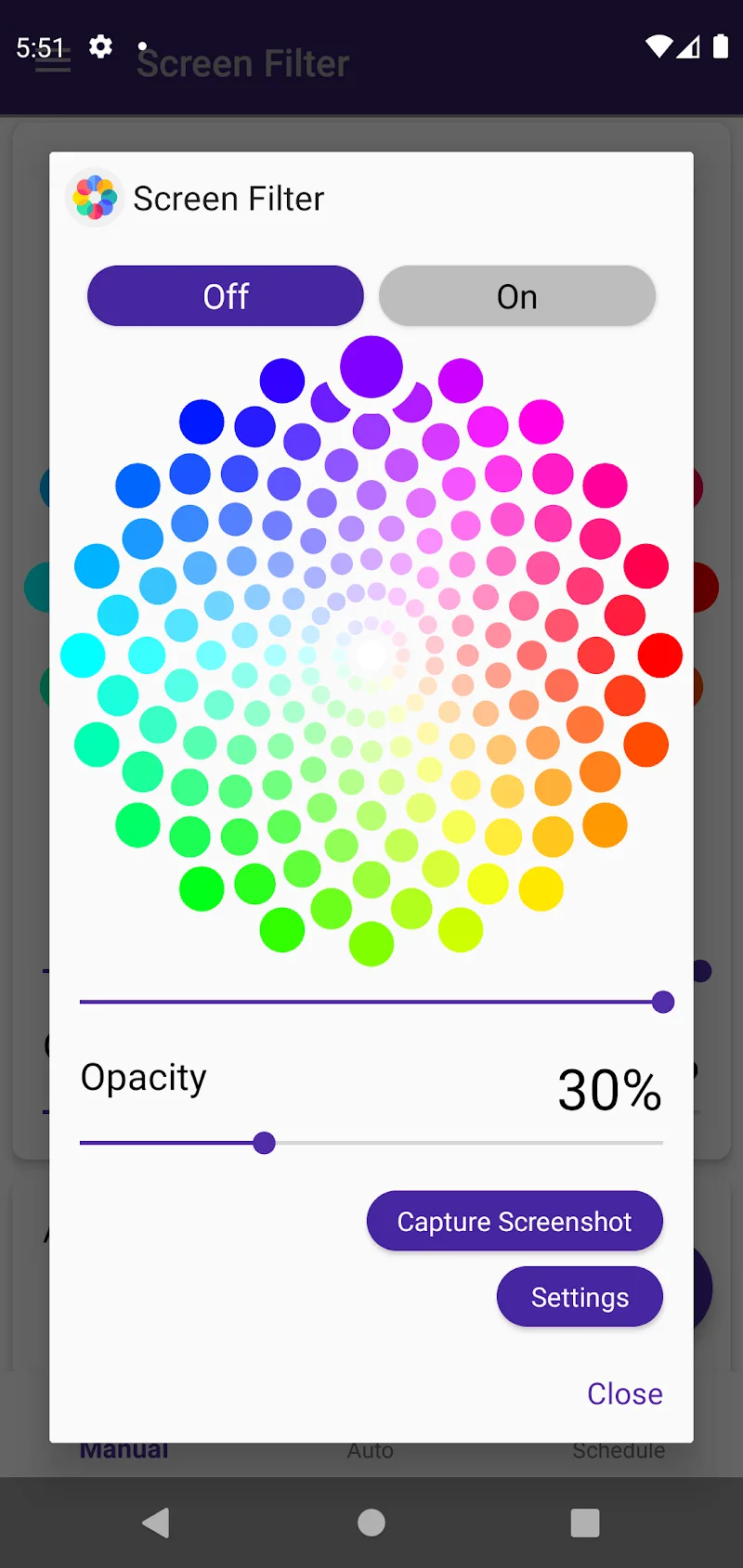
Now, our smart application helps users adjust screen display colors and reduce direct blue light exposure. Screen Color Filter allows users to switch to orange or yellow tones to reduce blue light, use dark mode to reduce screen brightness at night, or switch to a blue tone to improve concentration while working or studying.
HIGHLIGHT APP FEATURES
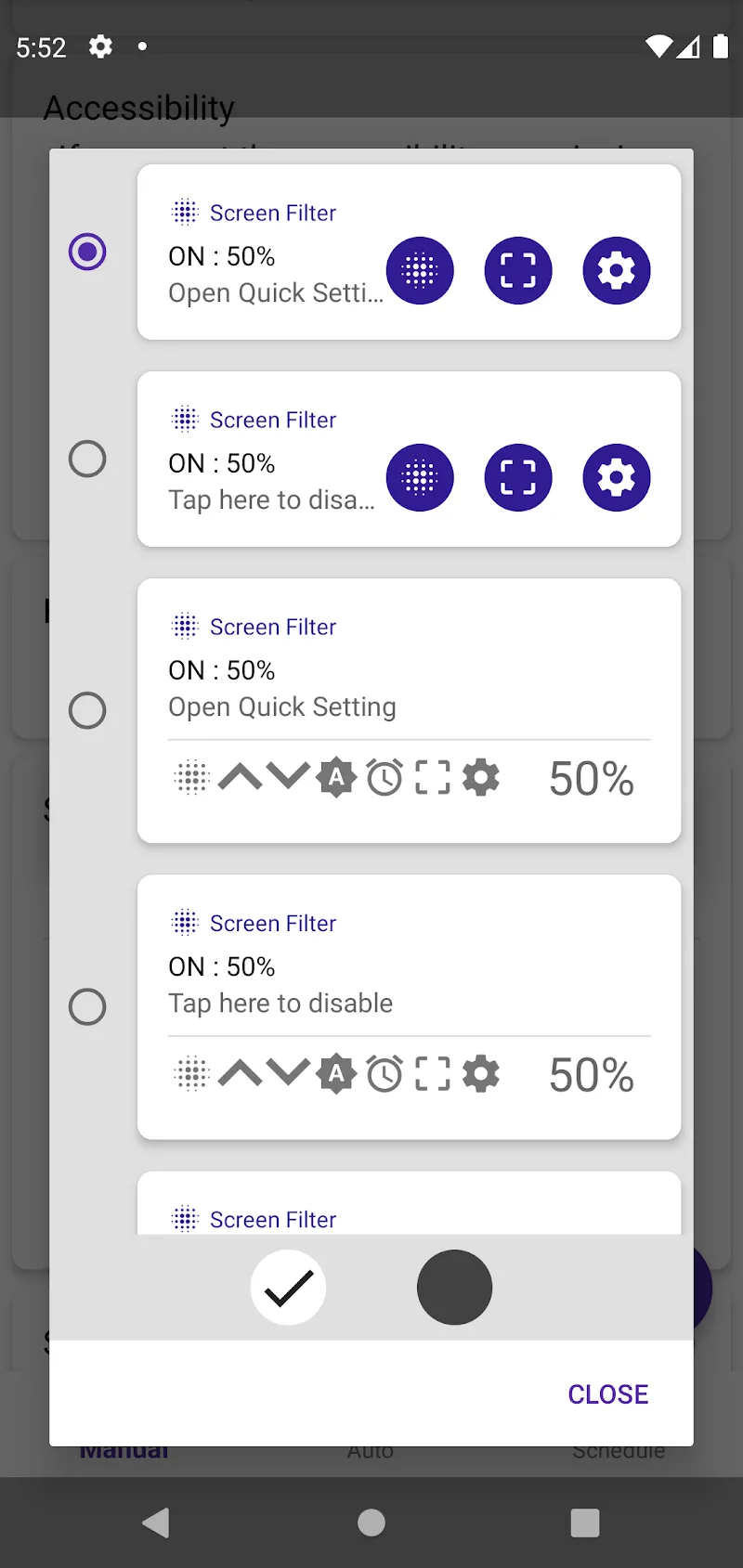
- Device-Compatible Light Filter: The app provides quick and convenient screen color changing functions, with flexible compatibility across all devices such as notification bars, lock screens, navigation bars, etc.
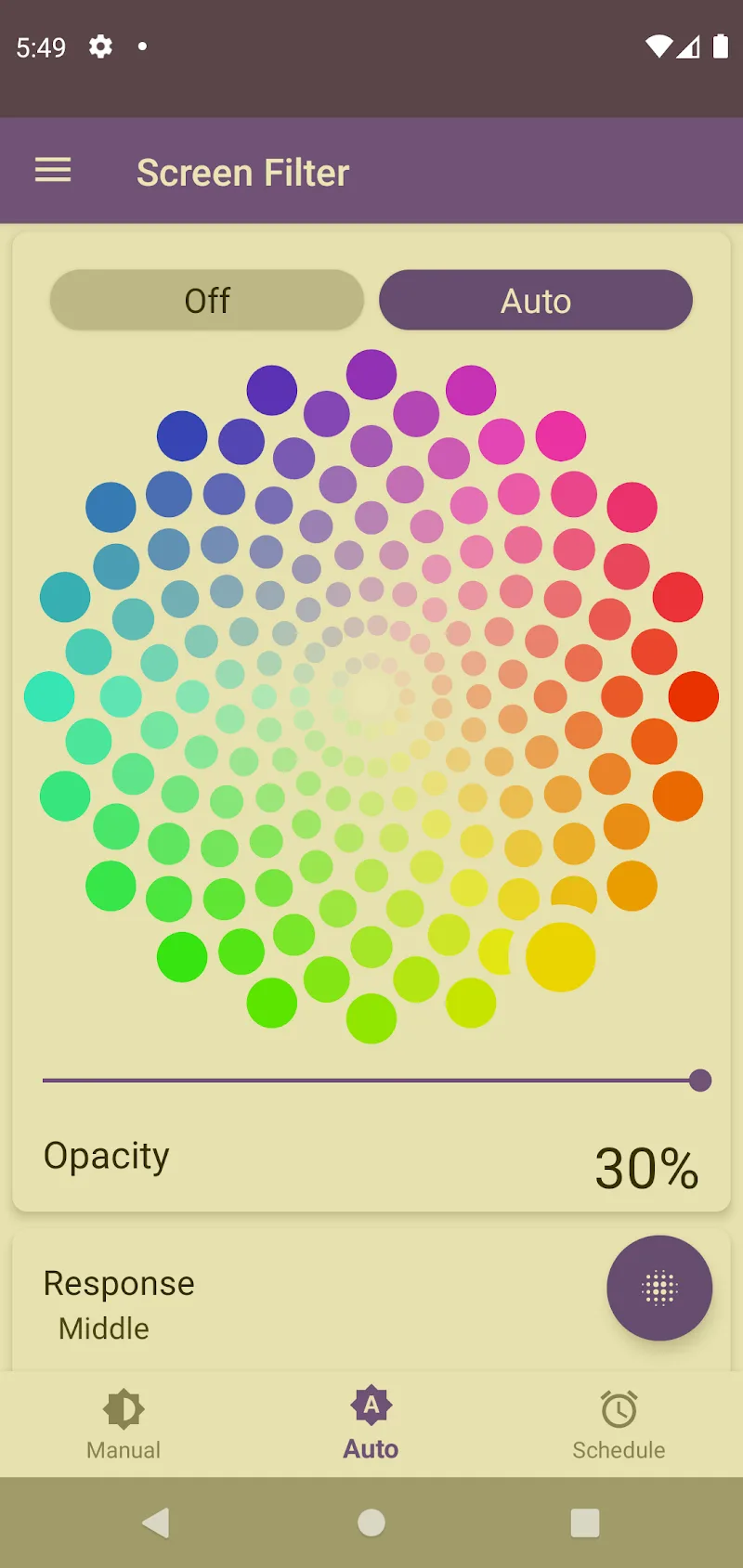
- Automatic Light Adjustment Mode: Screen Color Filter supports automatic color adjustment according to ambient light. This allows the screen to adapt to surrounding conditions flexibly and accurately.
- Smart Timer Scheduling Function: This feature allows you to pre-set the brightness and color display levels according to time slots, for example: adjusting the screen brightness and neutral color gamut during the day; reducing blue light and switching to warm tones in the evening; and reducing brightness to the maximum at night to protect your eyes.



Comments (0)