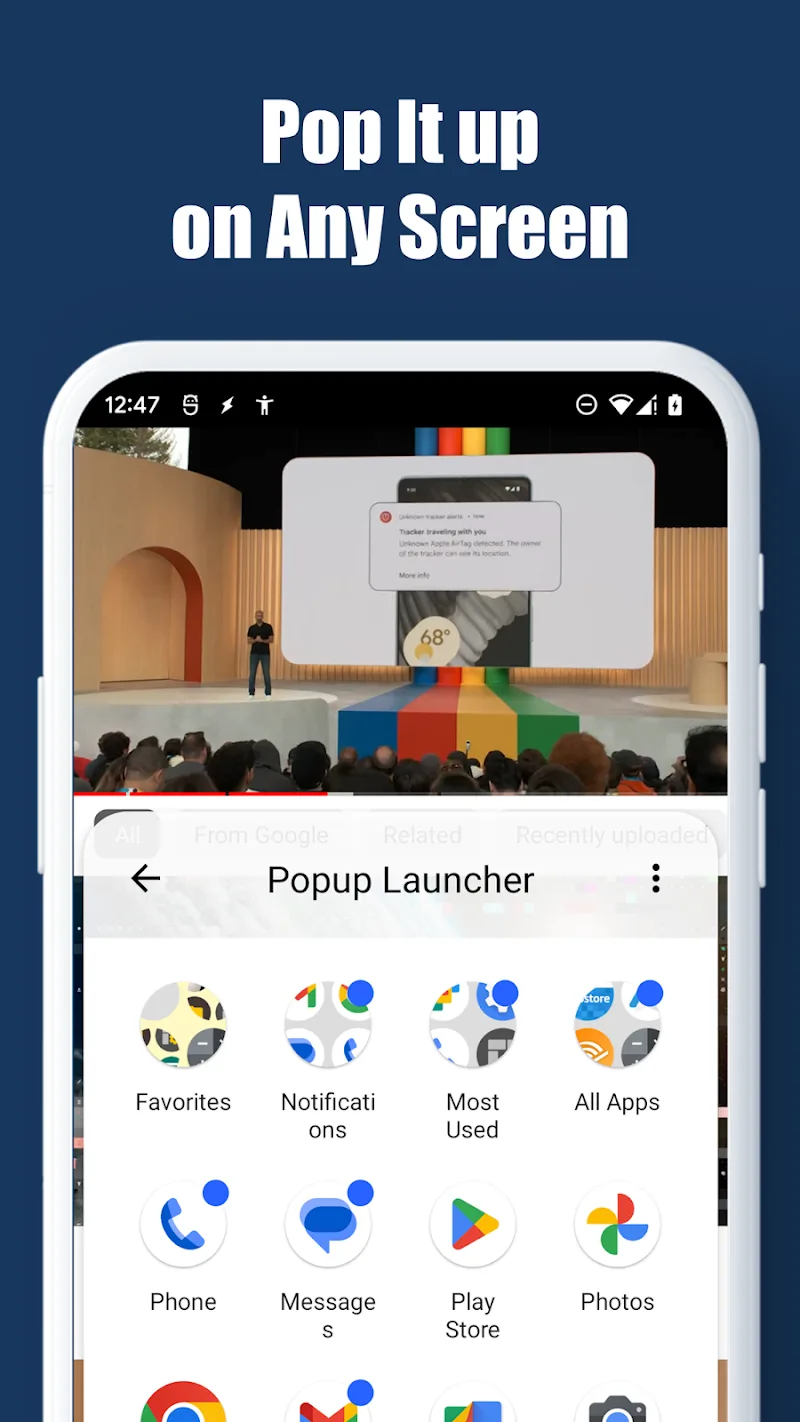
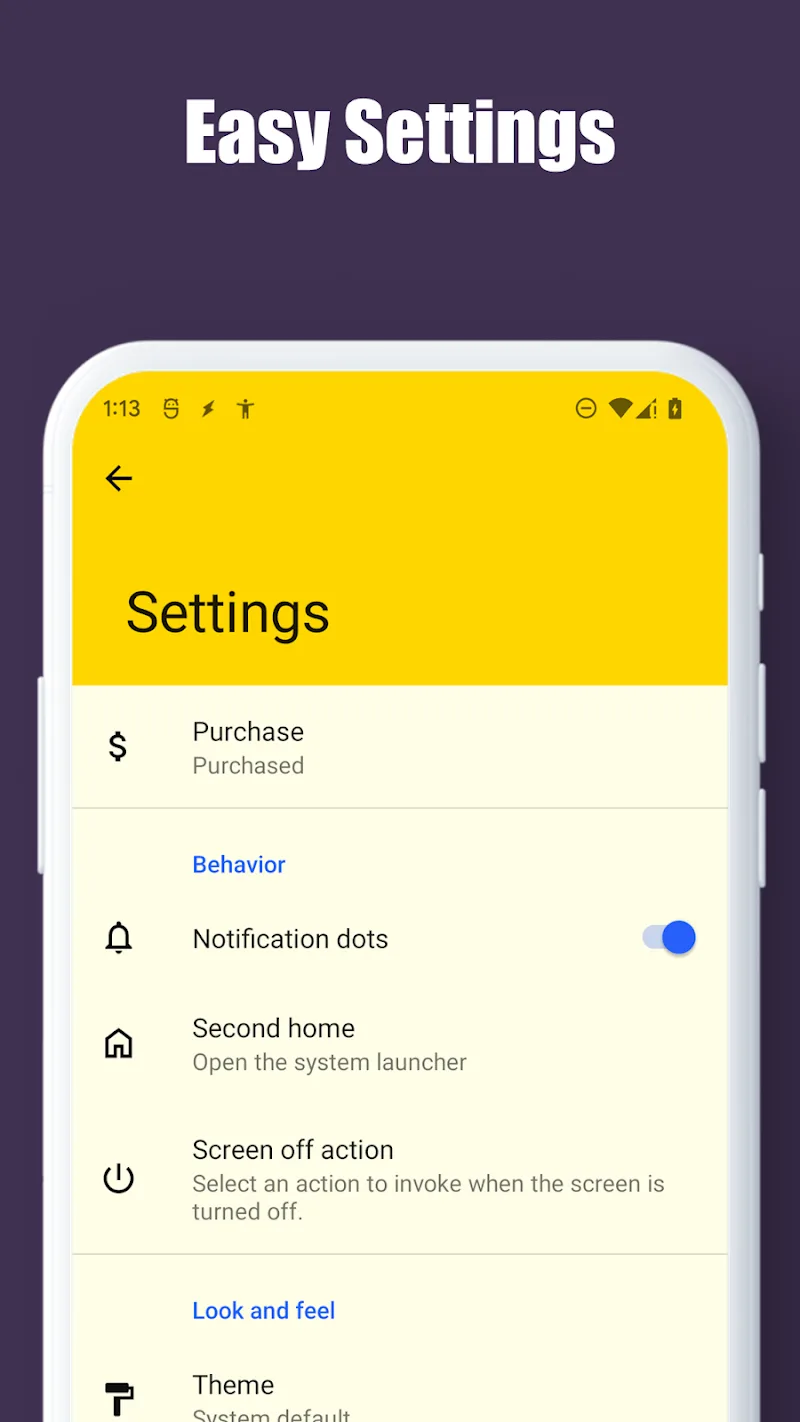
Multitasking on phone screens has now become something you need to care about. Because it will truly make users operate faster. By bringing up a folder-style interface right on the app in use, this tool helps you access software instantly without interrupting your current experience. The interaction experience on users’ Android devices will become minimalist yet no less powerful thanks to Popup Launcher. On any screen, when you want to access something, you can bring it up immediately. You don’t even need to exit to the home screen anymore. Despite possessing an extremely lightweight appearance, this smart screen management solution still provides full advanced customization features for customers.
SMART APP MANAGEMENT AND FLOATING INTERFACE
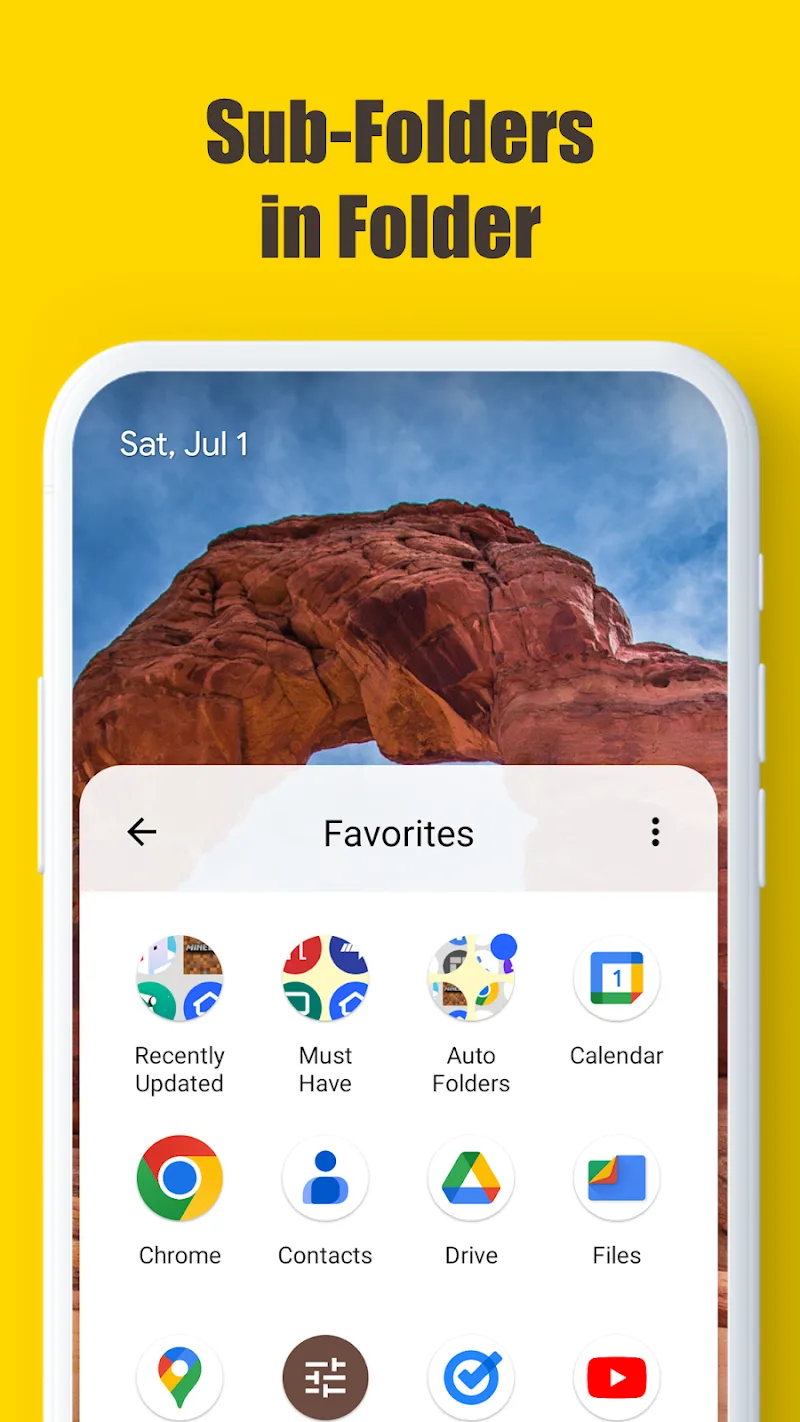
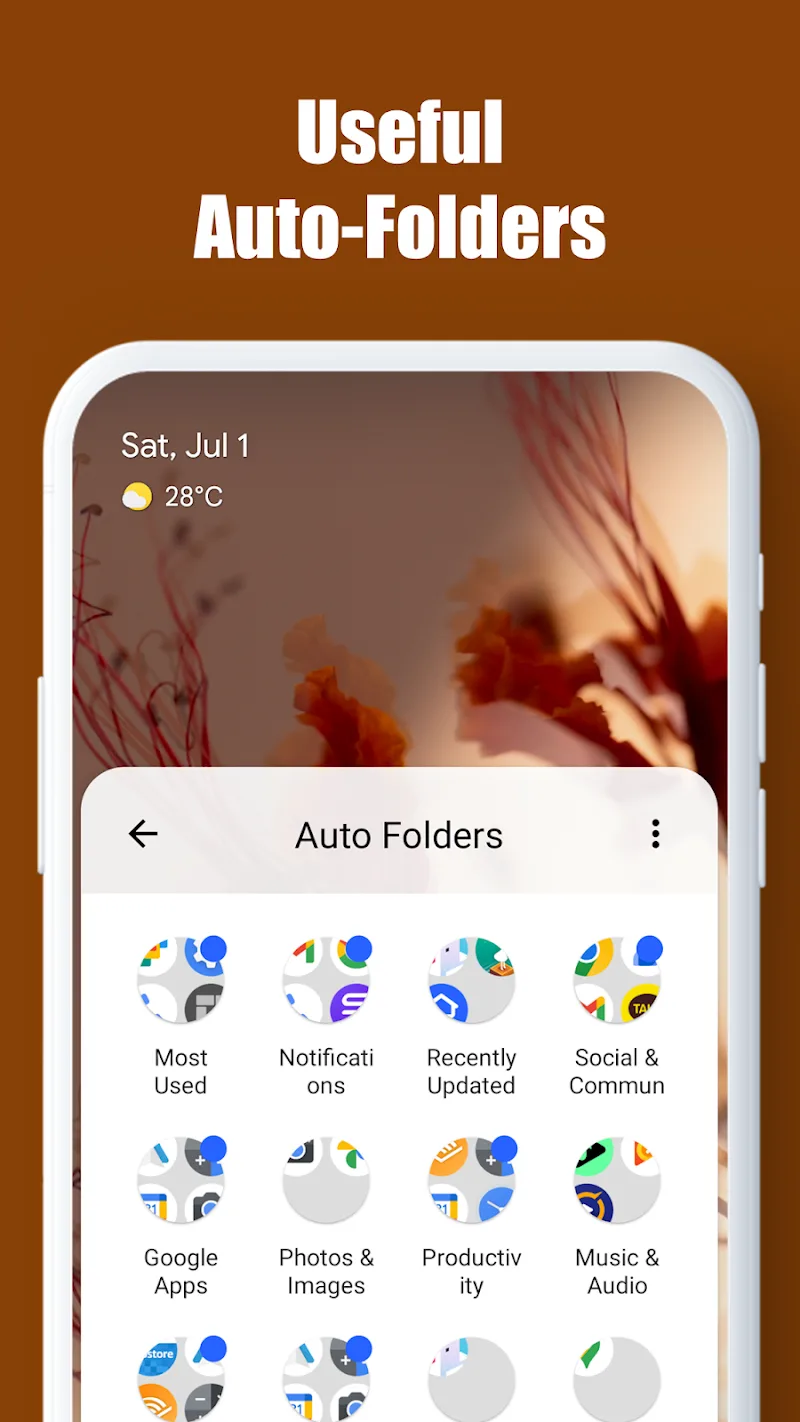
The ability to create subfolders inside main folders supports users in organizing their software library extremely scientifically. Thanks to the appearance of automatic folder systems like Most Used Apps or Recently Updated, you save significant time searching. Although you press the Home button to activate the launcher, the app running underneath still maintains a completely smooth active state.
- Automatic folders: Self-categorize apps
- Floating screen: Do not interrupt tasks
- Multi-layer organization: Support creating subfolders
ICON CUSTOMIZATION AND EXTREMELY FAST SEARCH
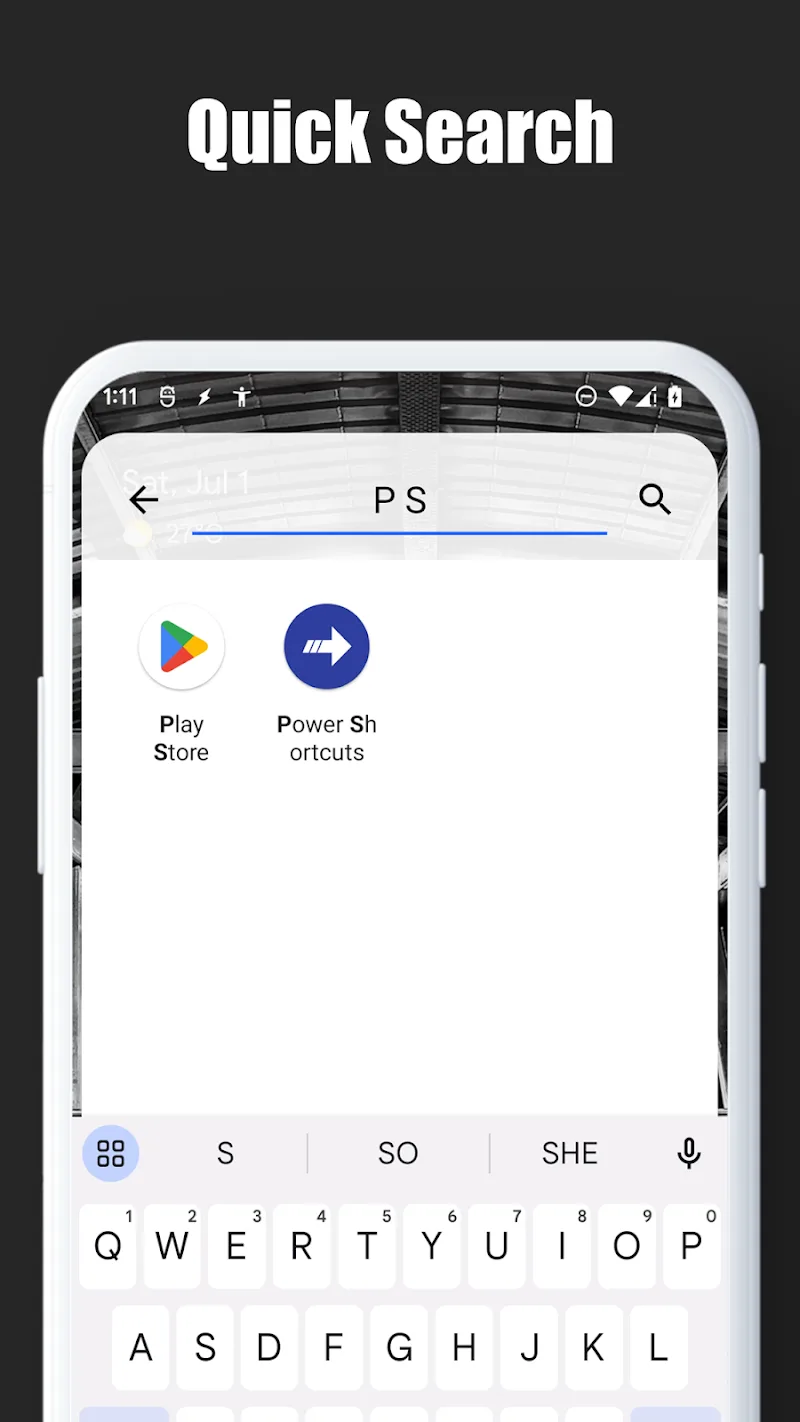
Support from the adaptive icon standardizing feature helps customers synchronize the entire device interface into many unique shapes. Besides that, the ability to search for apps by English name even when the device language is set differently helps you retrieve data extremely conveniently. By typing the first character of the software name, users can easily locate the exact item they are looking for in the blink of an eye.
- Synchronized icons: Standardize all old icons
- Smart search: Support quick queries
- Minimalist operations: Launch in the blink of an eye









Comments (0)