
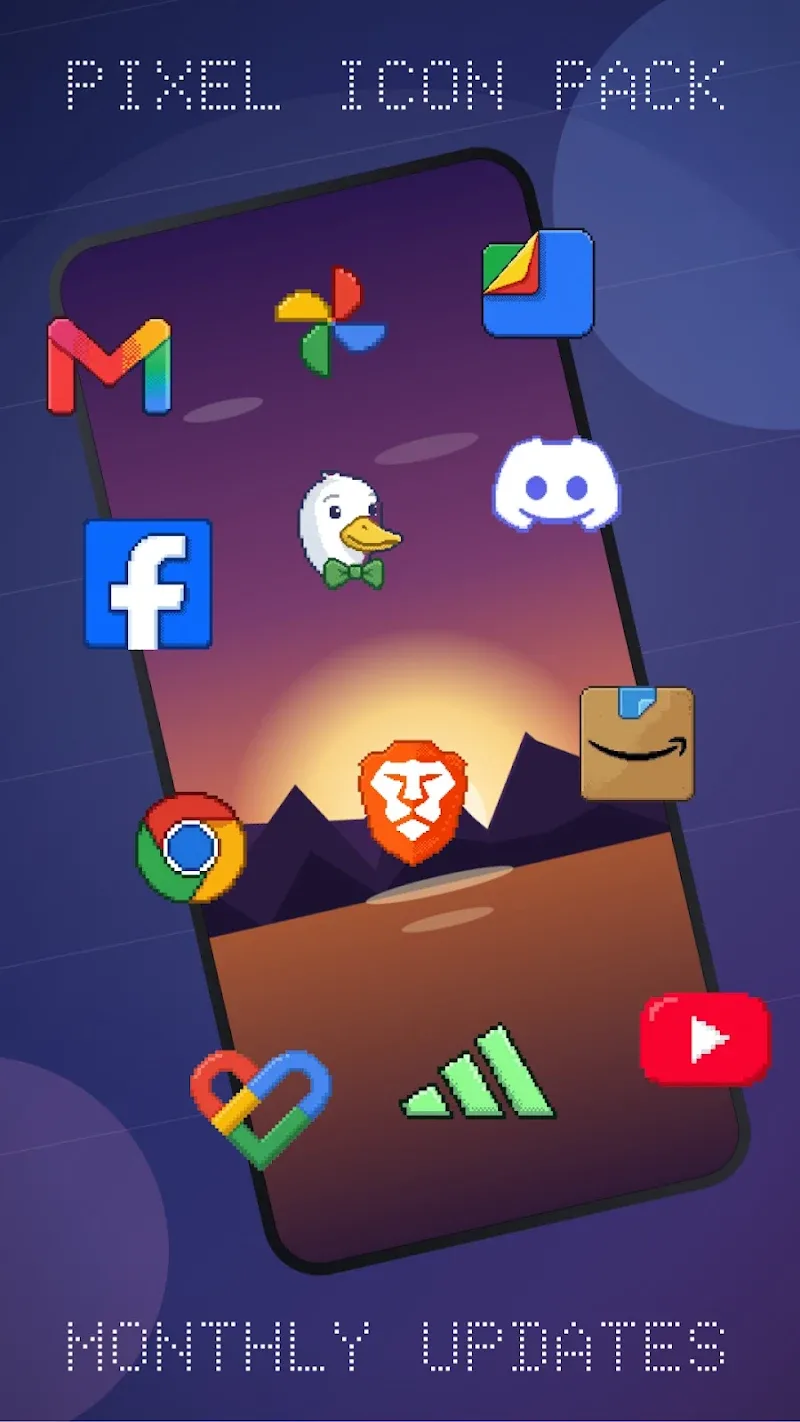
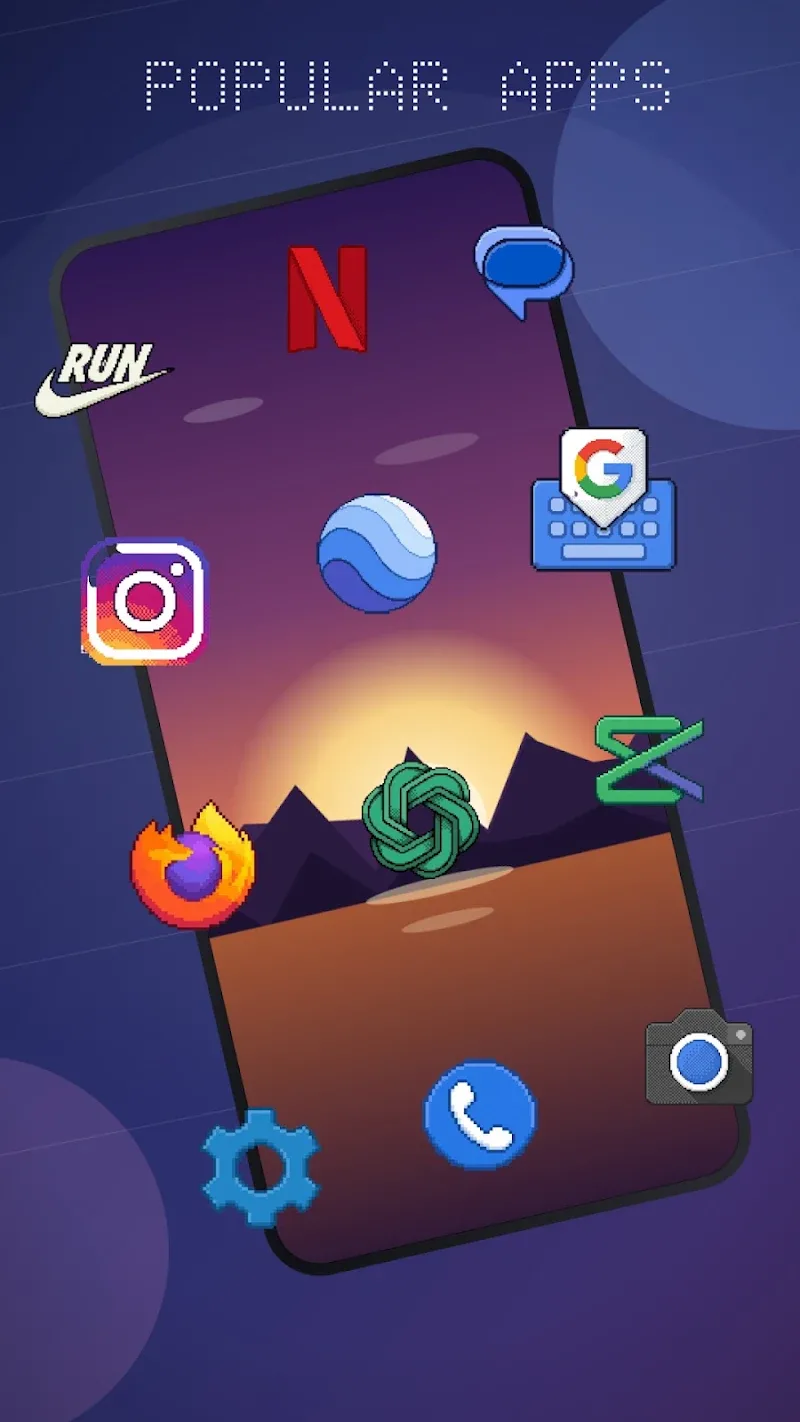
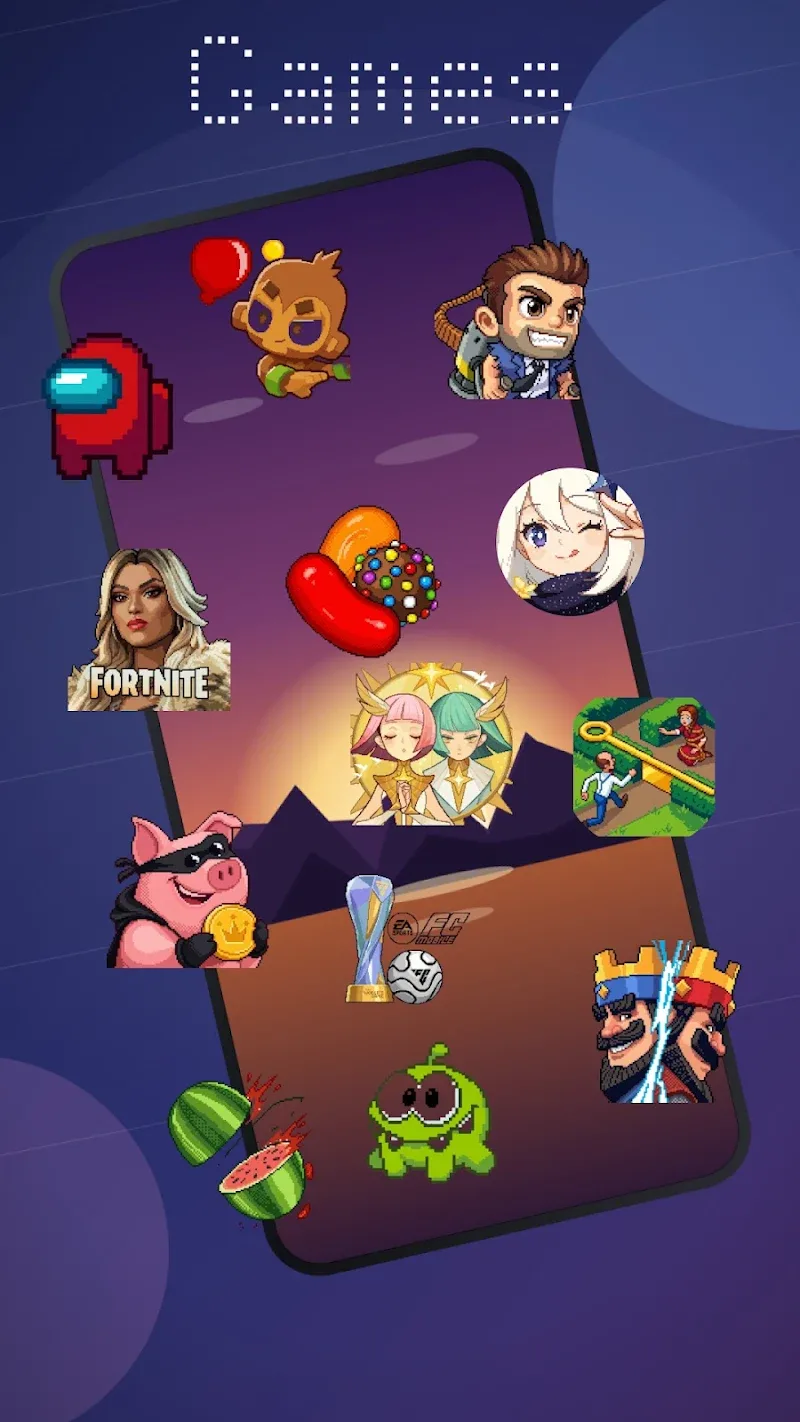
The nostalgic 8-bit graphic style will create an impressively striking touch for your smartphone. Installing Pixel Icon Pack is essentially “downgrading” your home screen graphics yourself. To put it more accurately, pixels will be exaggerated to create an effect that makes it look much more unique. Meaning, even though it is a “downgrade” in graphics, they are much sharper than the icons you currently have. Thanks to manually designing each sharp pixel block according to true brand color tones, this tool brings an appearance that is both retro and seamless for the device interface. Beside that, the combination of a rich icon library alongside vector-standard display capabilities will help your personalization experience always achieve maximum perfection.
SHARP PIXEL DESIGN AND RICH ICON LIBRARY
Meticulous attention to detail in every background line helps your app interface maintain perfect layout consistency. Even though it has been stylized significantly compared to the original icon, you can still recognize it right away. By doing this, customers easily search for as well as send requests to add missing apps through the built-in tool. Even though the number of apps on the device is highly diverse, the vast mapping system still ensures synchronized coverage for you.
- Icons: Over 3,100 pixel-art
- Display: Sharp vector quality
- Feature: Request missing apps
WIDE COMPATIBILITY AND EASY APPLY OPERATIONS
Switching the display style on the device interface will be instantly activated through an extremely convenient built-in command button. Thanks to that, synchronizing system icons on Samsung One UI or Nothing OS interfaces becomes remarkably convenient for you. Through this, the home screen customization process becomes extremely interesting as users freely combine with various wallpaper styles.
- Compatibility: Support multi launchers
- Sync: Great on interfaces
- Interface: Quick setup







Comments (0)