
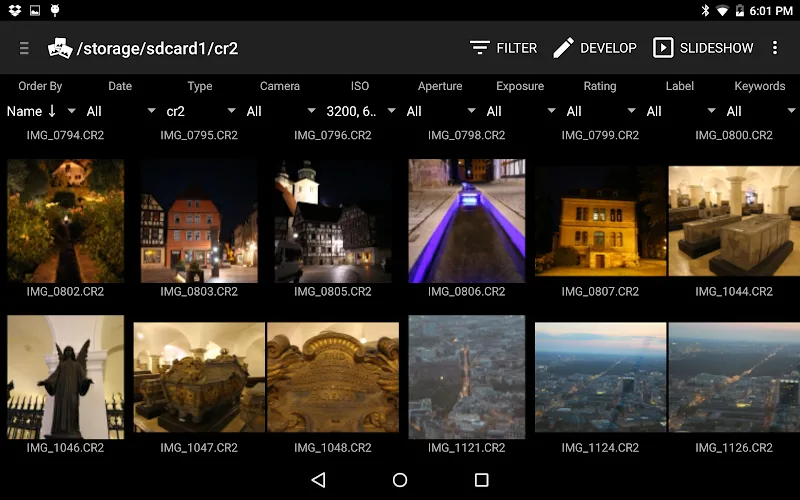
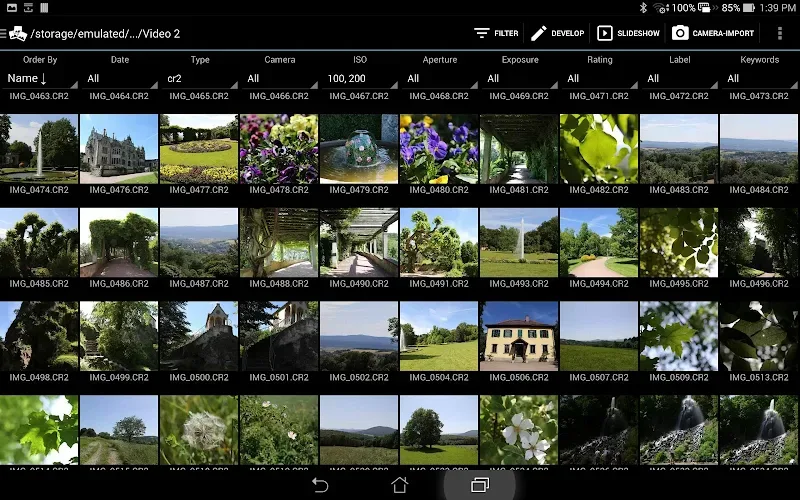
Photo Mate R3 is not merely a default photo gallery commonly seen on phones; it is a true digital “darkroom” for photographers who want to completely master their frames right on an Android device. Gone are the days when you had to wait to dump data into a computer to deeply intervene in raw files. With Photo Mate R3, professional image processing power sits right in the palm of your hand, allowing you to process every format from Canon’s CR2 to Nikon’s NEF as smoothly and accurately as possible.
ADVANCED IMAGE ORGANIZATION
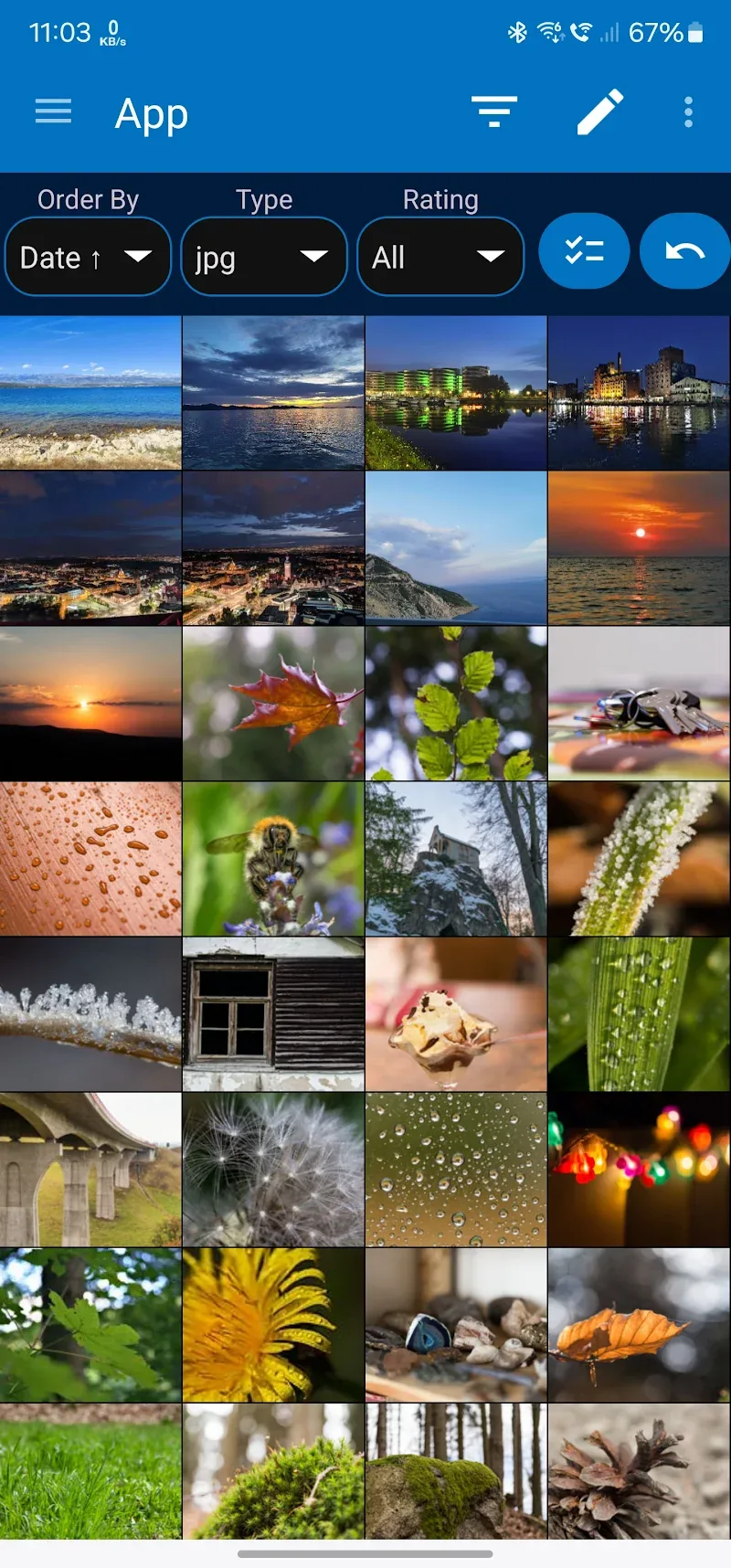
Instead of letting thousands of photos sit in a mess, this application turns your storage into a deep management system like professional studio software. The smart photo filtering capability helps you find precious moments in a blink of an eye based on the most rigorous technical specifications.
- Metadata filtering system: Quickly filter photos based on ISO parameters, aperture, or the type of camera used.
- Universal XMP compatibility: Create and manage XMP-Sidefiles to help synchronize rating data and keywords with computers.
- Side-by-side comparison: The feature to view images side-by-side helps users easily compare and pick the most excellent moment.
PROFESSIONAL NON-DESTRUCTIVE EDITING
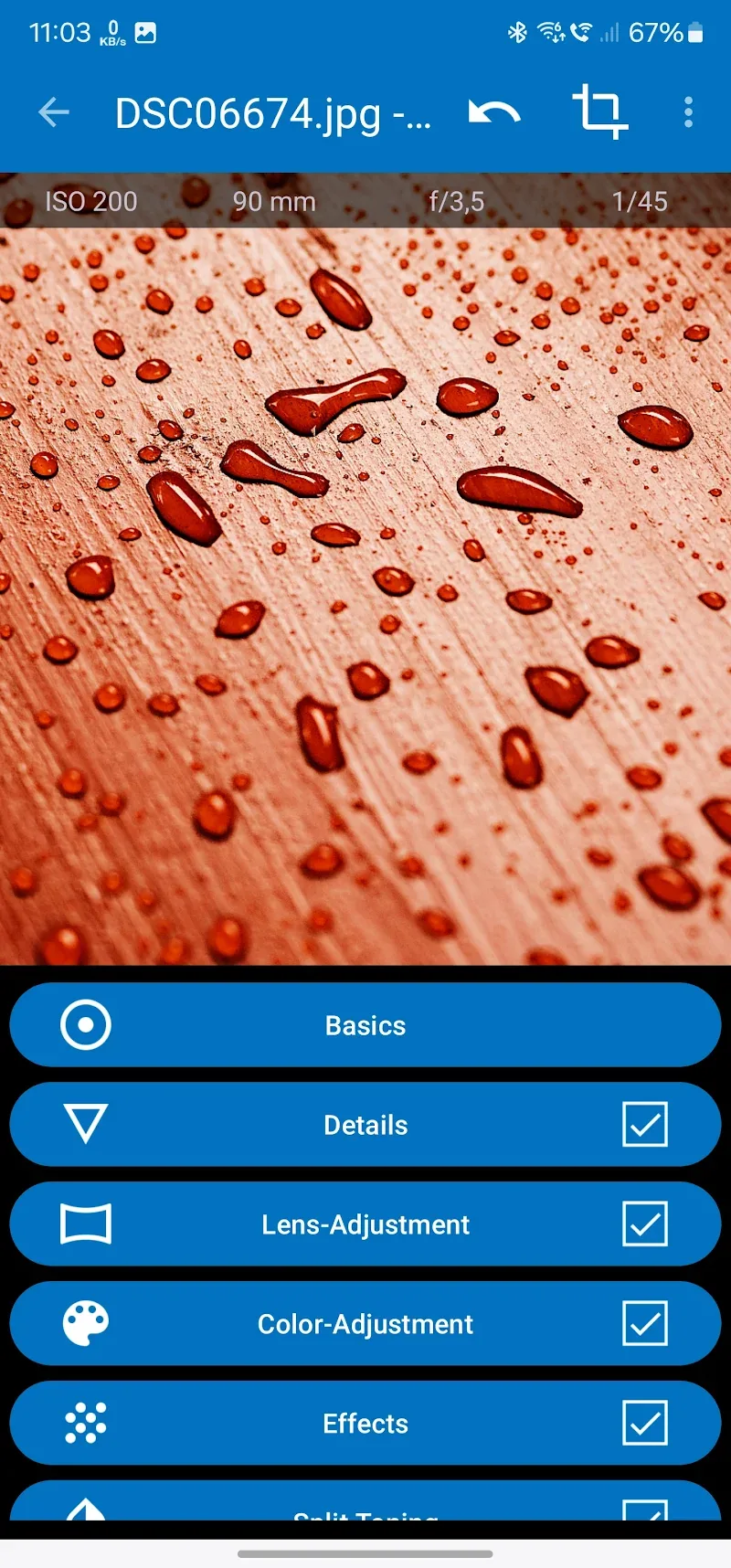
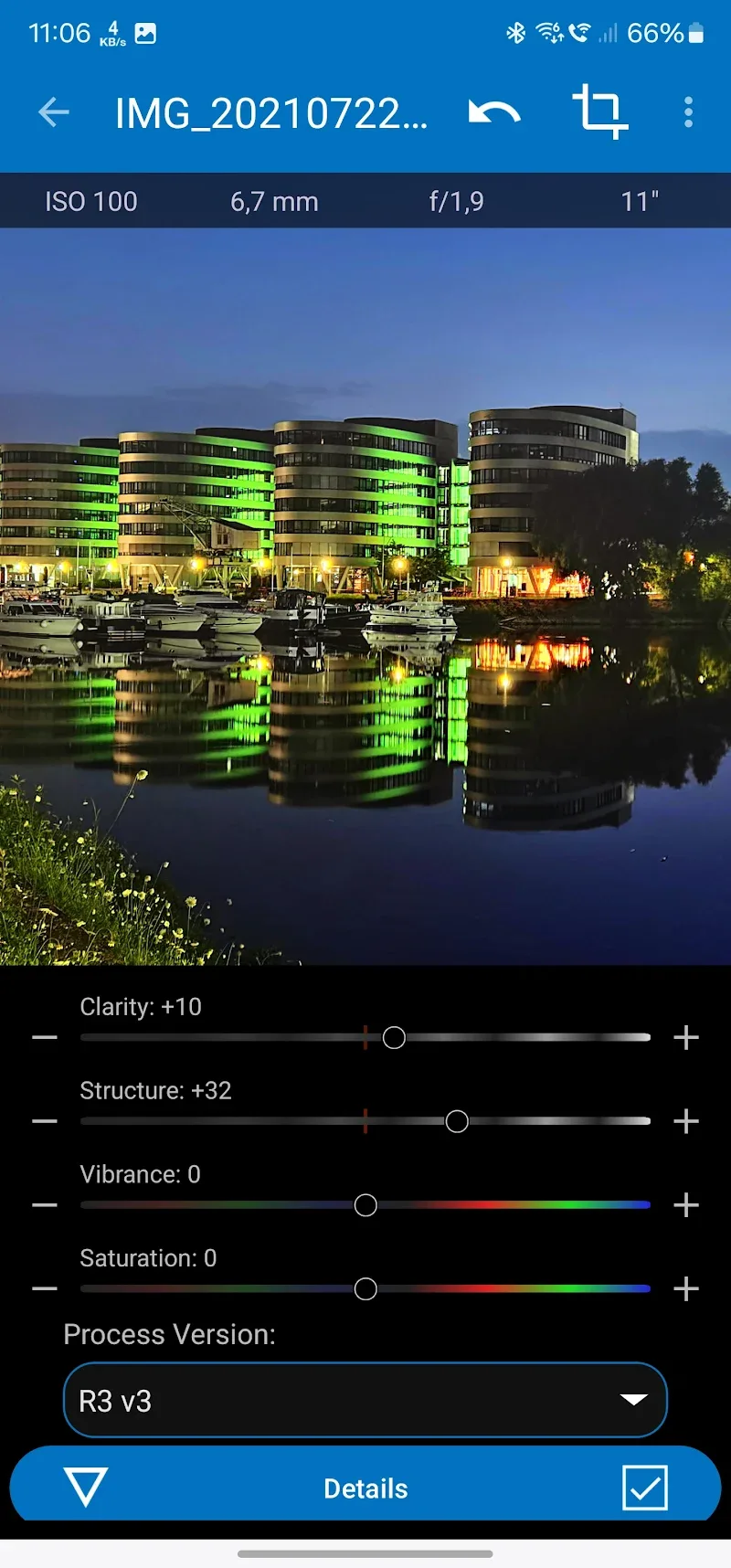
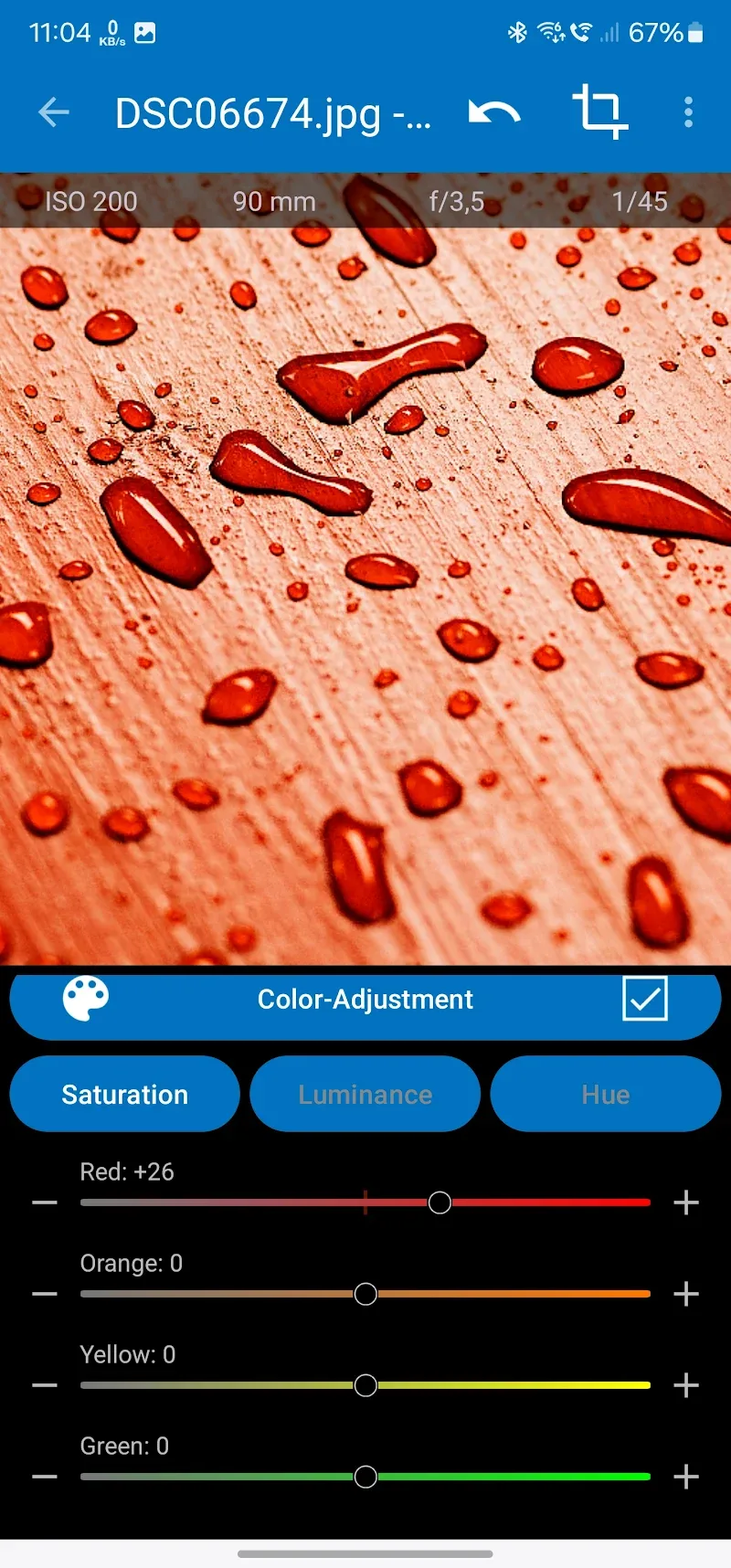
The most valuable point of the application is the non-destructive post-processing capability, meaning all your editing operations can be reversed without reducing the original quality. You can deeply intervene in each layer of color or brightness to turn a raw photo into an inspiring work of art — truly impressive.
- Raw decoding power: Directly decode and process today’s most popular raw formats such as ARW, RW2, or DNG.
- Lens correction collection: Automatically fix physical lens errors such as distortion, chromatic aberration, or vignetting.
- Layer based adjustments: Use brushes, lasso, or gradients to fine-tune details on specific areas of the photo.








Comments (0)