
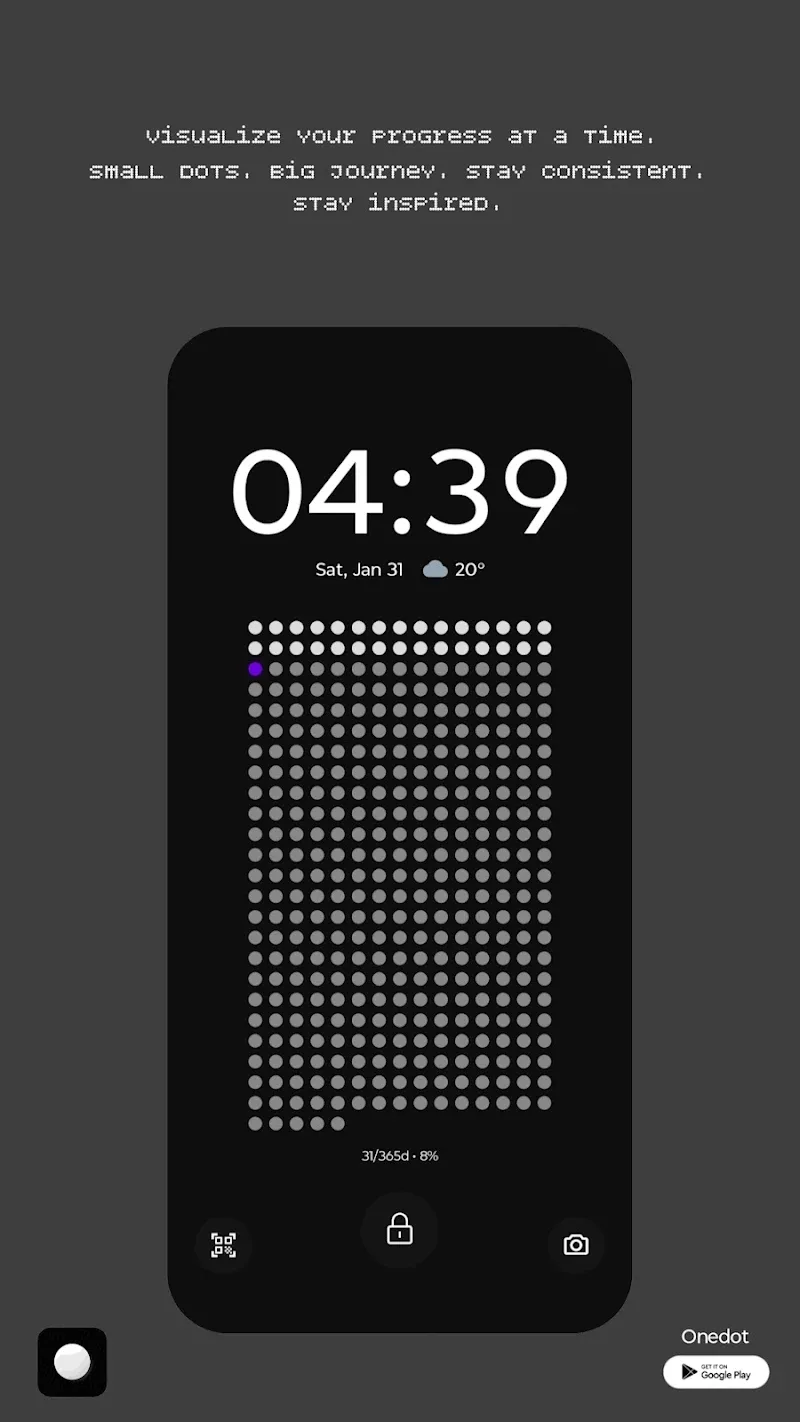
Time inherently is an abstract concept, but with OneDot, you actually can see and feel it passing each day. I have been too bored with the cold digital clocks or the calendars crowded with trivial words on the phone screen. When first time experiencing this application, the feeling is like I am owning a contemporary art painting right on the smartphone, where each dot is a puzzle piece representing a part of life. This is not only a decoration tool, it is an intuitive filter helping us be more mindful of our own presence in the rushing timeline.
VISUALIZE YOUR PROGRESS
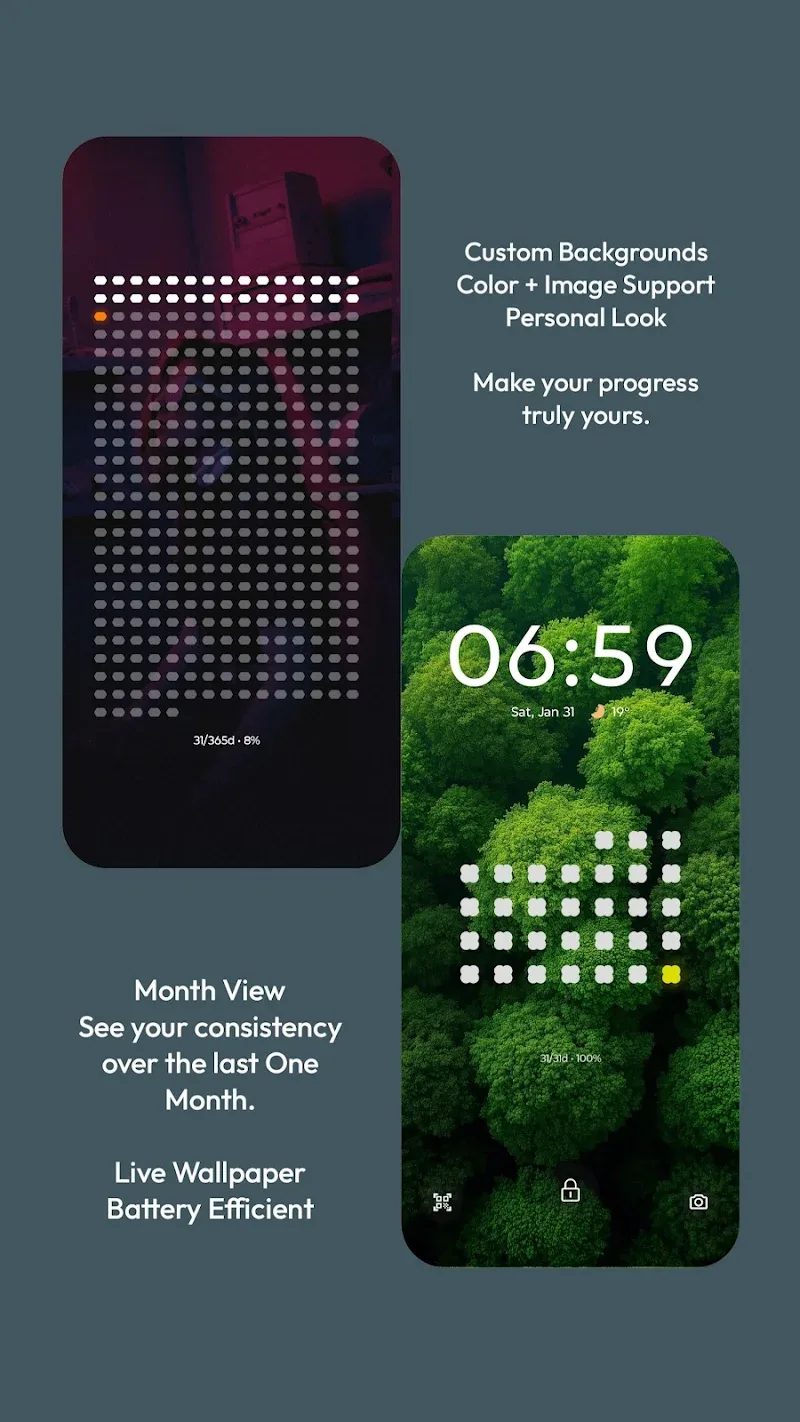
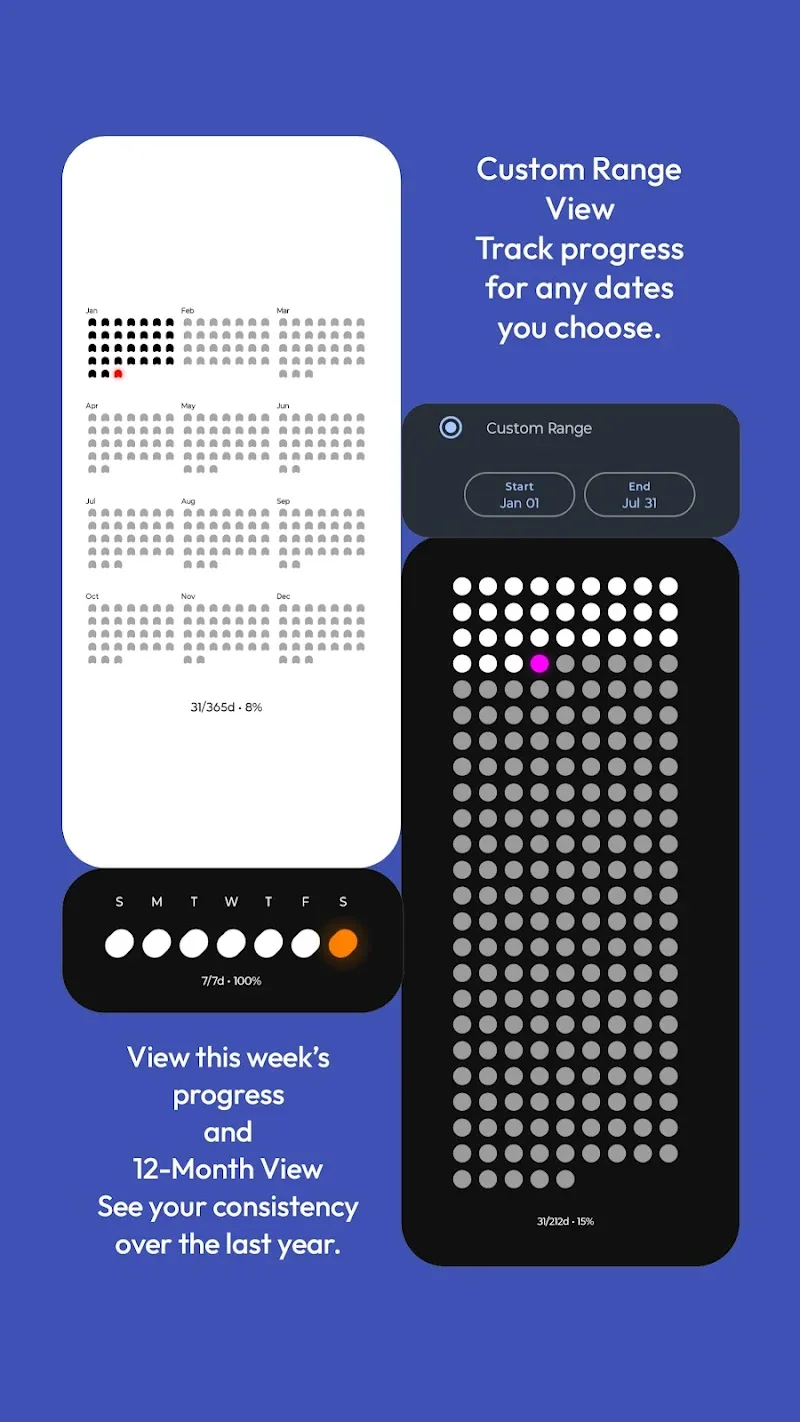
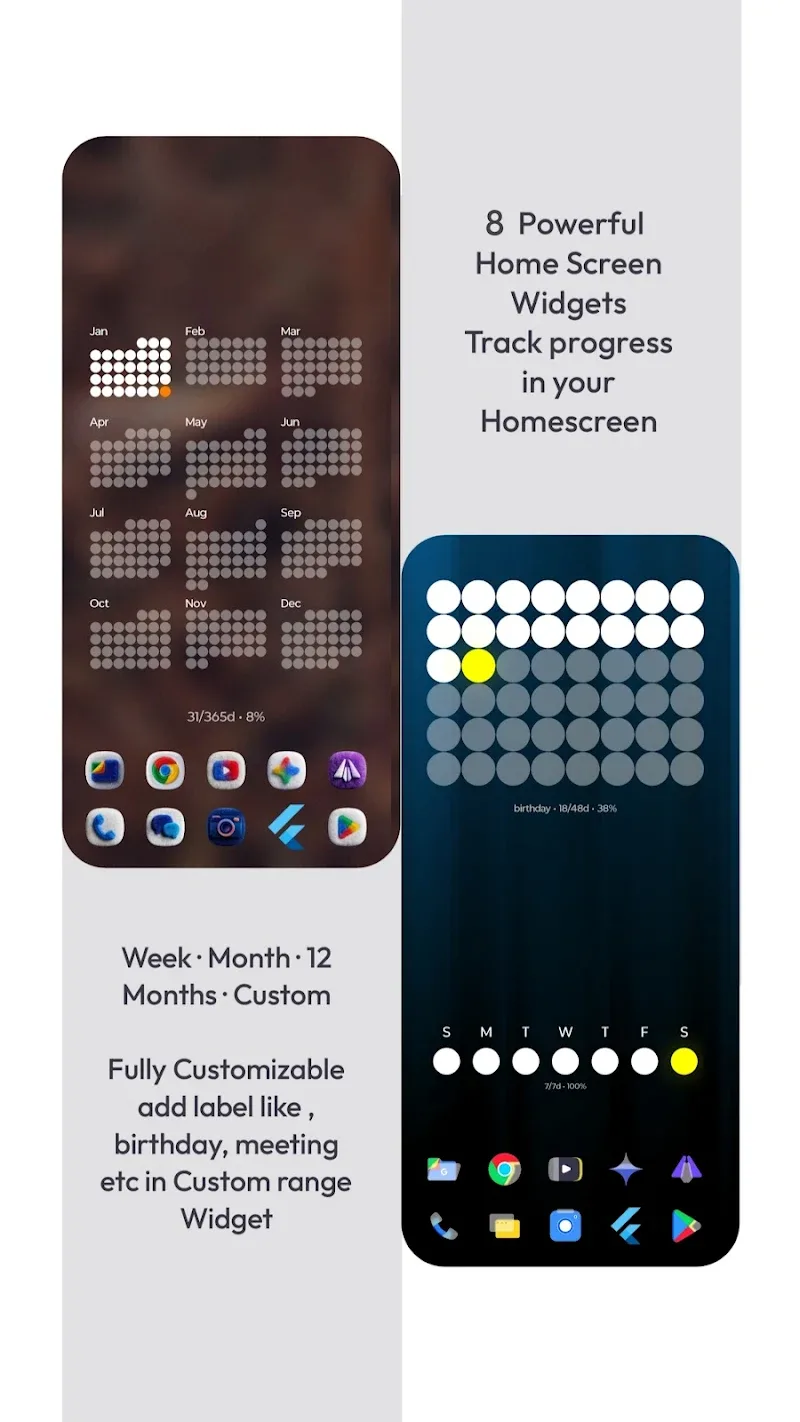
The application completely breaks all standards of a normal calendar by turning the time progress into a vivid point grid system. You can choose the panorama view to see 365 days encapsulated in one frame, or narrow the focus into each week to focus maximum on the present. Especially, I highly appreciate the way it handles personal goals—very intuitive and full of inspiration.
- Diverse time views: Provides many flexible display modes from full year overview to detail of each small time milestone.
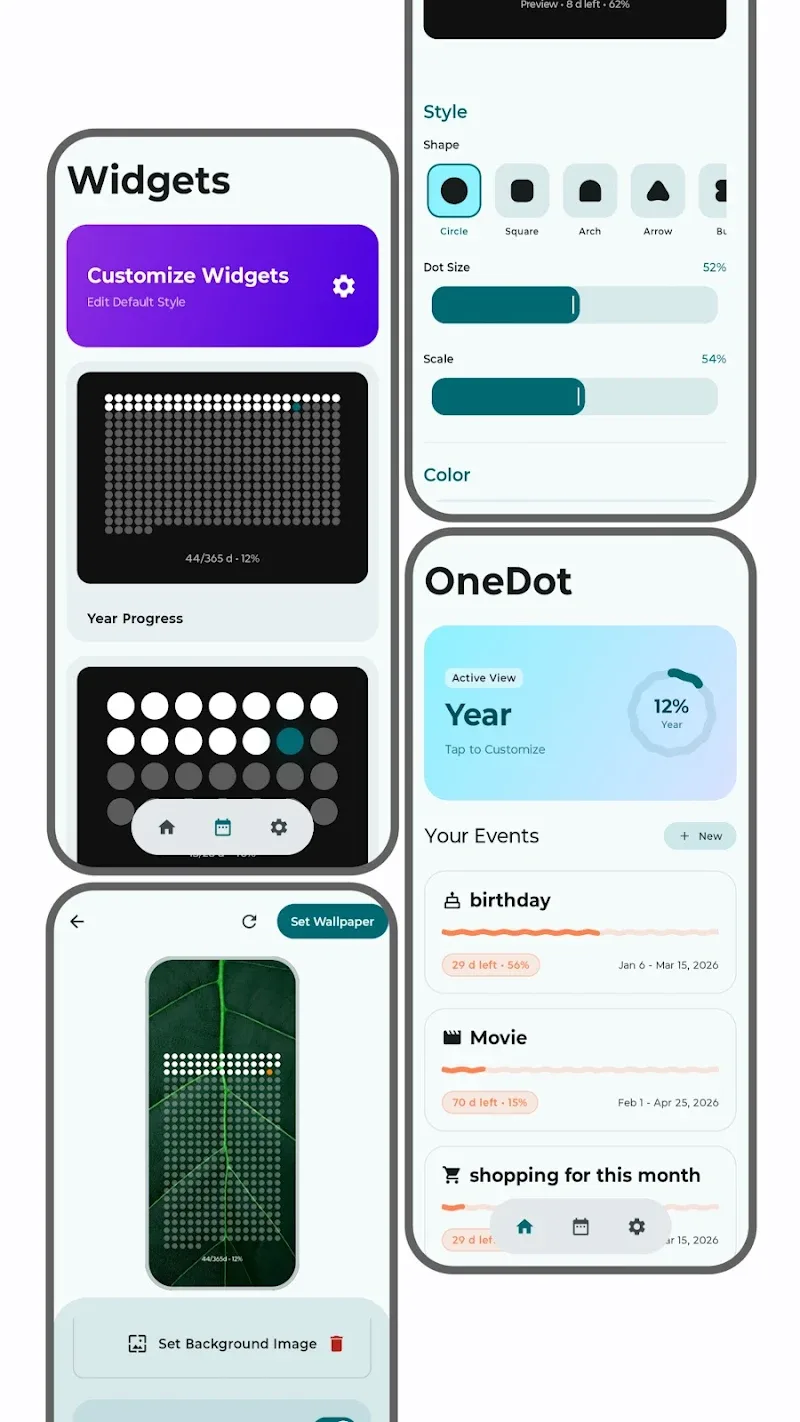
- Custom goal tracking: Allows setting up special milestones like exam countdown or tracking important events.
- Interactive home widgets: Integrates versatile widgets helping users track work progress right at the home screen.
DEEP INTERFACE CUSTOMIZATION
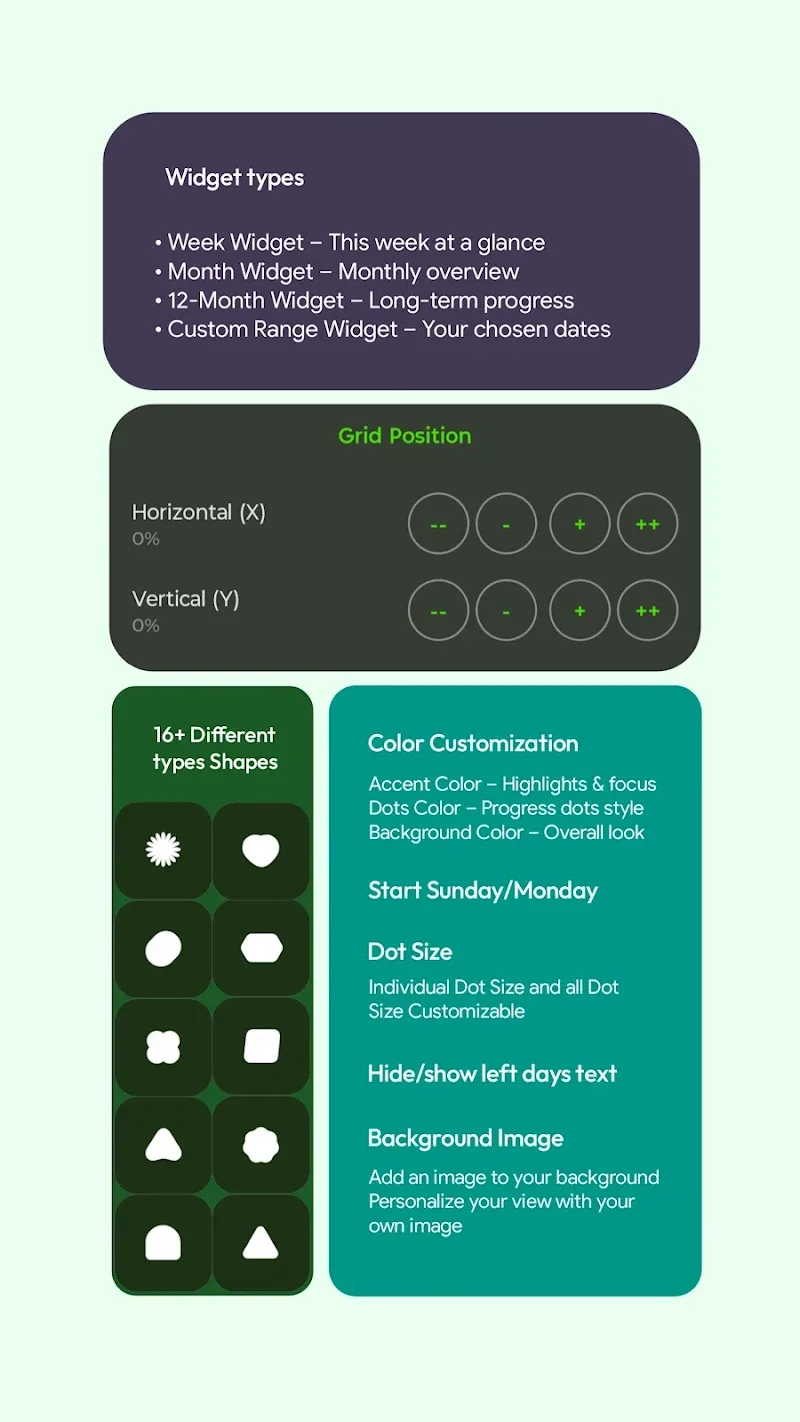
If you are a demanding “tinkerer” in arranging interface, OneDot certainly will not disappoint you with the extremely powerful customization toolkit. Everything from the shape of the dots, color palette to display position all can be deeply interfered to fit perfectly with the icon pack you are using. The biggest plus point lies in the smooth operating ability but yet extremely resource-saving—a rare thing in the live wallpaper applications nowadays.
- Unique dot styling: Freely change the shape of the representing points from squares, hexagons to other unique symbols.
- Advanced layout control: Meticulously adjust the size and grid coordinates to avoid overlapping on existing application icons.
- Battery saving mode: Perfectly optimized for OLED screens helping save maximum energy when operating daily.












Comments (0)