
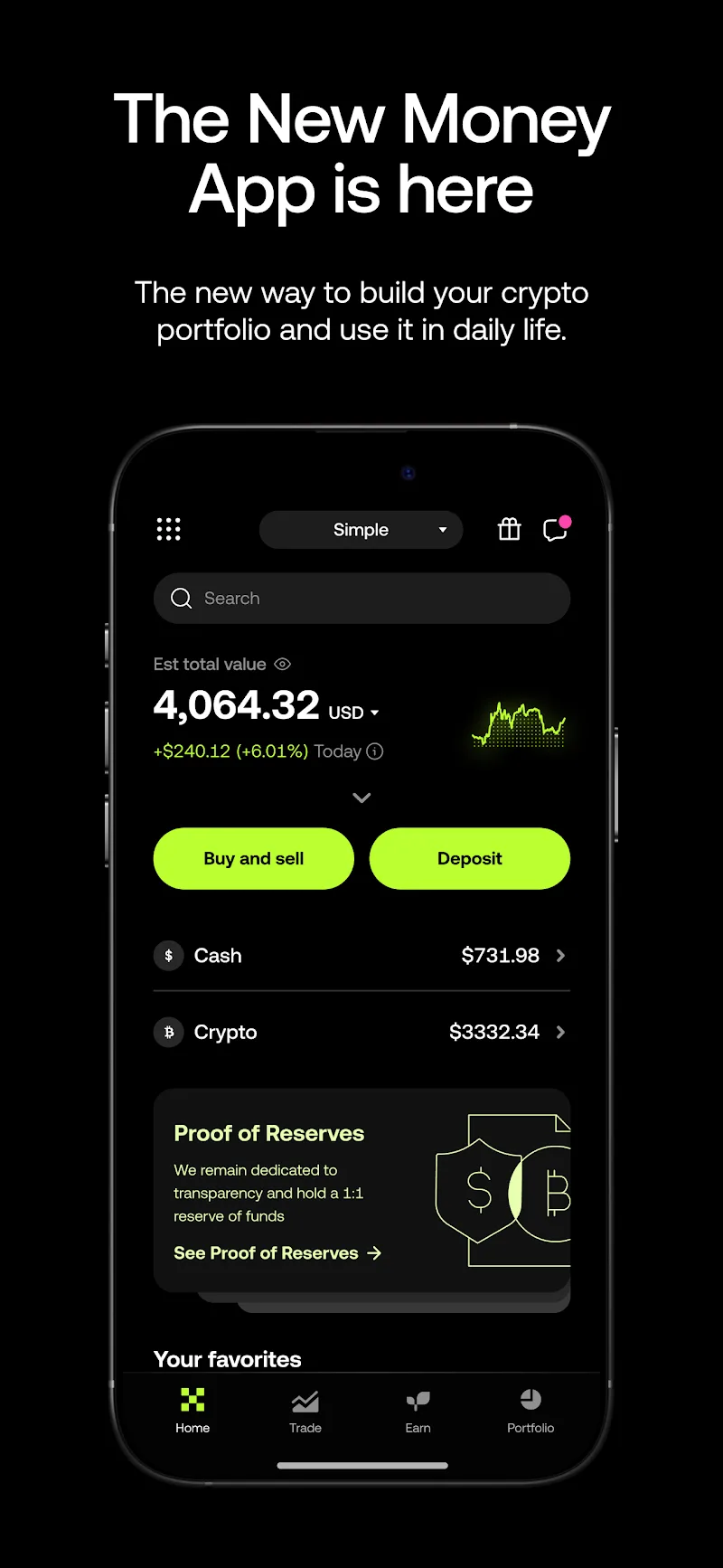
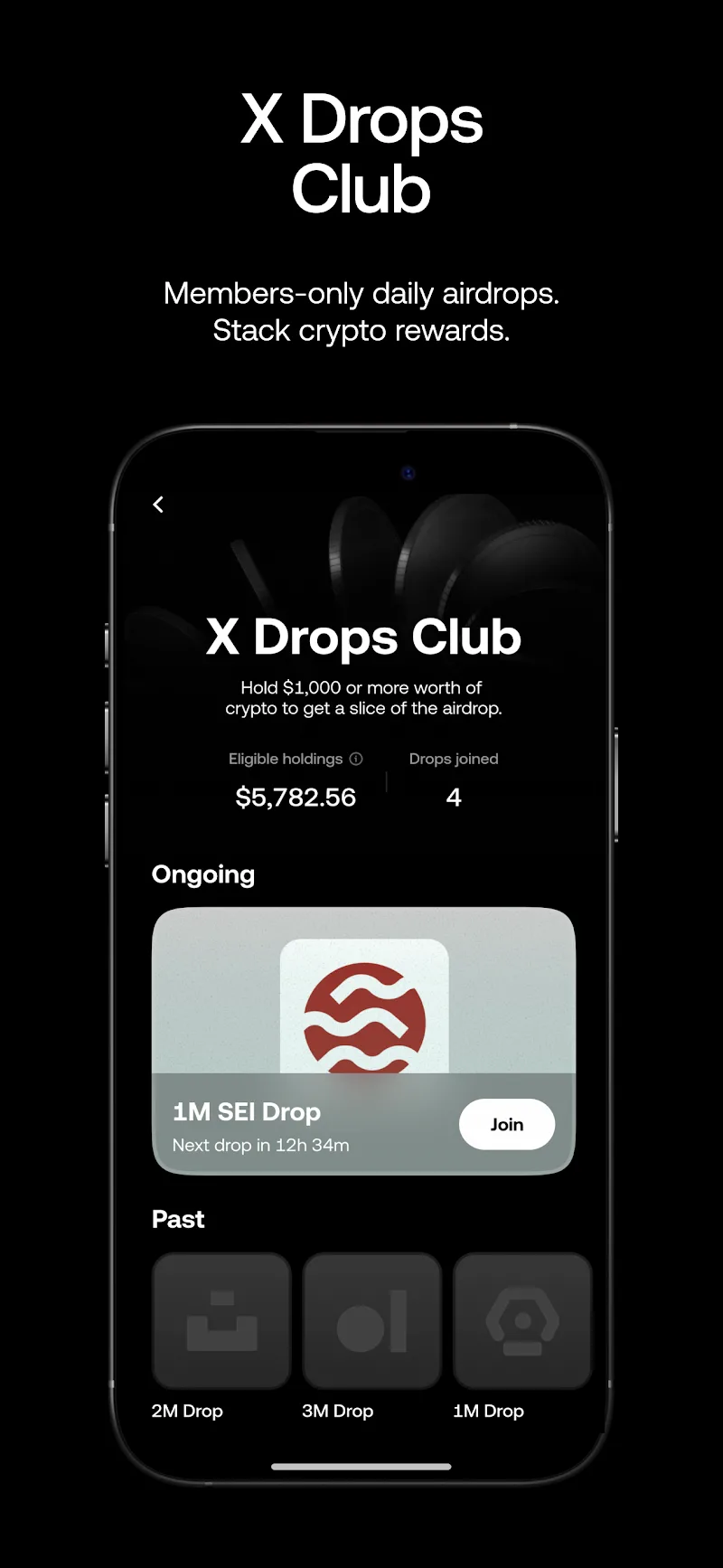
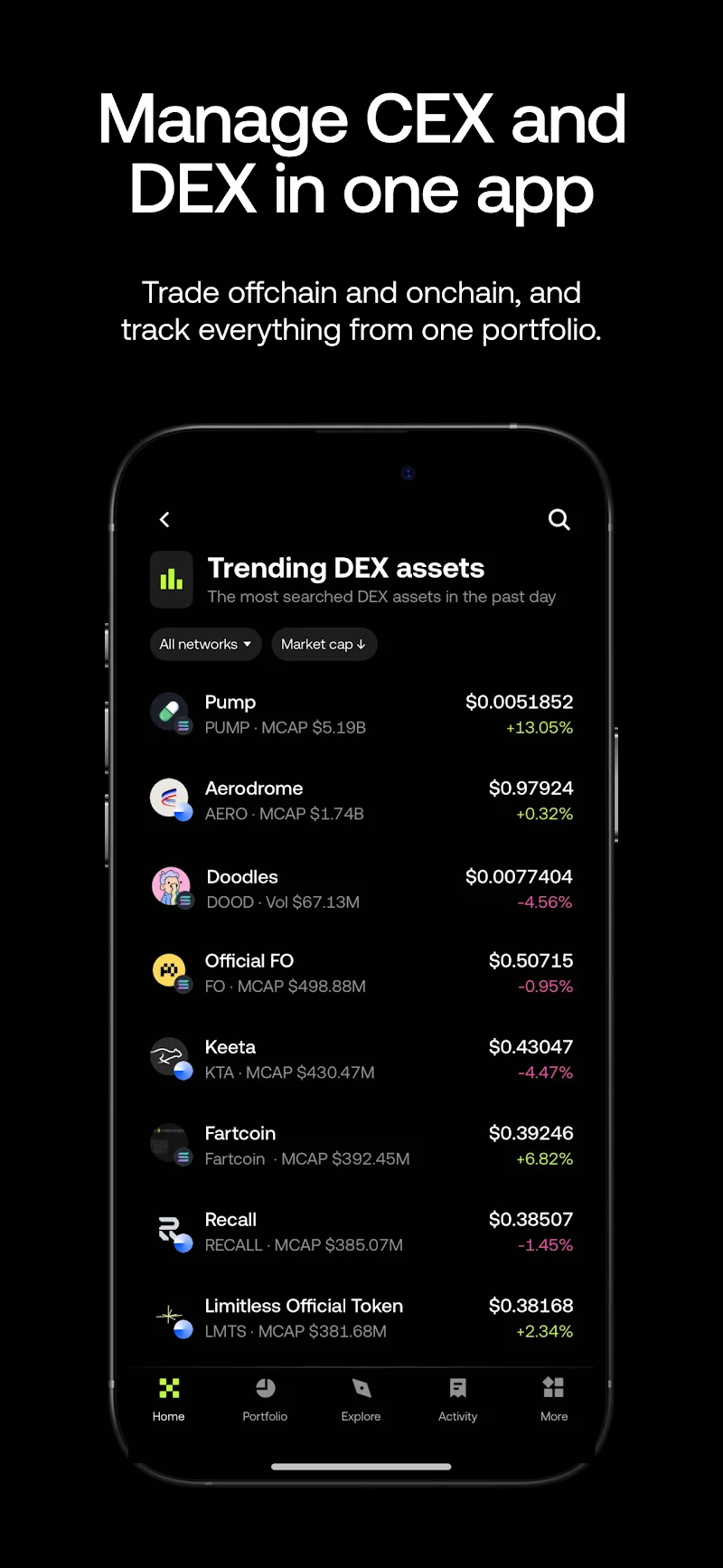
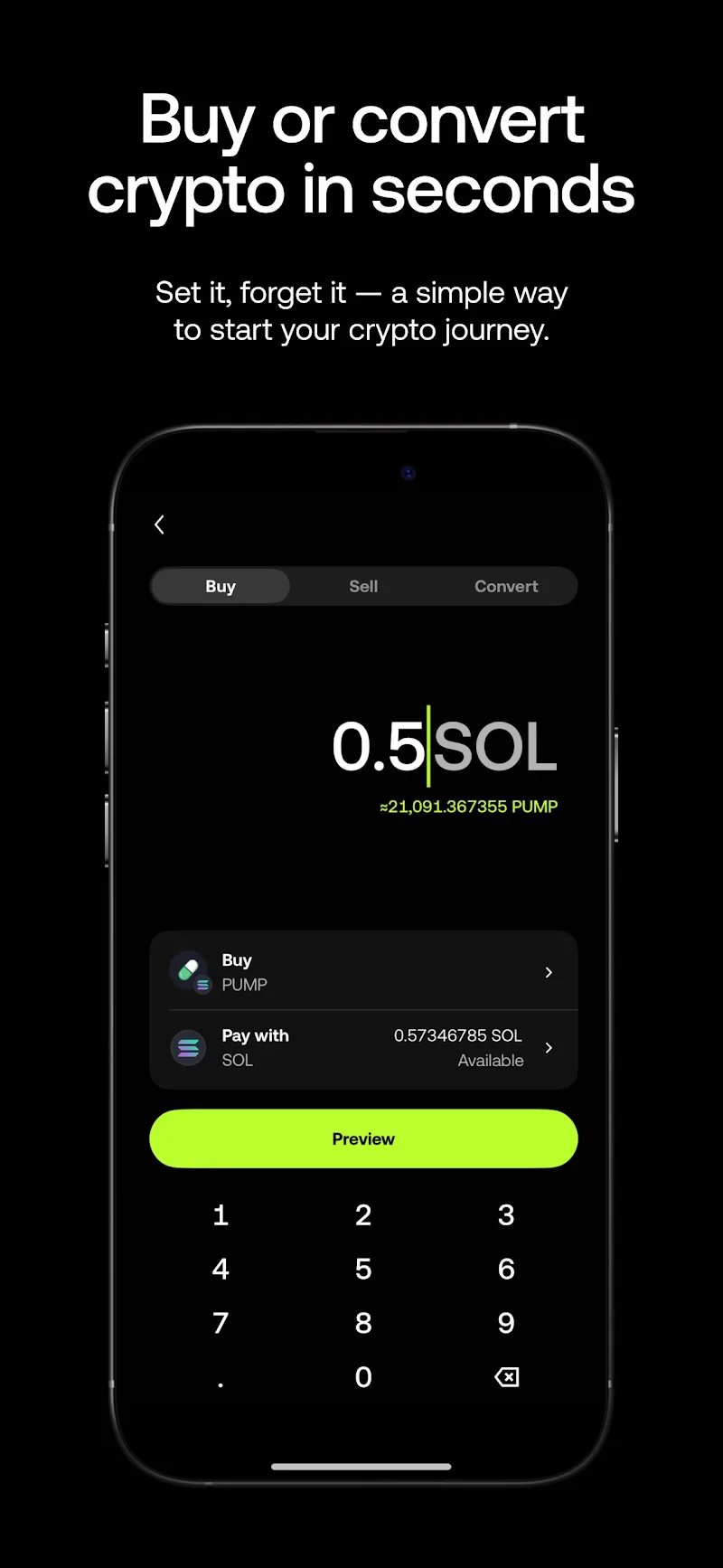
OKX is a crypto trading and Web3 app that brings exchange trading, an onchain wallet, DEX swaps, market charts, and automated trading tools into the same ecosystem. You can use it to buy Bitcoin and other cryptocurrencies, trade on the OKX exchange, or switch to OKX Wallet when you want to interact directly with decentralized applications and blockchain networks.
That combination is what makes OKX different from a basic crypto exchange app. You don’t have to keep your exchange account, Web3 wallet, token swaps, and DeFi activity completely separate.
Buying and Trading Crypto on OKX
For everyday trading, OKX covers the major markets most users expect. Bitcoin (BTC), Ethereum (ETH), USDT, Solana (SOL), XRP, Dogecoin (DOGE), BNB, USDC and many smaller tokens can be found through the app.
The basic Buy and Sell interface keeps things relatively simple, while the Trade section goes much deeper. Open a pair and you’ll find TradingView-powered charts, the live order book, recent trades, technical indicators and different order types on the same screen.
This means you can quickly check BTC prices and place an order, but you can also spend time studying a chart before deciding where you actually want to enter the market.
OKX Wallet Goes Beyond Exchange Trading
One of the more interesting parts of the app is OKX Wallet.
Instead of limiting users to assets held inside their exchange account, OKX also provides access to the onchain side of crypto. The wallet can be used with multiple blockchain networks and connects to DeFi protocols, decentralized exchanges, NFTs and other Web3 applications.
Assets in the wallet remain separate from the normal exchange account, which is worth understanding before moving funds around. Sending crypto from the exchange to your wallet is an onchain transaction rather than simply changing which page of the app displays your balance.
OKX has also continued developing wallet technology such as MPC-based account solutions and other methods designed to make Web3 wallets easier to use without removing the user’s control of onchain assets.
The OKX DEX Is Actually Useful
The DEX section is more than a simple token swap screen.
When you request a swap, OKX can search liquidity and routes across numerous decentralized exchanges instead of forcing you to manually compare the same pair on several DEXs. The goal is to find a suitable route based on available liquidity, pricing and network conditions.
This becomes particularly useful with less common tokens. A direct swap isn’t always the best route, and liquidity can be scattered between different pools and protocols.
The app handles much of that routing in the background and shows the quote before the transaction is submitted.
Trading Bots Without Running Your Own Server
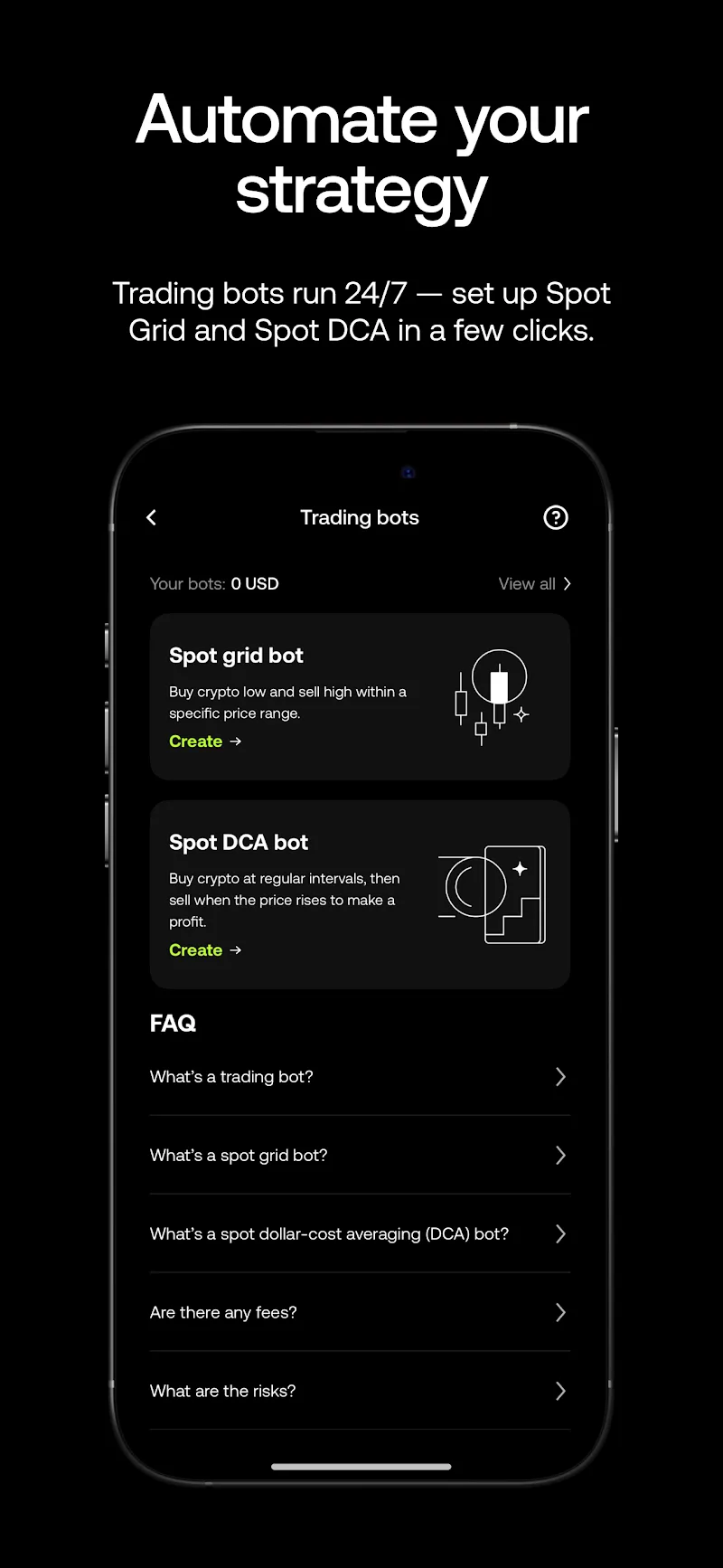
OKX also has built-in trading bots, which is a practical feature for traders who don’t want to write scripts or keep a computer running 24 hours a day.
Spot Grid, for example, can automatically place buy and sell orders within a price range. Spot DCA is aimed at strategies that build or reduce a position over time rather than trying to catch one perfect entry.
OKX also offers more advanced automation features, including Signal Trading. Traders can use supported signals to trigger strategies instead of manually watching a chart throughout the day.
These tools don’t make a strategy profitable by themselves—the settings still matter—but having them built directly into the exchange removes a lot of the technical work normally associated with automated crypto trading.
Earn and Staking
The Earn section gives users another option for crypto that would otherwise remain idle in an account.
Available products depend on the token and region. Some are relatively straightforward earning products, while others involve staking or onchain opportunities with different lock-up periods, redemption rules and yields.
The important thing here is to check the actual product terms rather than choosing an option purely because it displays a high APY. Rates can change, and different products carry different levels of risk.
Proof of Reserves and Account Security
For a centralized exchange, knowing how customer assets are handled matters just as much as having a good trading interface.
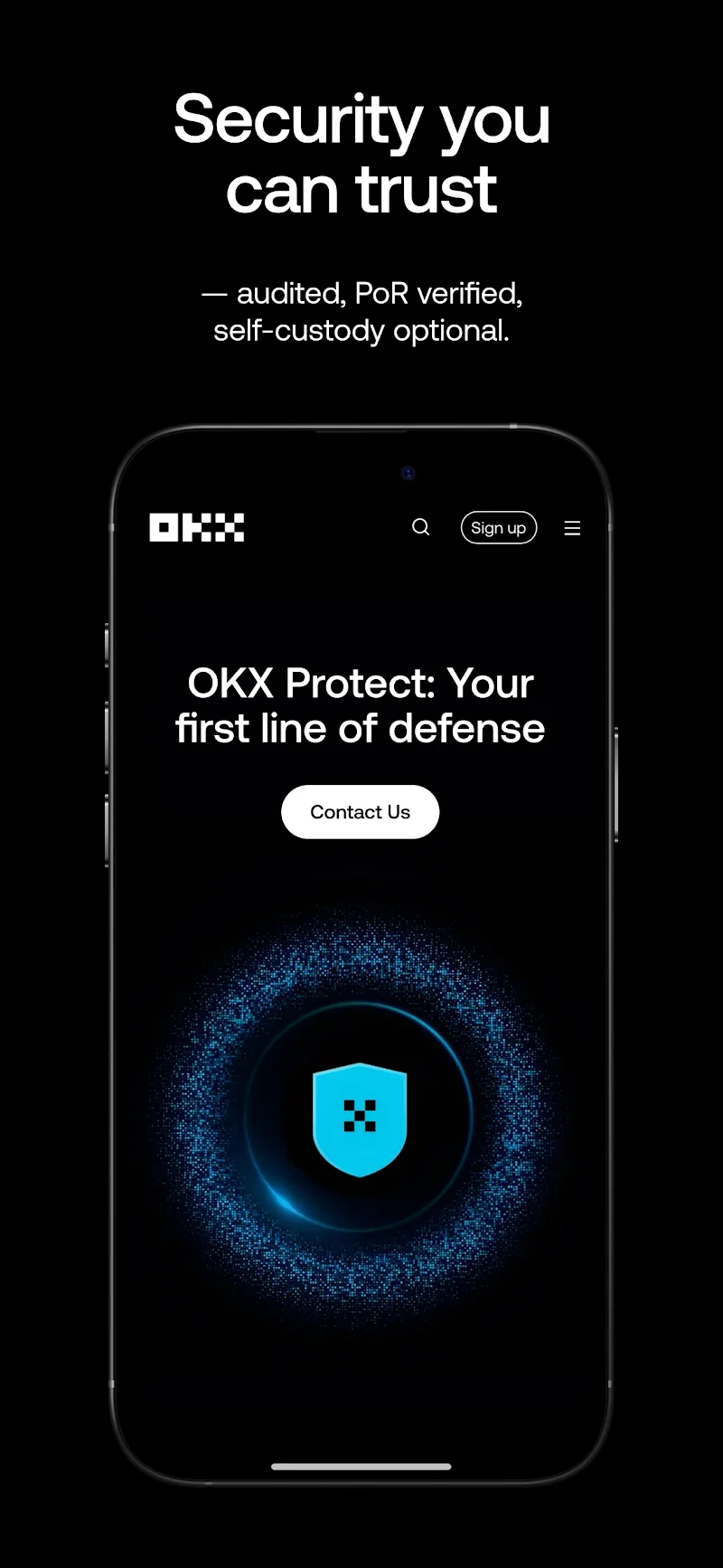
OKX publishes Proof of Reserves information so users can independently check information related to the reserves backing customer assets. The platform states that customer deposits are maintained with a 1:1 reserve ratio.
On the account side, users can enable additional security measures such as two-factor authentication and other withdrawal or login protections.
OKX Wallet is different because it introduces self-custody options. If you choose to control your own wallet, protecting the wallet credentials and recovery information becomes your responsibility.
What Makes OKX Worth Trying?
The strongest reason to download OKX isn’t simply that it lists Bitcoin or thousands of tokens. Most large exchanges can already do that.
What stands out is how much of the centralized and decentralized crypto experience has been placed inside one app.
You can trade on the exchange, move assets into OKX Wallet, connect to Web3 applications, search DEX liquidity for a token swap and return to the trading interface without installing a collection of unrelated apps.
A few features are particularly worth exploring:
- OKX Wallet: Manage onchain assets and access Web3 applications.
- OKX DEX: Compare decentralized liquidity and swap routes from within the OKX ecosystem.
- Trading Bots: Run strategies such as Spot Grid and Spot DCA automatically.
- Signal Trading: Connect trading strategies with supported market signals.
- Proof of Reserves: Check published reserve information instead of relying only on an exchange’s claims.
Download OKX for Android
The Android version of OKX puts the exchange, OKX Wallet, DEX tools, charts and automated trading features on your phone. If you already use OKX on desktop, signing in gives you mobile access to the same ecosystem and makes it easier to monitor markets or manage positions away from your computer.
New users should spend some time learning the difference between an OKX exchange account and OKX Wallet before transferring assets onchain. It’s also a good idea to enable the available account security options before depositing significant funds.
Crypto prices can move quickly, and products such as staking, automated strategies and DeFi carry their own risks. Availability also differs by country, so some OKX features mentioned above may not appear in every region.
For users who want more than a simple Bitcoin buying app, however, OKX is particularly interesting because its exchange and Web3 products are closely connected rather than feeling like completely separate services.


Comments (0)