
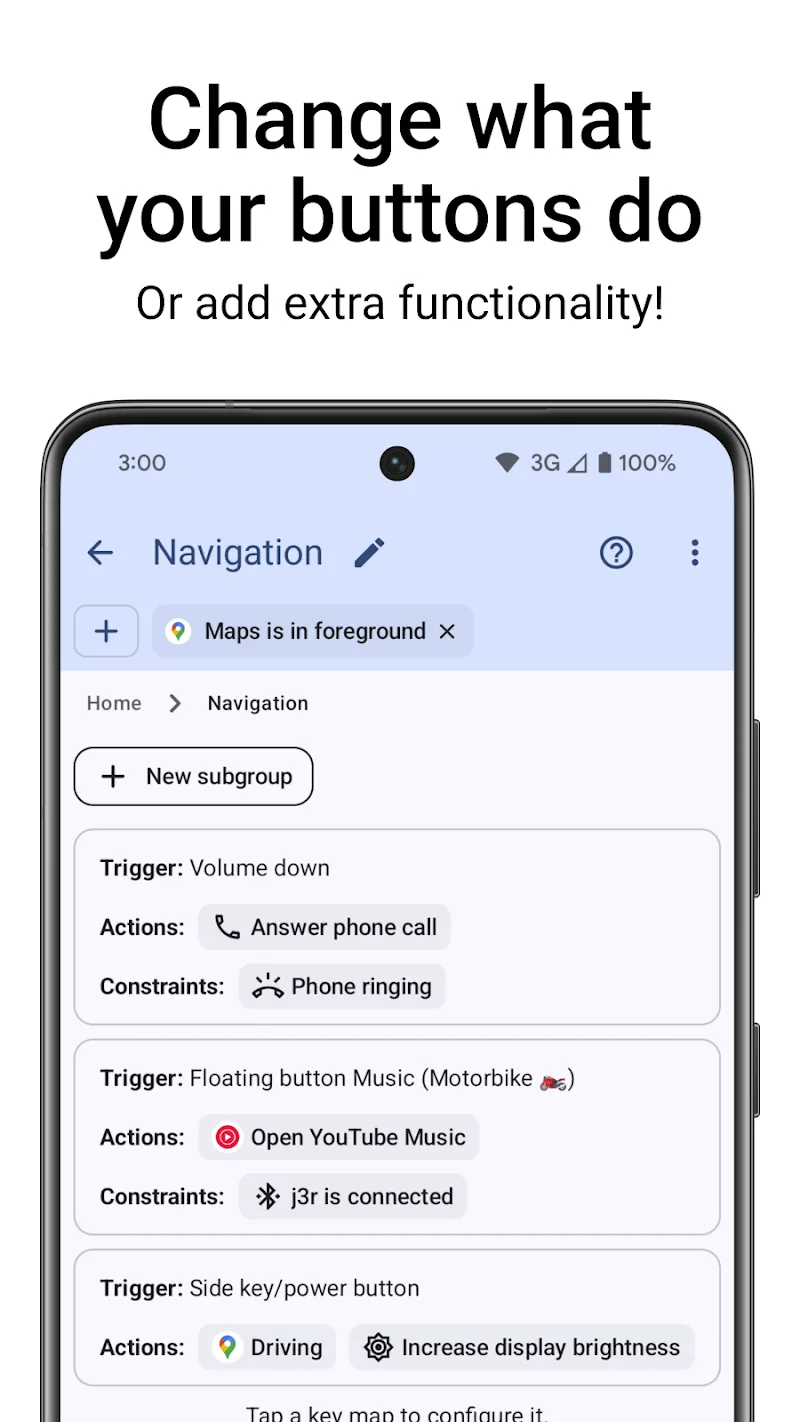
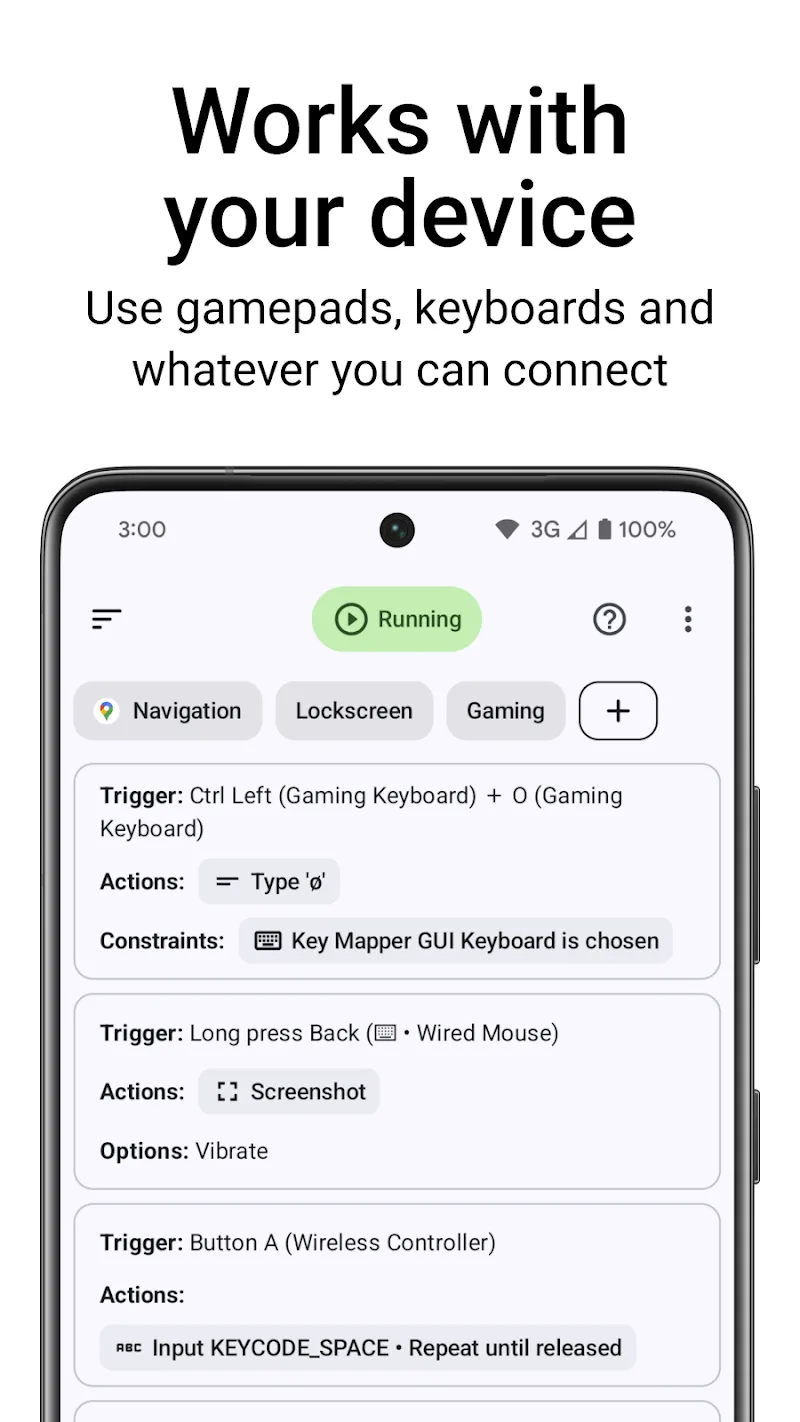
The controlling completely the phone sometimes is limited by the hardware design poor from the manufacturer. However, the birth of the application Key Mapper & Floating Buttons has changed the game when allowing you to customize every physical button into powerful “super shortcuts”. When I first installed this application, the feeling was like just being removed an invisible shackle; every volume button, side key or even the fingerprint sensor all can become tools to execute complex commands in just a split second. This is not only a regular key mapping tool, but is a powerful open-source platform for those who worship high-performance minimalism.
ADVANCED HARDWARE REBINDING
Key Mapper brings the ability to intervene deep into the system to take maximum advantage of the hardware components existing on your device. Instead of letting the physical buttons stay dead with boring default features, the application allows you to turn them into gateways of a series of different actions in a smooth way.
- Wide device compatibility: Support from external keyboards, mice to the most popular game controllers today.
- Diverse input triggers: You can set up triggers through holding, double tapping or combining multiple buttons at the same time.
- Biometric key mapping: Take advantage of the fingerprint sensor to perform fast actions without needing to touch the main screen.
POWERFUL MACRO AUTOMATION
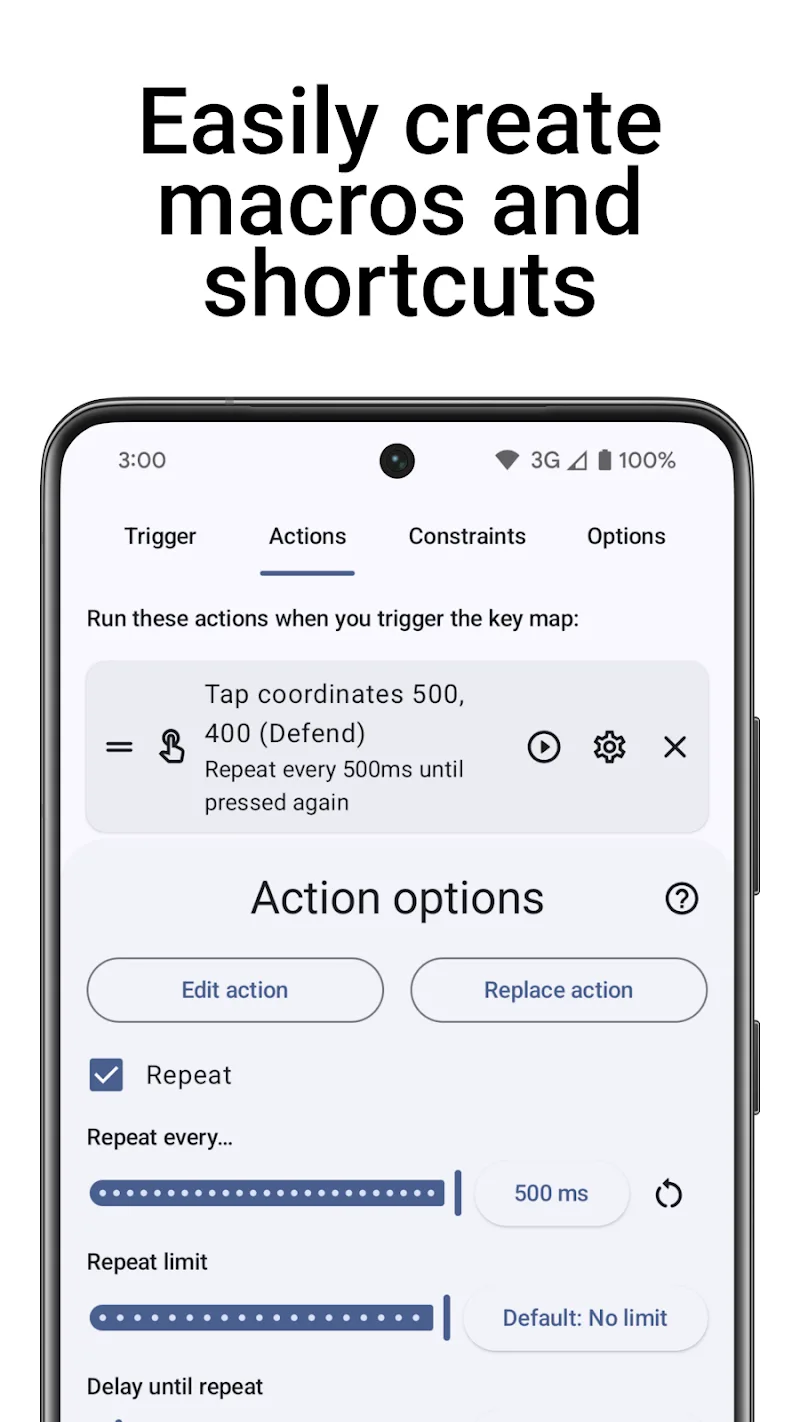
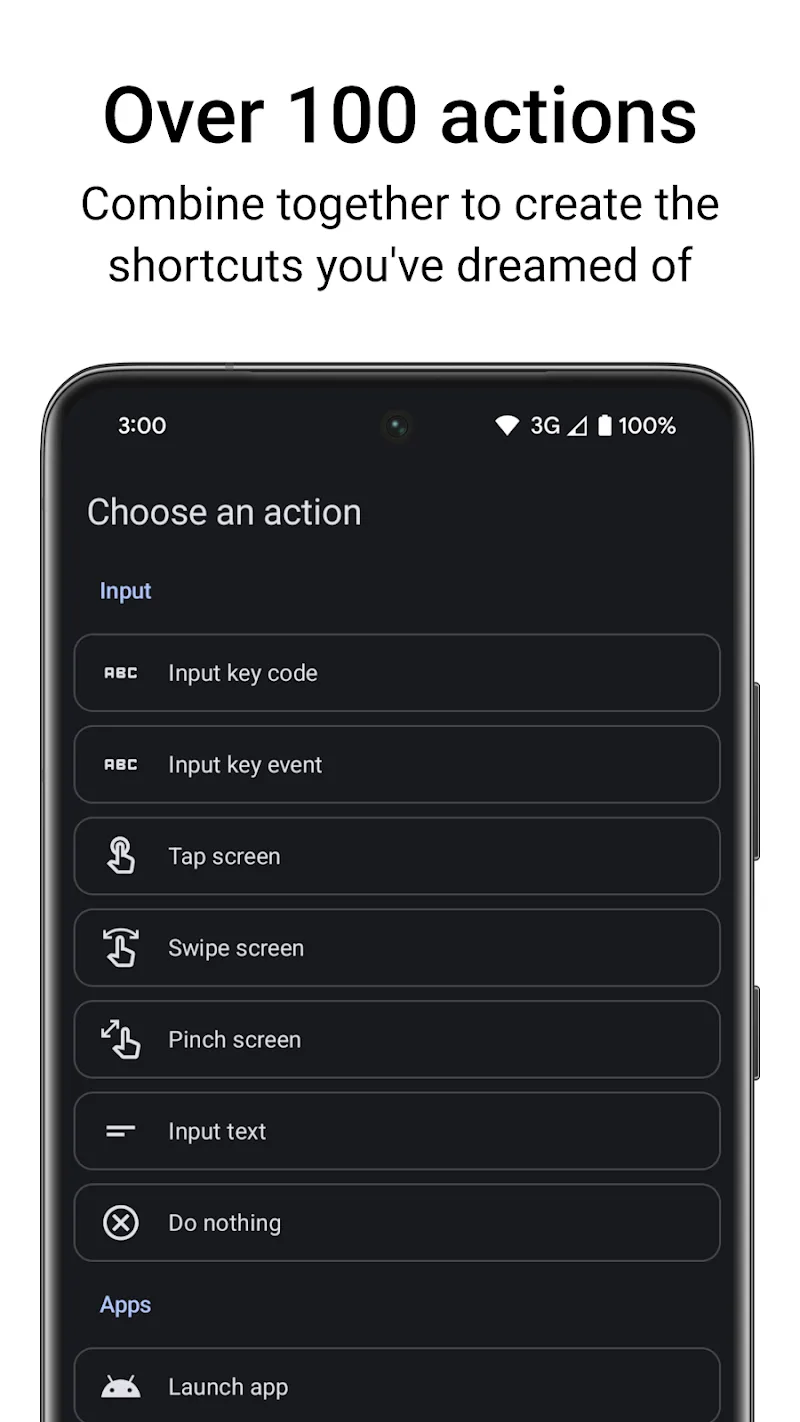
The point that makes me truly impressed is the extremely smart macro system, allowing serialization of actions to automate daily repetitive tasks. With more than 100 individual actions available, the only boundary here is your imagination in designing workflows.
- Complex gesture sequences: Create sequences of swipes and screen touches simulating actual user hand actions.
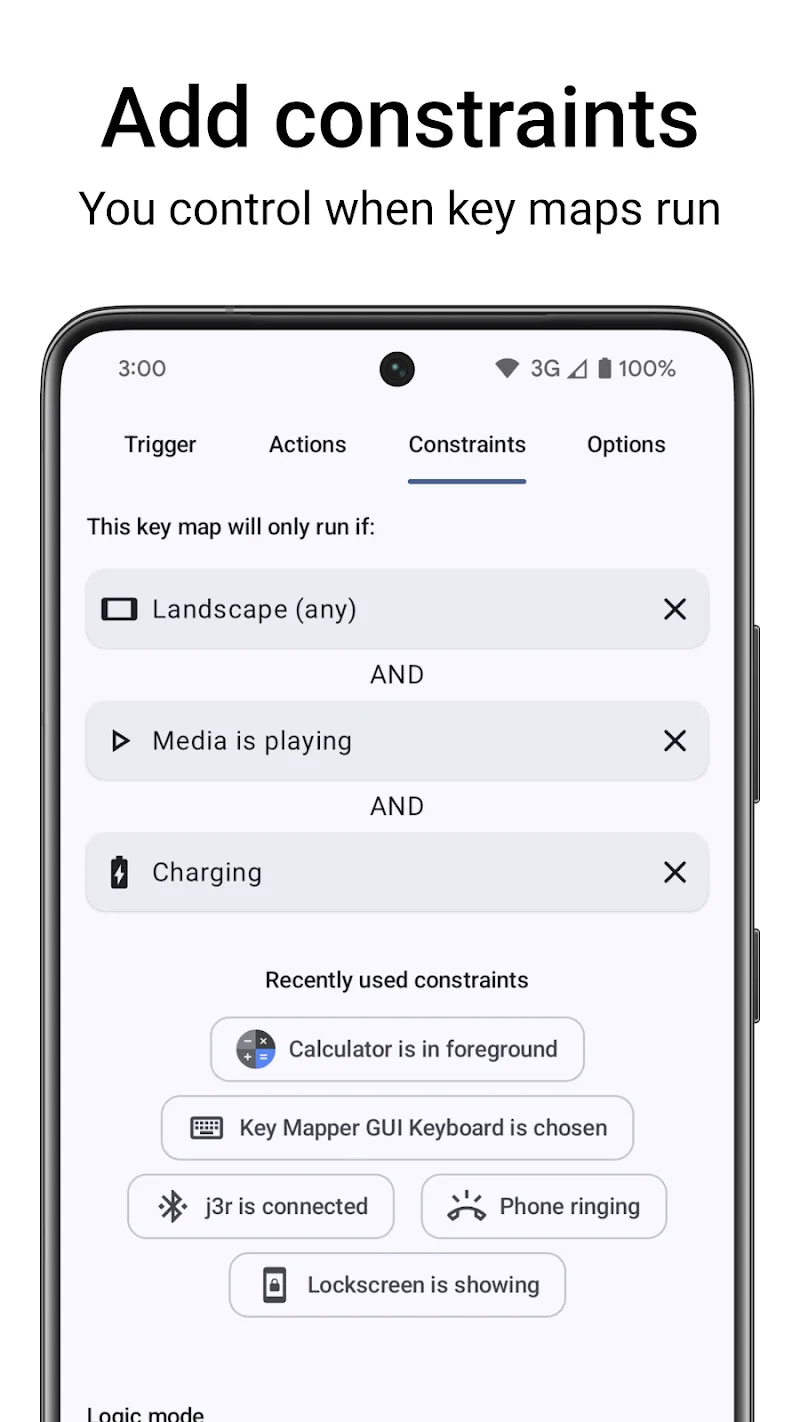
- Smart situational constraints: Only allow shortcuts to work in specific applications or when the screen is locked.
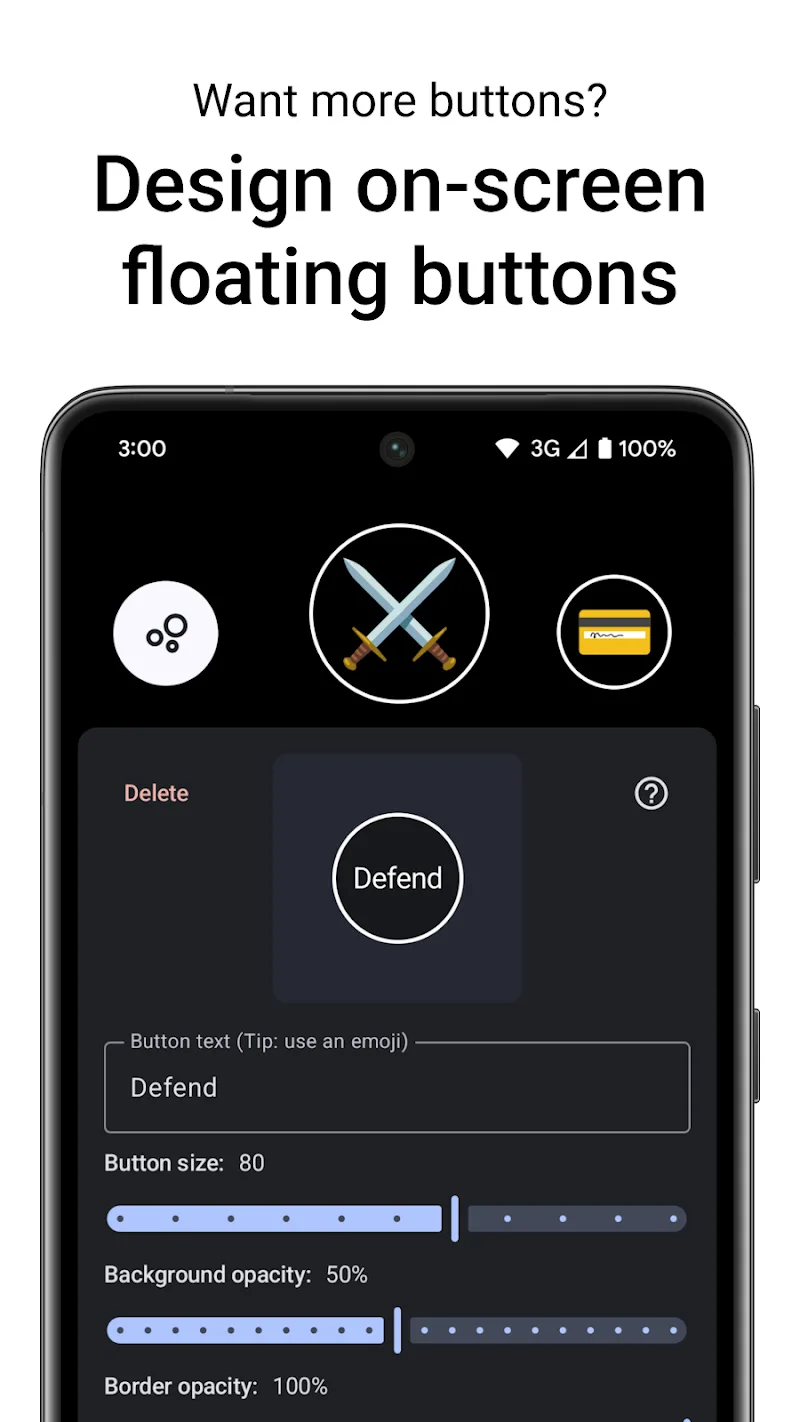
- Custom floating buttons: Self-design virtual buttons right on the screen if the number of physical keys of the device is not enough to use.







Comments (0)