
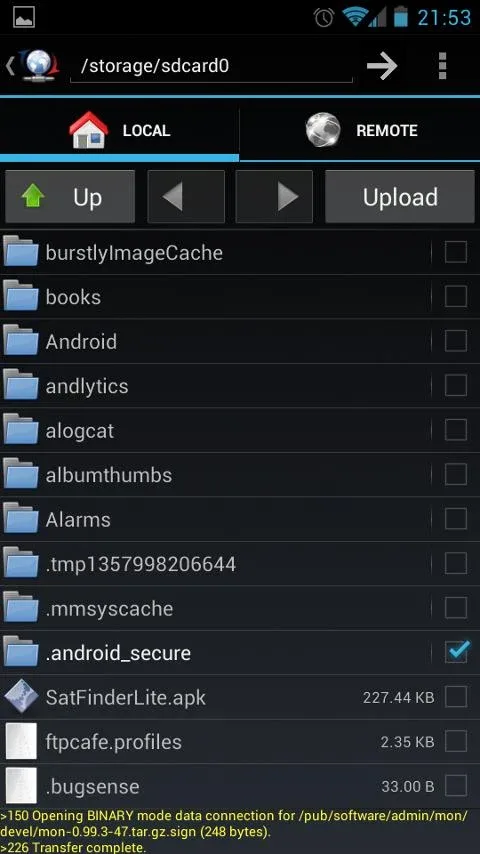
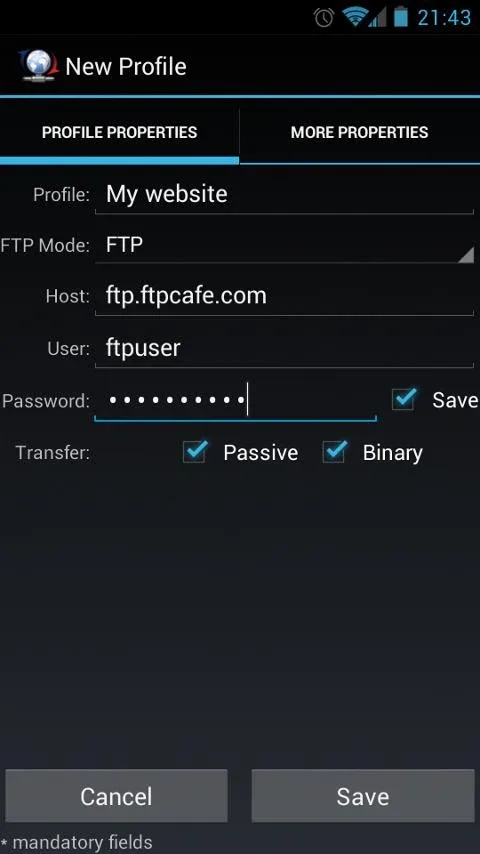
Instead of having to be attached to the laptop every time need to process data on the server, you completely can master every file right on your smartphone with FtpCafe FTP Client. This app really is a “lifesaver” for those who frequently have to manage data from afar but yet prefer the compactness and flexibility. No flashiness, no distracting ads, it focuses straight on the establishing stable and safe connection between mobile device and server. When I first time opened the app, the feeling simple to the point of surprising, but do not let that appearance deceive—the inner strength of it enough power to meet every strictest security standard current now.
SECURE PROTOCOL SUPPORT
The app not only stops at traditional file transfer protocol but also expands to stronger security layers to protect your data. The switching between methods takes place smoothly, helping users flexibly customize according to specific configuration of each server.
- Advanced encryption standards: Support fully variants from FTPS (including both Implicit and Explicit over SSL) to SFTP running on SSH, ensuring every data stream all are encrypted tightly.
- Private key authentication: Allow log in by traditional password or use private key RSA/DSA OpenSSL and ConnectBot, enhancing maximum the security capability for professional systems.
- Diverse pem formats: Compatible well with traditional SSLeay PEM key formats or PKCS #8 PEM, helping the configuring access rights become in-depth and safe absolute.
EFFICIENT DATA MANAGEMENT
The interface of the app is simplified to the maximum to optimize work performance, helping you manipulate fast without being distracted by redundant features. Everything is arranged extremely scientifically, from context menus to the connection profile management system.
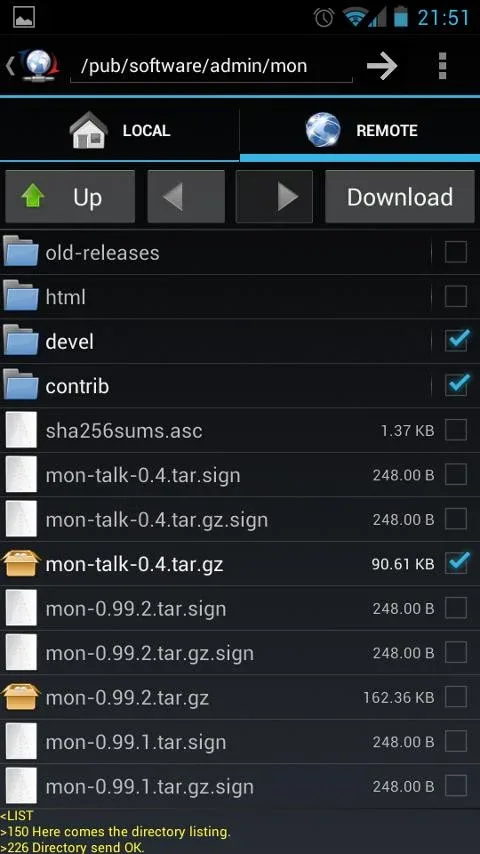
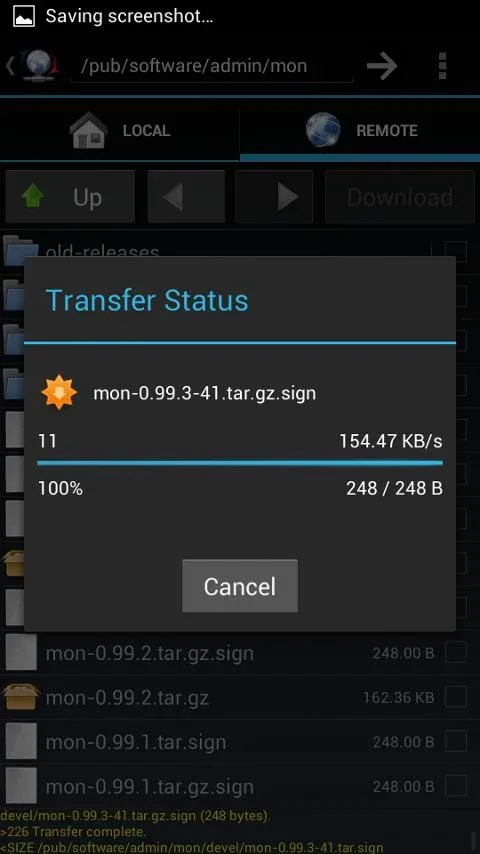
- Batch file transfer: Users can comfortably choose and move at the same time many files or large folders, helping save significant time compared to manipulating manually each item one by one.
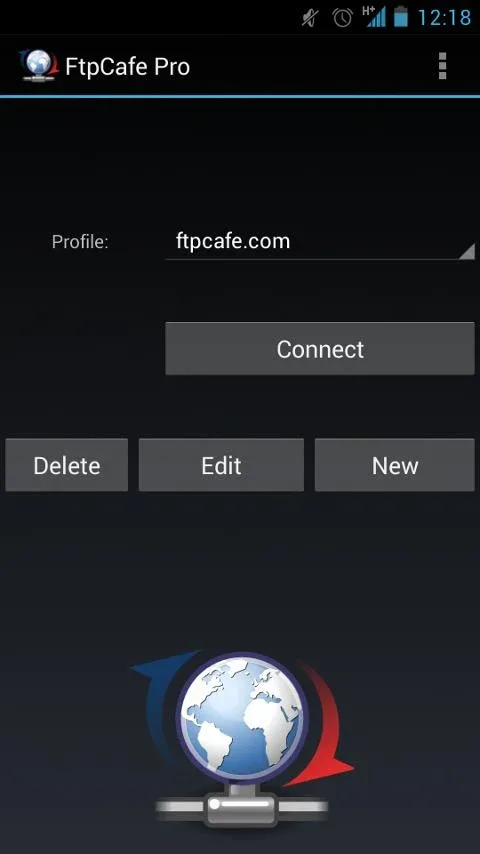
- Stored connection profiles: The profile storage feature helps you maintain information of many different servers, the switching back and forth between servers now only takes exactly one touch.
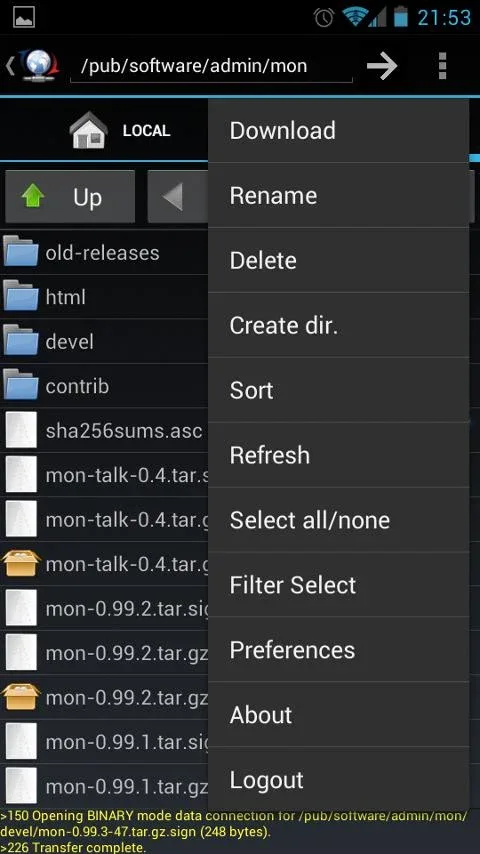
- Smart context menus: The smart navigation system allows you to long press to open context menu or use the system menu bar, bringing a file control experience extremely natural.




Comments (0)