
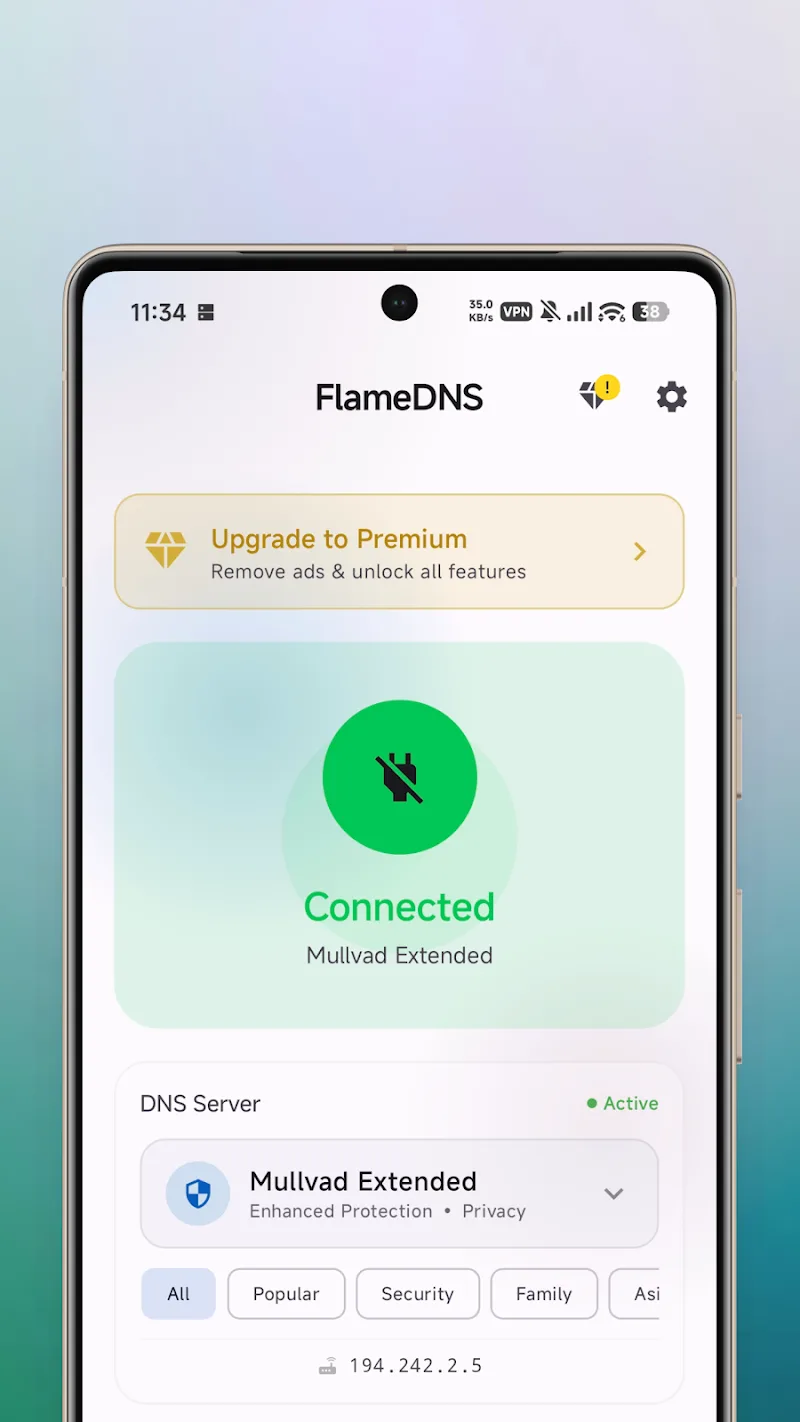
Have you ever fallen into a state of frustration when your favorite website is suddenly blocked or international network loading speed suddenly becomes slow like a crawling turtle? The problem usually does not lie in the transmission line but because the ISP’s DNS server is “throttling” your experience. To thoroughly solve this trouble, FlameDNS – DNS Changer appears as a lightweight but extremely powerful lifesaver. Instead of having to intervene deeply into the system, this application uses VPN technology to set up a local DNS server right on the device. This brings maximum flexibility for Android users.
NETWORK CONNECTIVITY OPTIMIZATION
When experiencing FlameDNS, I realized the biggest plus point is the comprehensive compatibility with all network infrastructures without requiring the user to be a technical expert. The application works smoothly regardless of which type of connection you are using.
- Flexible network support: The application allows you to switch DNS flexibly on both mobile networks (2G/3G/4G), WiFi or even dedicated Ethernet connections.
- Dual stack compatibility: FlameDNS fully supports both IPv4 and IPv6 protocols, ensuring your device is always ready for the most modern Internet standards.
- No root required: You can completely use all advanced features without needing to perform a root intervention on the device, helping maintain the security for the operating system.
PRIVACY AND ACCESS FREEDOM
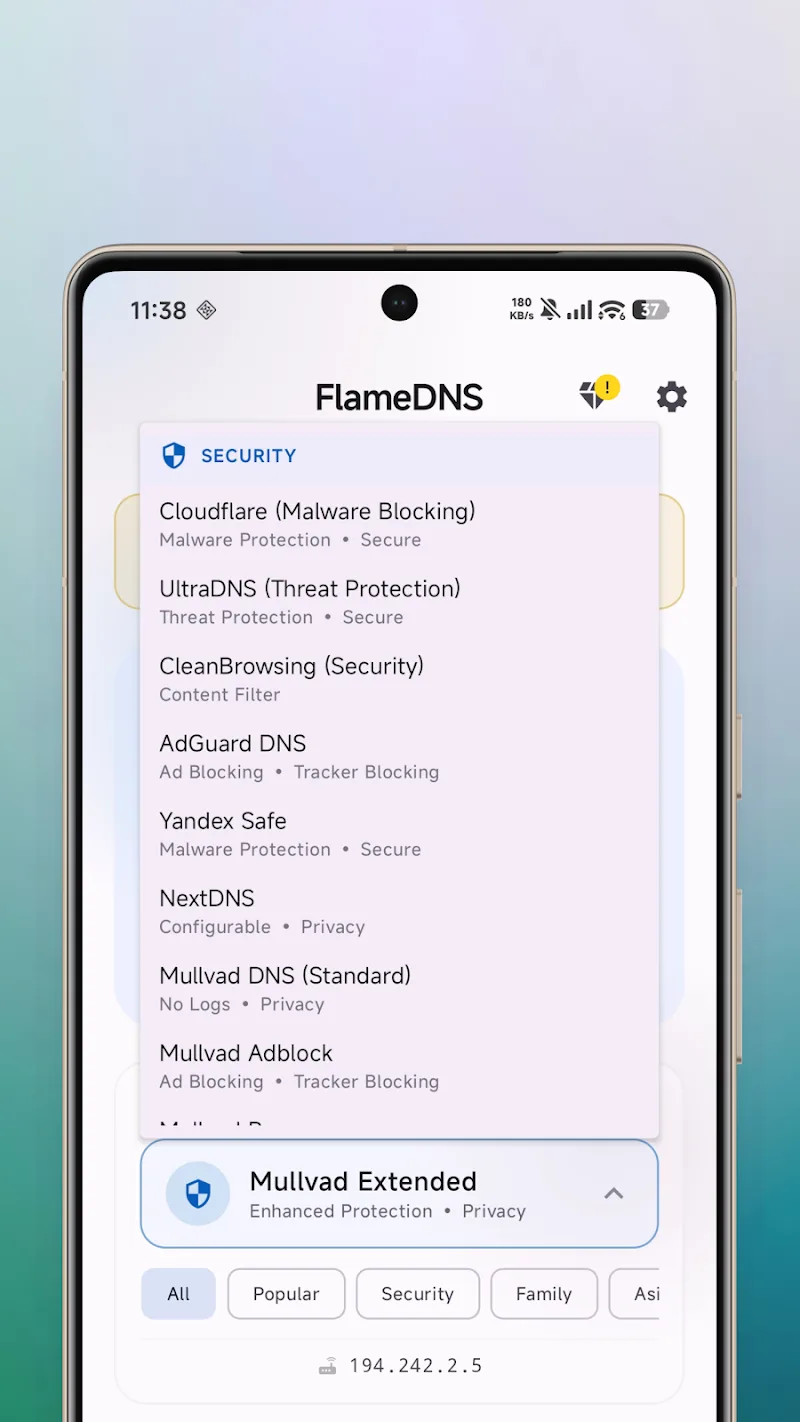
Why must you endure control from the ISP side when you have the right to a better choice? FlameDNS groups the most popular and reputable servers in the world for you to freely switch after just one touch. I was truly impressed with the way this application helps bypass geographical barriers silently and effectively.
- Bypass regional blocks: By replacing the default DNS, the application helps you slip through access restriction filters from network providers or regional barriers.
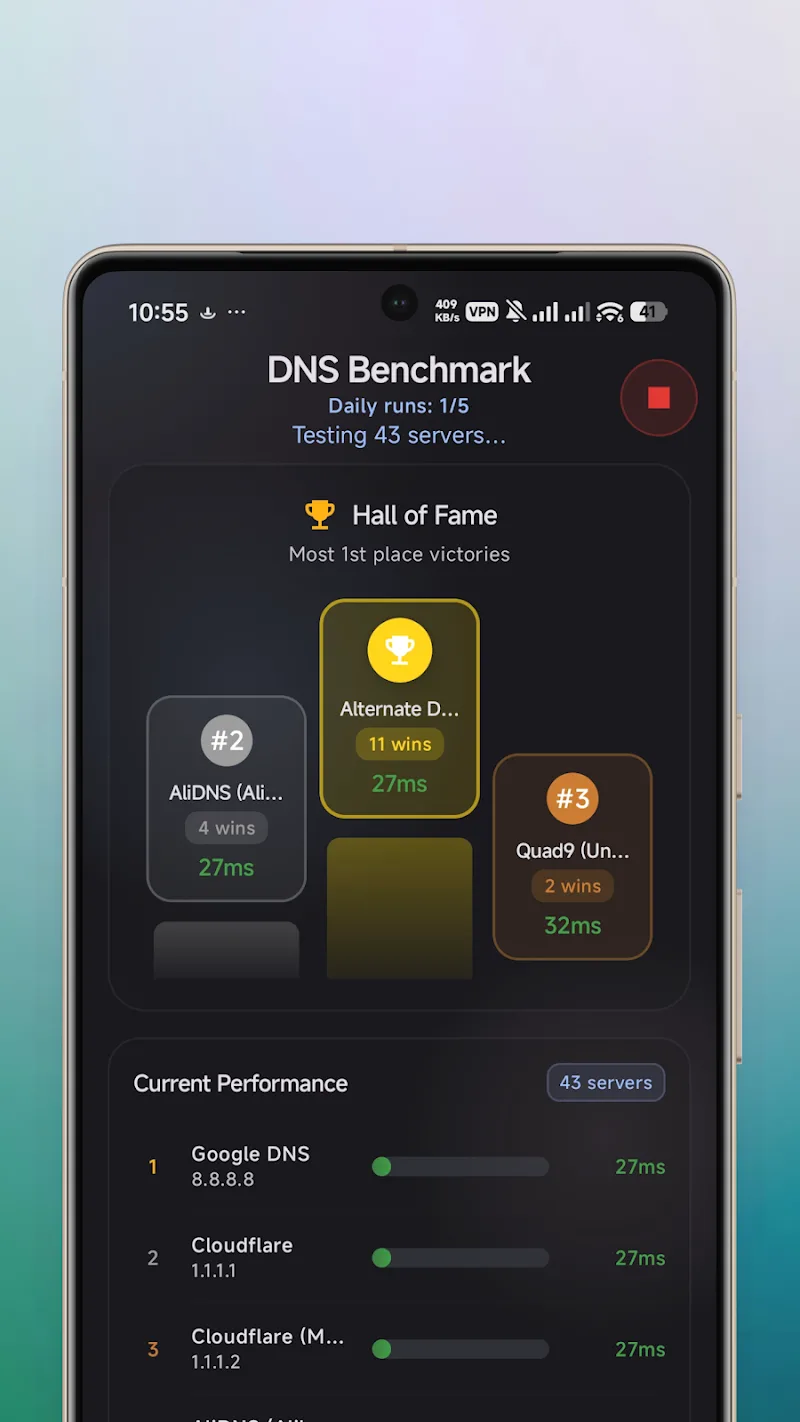
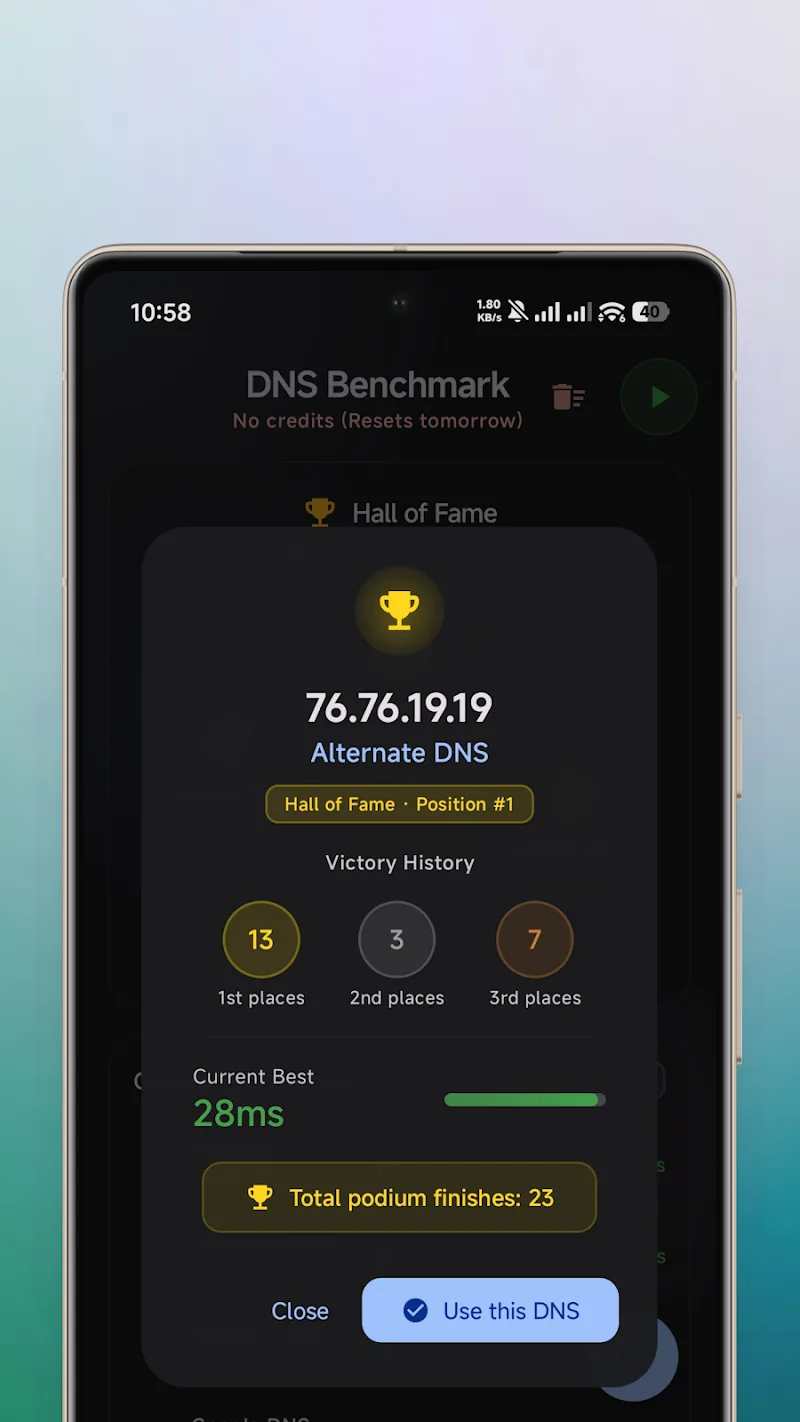
- Secure server selection: The system aggregates the most recommended DNS servers, ensuring faster response speeds and better data security.
- Local VPN technology: Using an internal VPN mechanism to set up DNS helps optimize data flow without leaking personal information to the outside.










Comments (0)