Learning and typing Chinese often discourages many people right from the step of choosing an input method because of troublesome radicals or strict stroke order rules. Chinese Keyboard – Pinyin appears as an effective “weapon” to help you wipe away that worry. No need to be a Mandarin expert, you just need to type what you hear and read according to the Latin system. Everything happens unbelievably smoothly. A modern, fast, and extremely intuitive keyboard solution for Android users—simply type and select.
SMART TRANSLITERATION SYSTEM
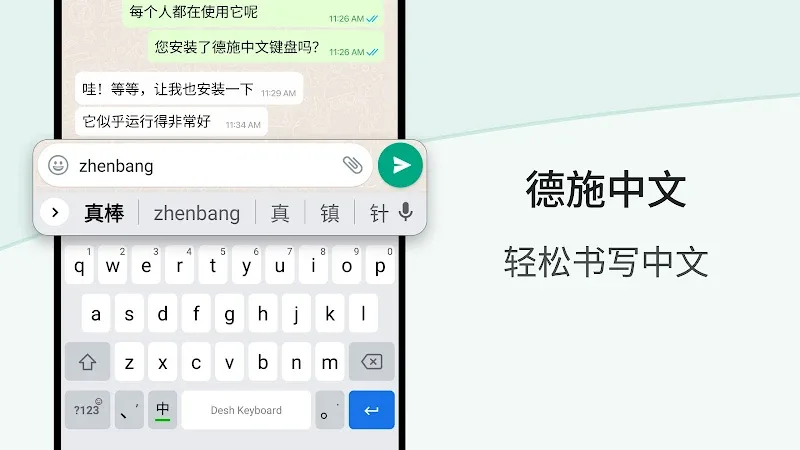
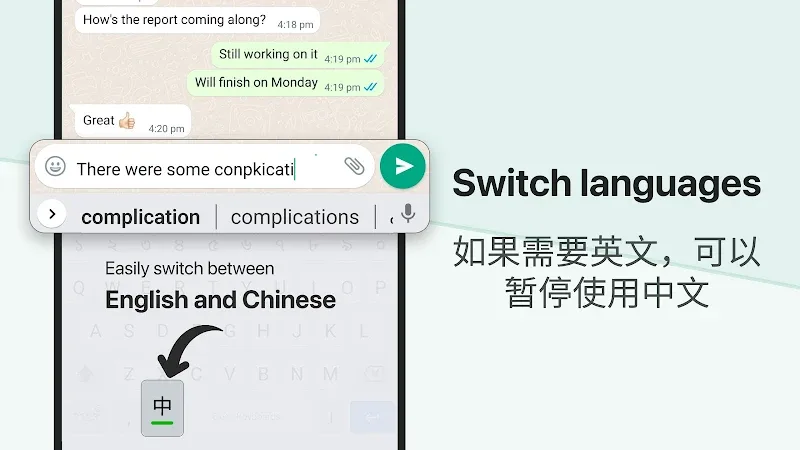
The ability to instantly convert from English to simplified Chinese is the core value that makes this application’s name. Instead of having to look up each character or struggle with slow manual drawing strokes, you just type English transliteration and the system will automatically handle the rest of the work. The response speed is extremely fast, with almost no delay, making messaging in Chinese as natural as a mother tongue. It is truly “addictive” when you see the pictographic characters appear right under your fingertips.
- English to Chinese. Input English characters and witness them transform into simplified Chinese instantly, helping increase text drafting speed in every application environment.
- App search feature. A quite strange and convenient feature is searching and opening installed applications quickly or discovering new names right from the keyboard interface.
- Fast typing suggestions. The system continuously provides smart vocabulary suggestions based on the context you are typing, helping minimize silly spelling mistakes to the maximum.
CUSTOMIZATION AND INTERACTIVE TOOLS
Not just stopping at dry typing, the application also brings an extremely vivid creative and communicative space for users. You have total control over the keyboard’s appearance as well as the supporting tools to make every message line become much “cooler” than default input methods. From personal photos to fun sticker sets, everything is neatly integrated for you to freely “dance on the keys” without feeling bored. Every operation is optimized so that users feel most comfortable.
- Keyboard theme editor. You can freely change available themes or create your own mark by using photos in your device to make the keyboard background.
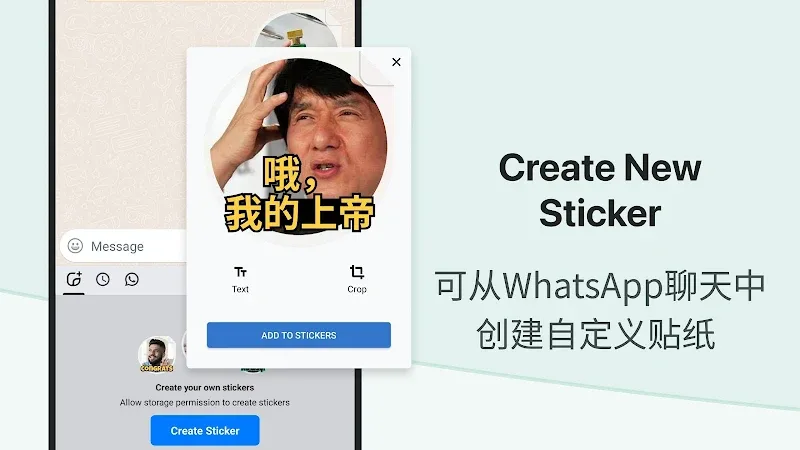
- Browse stickers easily. Access and send stickers available in the phone directly into social media applications, helping conversations become full of colors and interesting.
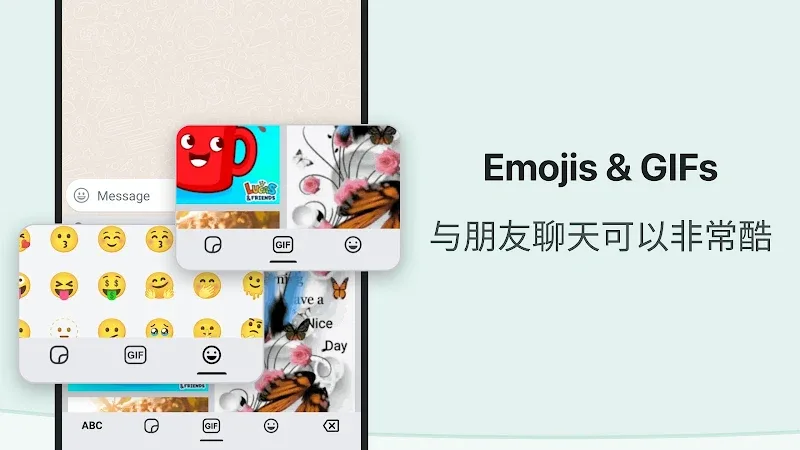
- Quick emoji bar. An emoji tool bar is placed right at the most convenient position to help you choose quickly, supporting even the skin tone change feature with just a long press.












Comments (0)