
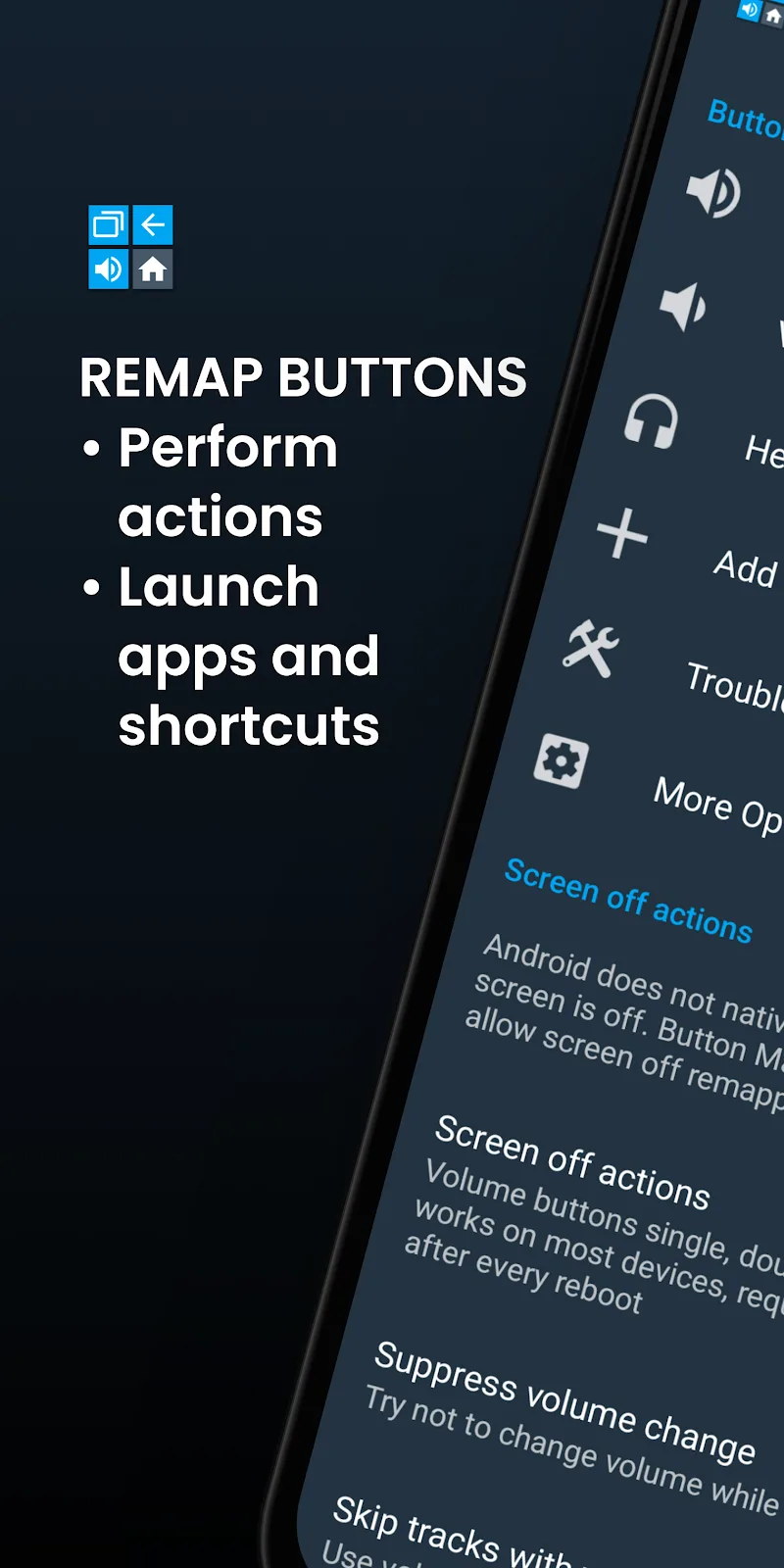
Sometimes, the preset buttons from the manufacturer limit the way you use your device. Each person’s usage habits are different. Having to perform multiple complicated steps just to turn on the flashlight or open a familiar app causes significant inconvenience. Therefore, many people feel the need to customize what is available to them. The appearance of Button Mapper brings the ability to perfectly remap functions for each physical key. This customization allows users to proactively make the most of their device. Furthermore, you can also do many other things with these buttons.
BUTTON CUSTOMIZATION
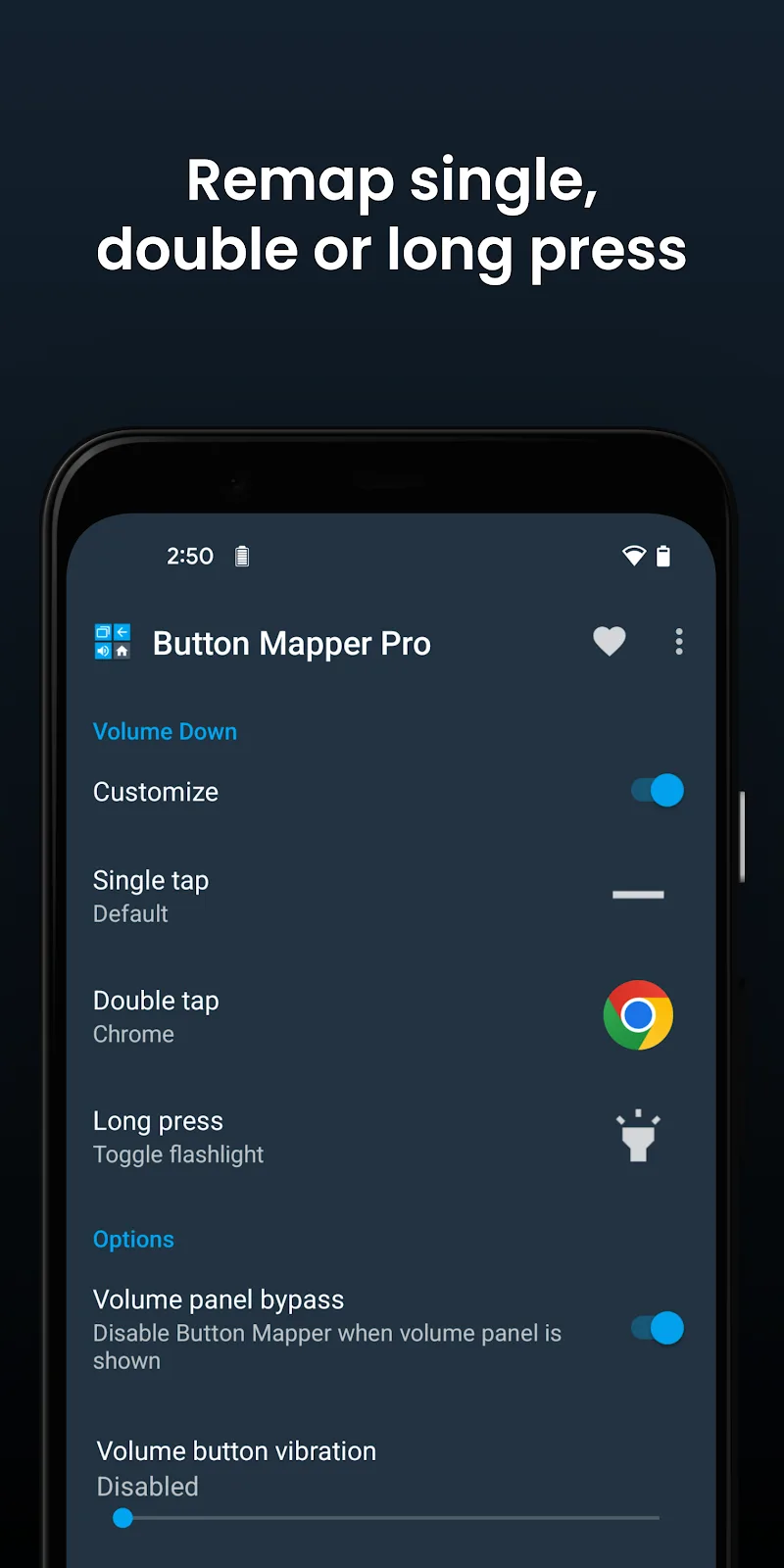
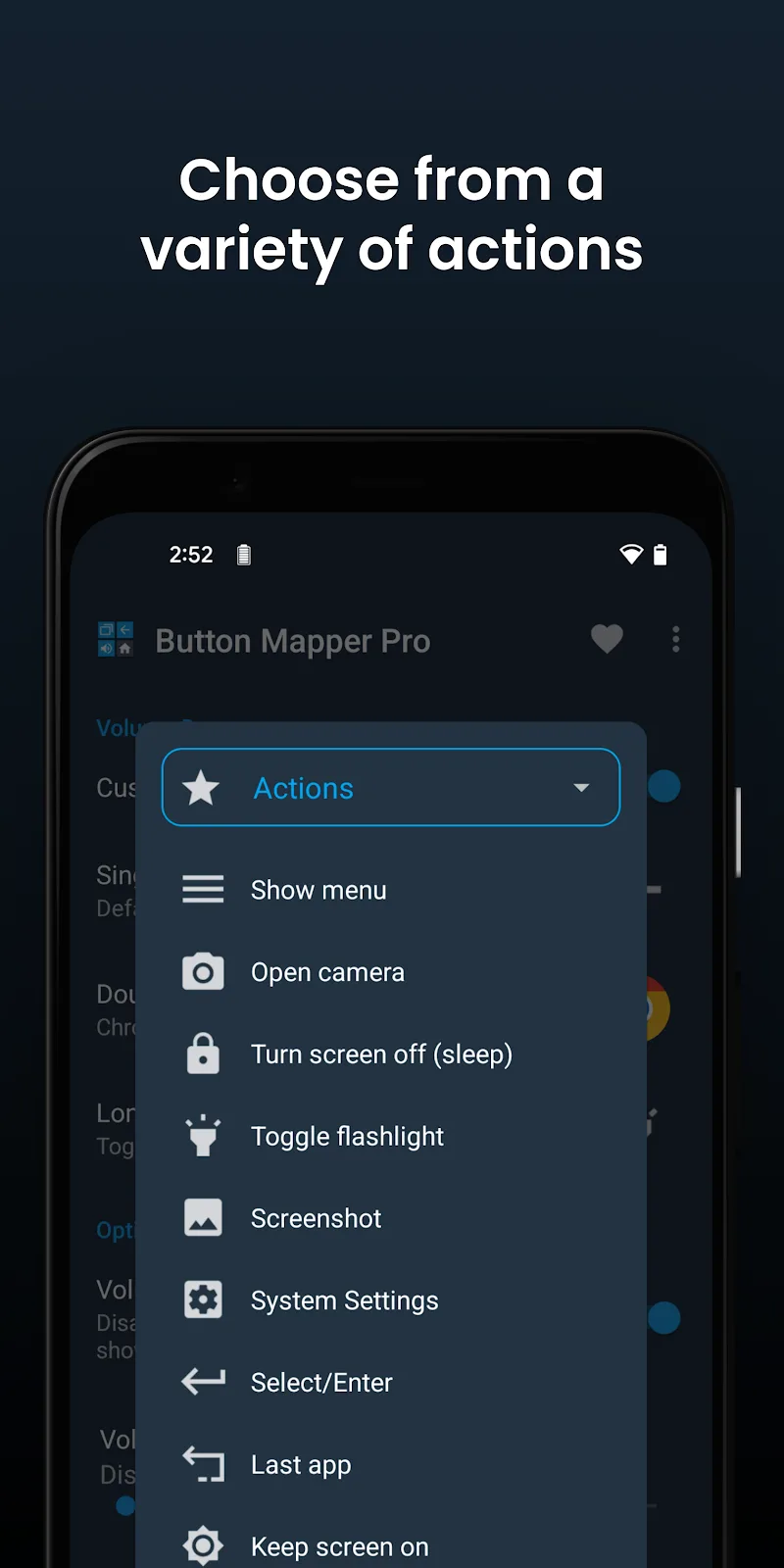
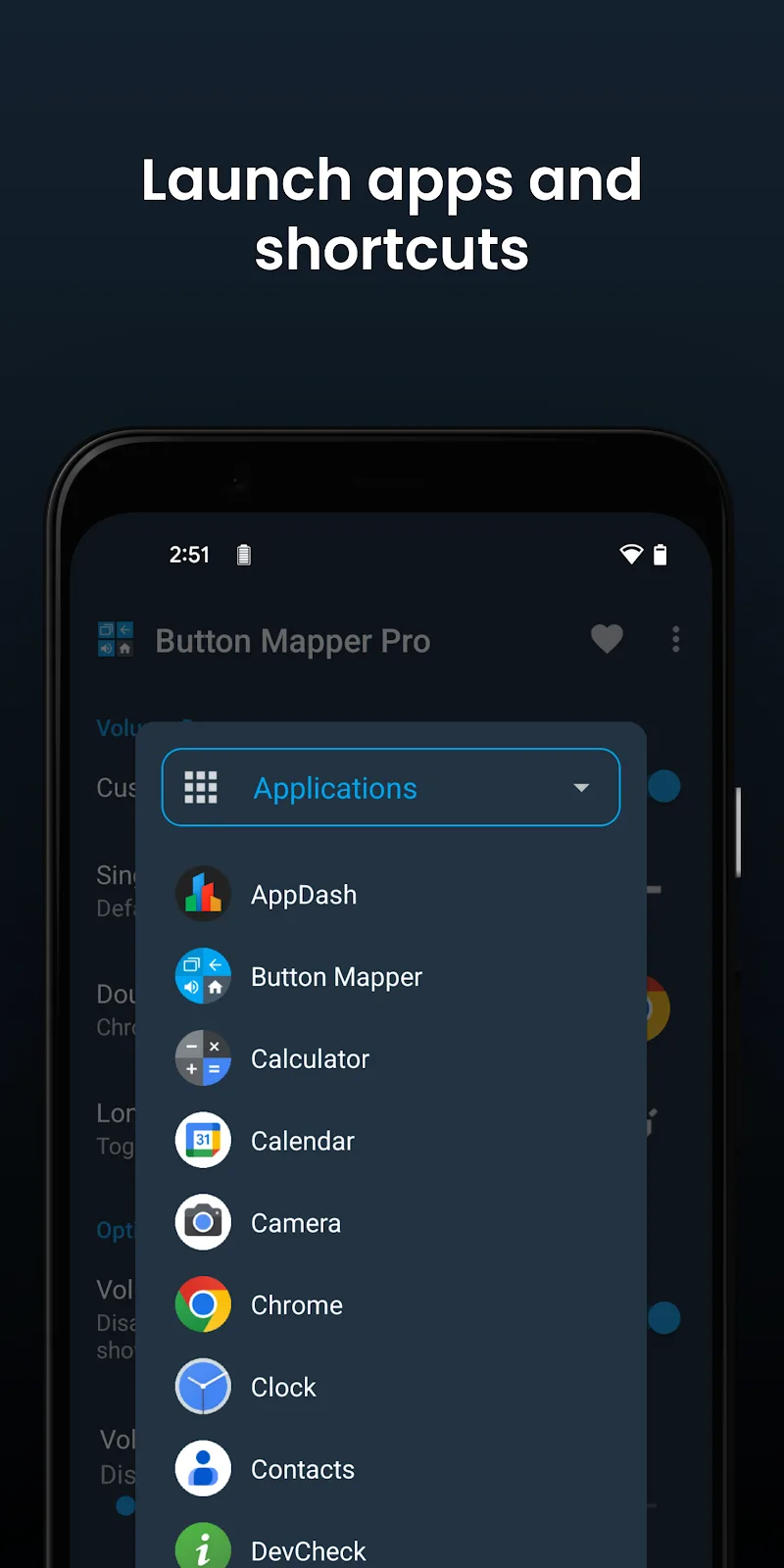
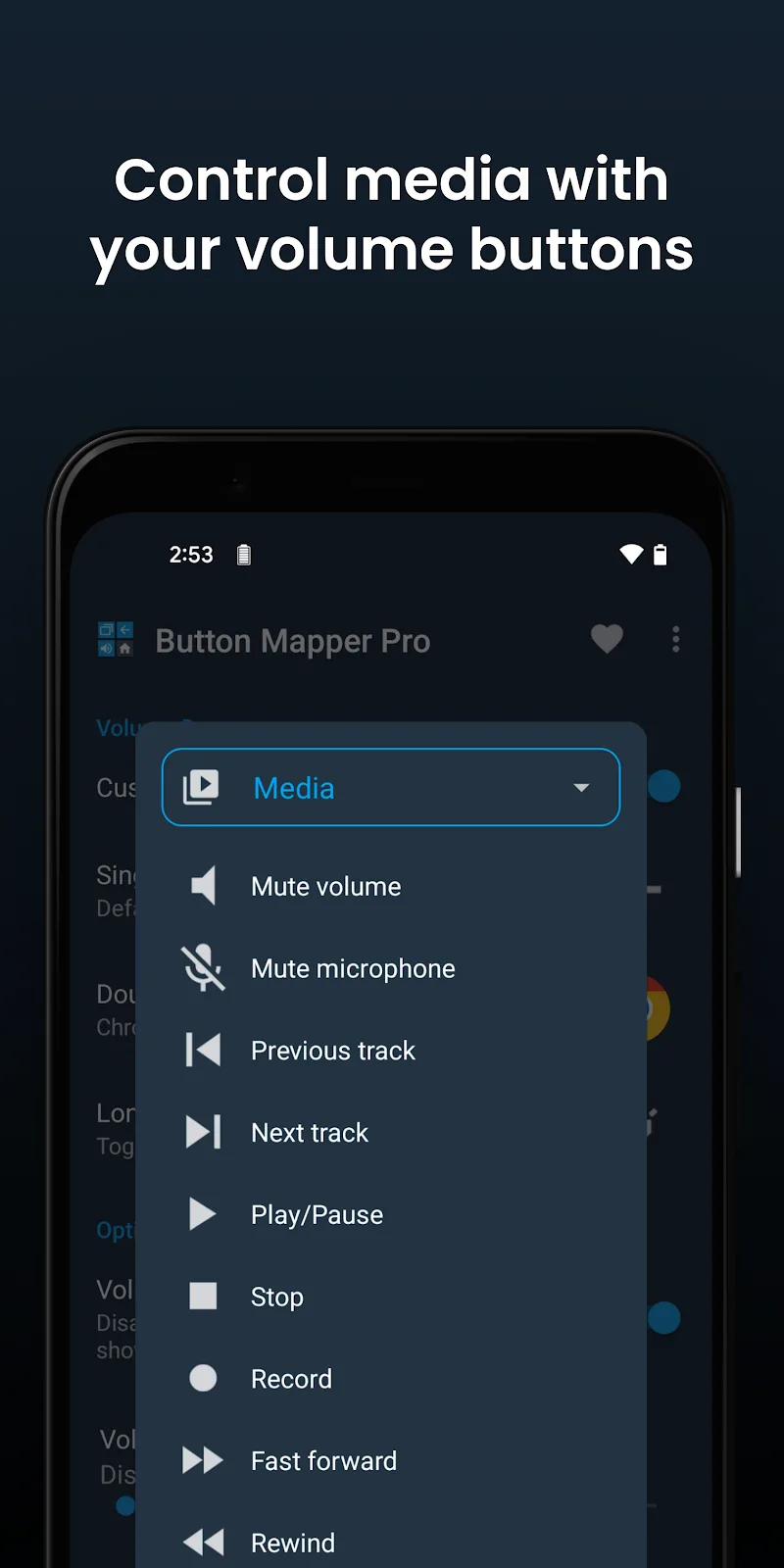
The utility supports remapping functions for volume keys and other physical buttons. A single press remains normal, but combining them will produce completely different results. You can easily activate features through single press, double press, or long press actions. The solution helps quickly turn on the flashlight, capture screenshots, or control audio instantly. Users can freely assign features or even assign rule-based behaviors such as double tap to them.
- Button Remapping: Freely change physical key functions.
- Diverse Actions: Activate via single press or hold.
- Quick Shortcuts: Instantly open flashlight and camera.
ADVANCED CONTROL
Peripheral devices can also be configured to achieve maximum compatibility with your device. You can configure buttons on gamepads and remote controls. The utility also allows customizing response time and touch vibration. The personalized operations assigned to your device are now known only to you. This level of security certainly gives users peace of mind.
- Peripheral Support: Highly compatible with TV gamepads.
- Response Customization: Change button hold duration.
- Safe Security: Maximum respect for user privacy.











Comments (0)