
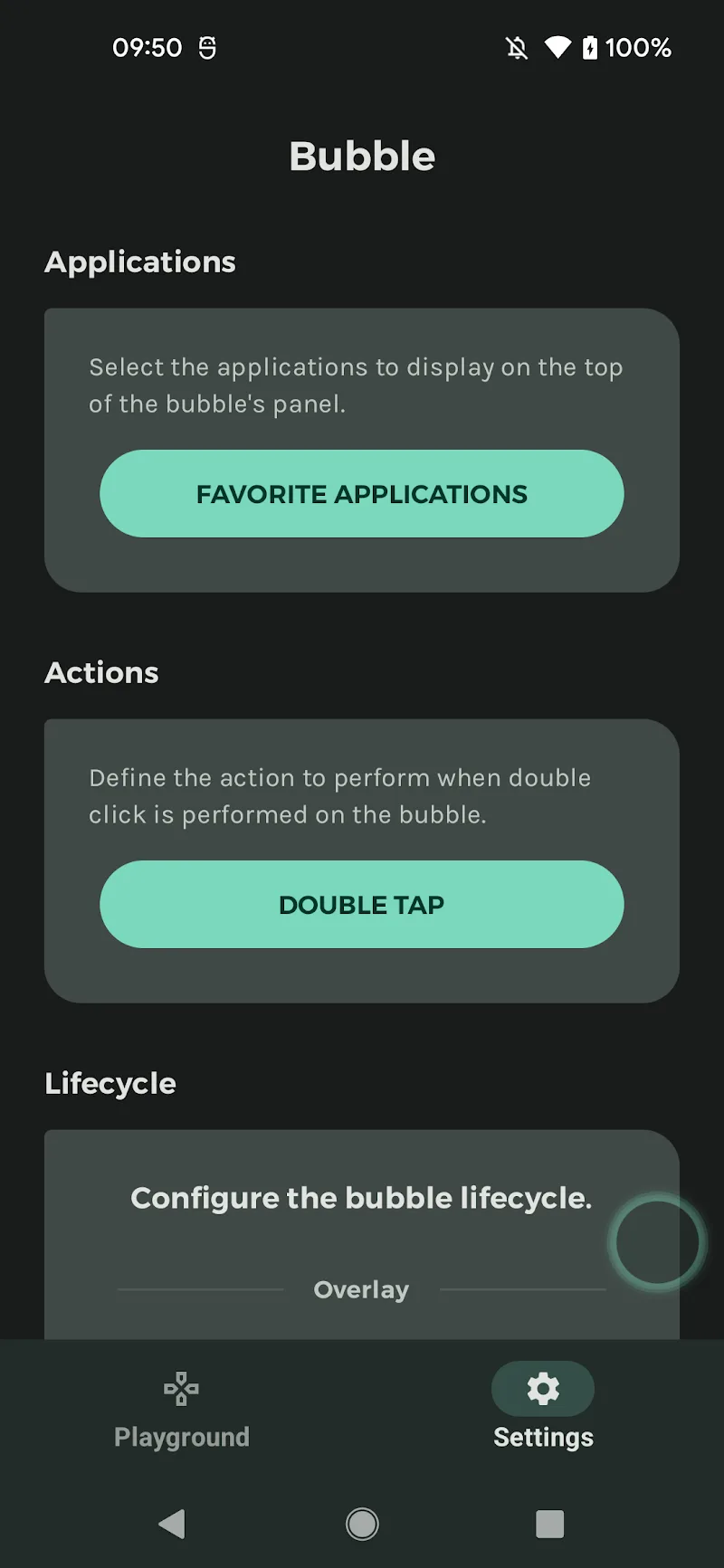
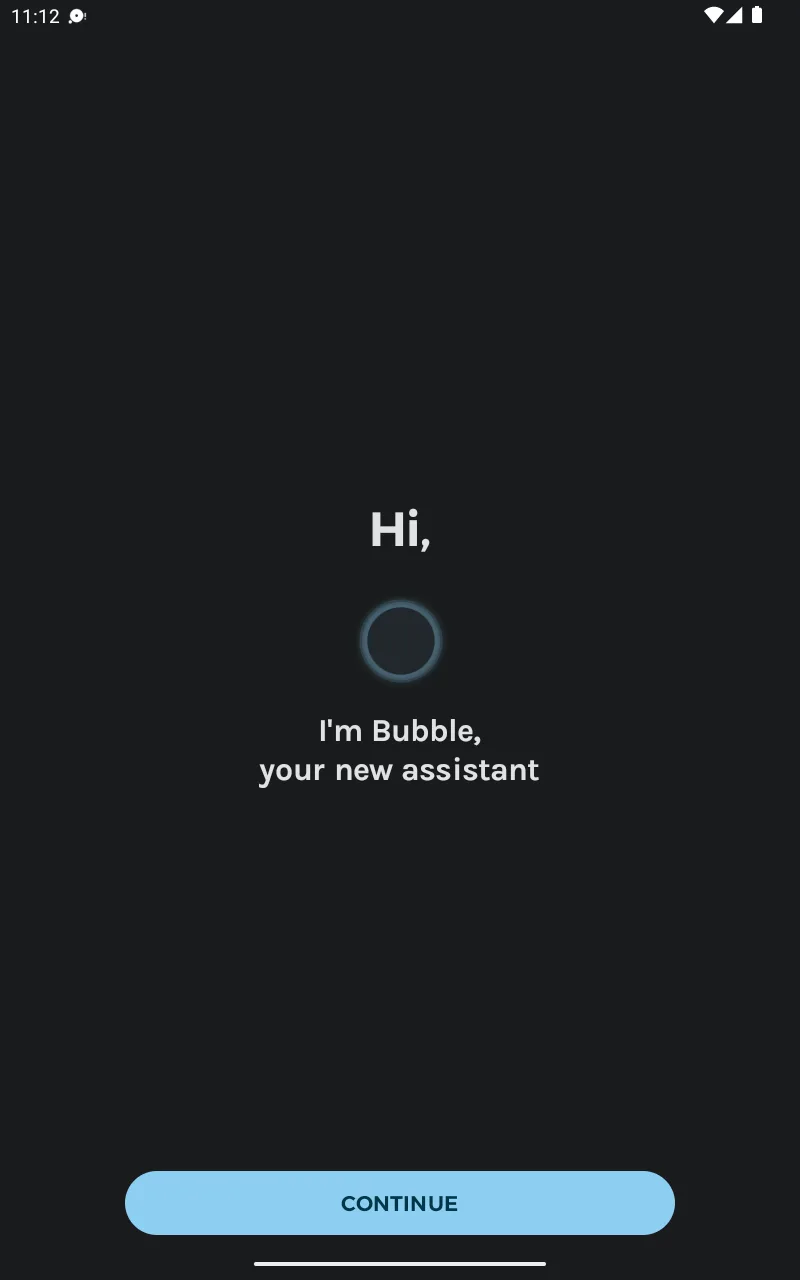
This app was once considered the smartest and most convenient app for Android phone users, with a feature that allowed users to open and control other apps without returning to the home screen. Designed with floating bubbles on the screen, users could quickly access apps, split the screen, and use shortcuts even while watching full-screen videos.
CONVENIENT PHONE CONTROL SUPPORT
If you’ve ever heard of or used Assistive Touch on iOS, this app is similar; users will see a floating bubble button always visible on the screen.
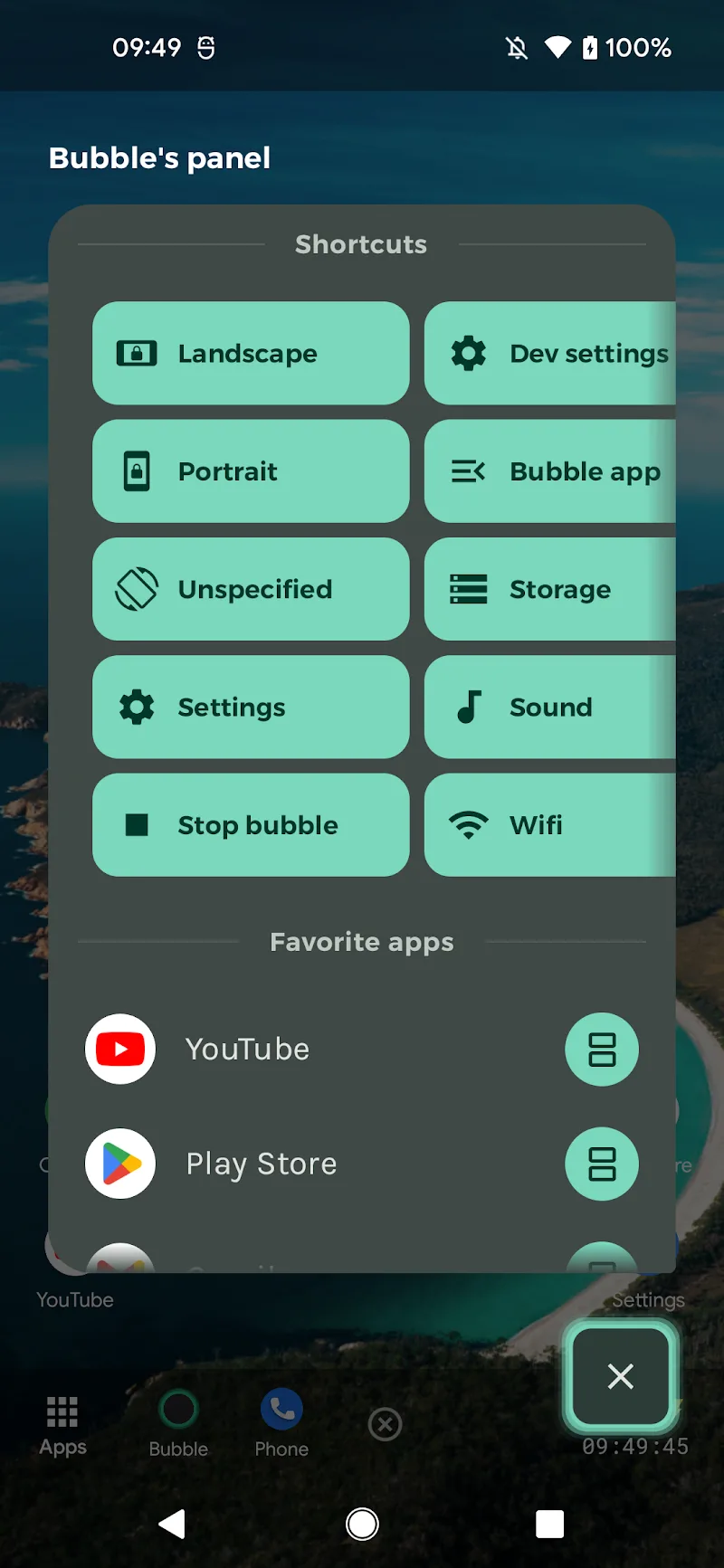
By tapping to quickly open the control panel without exiting the currently running app, it avoids interrupting videos, games, or calls. With this smart feature, users can launch apps, shortcuts, and split the screen in just a few simple steps.
HIGHLIGHT FEATURES
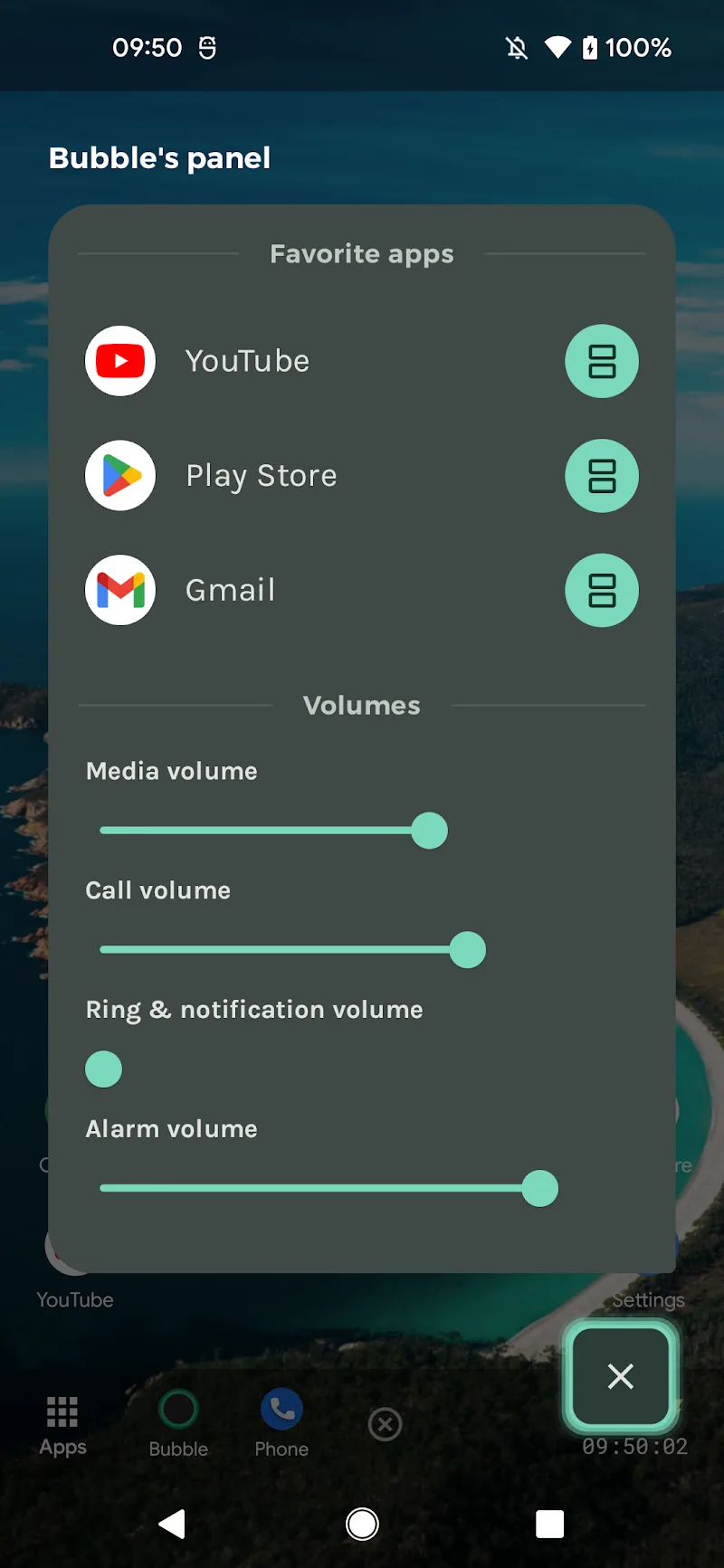
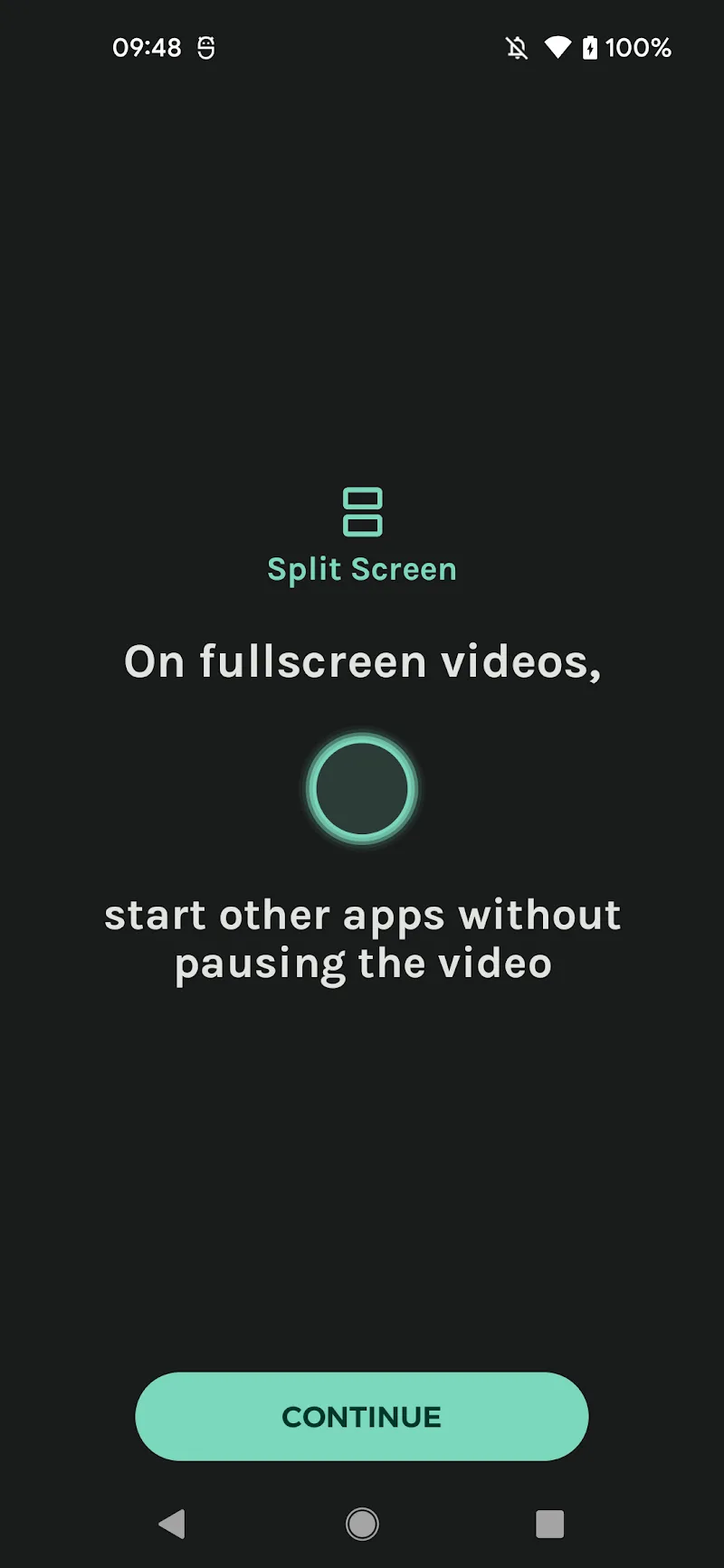
- Split Screen: With this feature, users can open two applications simultaneously, allowing direct application launch in split-screen mode, even while working, studying, or playing games.
- Automatic Color Change Feature: Material You allows users to automatically change the color of the bubble button and control panel, synchronizing the colors with the current wallpaper for a more modern and unified system experience than ever before.
USEFUL SHORTCUTS
- Return to Home Screen
- Go Back to Previous Page
- View Recently Used Applications
- Adjust Volume
- Connect to WiFi, Bluetooth
- Check Memory
- Quick Screenshot
- Enable Screen Rotation or Lock Rotation
- Split Screen









Comments (0)