
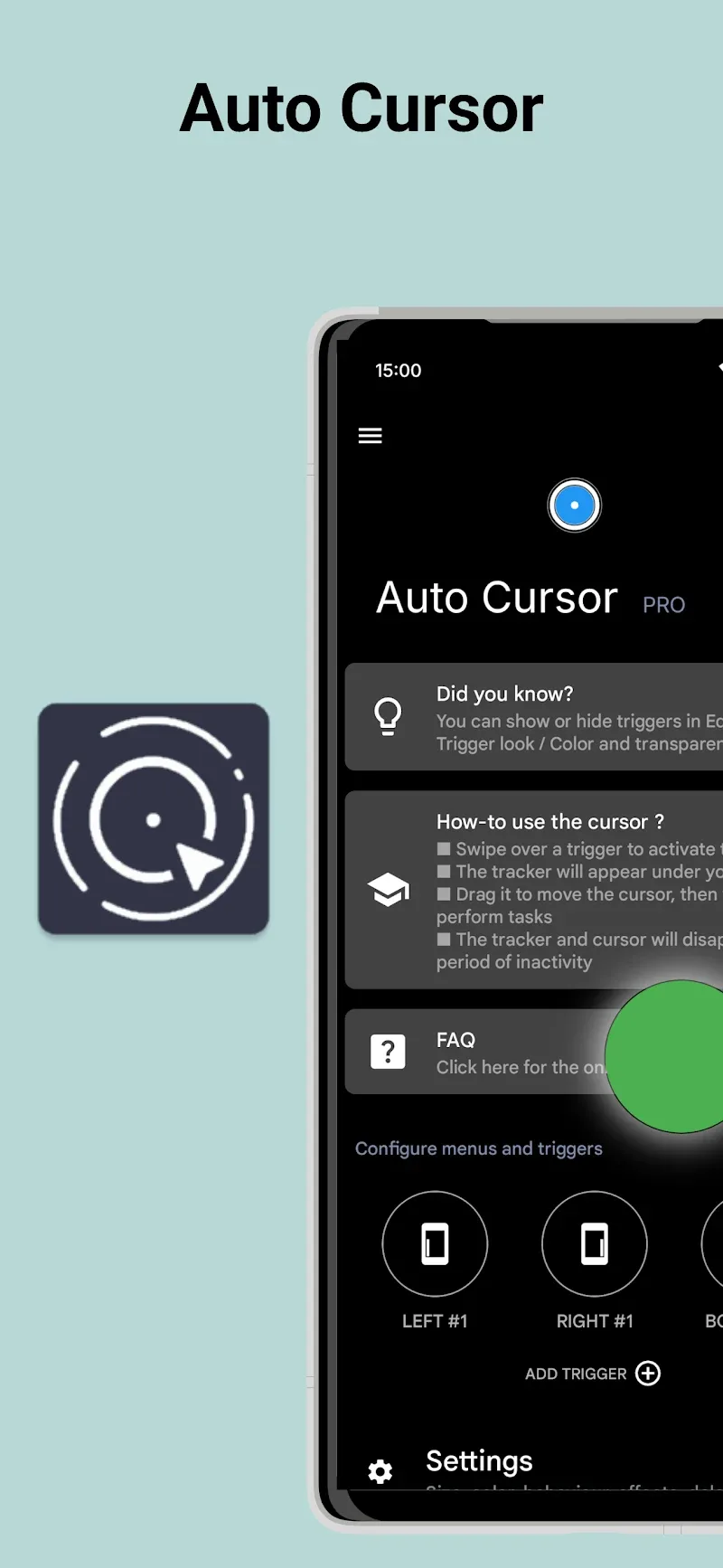
Smartphones are increasingly racing to create larger screens to meet the entertainment needs of many users today. However, it creates a complication where you cannot reach every point on the screen. Thus, Auto Cursor will assist you in controlling the screen with just one hand. By activating a flexible cursor from the screen edges, this tool helps you easily reach any point on the device without difficulty. The user experience of operating a large-screen smartphone with one hand will become extremely convenient thanks to support from the smart cursor. Despite a minimalist interface, this one-handed operation support solution still provides excellent optimization for your device.
FREELY CUSTOMIZE AND OPERATE SCREEN EDGES
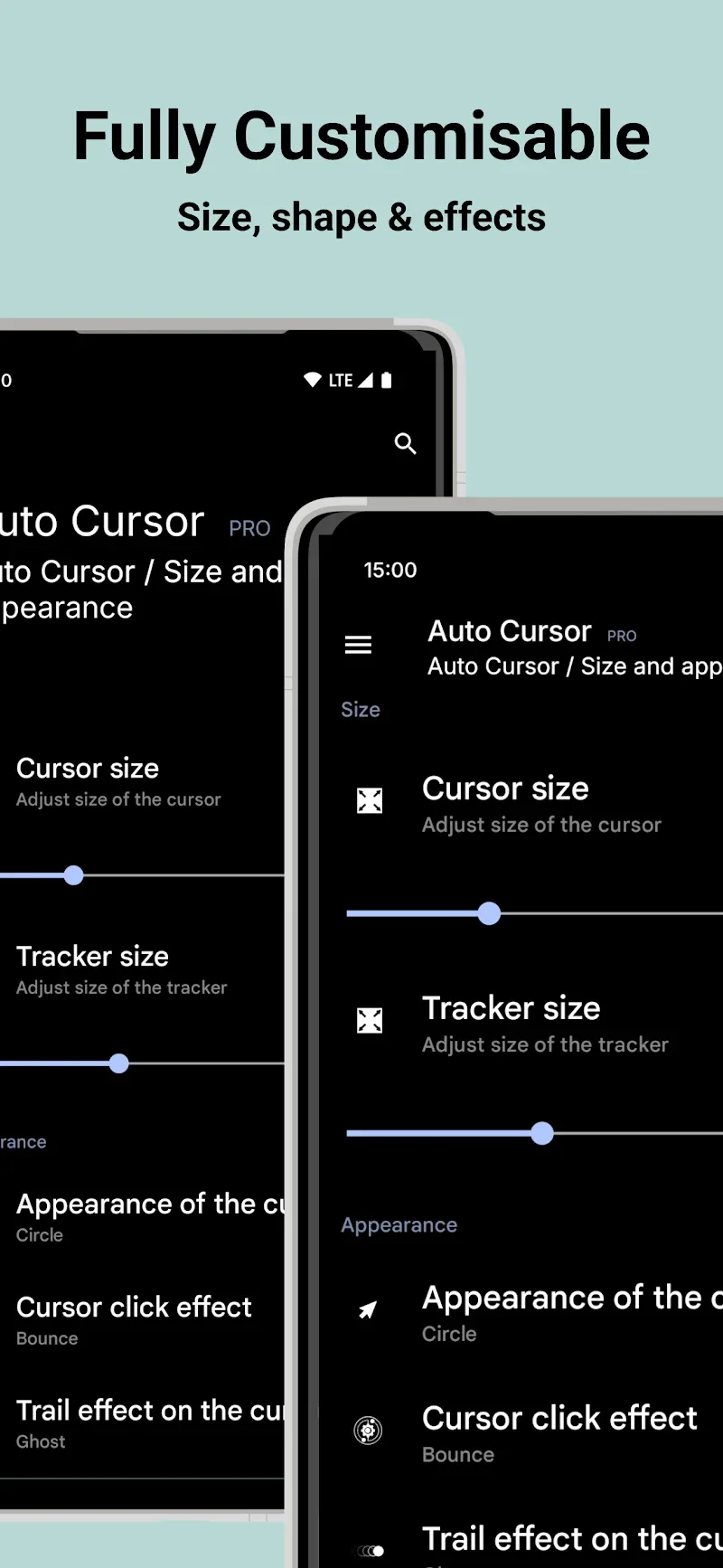
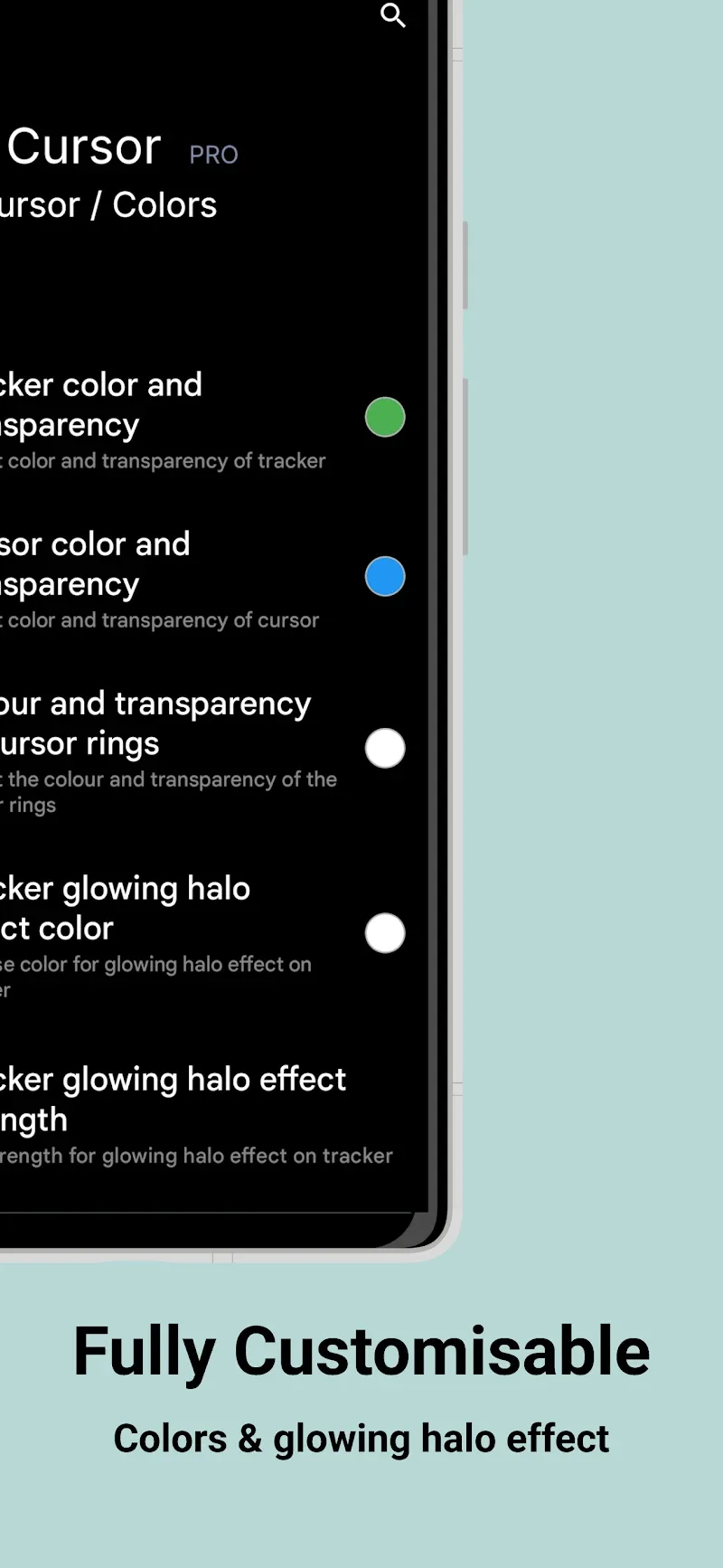
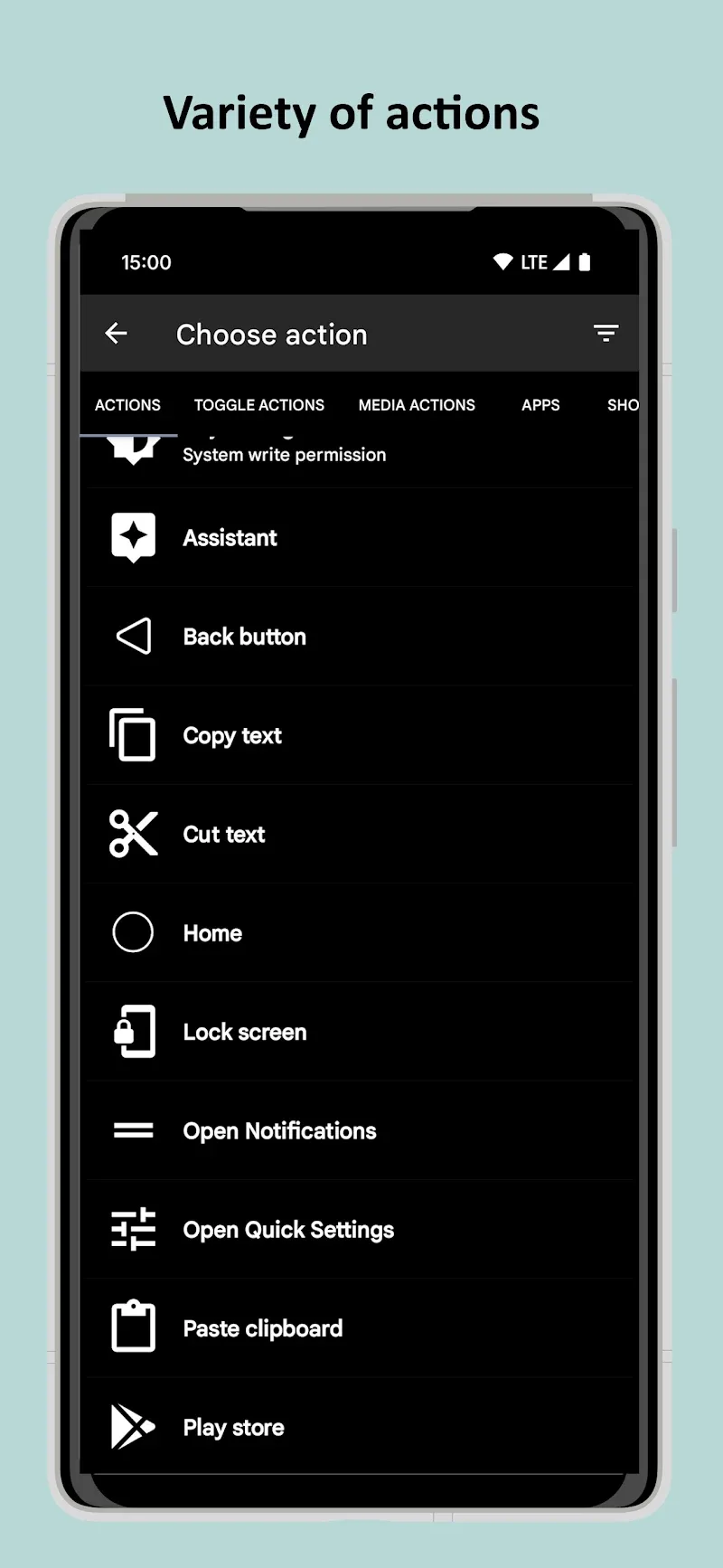
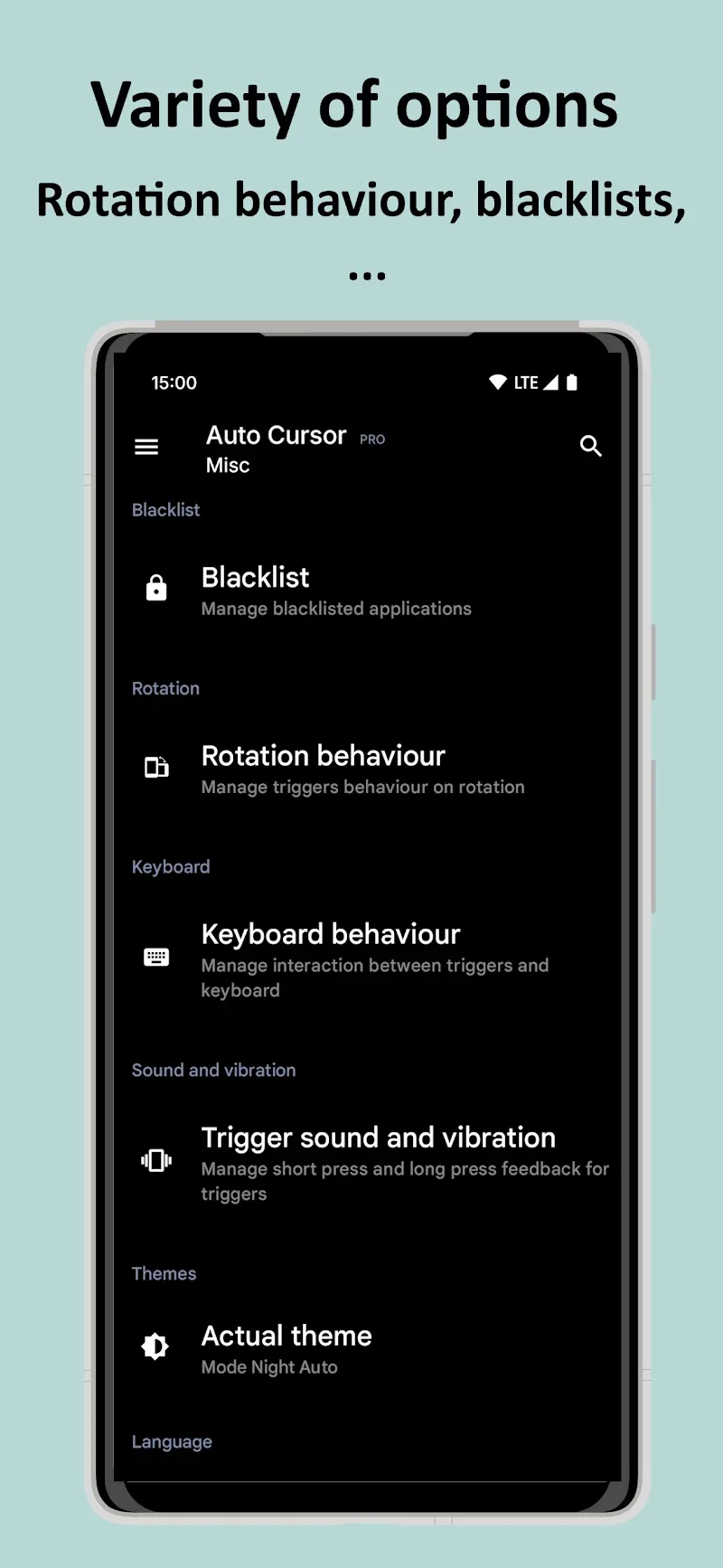
Despite an extremely diverse feature list, the application still supports you in customizing the cursor size, color, and effects completely according to your preferences. Thanks to the ability to distinguish between tap and hold actions on each trigger point, users can easily assign navigation commands such as returning Home or opening Quick Settings. Swiping lightly from the edges to activate the cursor will be executed extremely smoothly by users.
- Edge activation: Swipe corner to open cursor
- Dual command assignment: Distinguish tap and hold
- Personalization: Customize color and size
EXPAND FEATURES AND ABSOLUTE SECURITY
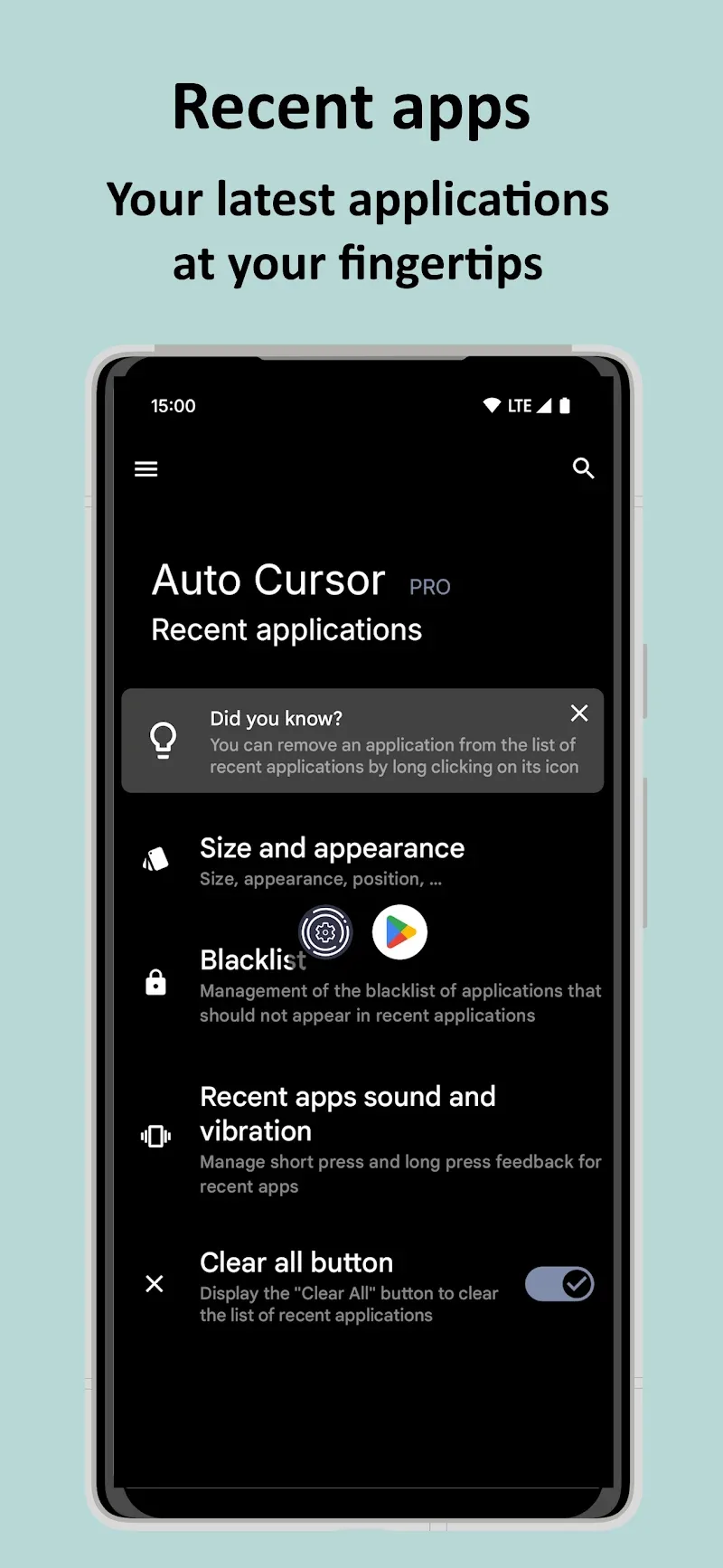
In this way, you can both adjust the volume quickly and optimize the one-handed phone usage experience. In addition, not collecting or sending personal data outside gives users complete peace of mind regarding privacy. Upgrading to the Pro version helps users expand the capability to perform drag-and-drop operations and instantly launch applications.
- Pro version: Expanded drag-and-drop operations
- High security: No external network connection
- Quick control: Customize brightness and speaker











Comments (0)