
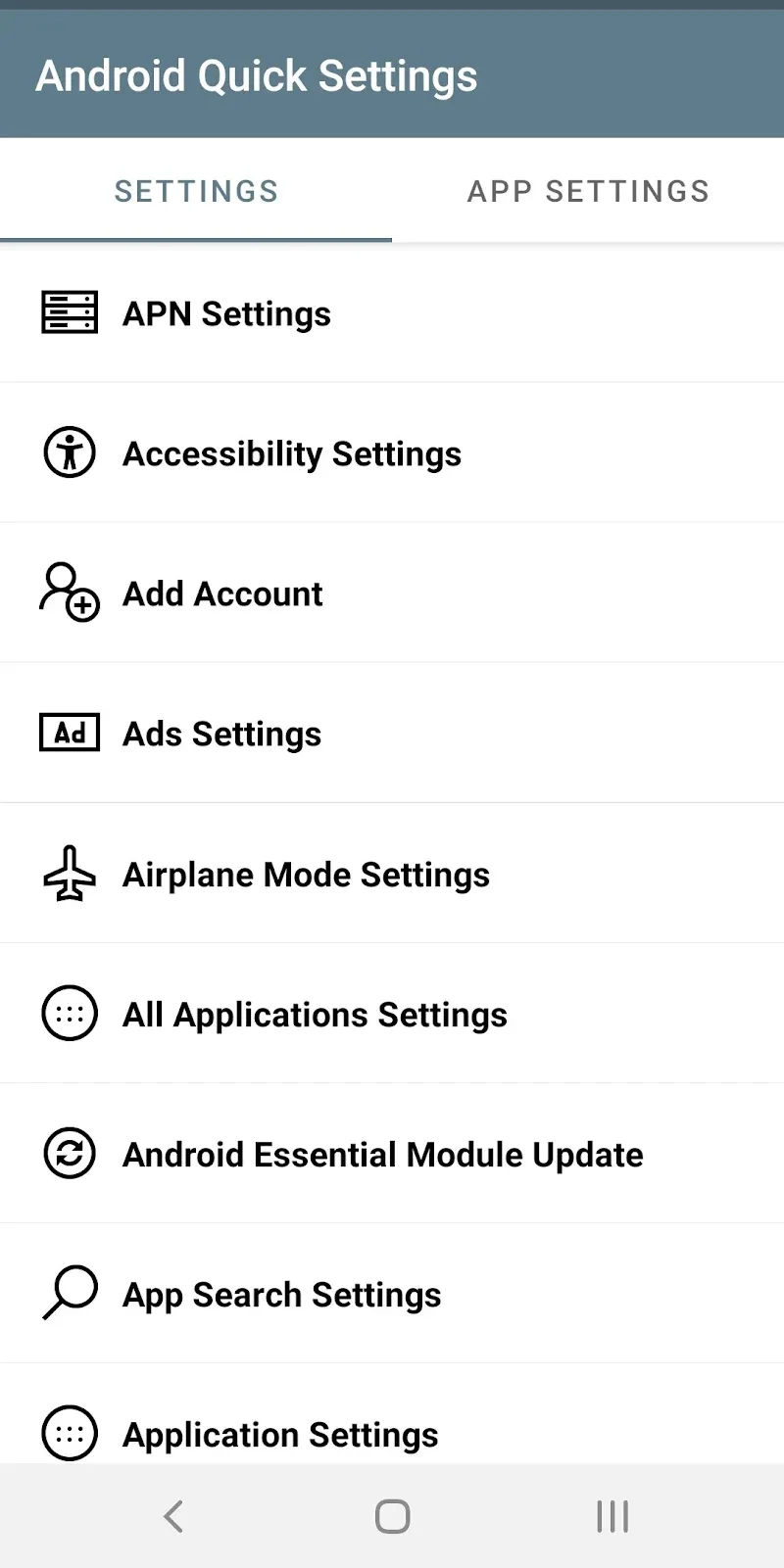
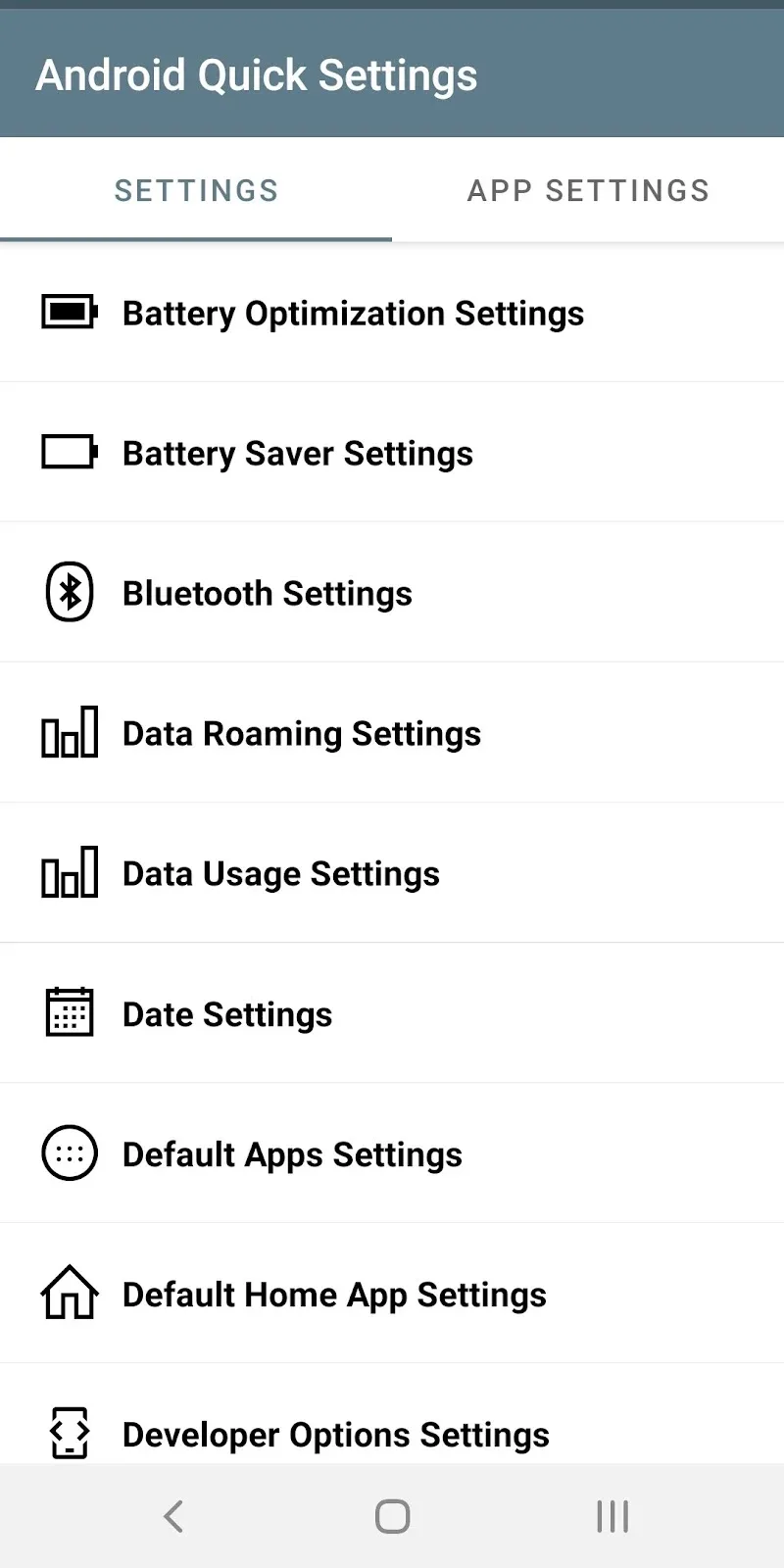
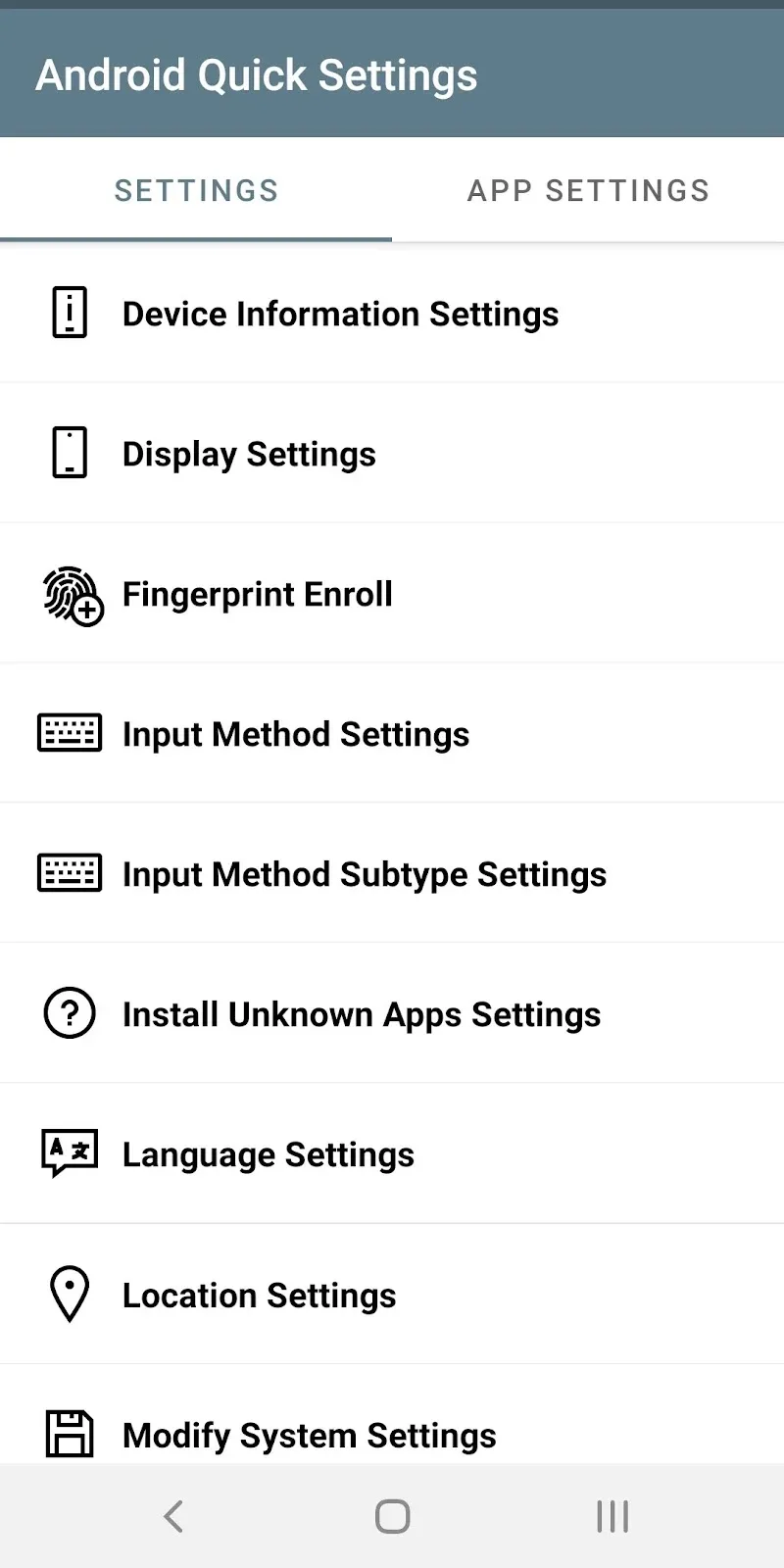
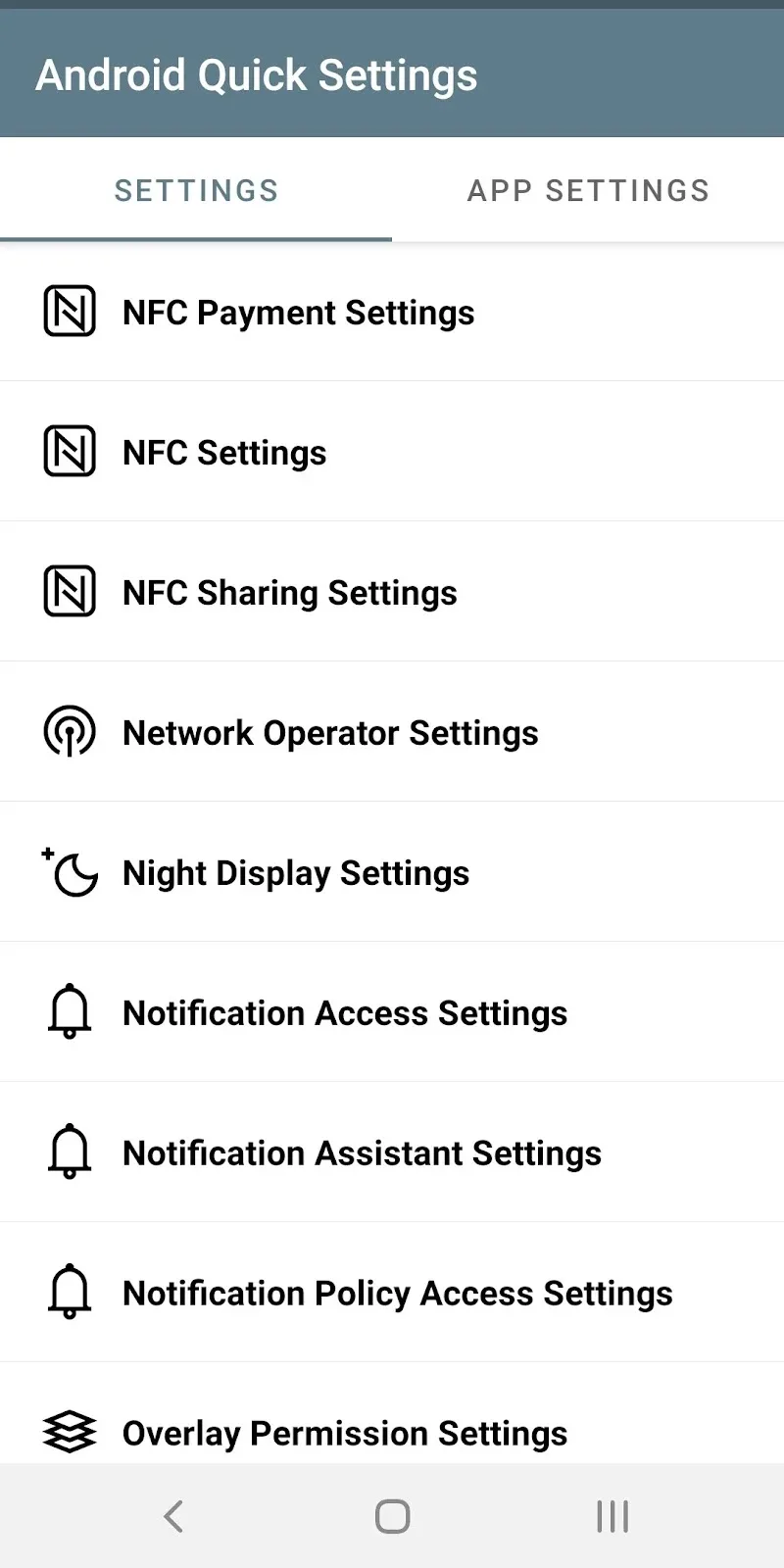
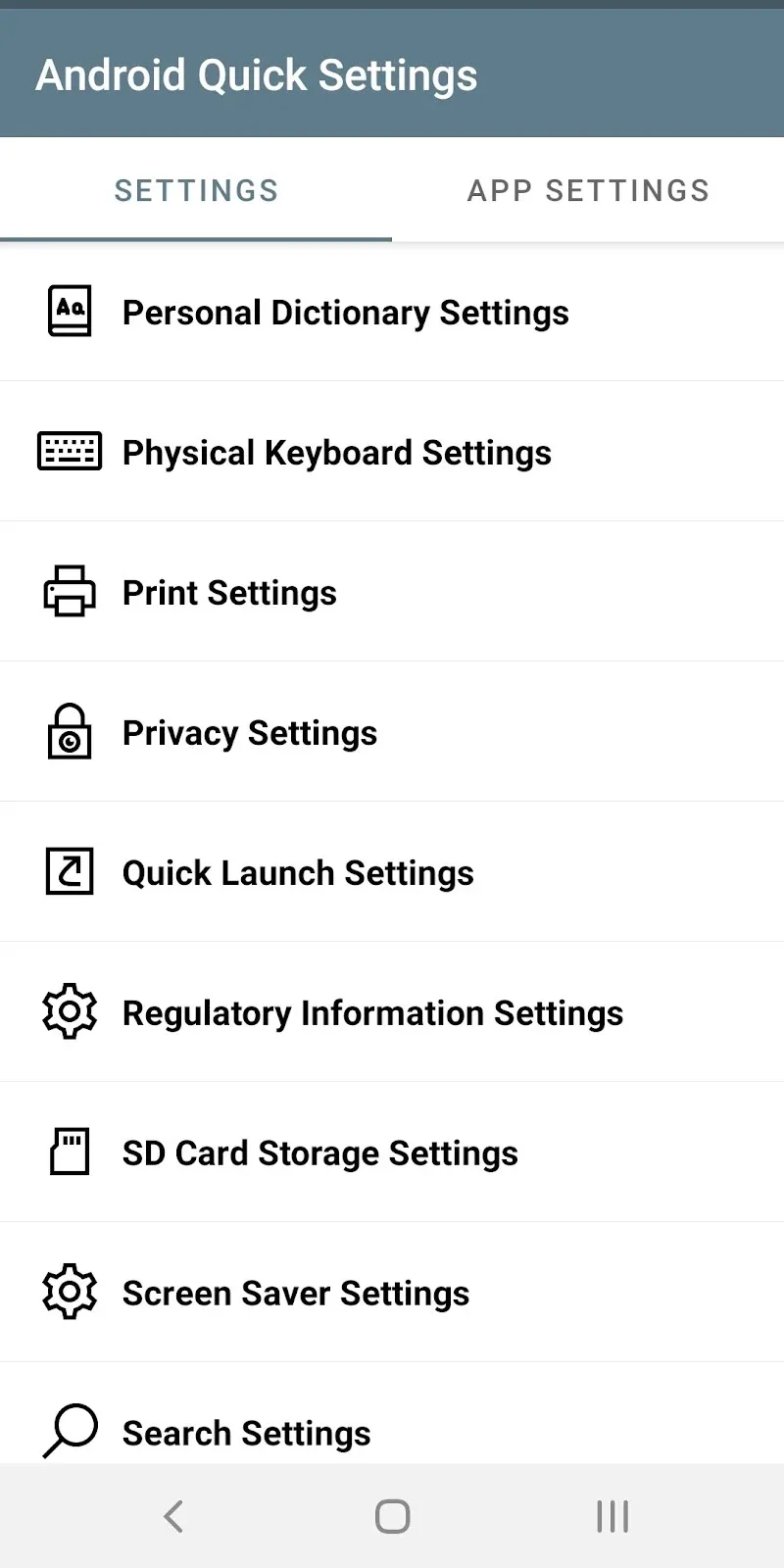
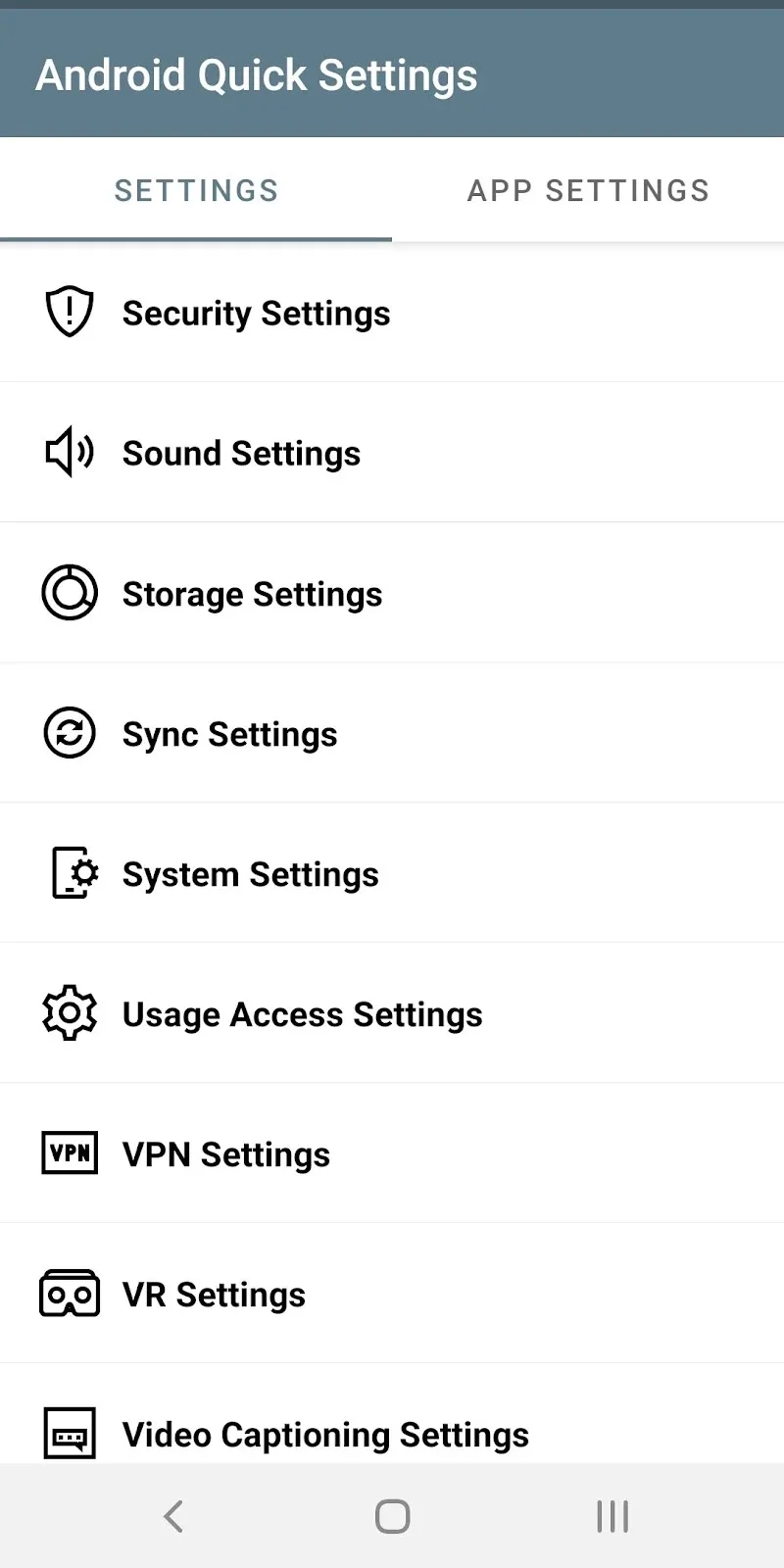
System settings are often more complex than what you actually need. Like, sometimes you only need a few settings executed on a regular basis. You have to tap through a series of deeply hidden menus just to toggle a simple daily option. The Android Quick Settings tool appears as the ultimate solution to help you access all customizations in the blink of an eye. Now, you just need to set up what you usually use with a few simple operations. When needed, you just activate it according to what you have preset, and you’re done.
QUICK SHORTCUT ACCESS
Users no longer have to scroll painfully through hundreds of confusing system setting items. To find what you need to use is truly extremely difficult and troublesome. All important settings are arranged scientifically in a very clear list format. Therefore, now you just need to place them in easy-to-reach settings to quickly find them. The utility allows direct operations to hidden customizations with just a light tap. The device control experience becomes more seamless and faster than ever. As a result, users can maximize their time savings during operation.
- Optimized List: Displays options in list form.
- Smart Search: Instant setting item search.
- System Shortcuts: Directly open hidden options.
AUTOMATIC MANAGEMENT AND PERMISSIONS
Screen display modes and wireless connections can all be controlled in the easiest way. Changing settings for specific individual apps is no longer complicated. The product supports direct access to privacy and personal data management. Operational management is now almost entirely in your hands.
- App Management: Adjust permissions quickly.
- Connection Setup: Optimize wireless networks and Bluetooth.
- Privacy Control: Secure personal information.










Comments (0)