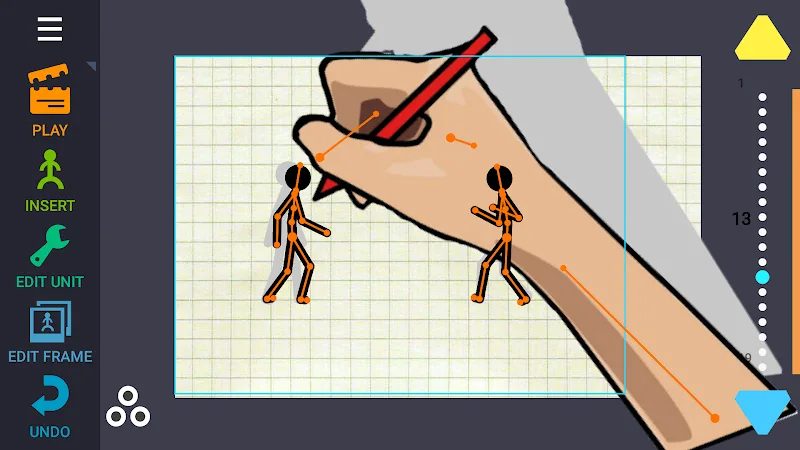
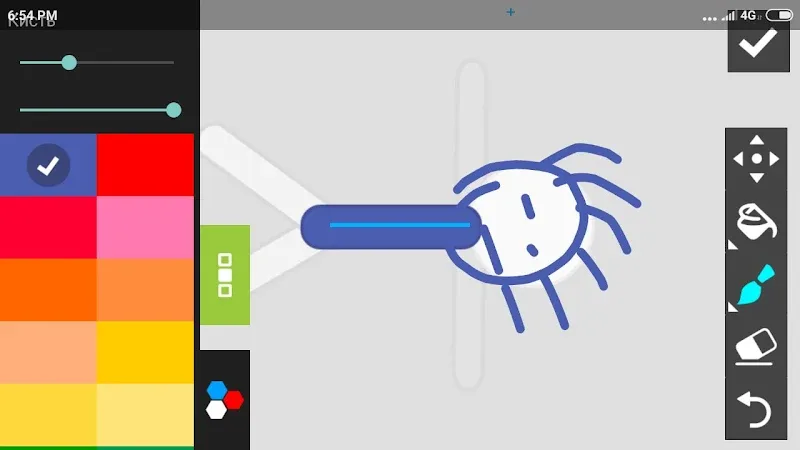
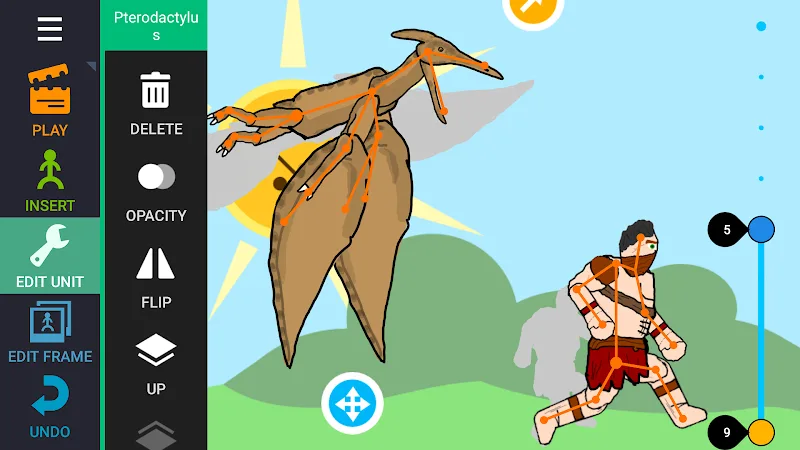
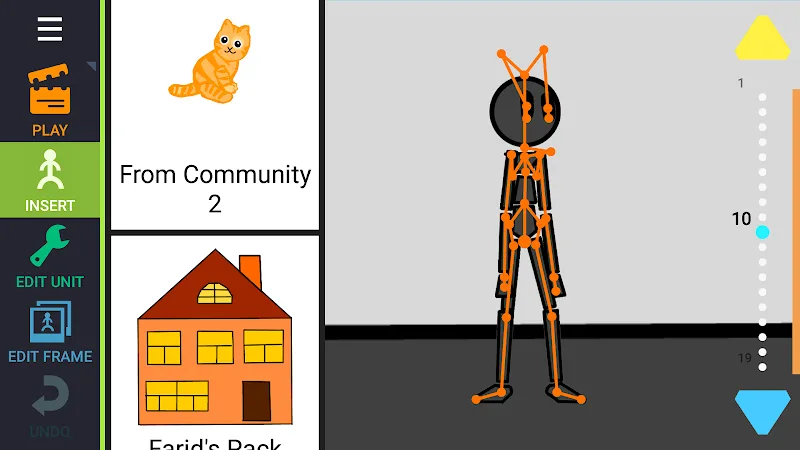
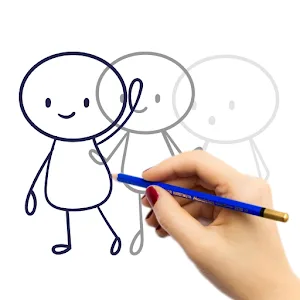
The complexity and time required to manually draw each frame to create smooth motion can be incredibly discouraging. Users have to spend a lot of time creating these animations. You are constantly overwhelmed by having to handle character skeletons, adjust camera angles, and add sound. Users can unleash their creative potential and turn drawings into vivid animations with Draw Cartoons 2. This application can provide users with great convenience. Therefore, creating animated frames from still images is easy and fast. Moreover, it also includes convenient storage and sharing tools to connect with the community.
CREATE SMOOTH AND DIVERSE ANIMATIONS
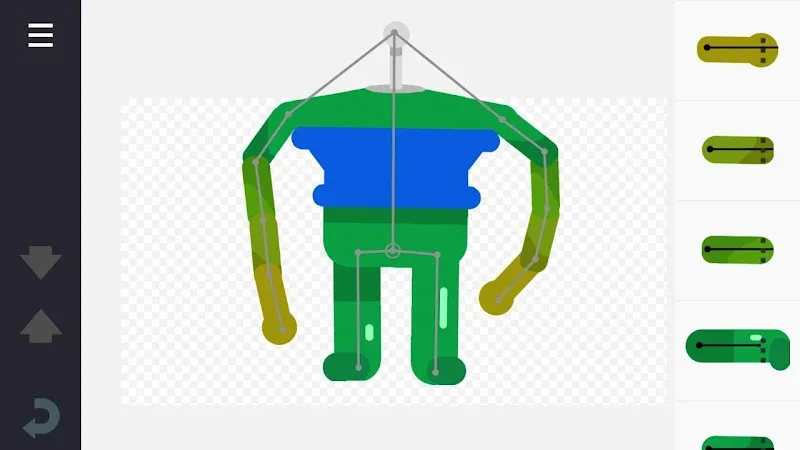
The fear that character movements will appear laggy and stiff always reduces the quality of your animated films. You have to deal with the pressure of posing and assembling each body part to create a complete character. At first, you need still images before creating animations. However, the application now provides ready-made still images for you. You can use them as a foundation for further development.
- Smooth Motion: Automatically create smooth animations.
- Bone Editor: Create unique characters.
- Object Library: Provides dragons, cars, and more.
CINEMATIC EFFECTS AND SHARING
The inconvenience of exported files being limited in format or being unable to add sound effects and background music. Your work will lose its artistic quality if the film lacks dramatic close-up shots or slow-motion effects. The lack of a community space makes your creations easy to forget and unable to reach an audience. The application is equipped with professional post-production tools and a broad connected community.
- Cinematic Effects: Close-up shots and speed adjustment.
- Background Music: Add audio to animations.
- Export Videos: Save in MP4 or GIF format.


Comments (0)