
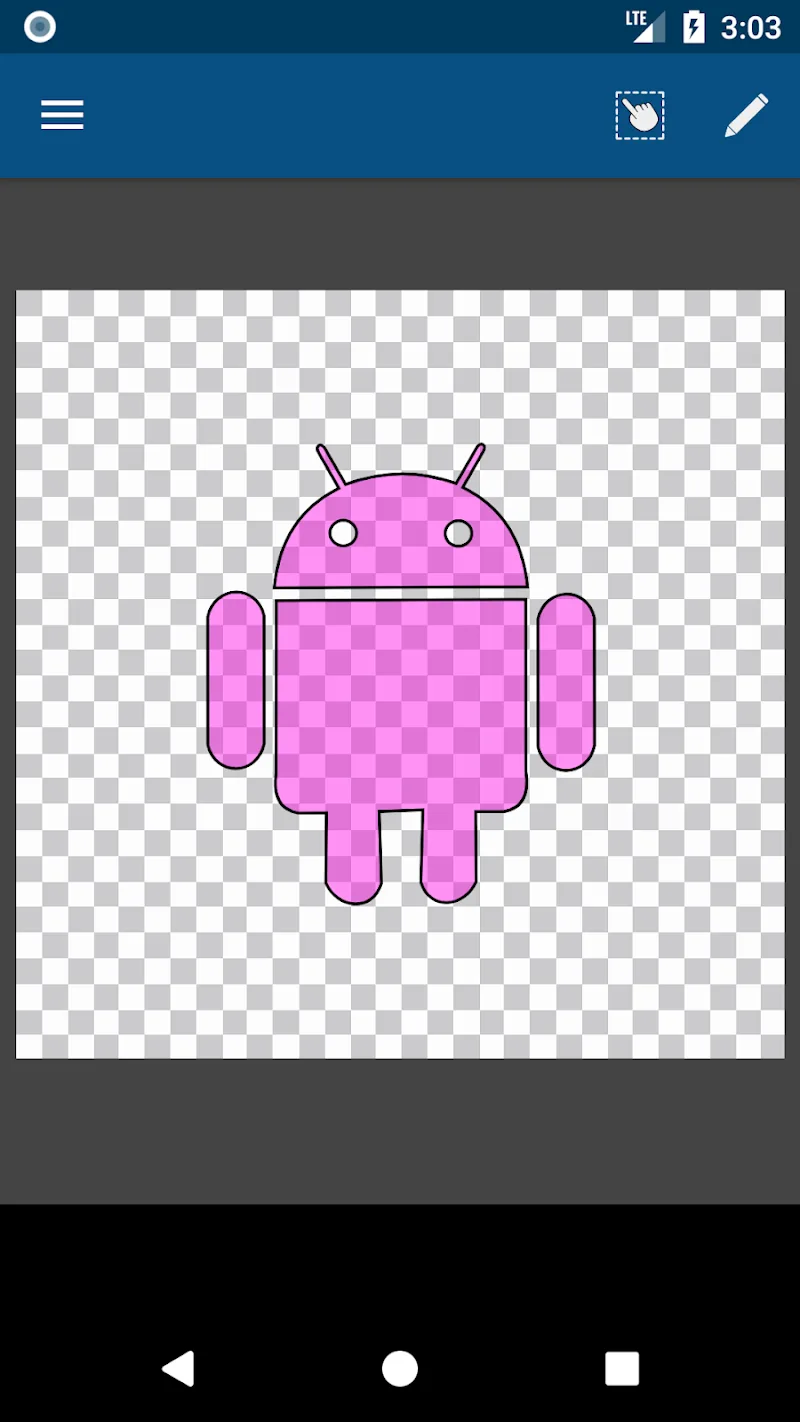
The frustration of seeing PNG or JPG images become blurry and pixelated whenever they are enlarged can make your graphic designs look unprofessional. Manually converting raster images into vector graphics often requires hours of carefully adjusting every anchor point. Vector Asset Creator solves this entire process without unnecessary effort. Normally, creating a vector from a single image means manually tracing countless points, but this app automates the workflow for you.
PROFESSIONAL VECTOR GRAPHIC DESIGN
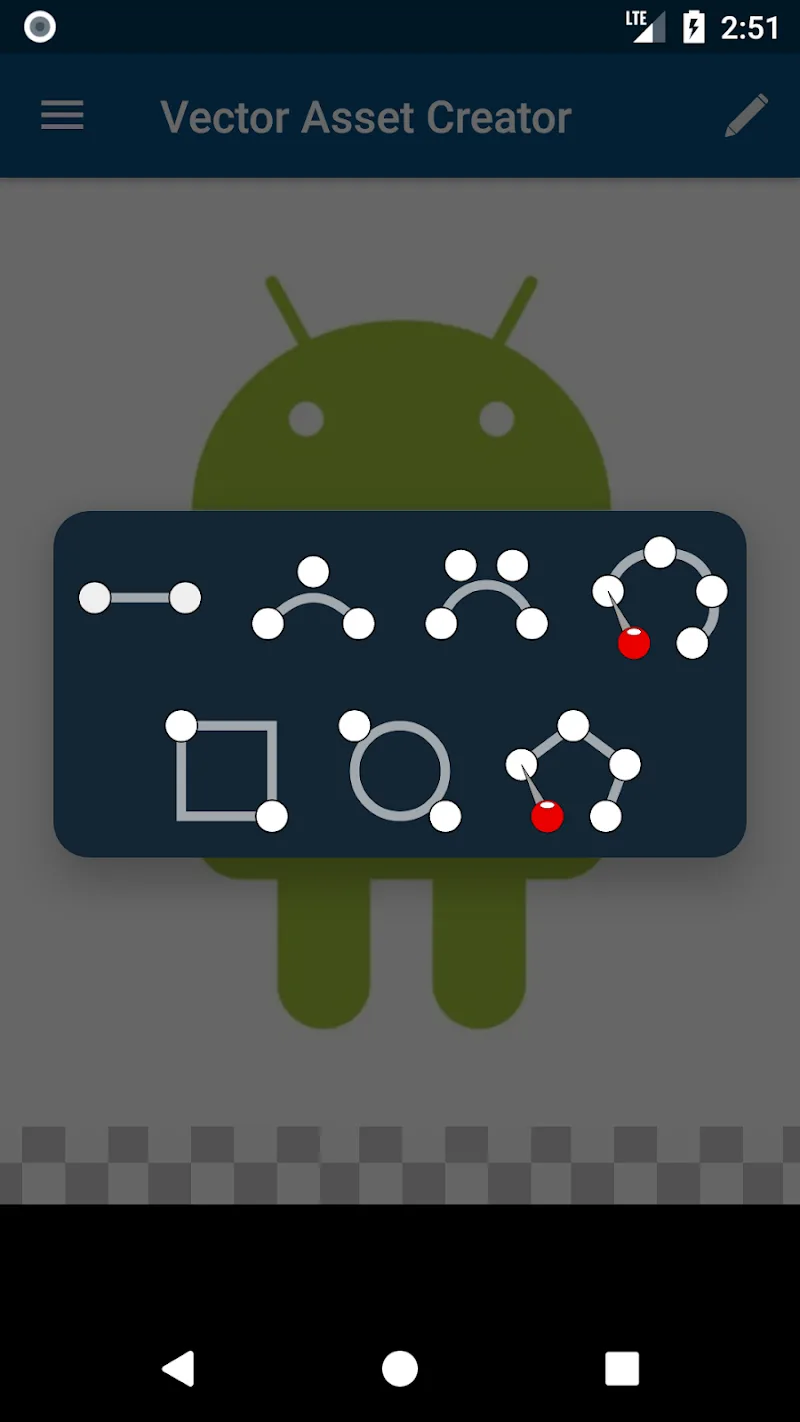
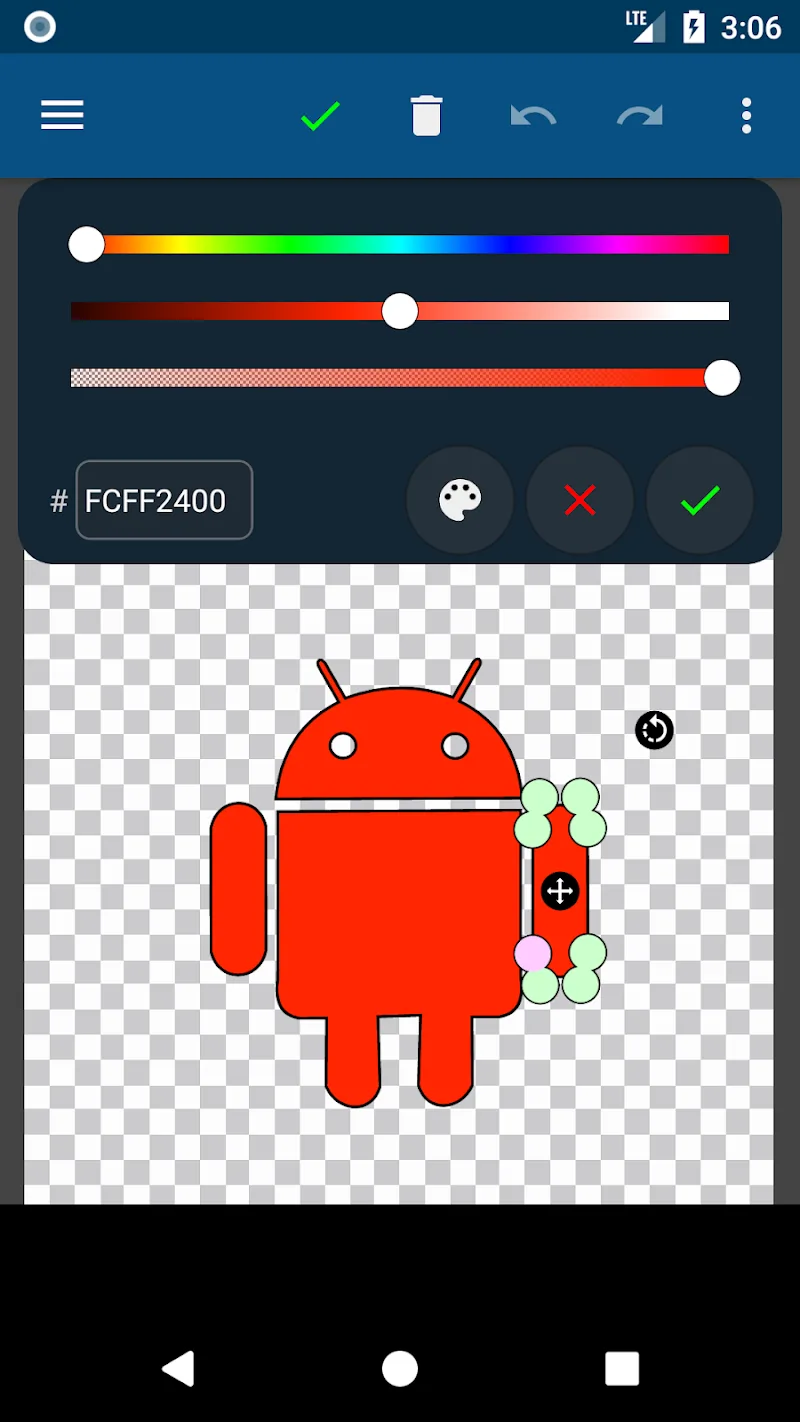
The fear of sketch lines becoming distorted or misaligned can significantly reduce the quality of your artwork. You also have to deal with the challenge of handling complex color regions to create depth in your designs. Without precise vector drawing tools, shapes can easily appear rigid and lifeless. The app provides a smooth vector creation experience with a modern set of professional design tools.
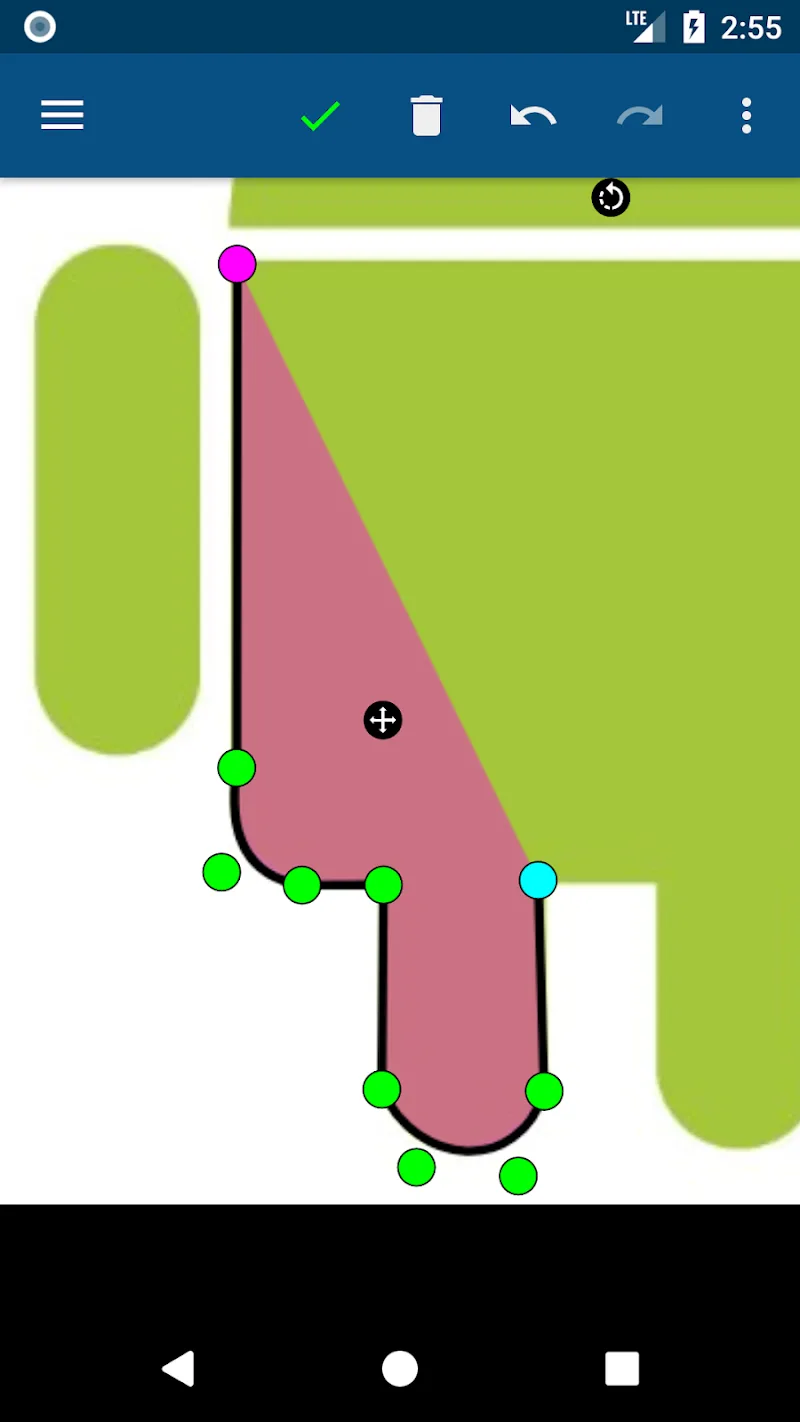
- Bezier Curves: Draw precise outlines with smooth curves and professional corner adjustments.
- Flexible Color Fills: Create linear, radial, and sweep gradients at any size.
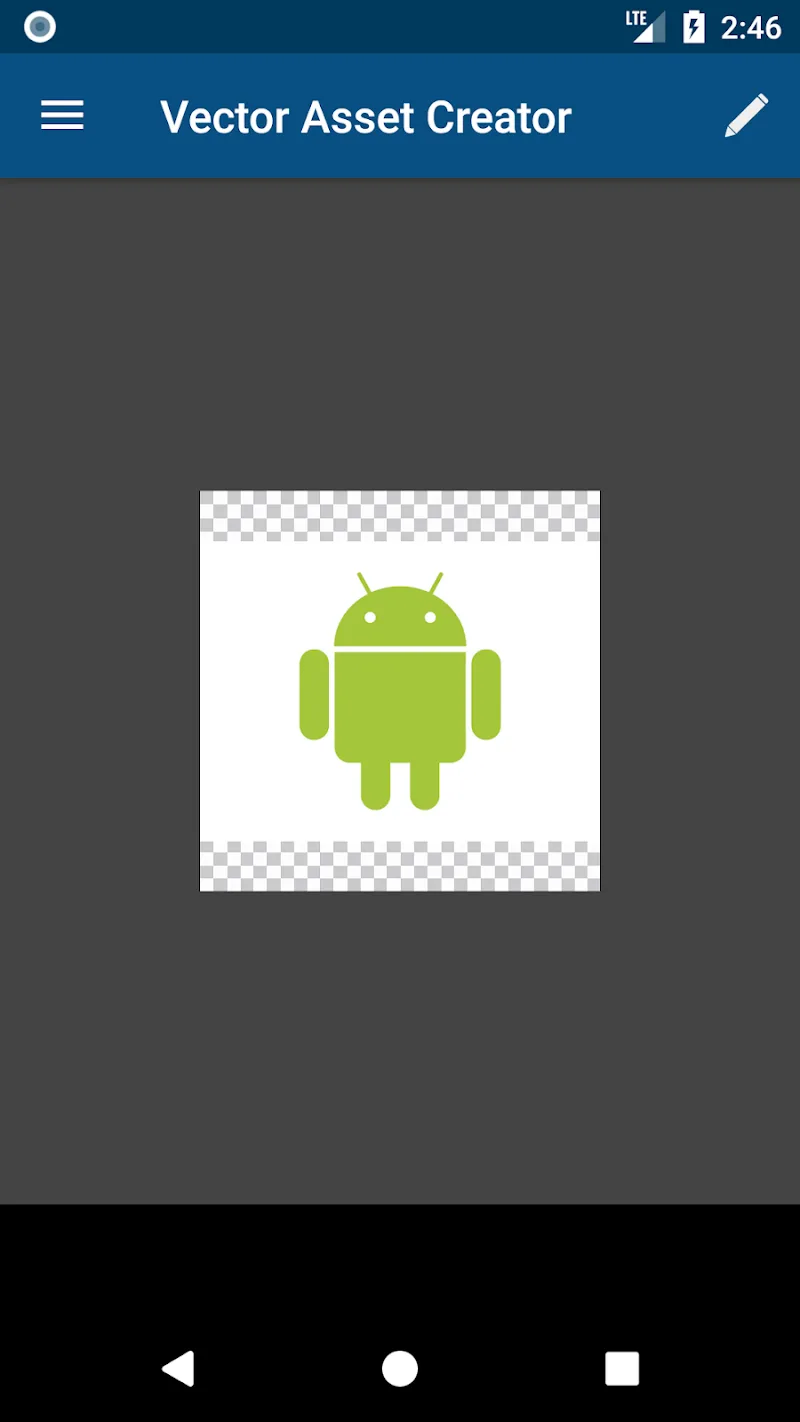
- Easy Conversion: Transform existing PNG and JPG images into sharp vector graphics.
EXPORT AND OPTIMIZE YOUR PROJECTS
Exporting files that are incompatible with your mobile application’s source directory can quickly become frustrating. Repeating the entire asset packaging process for different platforms wastes valuable time. Limited export options also make it harder to share and store your design assets. The app streamlines everything into a simple three-step workflow to maximize your productivity.
- Android XML Export: Generate files that are directly compatible with the Android drawable directory.
- Multiple Output Formats: Export your work as SVG, XML, PNG, or JPG files.
- Simple Workflow: Import a reference image, trace the artwork, and export your finished project in just a few steps.





Comments (0)