
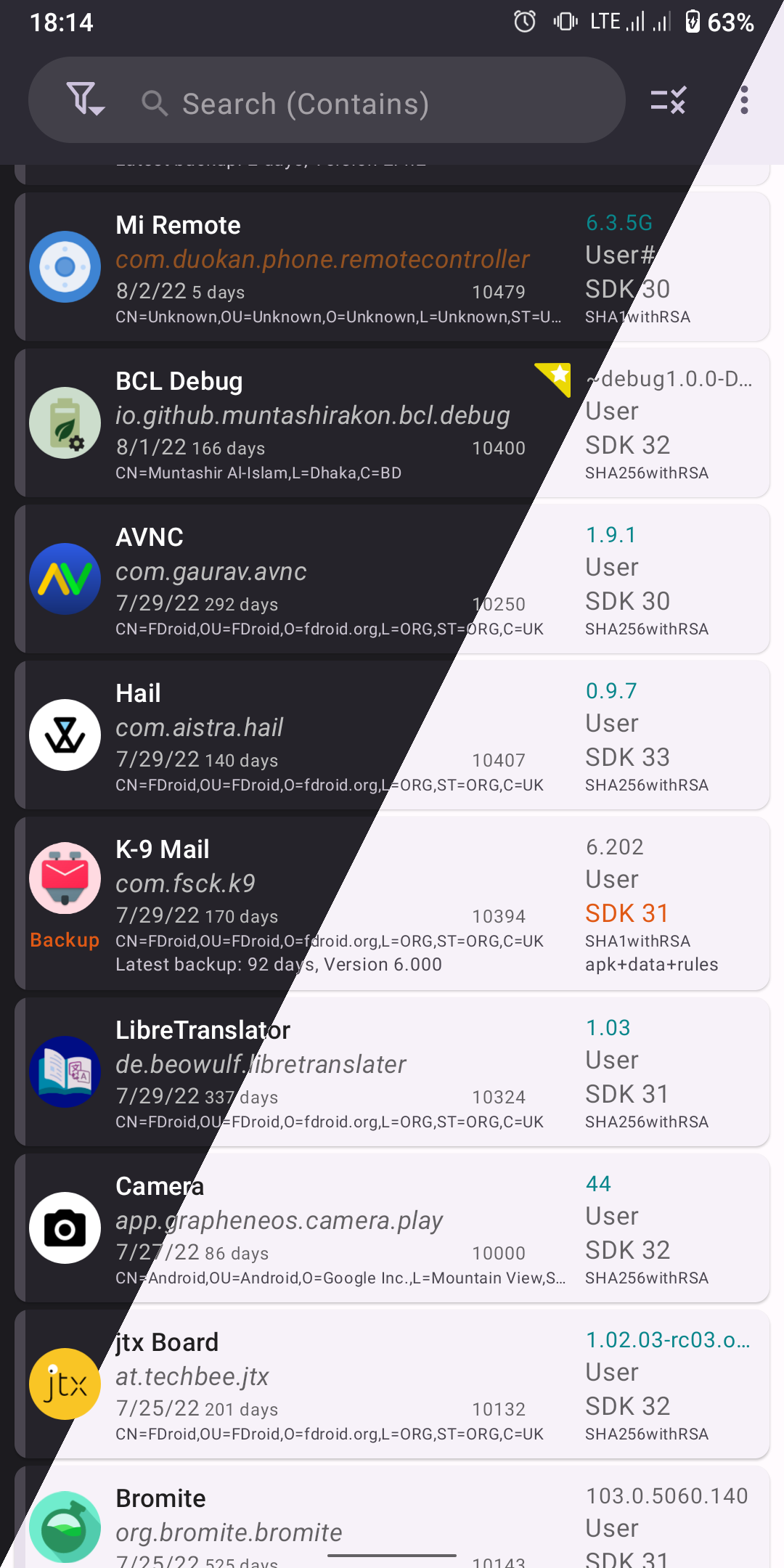
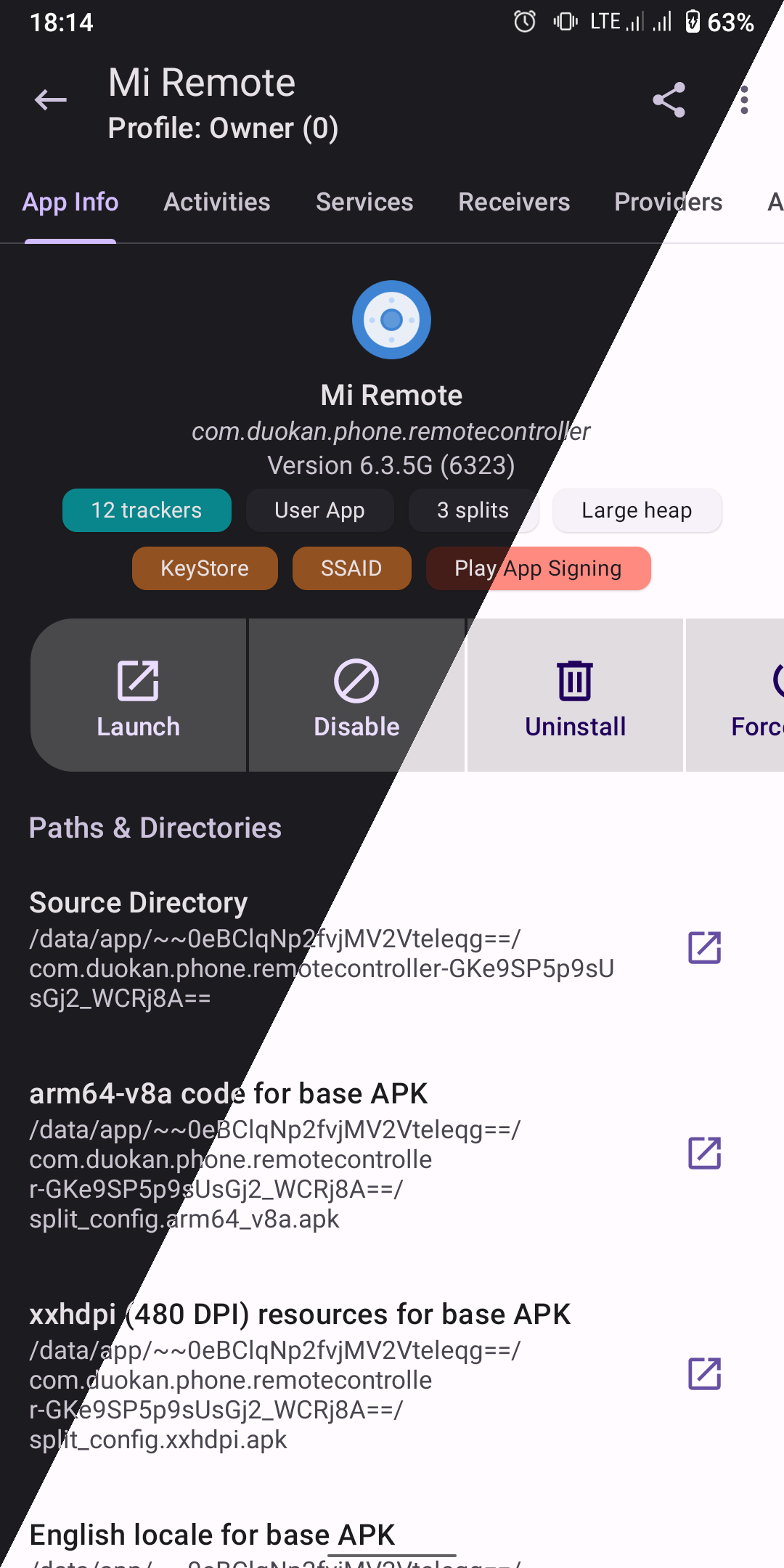
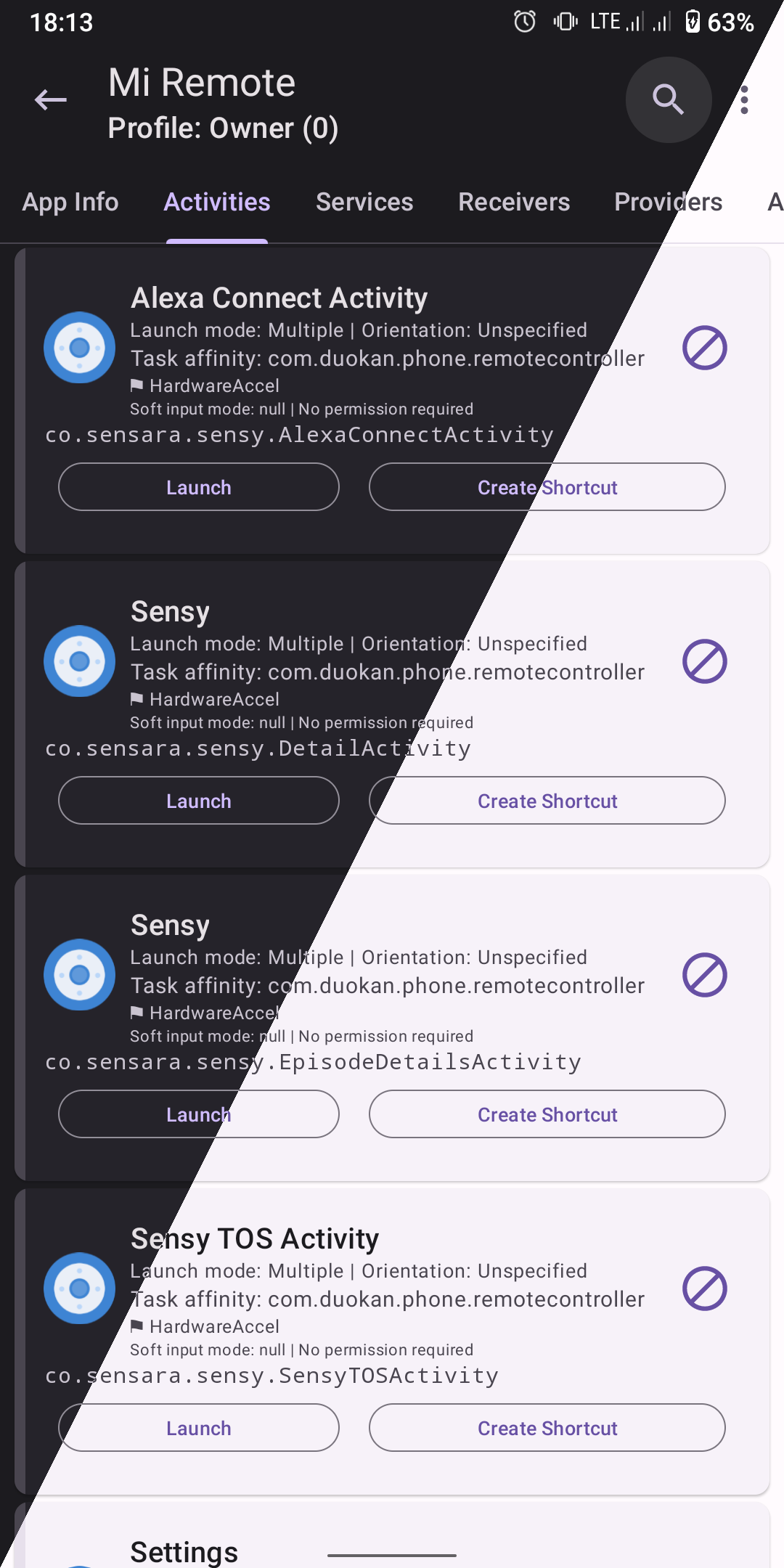
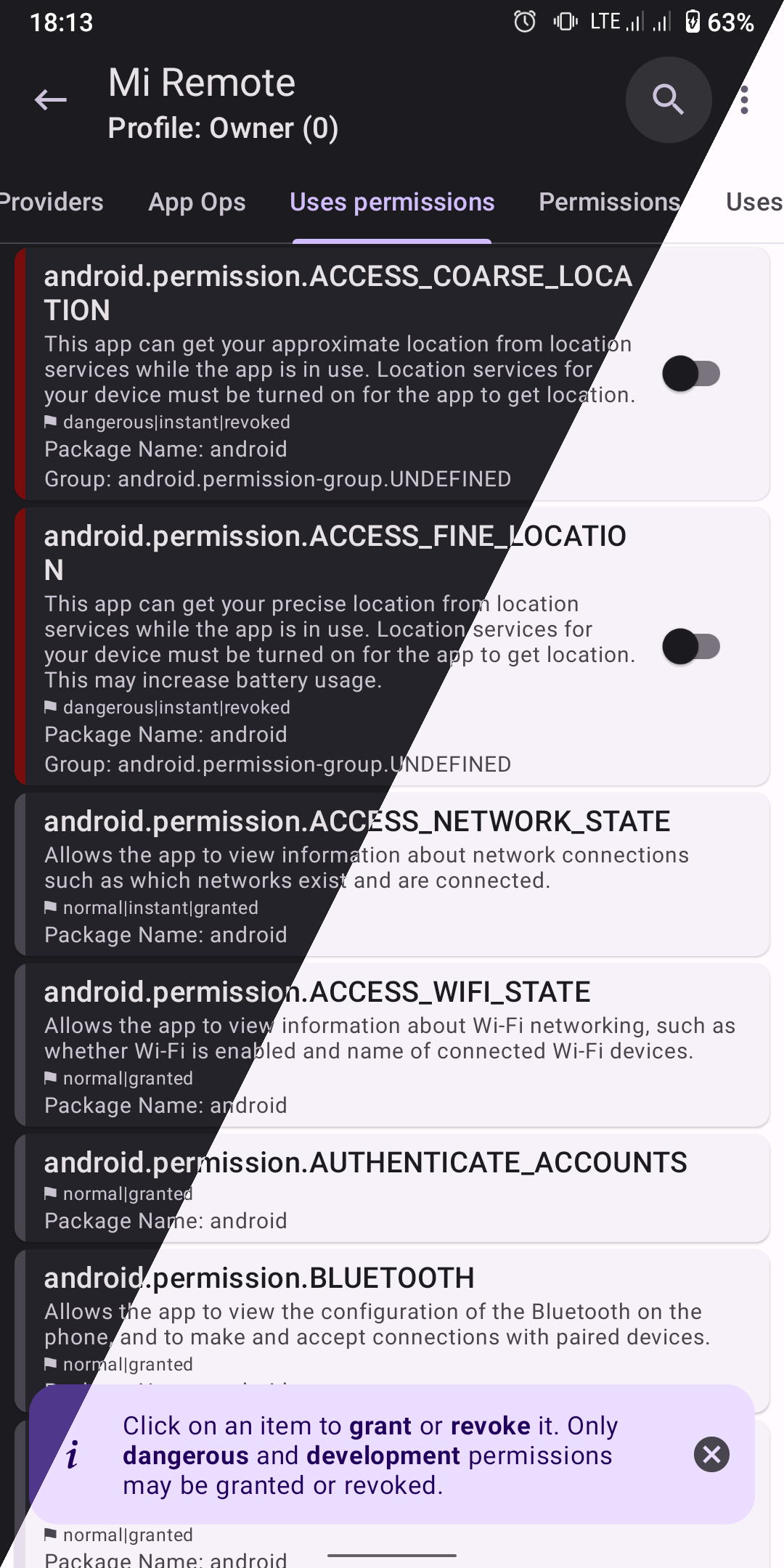
The inconvenience and security risks of installing multiple separate tools to inspect and deeply manage your Android system can be exhausting. It can feel as though your smartphone is overloaded with too many applications running at the same time. Users need a single solution to keep everything under control. Managing APK files, scanning for malware, or monitoring network traffic with closed-source, ad-filled software quickly becomes overwhelming. Without a trustworthy open-source solution, your sensitive personal data is exposed to unnecessary risks. Take complete control of your device with the advanced analysis tools of App Manager.
ADVANCED DIAGNOSTICS AND SYSTEM CONTROL
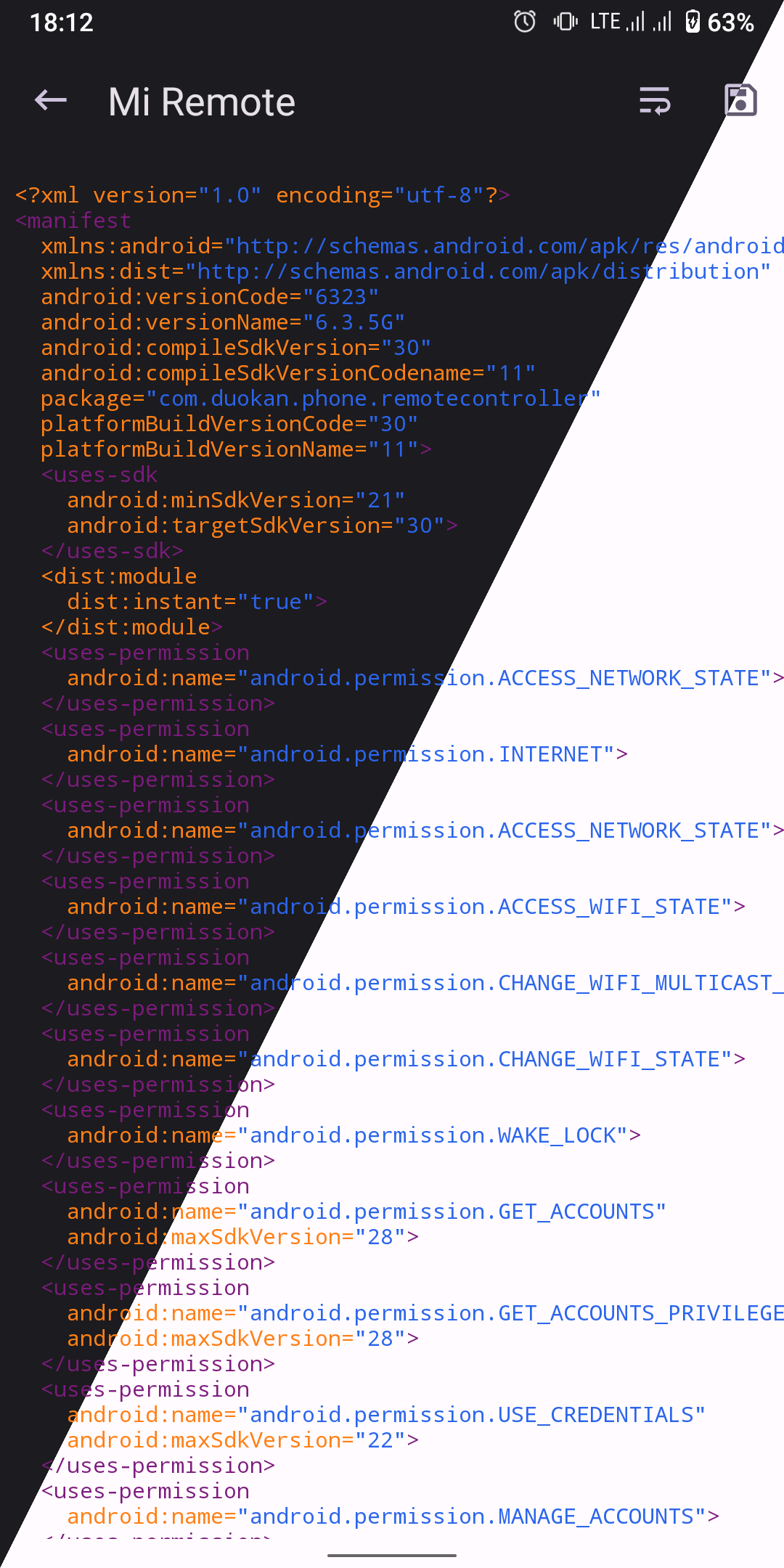
The possibility of hidden trackers running silently inside applications is always a concern. You must also manage, back up, and install multiple package formats such as APKS, APKM, and XAPK. Without a comprehensive toolkit, it becomes difficult to inspect application activities or analyze manifest files.
- Tracker Detection: Identify hidden trackers, embedded libraries, and extract application source code for analysis.
- Component Management: View, enable, or disable activities, services, receivers, and app operations.
- APK File Handling: Sign packages with custom certificates, install, back up, and share APK files with ease.
COMPREHENSIVE OPTIMIZATION TOOLS
Outdated interfaces and complicated management tools often make routine tasks unnecessarily time-consuming. Monitoring system logs through Logcat or removing pre-installed bloatware can also become difficult. Without strong encryption, your backup files remain vulnerable to unauthorized access.
- Comprehensive Monitoring: View detailed information about data usage, storage consumption, and system Logcat logs.
- All-in-One Toolkit: Includes a code editor, file manager, and integrated terminal emulator.
- Encrypted Backups: Protect backup data using OpenPGP, RSA, ECC, and AES encryption.










Comments (0)