
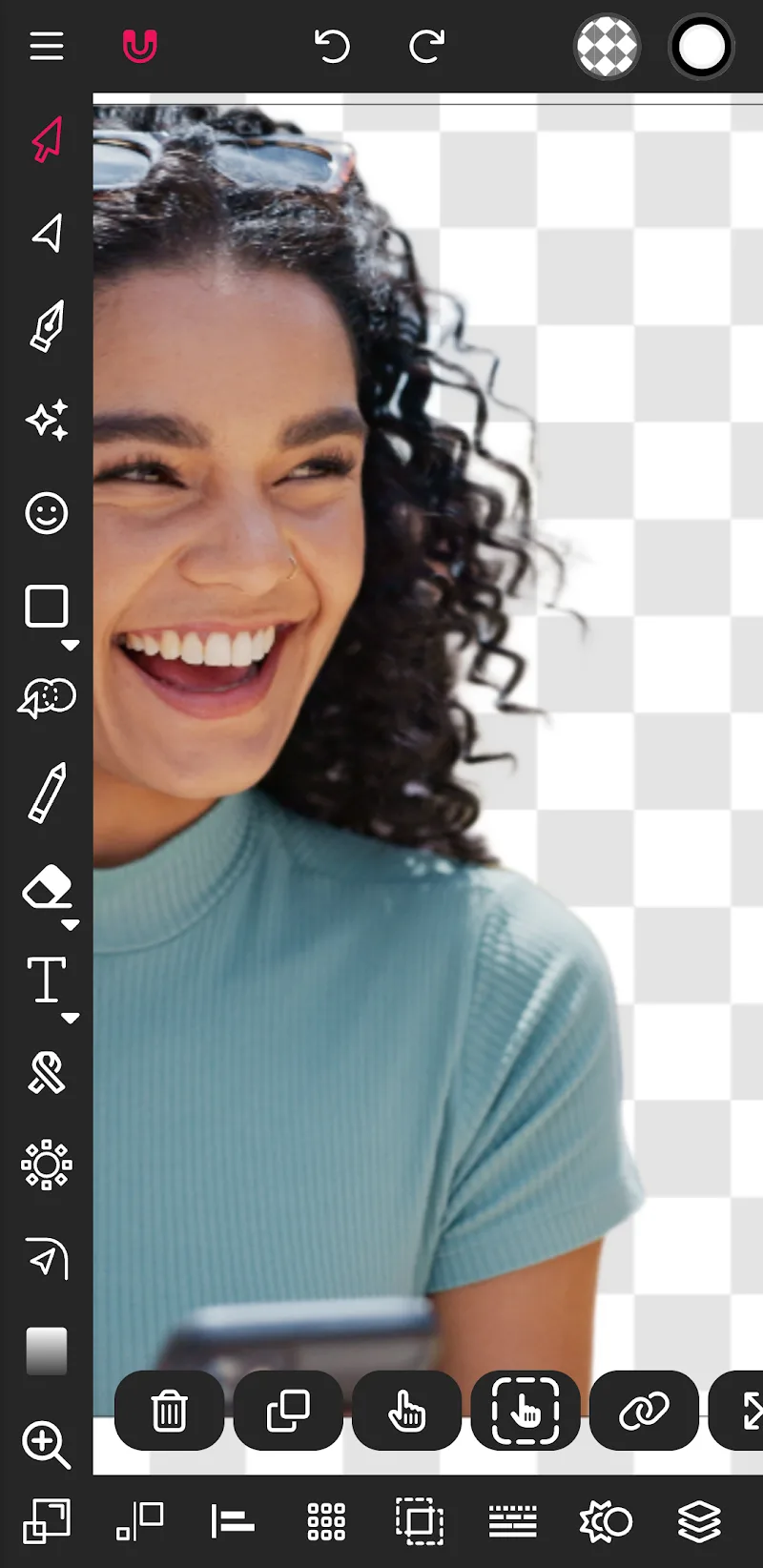
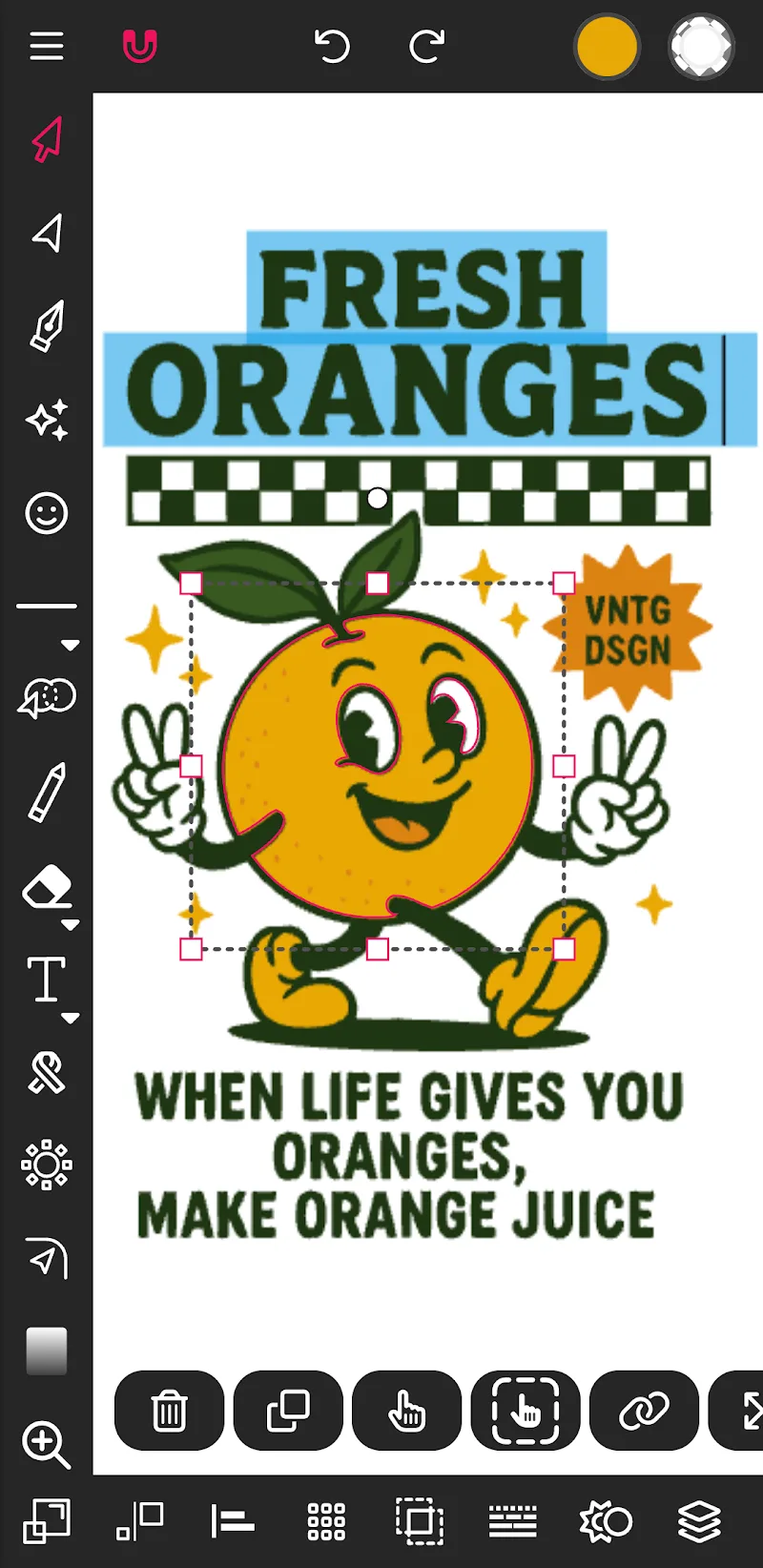
Designing graphics on a smartphone used to be a “torture” with clumsy operations and extremely low precision. Vector Ink has completely changed the game by turning your Android phone into a true professional workstation. Whether you are sketching a logo quickly or tracing complex vector drawings, this application will remove all common barriers found on mobile. It is not just a simple tool—it is a literal pocket studio.
REVOLUTIONARY SMART DRAWING TOOLS
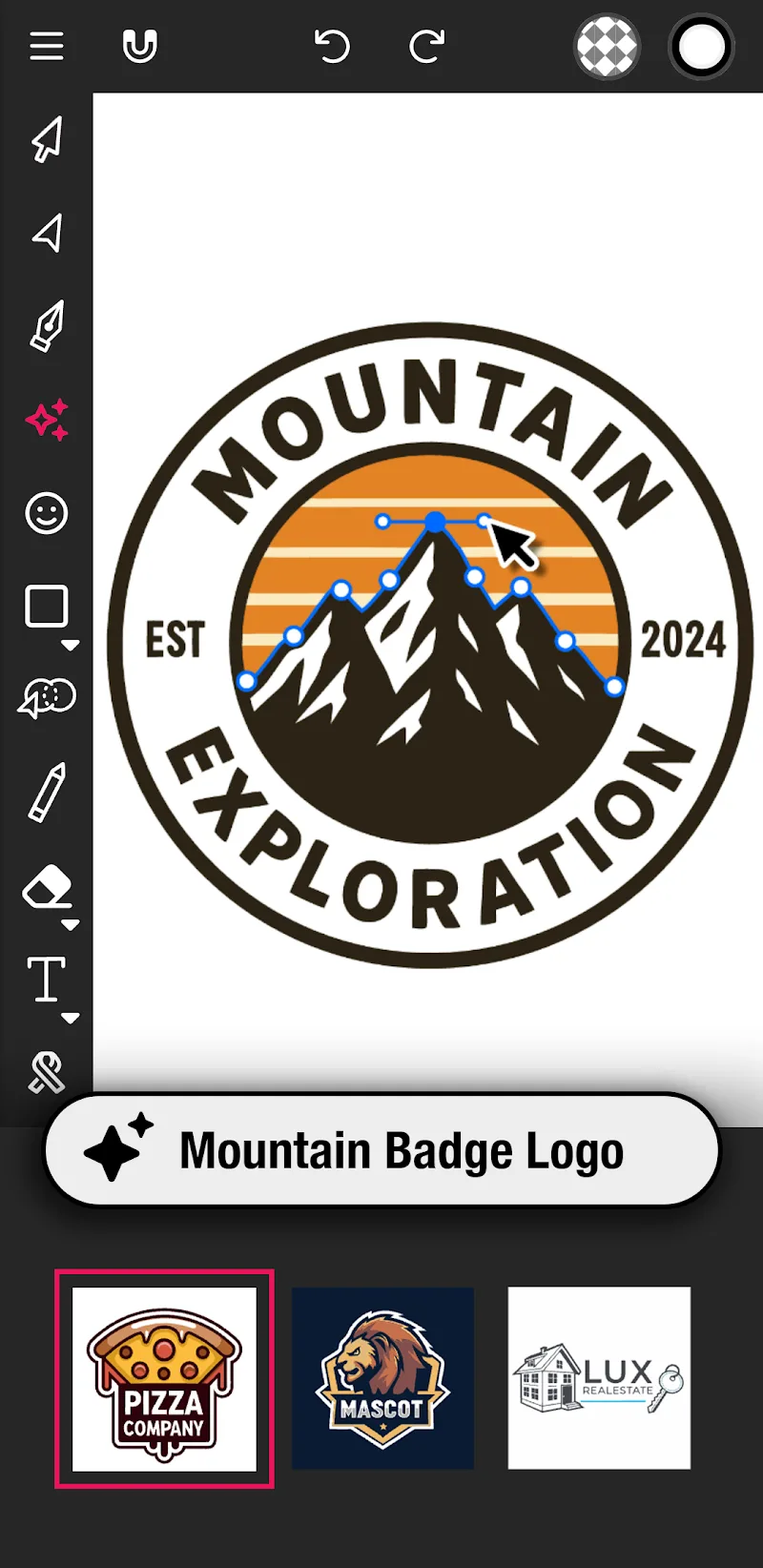
Most mobile applications today fail because they require your finger to be as precise as a computer mouse. Vector Ink thoroughly handles this issue with a suite of smart tools, understanding your ideas even when the stroke is not yet finished. Do not spend hours struggling with anchor points or manually merging lines anymore. Everything is now strangely smooth. That is exactly right.
- Built-in virtual stylus: Draw with your finger without having your view blocked thanks to virtual stylus technology.
- Smart path builder: Merge and create complex shapes in just a few short seconds.
- Automatic stroke stabilizer: Keep freehand strokes always sharp, stable, and not shaky.
PRO-LEVEL COLOR AND ASSET CONTROL
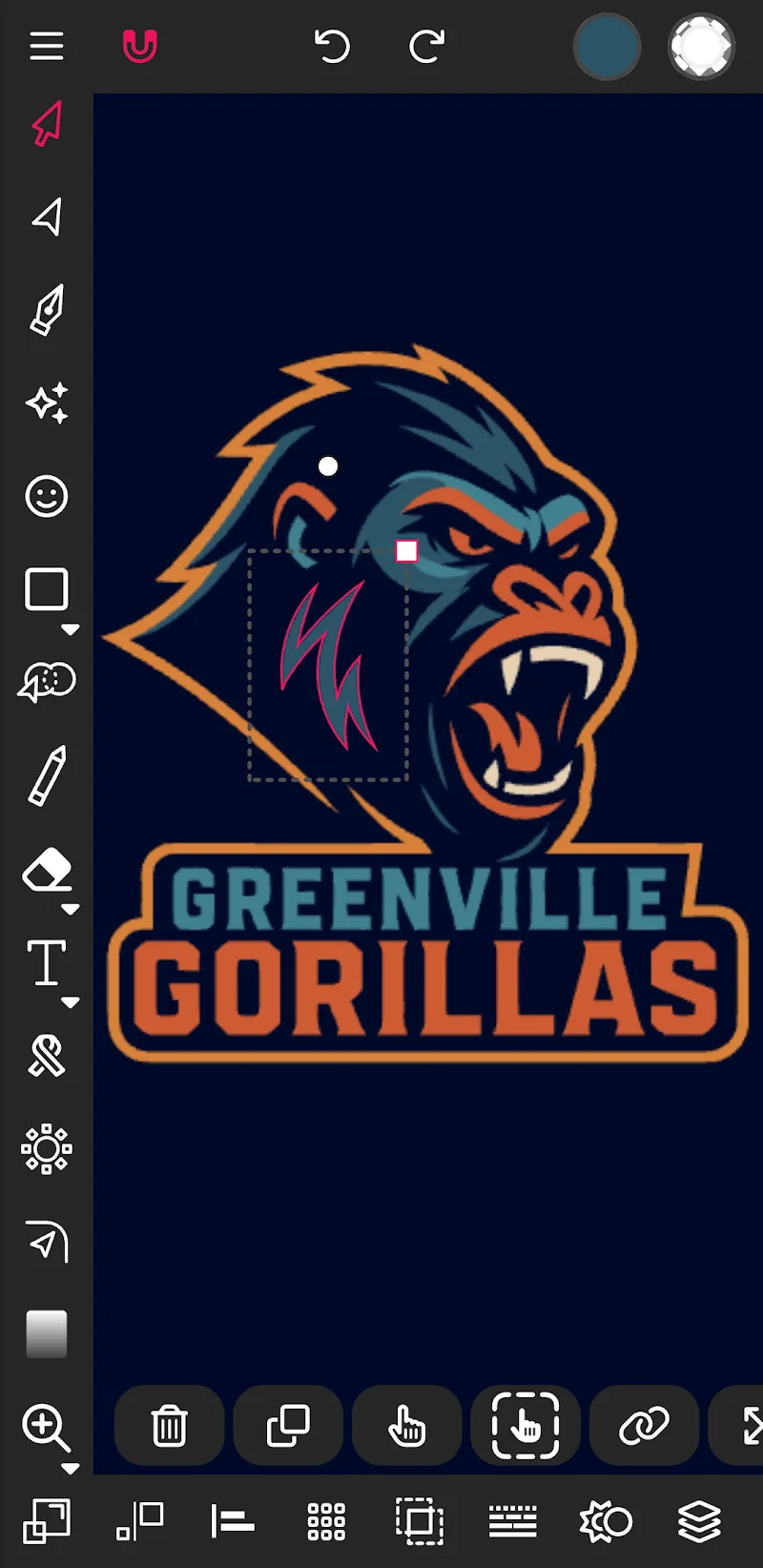
A high-class design always needs a perfect combination between color and layout to “handle perfectly” every strict requirement from customers. Vector Ink provides detailed control down to every pixel with a layers system, advanced gradients, and a grid distribution feature that usually only appears on expensive computer software. Managing complex projects now becomes extremely easy—no longer a burden for creative people.
- Advanced palette generator: Create and store custom color palettes to use for every project.
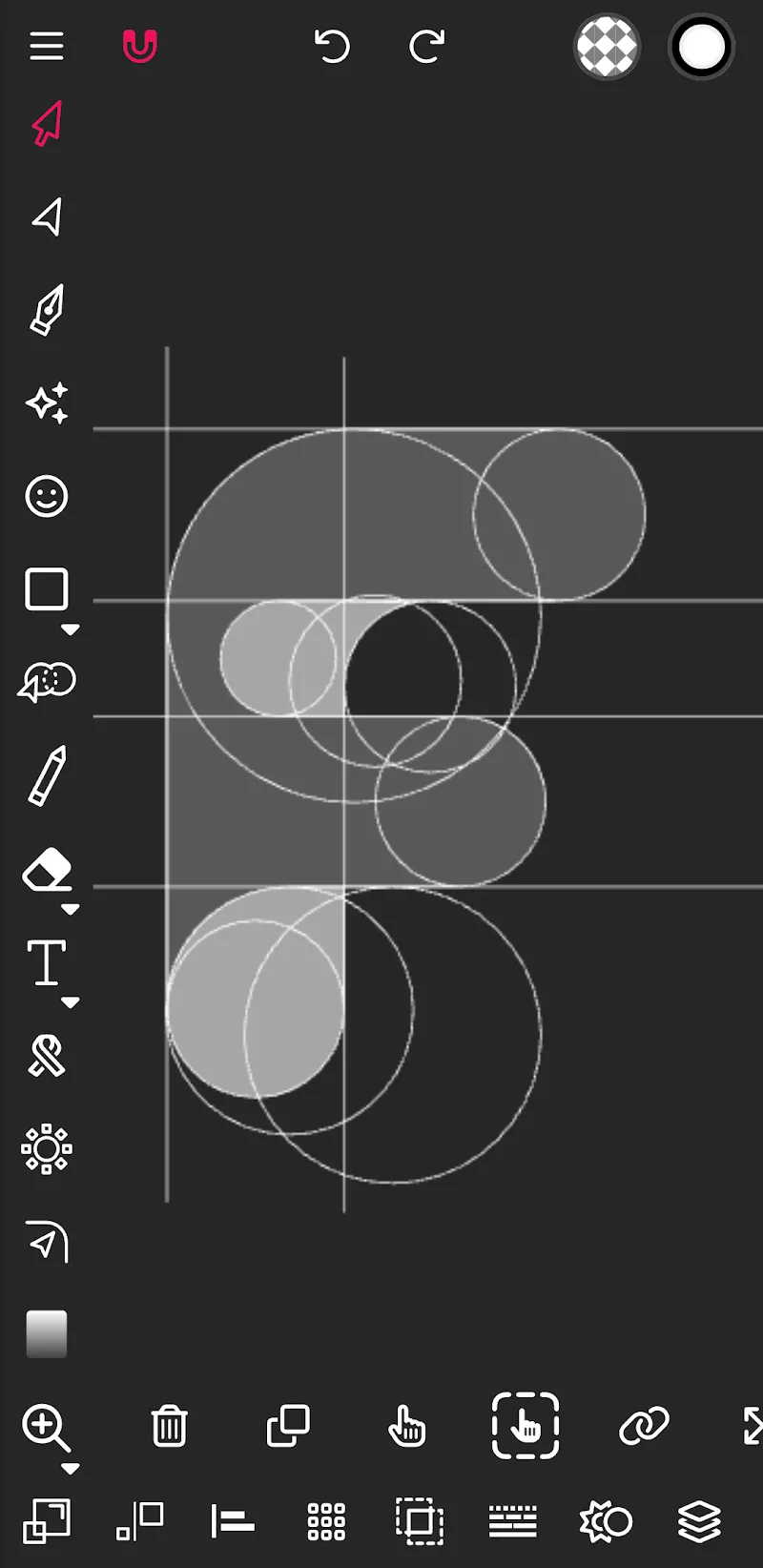
- Precise distribution tools: Arrange shapes perfectly according to a circle or grid format.
- Multi-format export support: Export drawings flexibly as SVG, JPG, or PNG with any size.






Comments (0)