I dare to bet that not few times you have to pull your hair because your home network suddenly “acts up” right at the moment of intense combat or needing to download urgent documents. Instead of sitting there praying for the router, why not pick up the phone and examine the problem like a real expert? The application Ping Tools: Network & Wifi is exactly the “universal” toolkit for those who want to fully hold the control power of the transmission line in the palm of the hand. When for the first time opening the application, I was really overwhelmed by the amount of information that it can exploit from a seemingly simple connection. Surely you will feel yourself much more “pro” when manually checking every nook and cranny of the network system.
COMPREHENSIVE NETWORK DIAGNOSTICS
Every time seeing the network slow abnormally, I often open immediately this diagnostic toolkit to check whether the “bottleneck” is located where to know the way to “complain to” the network provider.
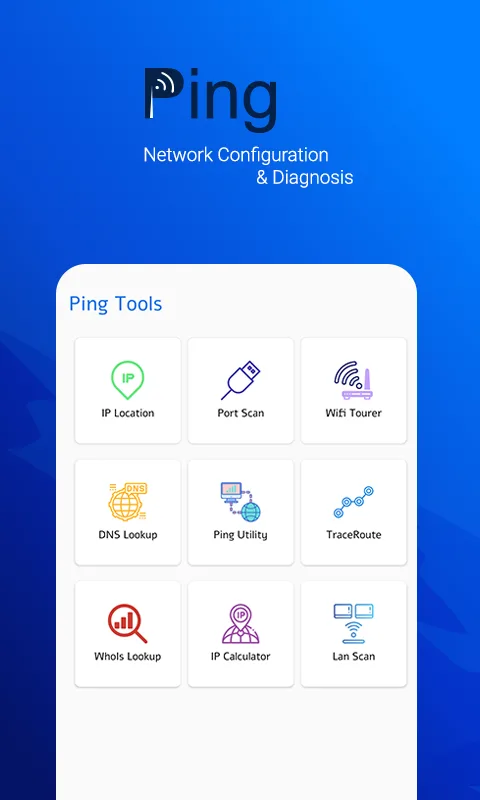
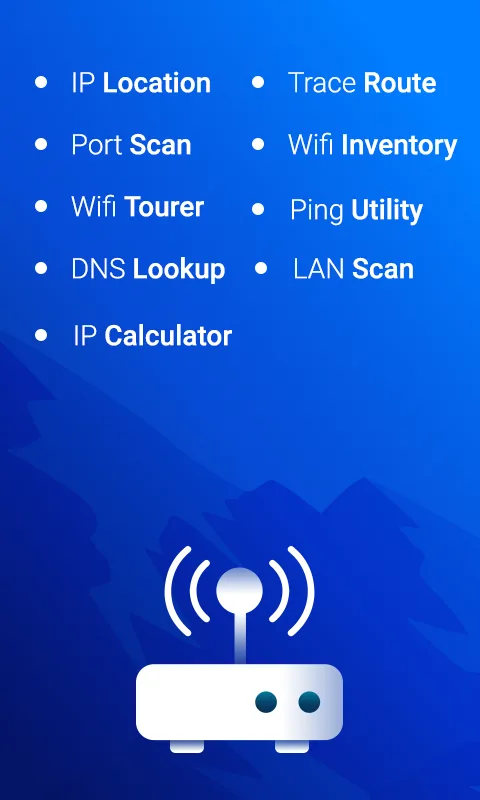
- Universal ping utility: Verify response speed of any server or domain name via ICMP protocol, helping you know the network is fine or is “breathing oxygen”.
- Smart route tracer: Trace the path of data packets from device to destination, helping identify accurately which transit station is delaying your connection.
- Deep port scanner: Scan and probe open ports on the server, a feature extremely important to check the security of the system.
ADVANCED IP AND WIFI MANAGEMENT
Besides fixing errors, the application also helps you become a real network “detective” when being able to look up information of any device wandering around yourself.
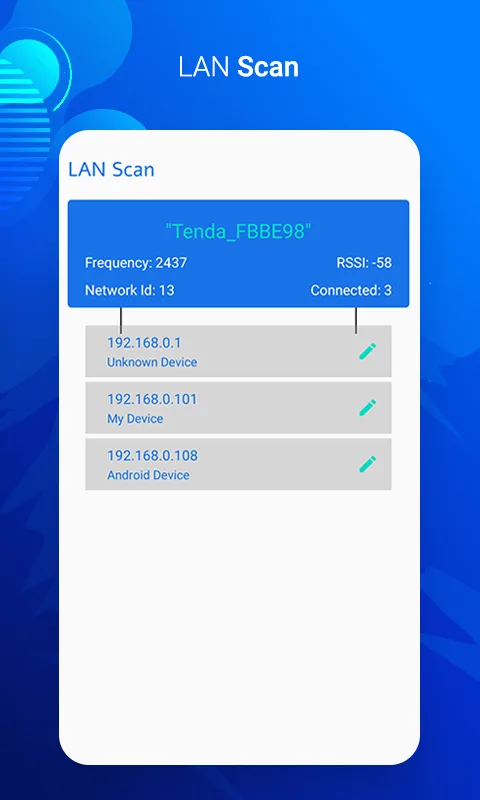
- Intelligent LAN scanner: List absolutely everything the devices connecting to your home WiFi, allowing setting private names to easily detect “free-riders”.
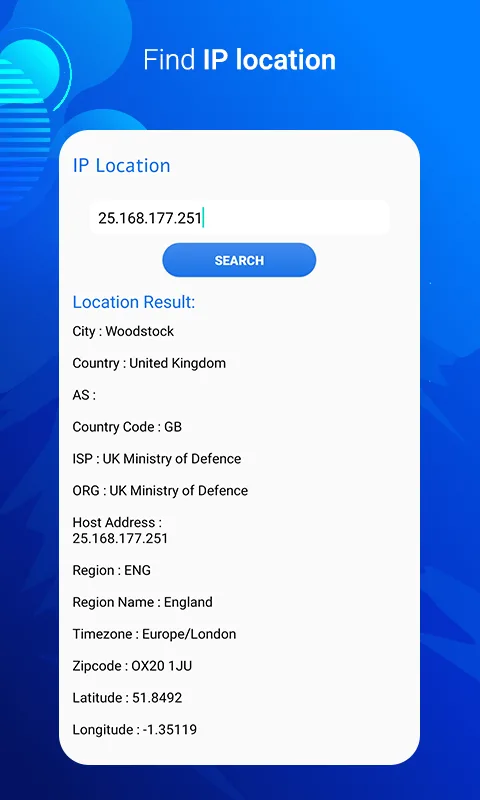
- Geographic IP location: Mapping IP address to find out real geographic location of the server, from city, coordinates to ISP network provider information.
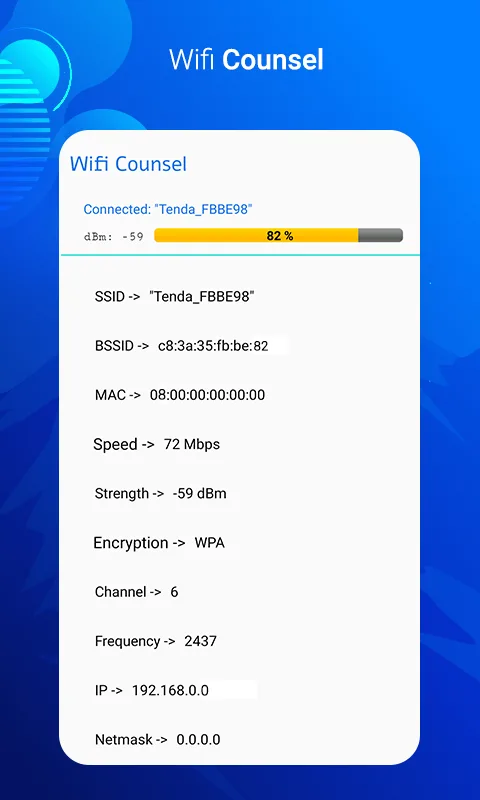
- Expert WiFi tourer: Analyze dBm signal strength and scan the list of nearby networks for you to choose the less interference wave channel, reaching the highest speed.








Comments (0)