
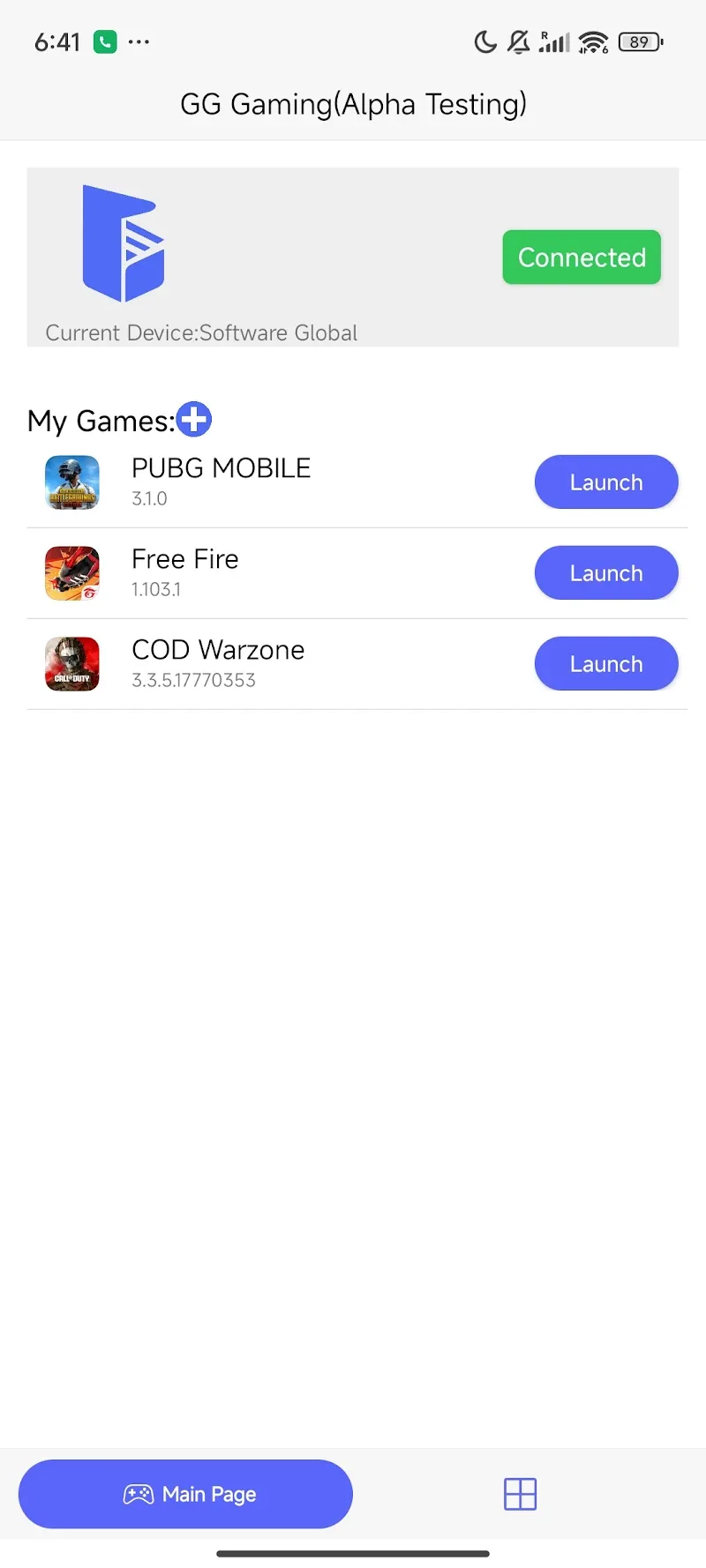
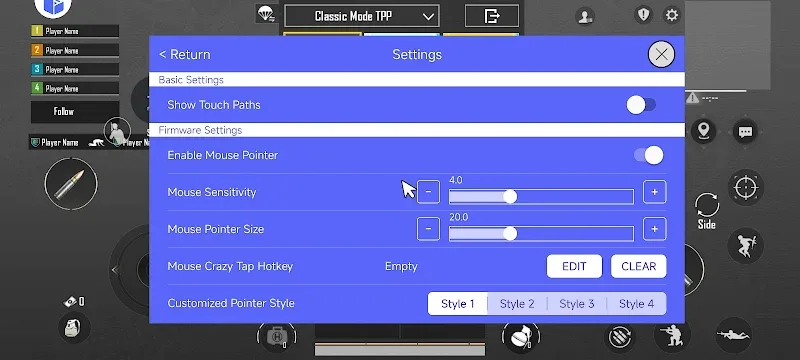
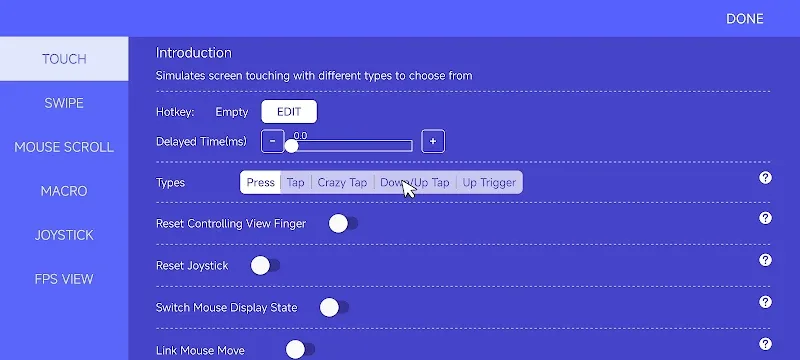
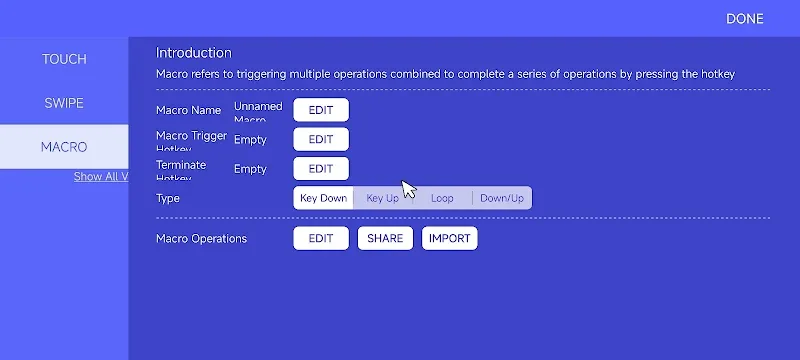
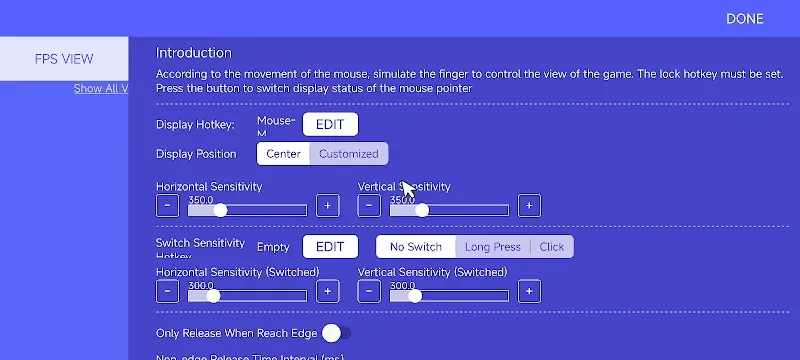
GG Mouse Pro 2 is an application that allows you to use your PC or Macbook keyboard and mouse to set up and play any video game on your phone. The setup process, while complex, takes less than five minutes, and the application completes all the necessary steps for you.
In addition, GG Mouse Pro 2 supports numerous tutorial videos and explanations to help users perform operations quickly and easily. This is one of the most powerful and modern mouse and keyboard conversion applications currently available, and it’s completely free.
SETTING UP GAMES ON YOUR PHONE USING KEYBOARD AND MOUSE
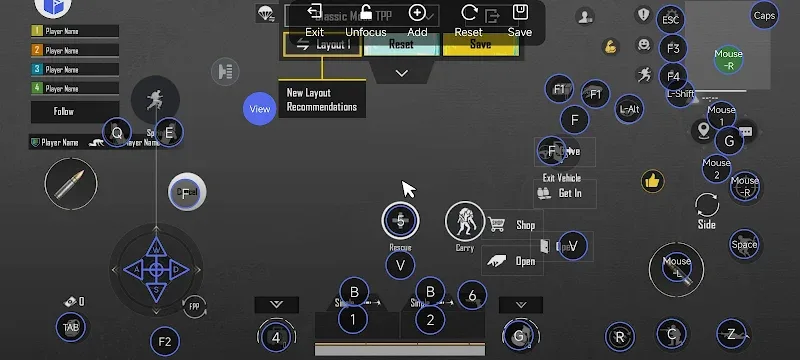
GG Mouse Pro 2 will allow you to use your PC or Macbook keyboard and mouse to control games on your phone, completely replacing touch input on the screen. This application allows you to assign individual keyboard keys and mouse buttons/actions (such as left-click, right-click, drag) to virtual buttons in the game interface.
This method is especially useful for first-person/third-person shooters, survival games, or any game that requires quick reflexes and high precision control.
DETAILED INSTALLATION GUIDE SUPPORT
GG Mouse Pro 2 provides numerous tutorial videos and step-by-step explanations to help users easily follow the setup process. You can see how to activate, grant permissions, connect the mouse/keyboard, and configure sample key bindings for several popular games, making it quick to get started.







Comments (0)