
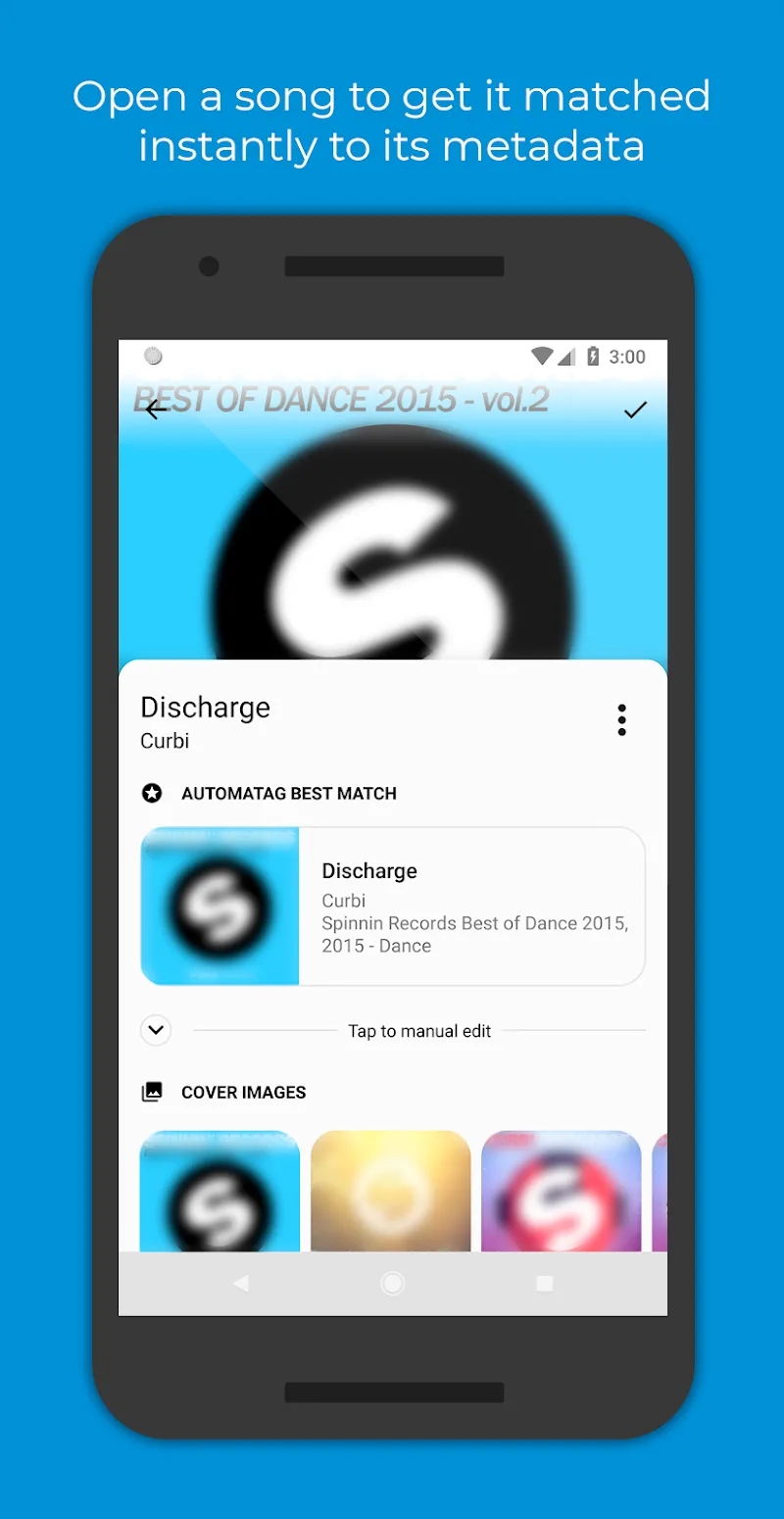
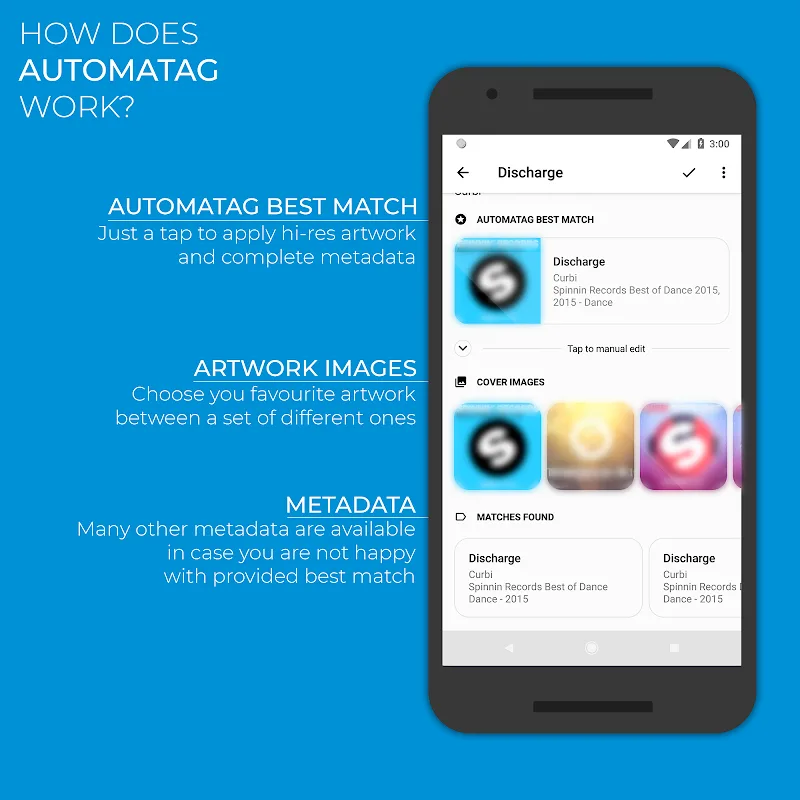
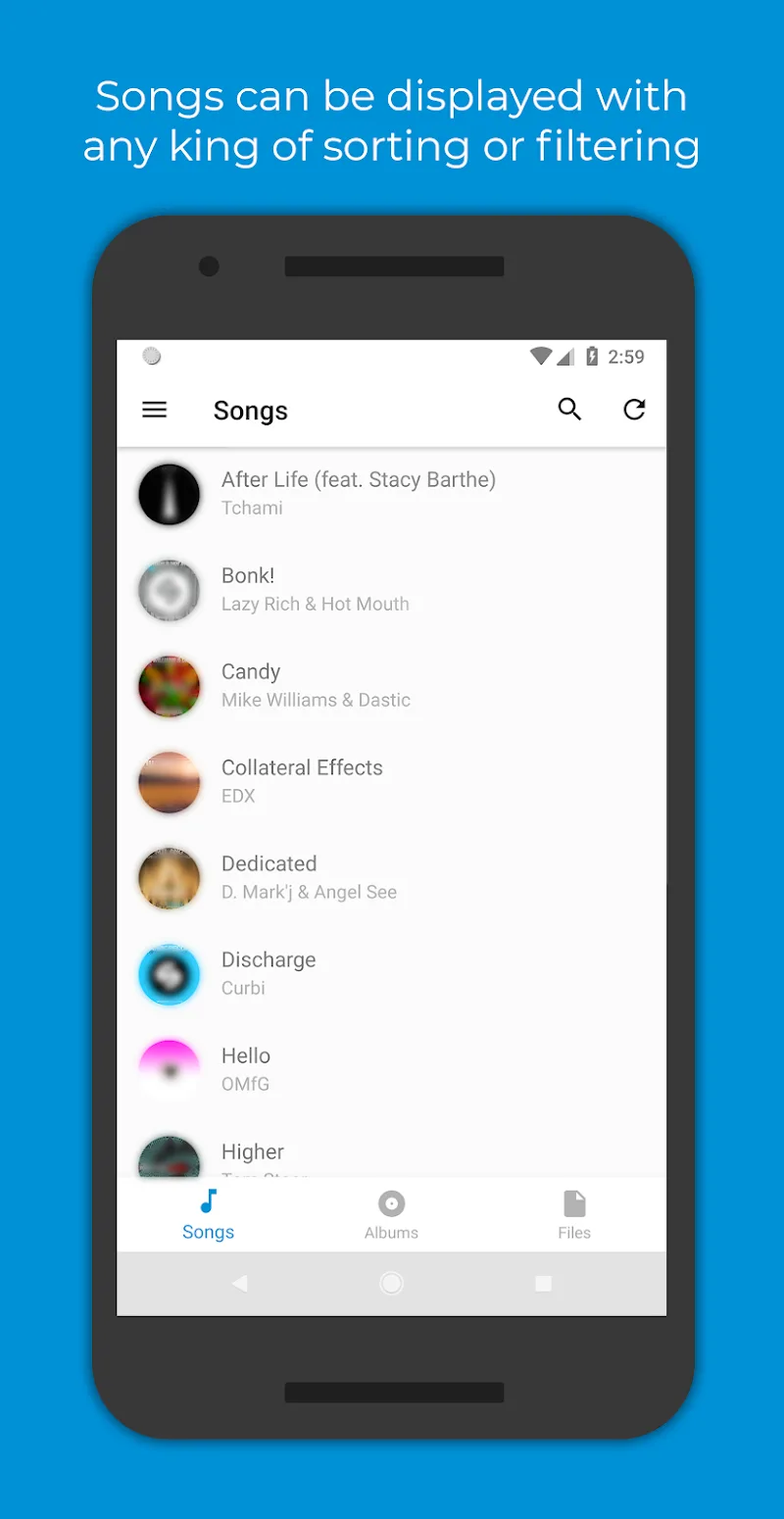
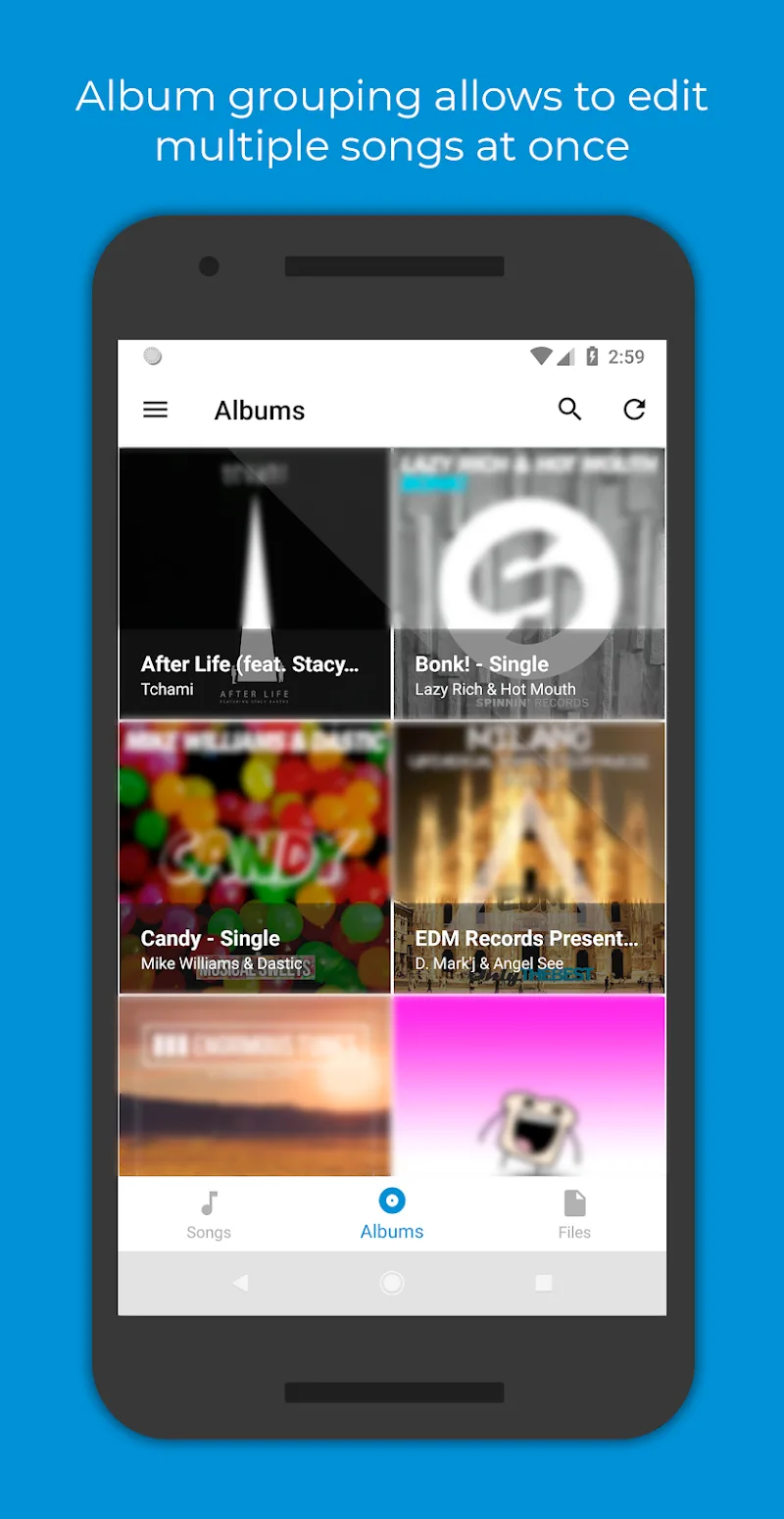
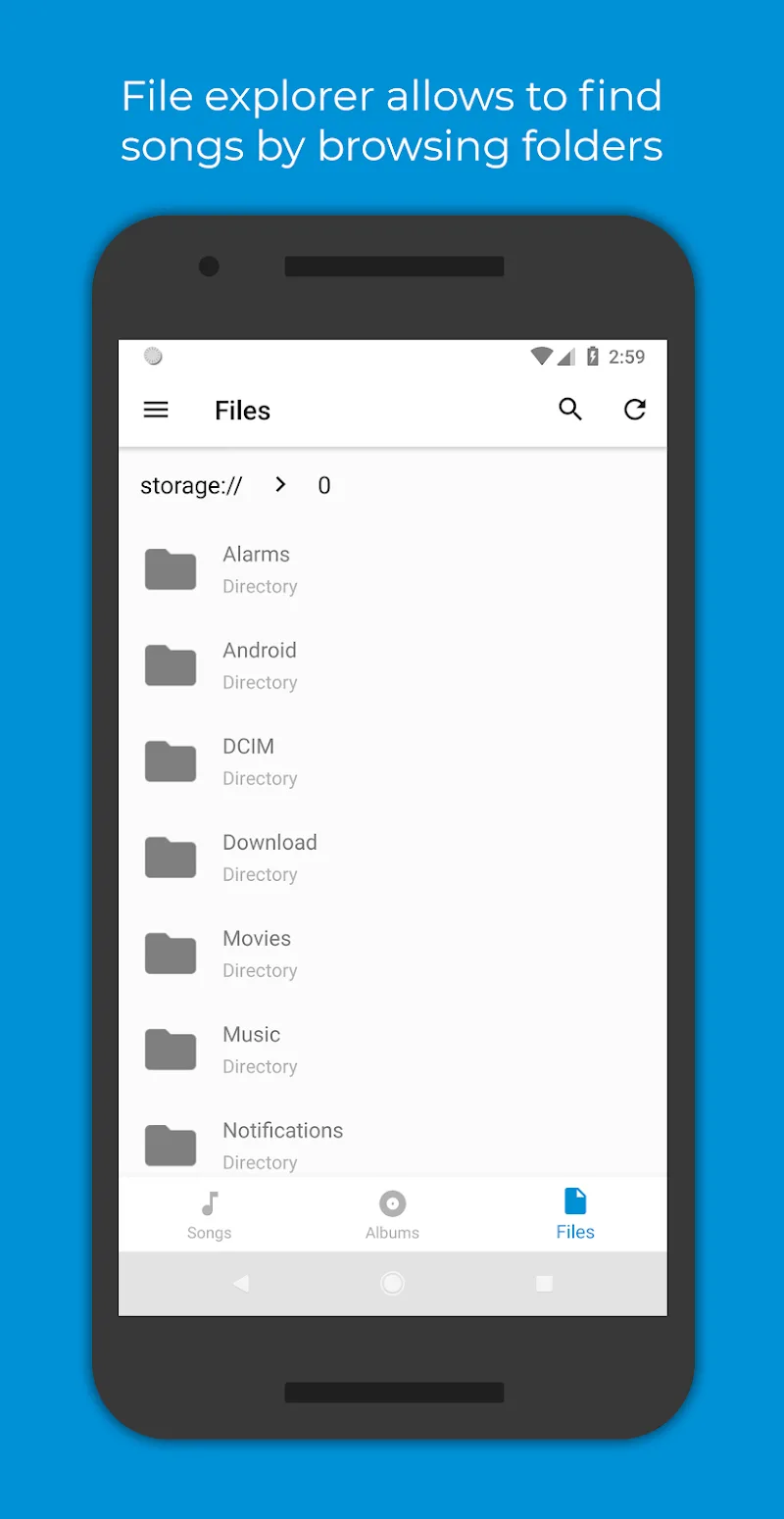
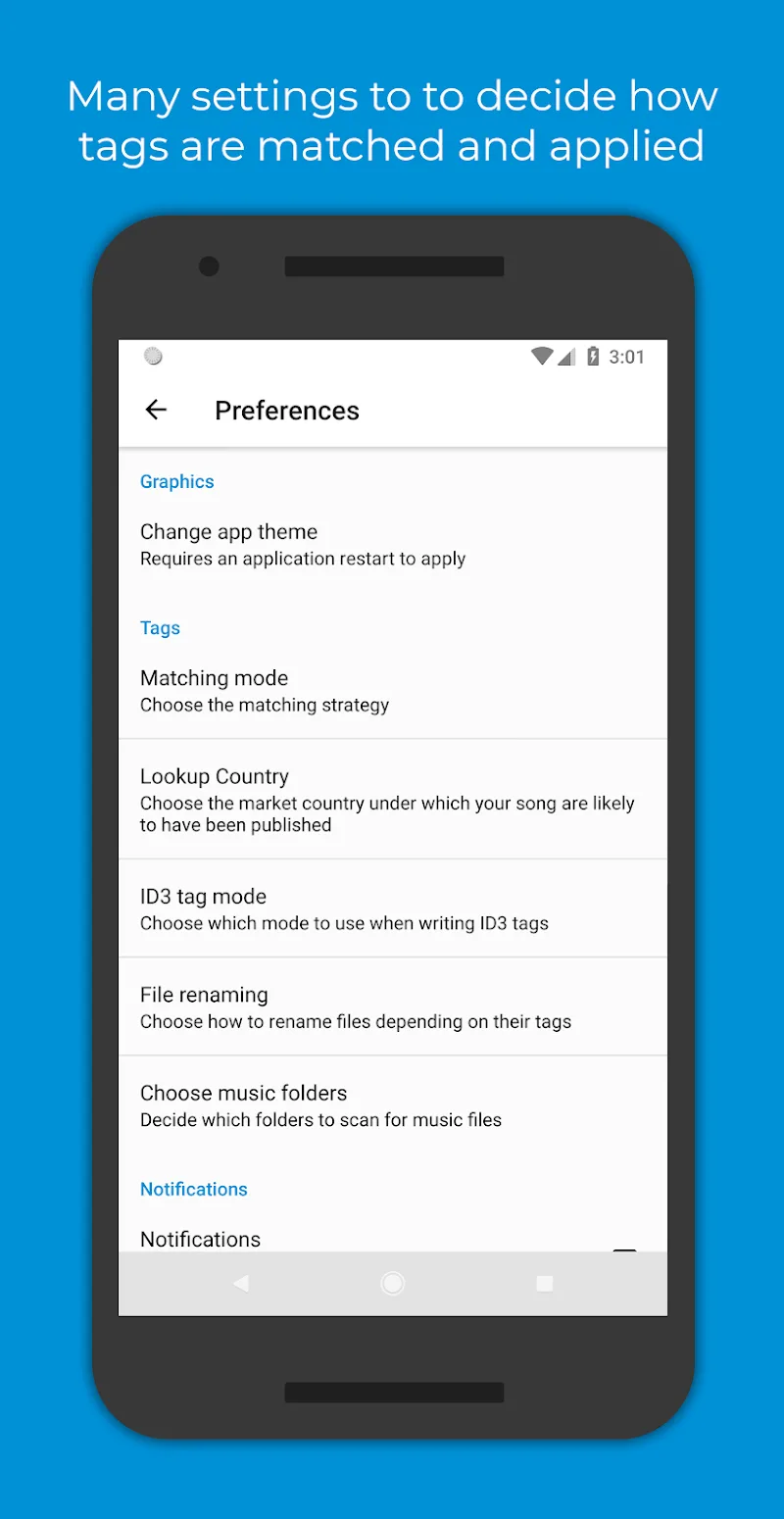
Automatic Tag Editor is an application that helps users automatically edit ID3 tags for their music library on Android devices. This application will assist users in analyzing their music library, suggesting suitable tags, and uploading high-resolution cover art, helping to organize metadata quickly without manually entering each song.
SUPPORTS MULTIPLE FORMATS
Automatic Tag Editor supports automatic tag editing for many popular audio formats and helps you easily manage your music library without file type restrictions. Supported formats include: MP3, M4A, OGG, FLAC, WMA, WAV.
EDIT TAG INFORMATION
Automatic Tag Editor allows users to quickly edit a variety of common information:
- Song Title: Edit the official name of the song.
- Main Artist: Edit the name of the performing singer or band.
- Album Artist: Edit the name of the artist or band whose album is titled (if different from the main artist).
- Album Title: Edit the title of the album containing the song.
- Genre: Allows users to categorize and edit music genres such as Pop, Rock, Classical, etc.
- Release Year: Edit the release year of the song or album.
- Track Number: Edit the position of the song in the album.
- Total Tracks: The total number of songs in the album.
- Disc Number: The disc number (if the album has multiple discs).
- Total Discs: The total number of discs in the album set.
- Lyrics: You can edit and add full lyrics to display when listening to music.
- Comments: Personal notes or additional information about the song.









Comments (0)