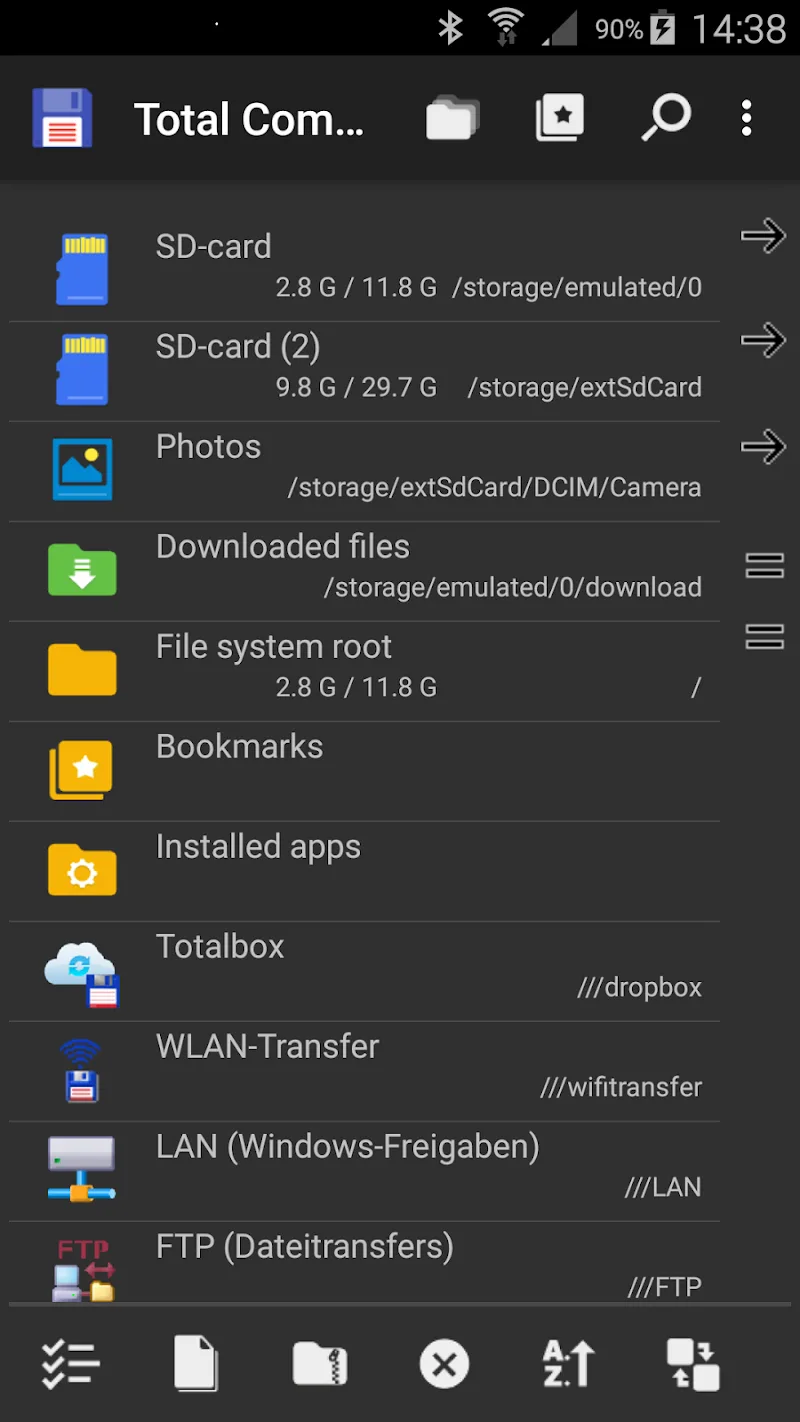
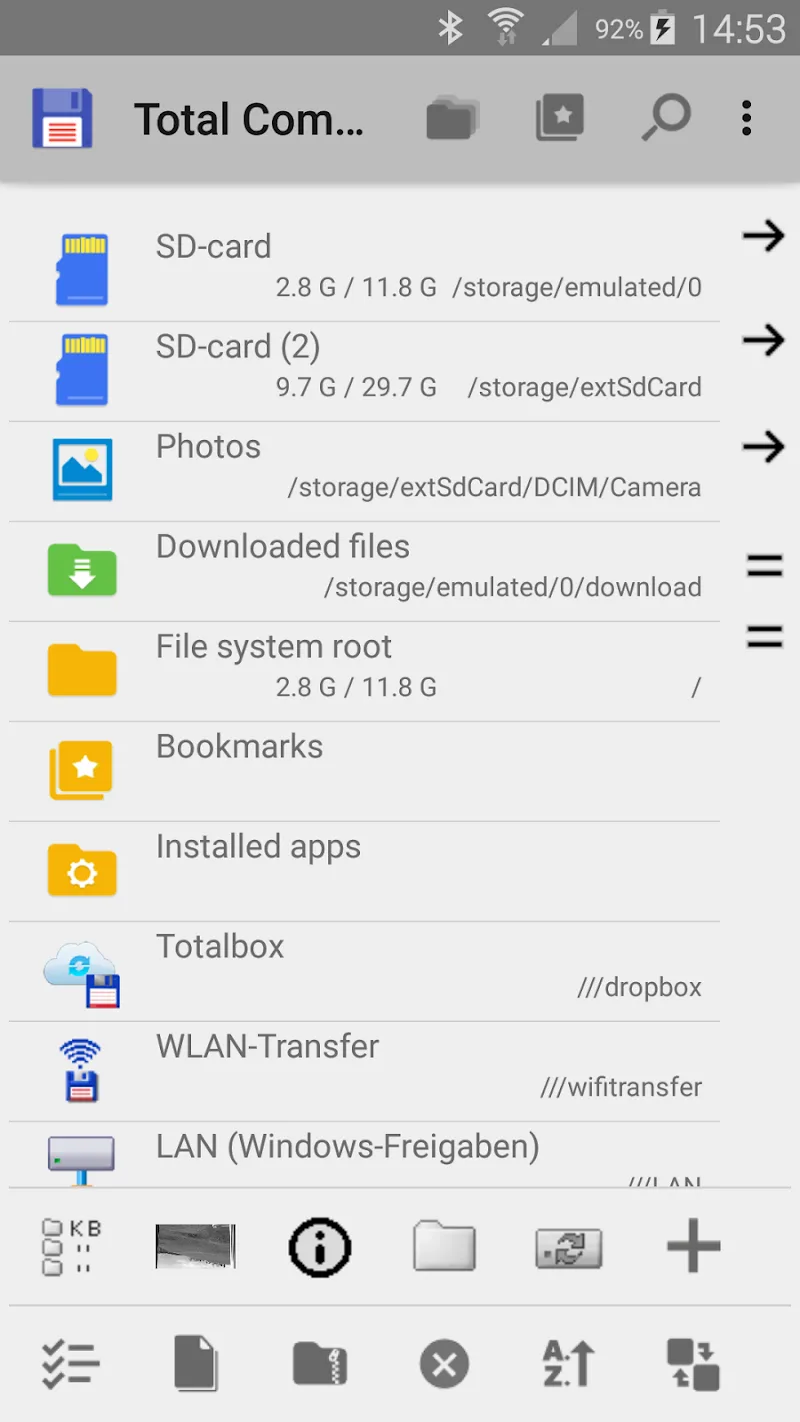
Total Commander – file manager is a file manager for Windows and Android operating systems and can be used as a replacement for the default File Explorer. This application stands out with its dual-pane interface to help you easily drag and drop, copy, or move multiple files and folders at once.
DIVERSE FEATURES
Total Commander – file manager provides a full range of advanced file management features to help you work with folders and files much faster than the default manager.
- Supports copying or moving entire large folders along with all subfolders inside with just a few simple steps.
- Press and hold the file icon and drag it to another pane or folder to copy or move quickly.
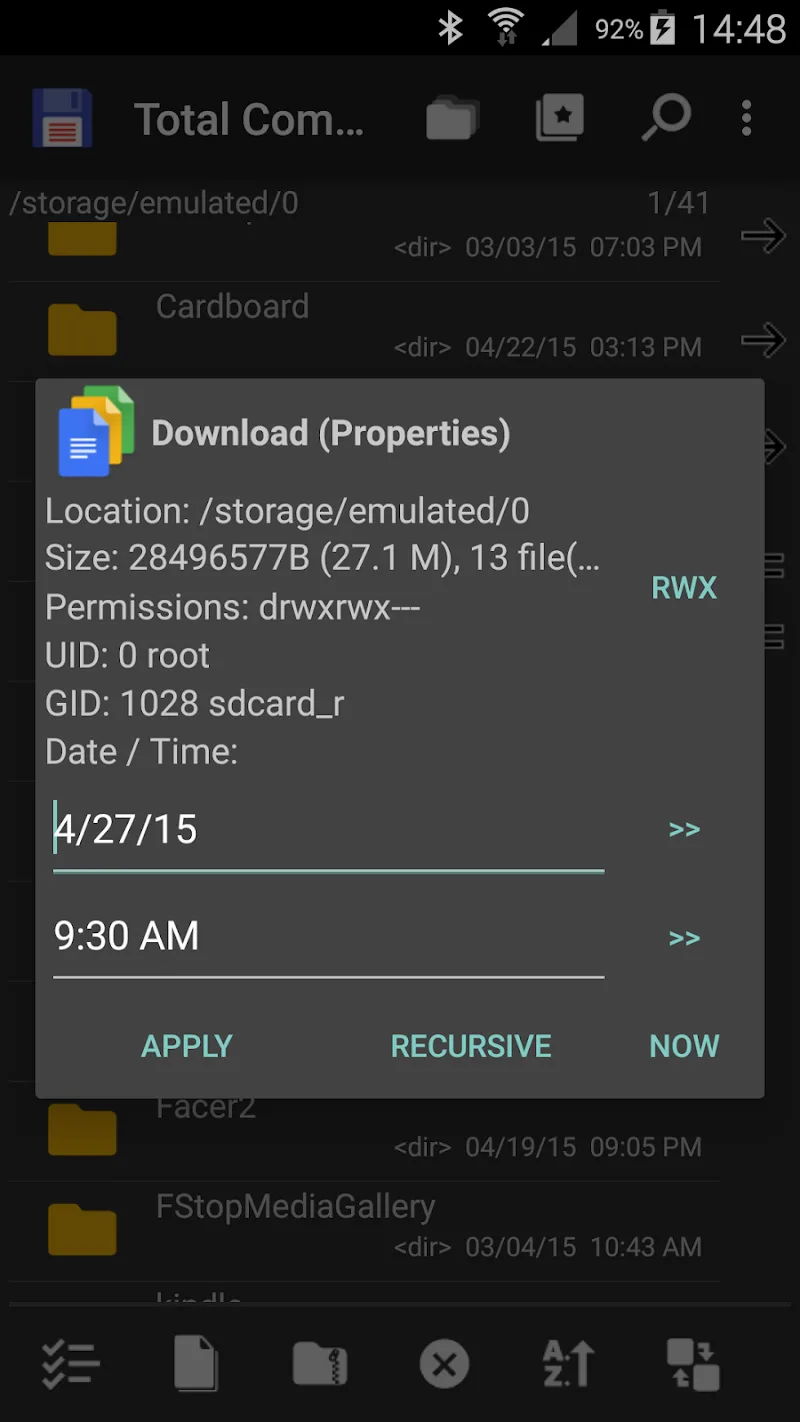
- You can rename files, folders, or create new folders directly in the main interface without opening additional cumbersome dialog boxes.
- Users can delete files without going through the Recycle Bin, freeing up space immediately.
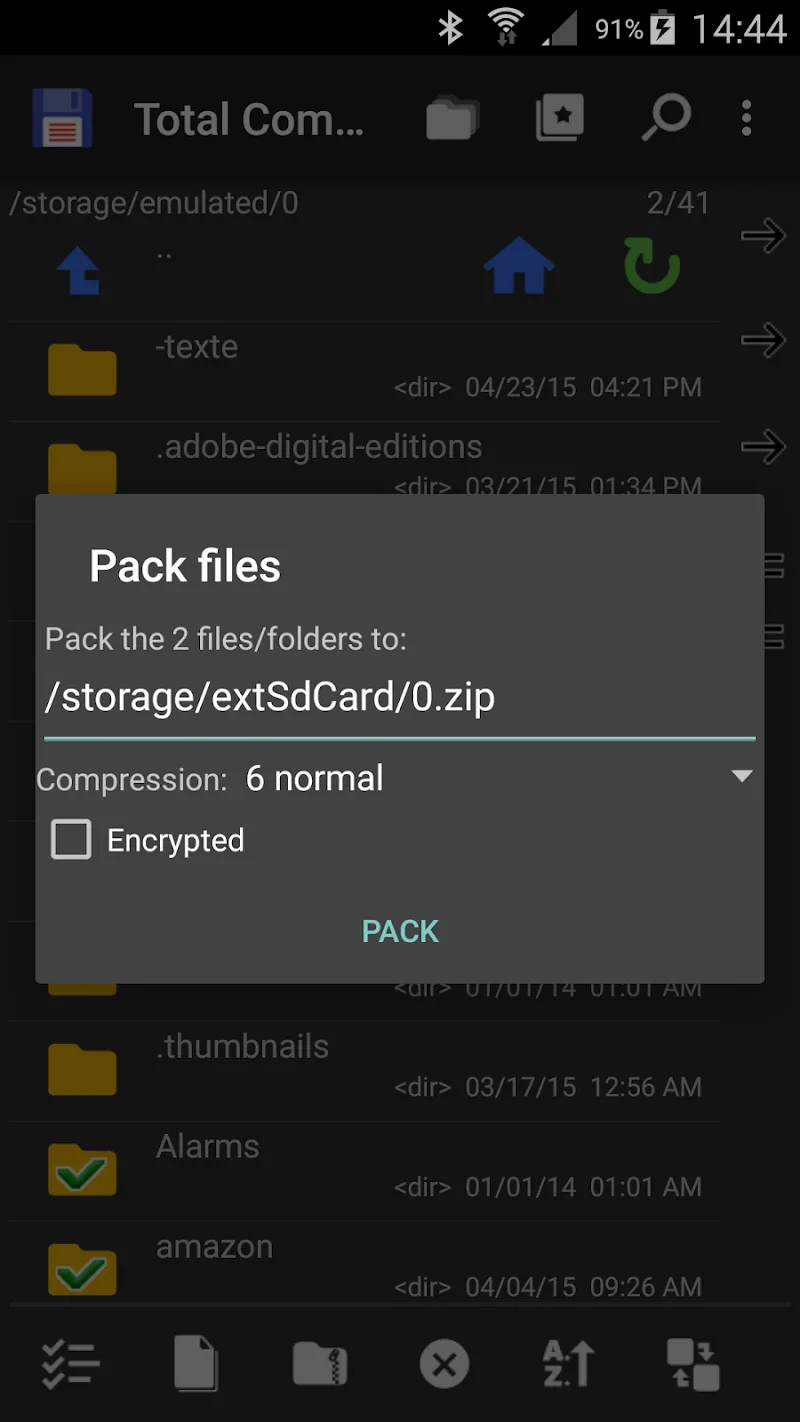
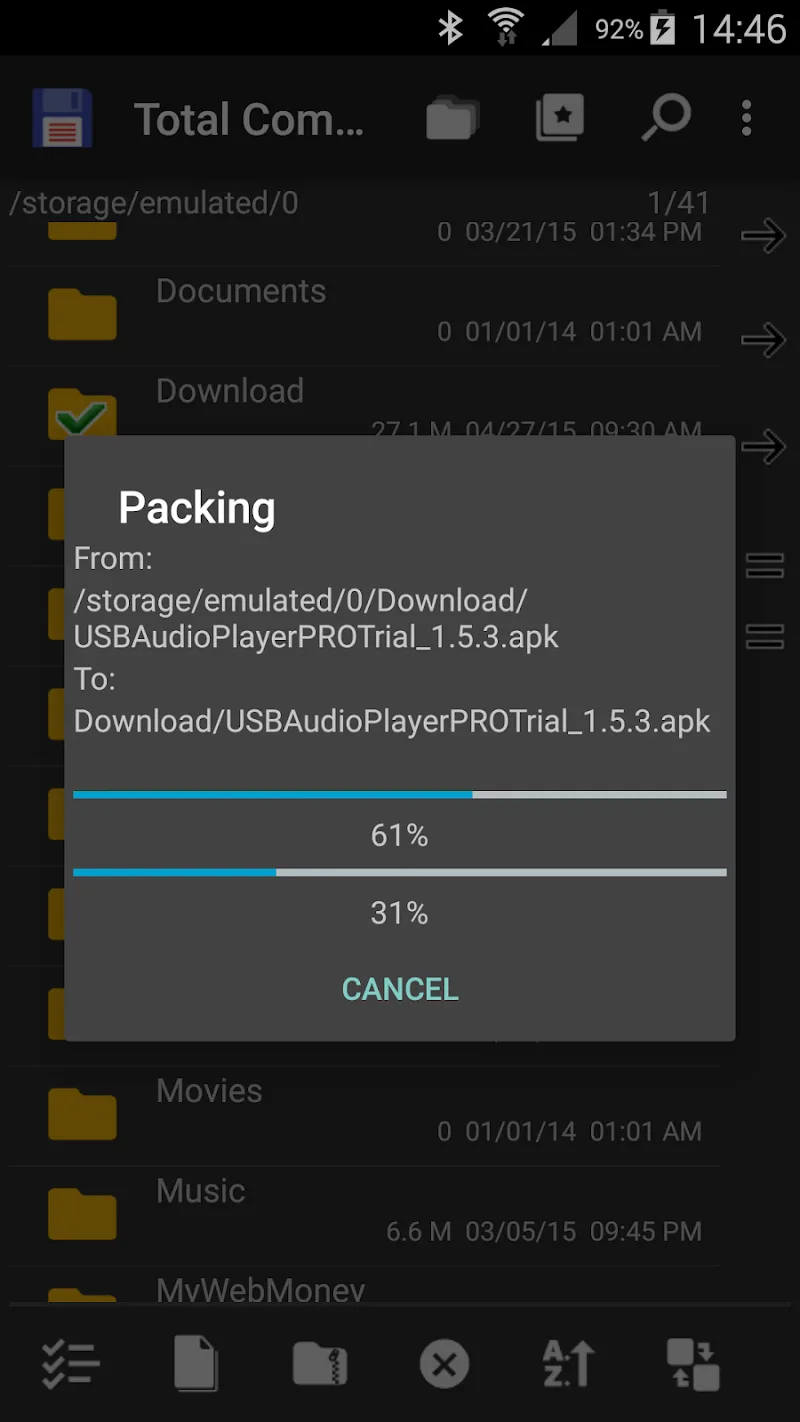
- This application also supports creating ZIP files, extracting ZIP and RAR files directly within the app.
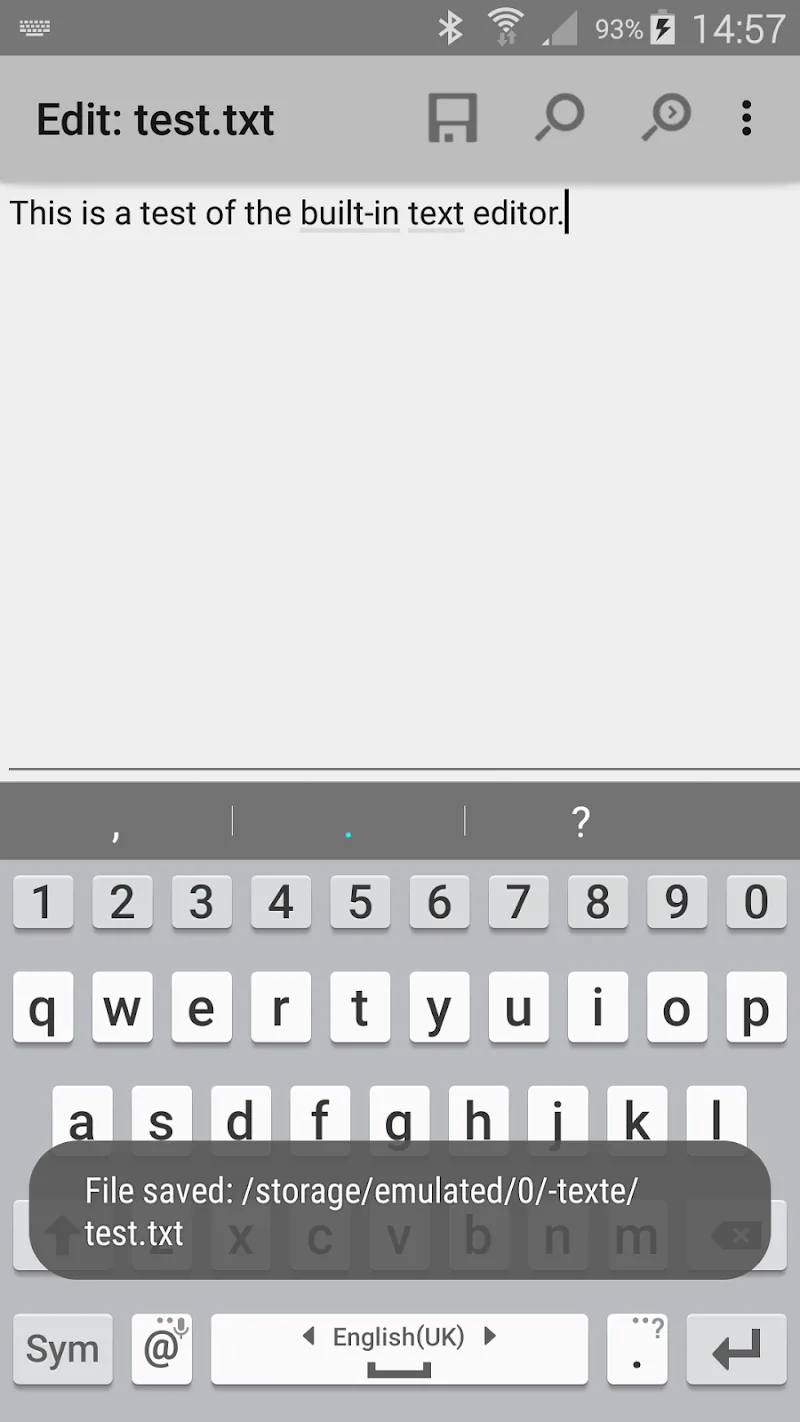
- You can quickly open and edit text files without installing any additional applications.
- It integrates features to search for files by name, text content, size, or many other criteria, allowing users to filter and select for easy searching.
- You can select multiple files at once by name pattern or deselect a batch.
- The icon selection feature allows users to select files simply by tapping the icon, without necessarily tapping the exact name. .
- And many more features!







Comments (0)