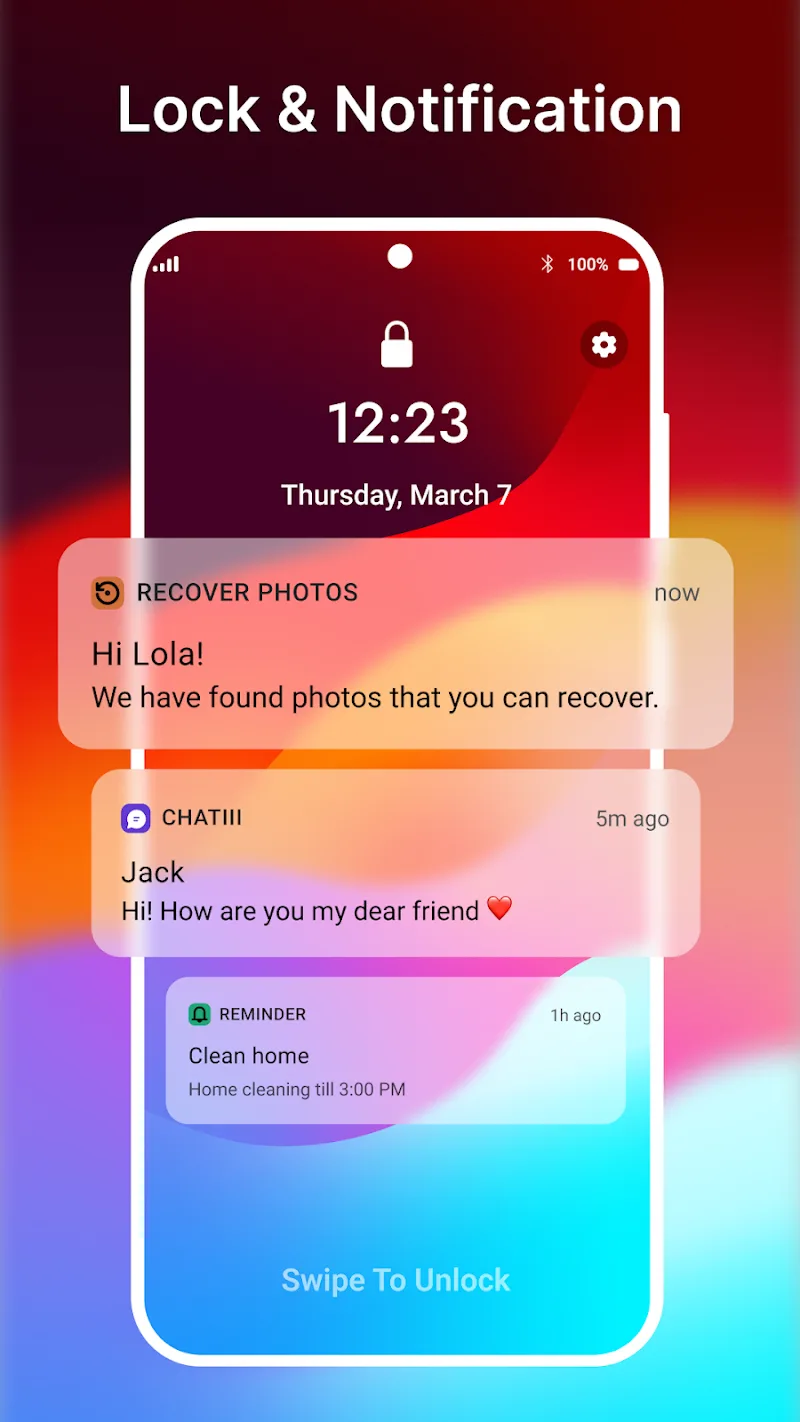

For Android mobile device users who are bored with using the same old interface, iNotify – Lock Screen offers a completely new notification screen interface. This application is designed based on the advantages and highlights of the notification interface on the iOS operating system. Upon downloading the application, users can fully utilize the simulated interface with all the functions of the lock screen and notification center in the style of the latest iOS version.
iNotify provides users with a personalized experience with a unique style on each phone, with many upgraded features such as:
- Upgraded to the latest iOS standard interface: Users can switch their Android lock screen to the iOS interface of an iPhone with just a few simple steps. This application has also been upgraded and improved to be the most compatible and intuitive on all devices.
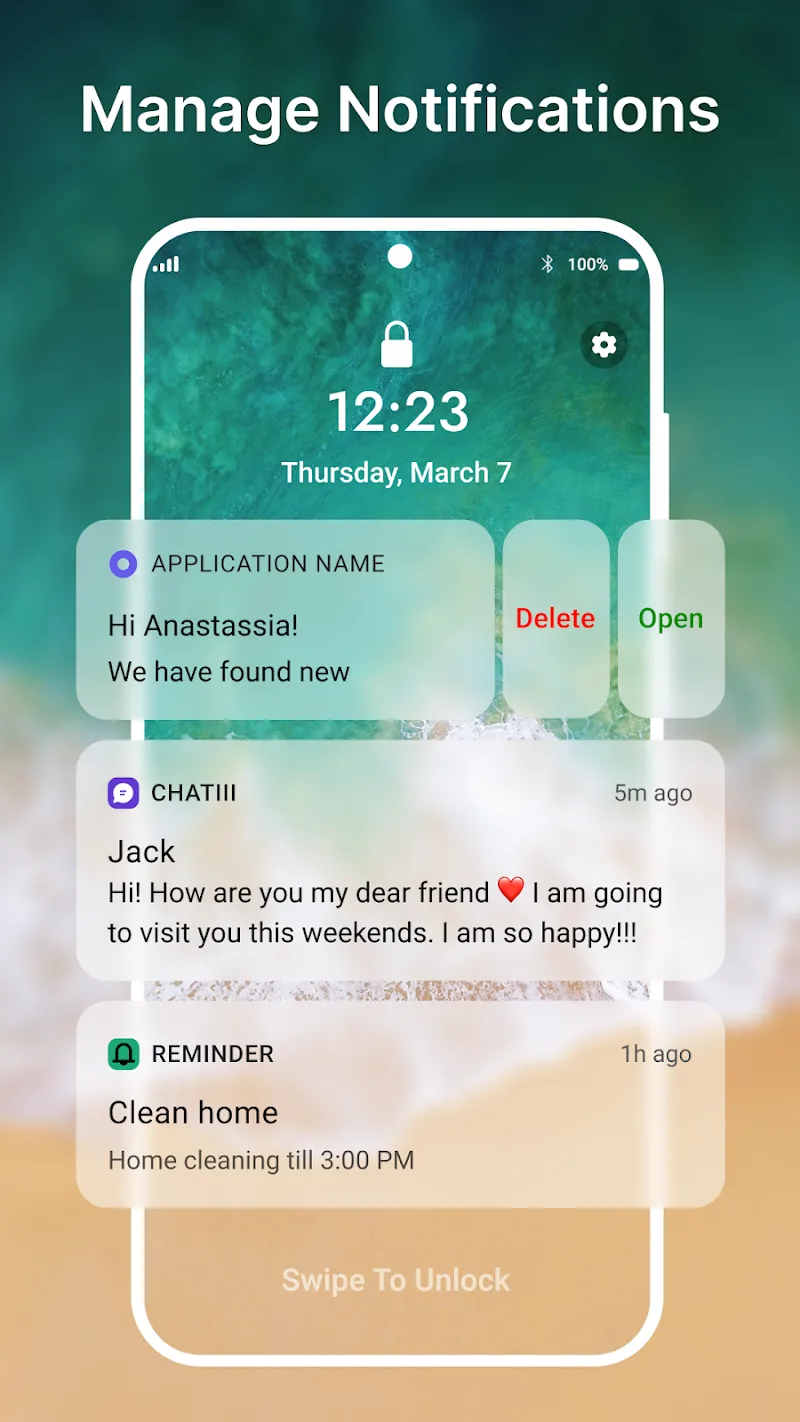
- Simple notification management: On the lock screen, you can quickly access several notifications you’ve previously granted permission to. The app supports viewing, deleting, and replying to notifications directly on the lock screen.
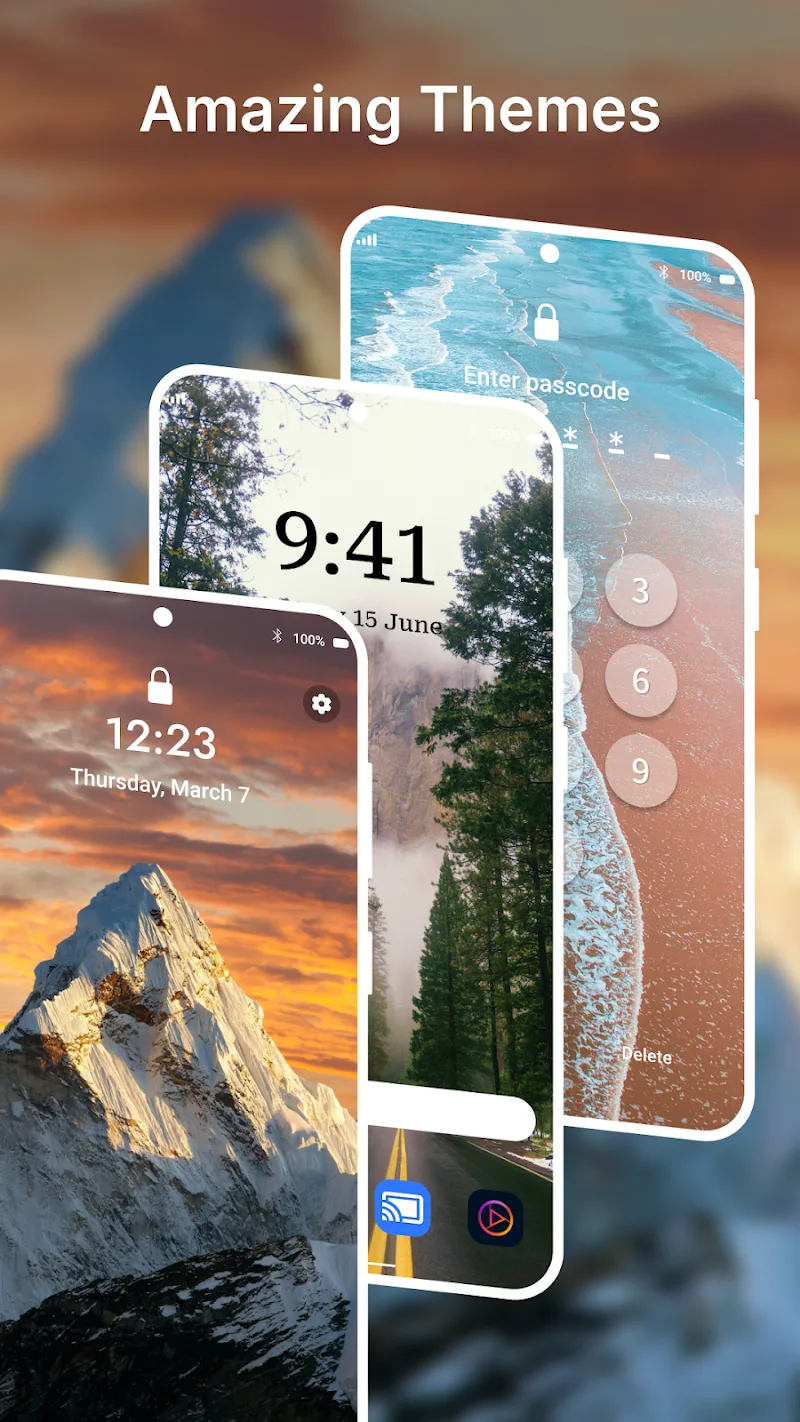
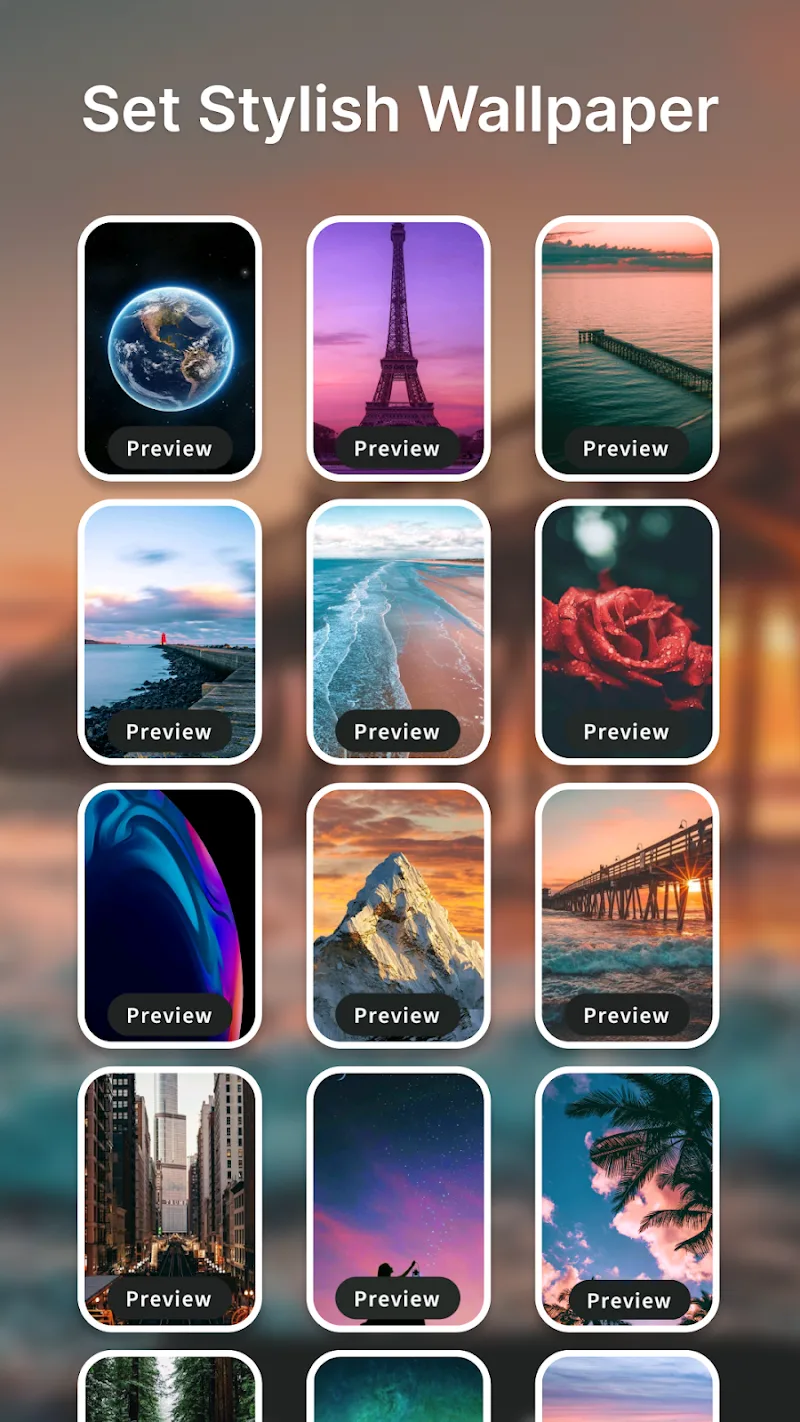
- Flexible customization: iNotify allows users to flexibly change various wallpapers, themes, and colors, providing a fresh and non-boring feel.
- Swipe to view messages: No need for complicated gestures; simple swipes allow you to view messages or access notifications when your hands are busy.
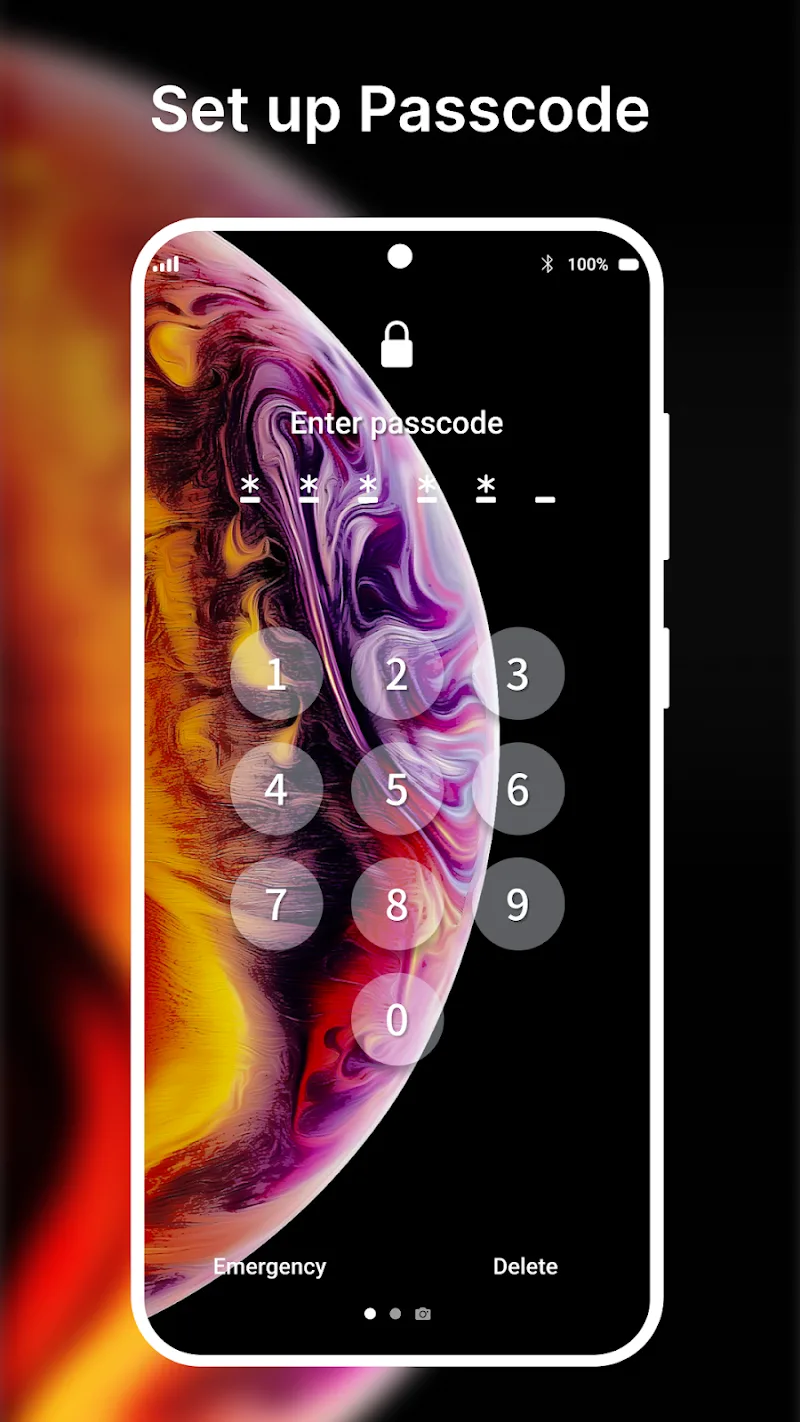
- Advanced security features: iNotify allows you to set passwords for notifications or specific applications to maintain the privacy of your personal information.














Comments (0)